Structured Data SEO: How Schema Markup Helps Search Engines Understand Your Website
Sep 12, 2026


Omnipressence is the key to making an impact on the digital space. So, businesses are creating accounts on diverse digital platforms.
But managing multiple social media accounts can be quite difficult. Especially, attaching all the account links on the official website can make it look like a Hornet’s nest — messy and unorganized.
Now, when minimalism is the trending aesthetic for netizens, EmbedTree acts as a digital content organizer.
That is, it allows brands and businesses to generate a single Master Link by consolidating all their social media account links.
So, now the website looks clean, while the users can still get a glimpse of the brand’s social media content. Enhancing audience engagement across multiple platforms.
But the real question is — “Is this digital content organizer really worth the hype?” Well, that’s exactly what I am going to delve into today.
In this blog, I am going to explore the diverse aspects of Social Media Stuff EmbedTree by focusing on—
Stay tuned!
To explain in simple terms, Social Media Stuff EmbedTree is a digital platform that organizes diverse digital content to create a single link.
That is, businesses and brands can keep all the social media links on a single page. So, it is easier for users to find other social media content of the brand without browsing through the internet.
And, the brand can have a Master Link for social media— posts, accounts, videos, and images —in an organized space. So, they can have one link for all their creative content.
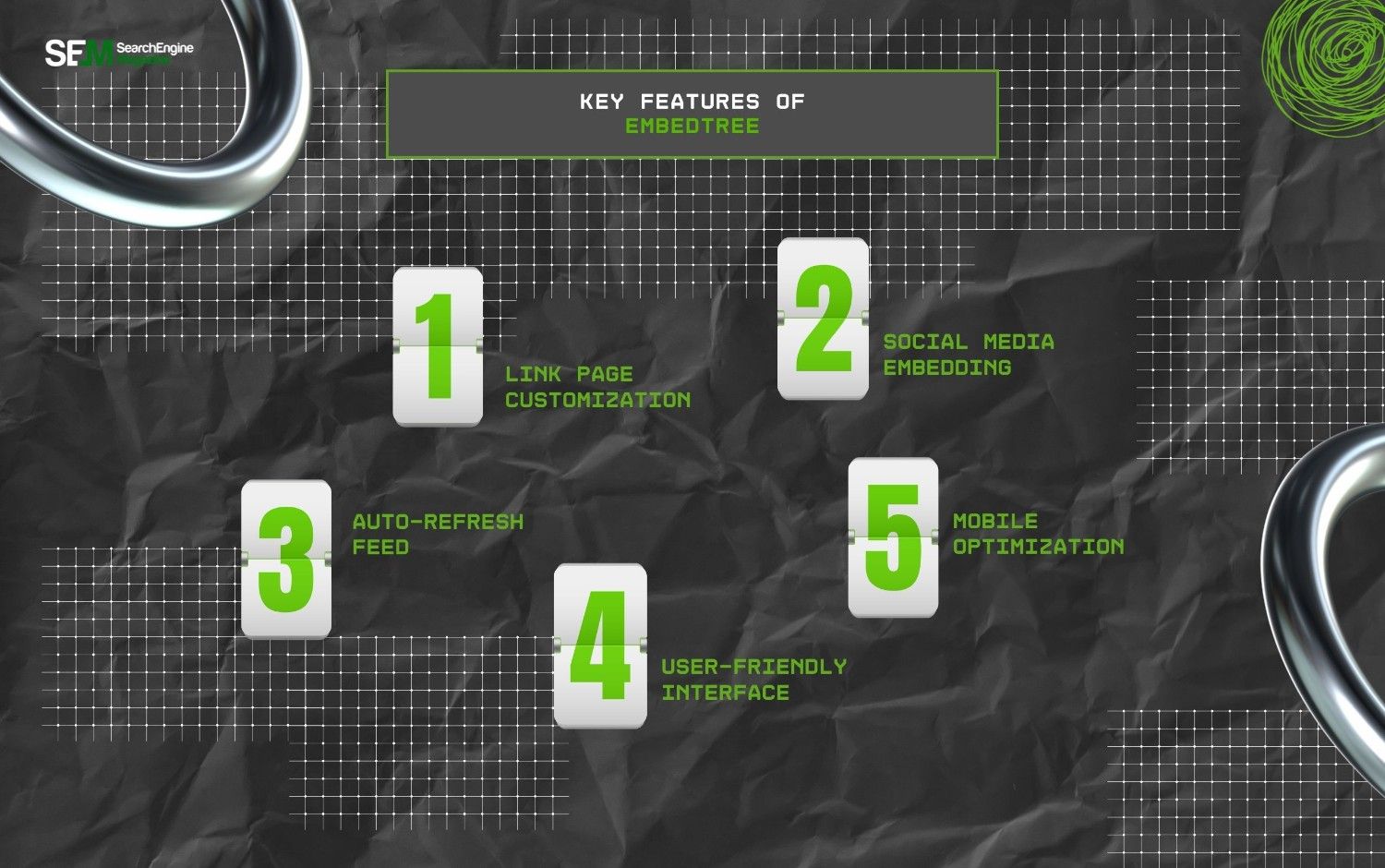
Much of the popularity of EmbedTree lies in its dynamic set of features, which include—
EmbedTree offers a semi-paid platform. That is, it provides both free and paid plans with different sets of features. So, here is a breakdown of its pricing model—
| Plan | Pricing | Features |
|---|---|---|
| Free | $0 | Basic customization options for social media content aggregation, standard platform support, and 1 feed management. |
| Basic | $29 per month | Moderate customization options, CSS and Email support, and 5 feed management. |
| Pro | $79 per month | Advanced customization options, access to API, priority support, and 15 feed management. |
| Enterprise | Custom pricing | Customized features based on the needs of enterprises and brands. |
Since EmbedTree allows businesses and brands to create a single space to keep their social media content, it works with the linking mechanism. So, its core functionalities include—
A mid-sized digital apparel store with an active multi-channel presence redirected its primary website “Link in Bio” traffic to an optimized EmbedTree page for 30 days.
This can help them to test how EmbedTree handles actual consumer traffic.
Before the integration, the store manually updated standard anchor-text links on a landing page, resulting in an average cross-platform bounce rate of 64%.
After consolidating their visual content into an interactive EmbedTree layout with real-time video embedding, the brand tracked a 38% increase in overall click-through rates (CTR) to their product catalog.
Crucially, the auto-refresh mechanism let the marketing team post a TikTok showcase video.
It instantly populated as a clickable purchase portal on their site without manual HTML adjustments.
This case study shows that visually aggregating content directly reduces user friction and increases micro-conversions.
As a digital content organizer, EmbedTree comes with a set of benefits and challenges. So, here is a breakdown of its pros and cons—
| Pros | Cons |
|---|---|
| 1. Creates a single clean space for consolidating all the social media content. | 1. Free version is limited. |
| 2. Organizes and updates the content for each platform to keep the relevant one at the top. | 2. Too many links can make the page cluttered. |
| 3. Provides insightful reports on user engagement on multiple social platforms. | 3. Not the best replacement for a website. |
| 4. Comes with a simple and user-friendly interface for easy navigation. | 4. Advanced features are available only on paid plans. |
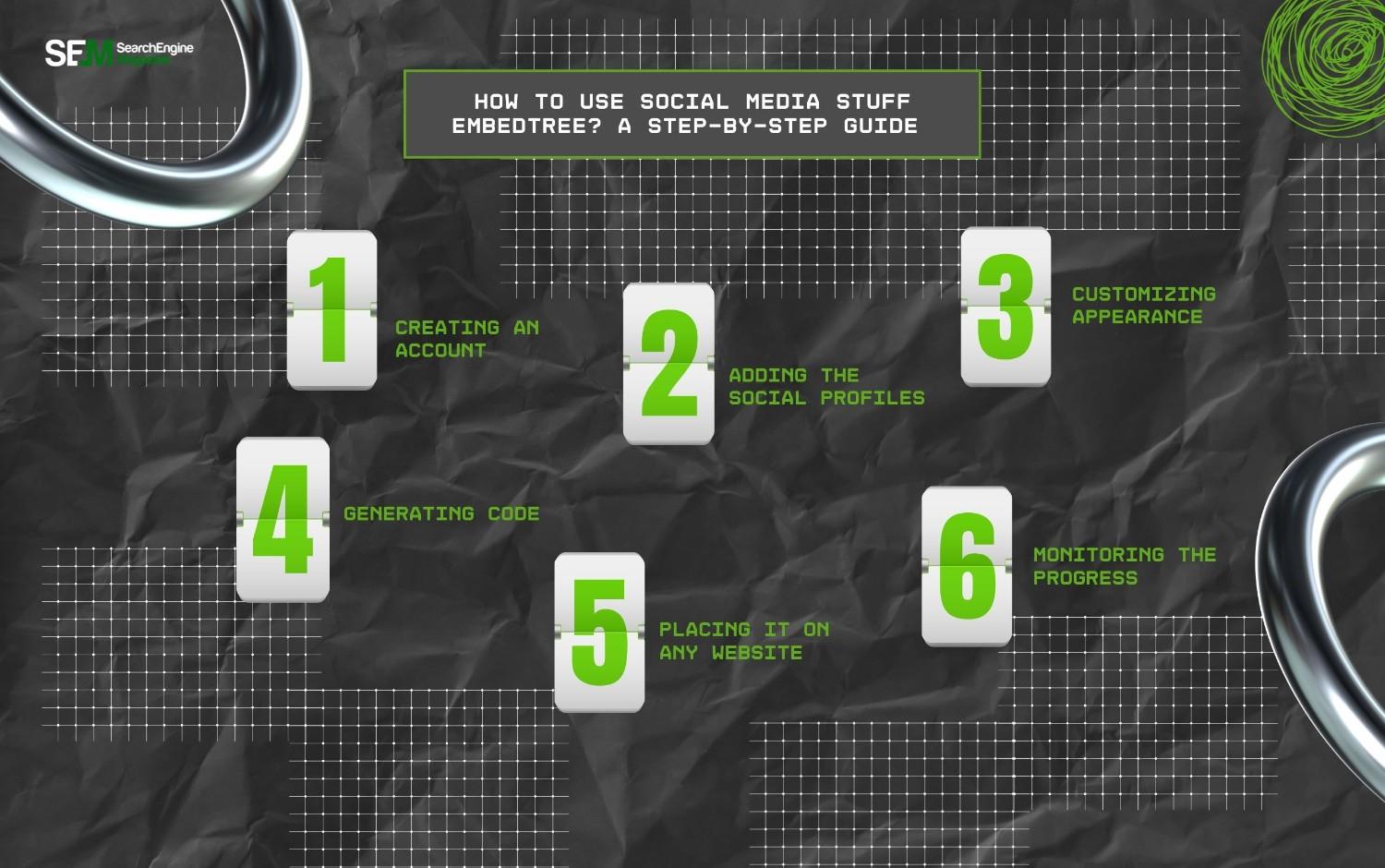
Even if you are not tech-savvy, using EmbedTree is quite easy. So, just follow these simple steps and get started—
Firstly, open the official website of EmbedTree and create an account. That is, use the brand name as the username, as it will be part of your unique link.
The next thing is connecting your social media platforms. So, link all the social media pages across diverse platforms — TikTok, Instagram, Facebook, and YouTube.
Now, to confirm the linking, EmbedTree will ask for permissions. So, just give the access permissions and let the site link the social content.
Security Protocol Note: When granting access permissions during the connection process, EmbedTree utilizes secure OAuth 2.0 protocols.
The platform requests read-only scopes to fetch your media timelines. This means the system never gains access to your direct messages, private profile credentials, or account management toggles.
This helps to ensure enterprise-grade protection for corporate brand accounts.
After that, you can customize the appearance of the page with the embedded links. That is, you can choose a page design from the templates, adjust colors, fonts, backgrounds, and more.
Moreover, you can also arrange the social media content blocks on the page to change how users view the site. So, it appears clean and simple at the same time.
Now, after reordering the page and designing it, share the generated QR code or the direct link on your website. So, when users click on the link, they are directed to this specific page.
Finally, click on the publish button on the site to save the page along with the links. This way, you can make the page public. So, users can find the publicly published page when they click on the link.
Then, after a couple of months, check the progress of the audience engagement on the specific blocks of social media content. Also, you can check the insightful reports from EmbedTree to better gauge the engagement.
When analyzing your monthly performance dashboard, look beyond raw page views.
Focus heavily on your Click-Through Rate (CTR) per individual content block and your Audience Retention Time.
If a specific embedded video block has a high view count but a near-zero click-through rate, your media thumbnail is likely distracting users away from your core conversion links. Use this data to constantly reposition your layout.
One of the key aspects of EmbedTree is its highly reliable performance and connection. That is, it offers high-speed page loadings and automated synchronization for content distribution.
Moreover, it literally guarantees high uptimes and data security on the site with standard encryption models. So, users can get a reliable site to curate all their social media links and create a single link.

Even though EmbedTree has a simple interface, users might face some issues at times. So, here are some troubleshooting tips to resolve these common issues from its core—
Now, EmbedTree is making managing multiple social media content simple.
So, if you are still stuffing your website with countless links, it’s high time to switch to EmbedTree to offer a clear page to your audience to find your creative content with zero clutter.
Barsha is a seasoned digital marketing writer with a focus on SEO, content marketing, and conversion-driven copy. With 8+ years of experience in crafting high-performing content for startups, agencies, and established brands, Barsha brings strategic insight and storytelling together to drive online growth. When not writing, Barsha spends time obsessing over conspiracy theories, the latest Google algorithm changes, and content trends.
View all Posts

Structured Data SEO: How Schema Markup Helps ...
Sep 12, 2026
TikTok Downloader For Content Marketing Resea...
Sep 12, 2026
AI Content Optimization: How To Make Your Con...
Sep 11, 2026
AI Citations: How To Get Your Content Referen...
Sep 10, 2026
Top Enterprise AI Cloud Platforms for RAG, AI...
Sep 08, 2026