The Ultimate Guide To Competitor Backlink Analysis: An Actionable SEO Blueprint To Steal Your Rivals’ Traffic
Oct 23, 2026

Ever encountered the 302 status code error? Probably you have, but how can you resolve it? Don’t worry, I’m here to help you with error resolution!
In this article, I’ll discuss the 302 status code in detail, exploring the ways to identify the error and solve it on your own.
Stay tuned.
302 status code is basically a type of redirect function that web servers use for temporarily sending search engines and users to a different URL.
In simple terms, it is a tool that you can use to manage website traffic.
Moreover, it is employed mostly for making temporary changes like A/B testing, region-specific redirects, and maintenance pages.
While this redirect isn’t an error or a problem itself, it does lead to some SEO issues, functionality problems, security vulnerabilities, and a bad user experience if misconfigured or misused.
For instance, using the 302 status code for making permanent changes will confuse the search engine, while handling POST requests in an improper manner can easily break functionality.
The most popular (or common) causes of 302 status code-related problems are as follows:
| Feature | 302 Redirect | 301 Redirect |
|---|---|---|
| Purpose | The web page is at a new URL temporarily. | The web page is permanently at a new URL. |
| Caching | Browsers keep using old URLs. | Browsers will remember new URLs. |
| Use Case | When a web page is moved temporarily. | When a web page is moved permanently. |
| Impact on SEO | Don’t share ranking with new URLs. | Shares ranking with new URLs. |
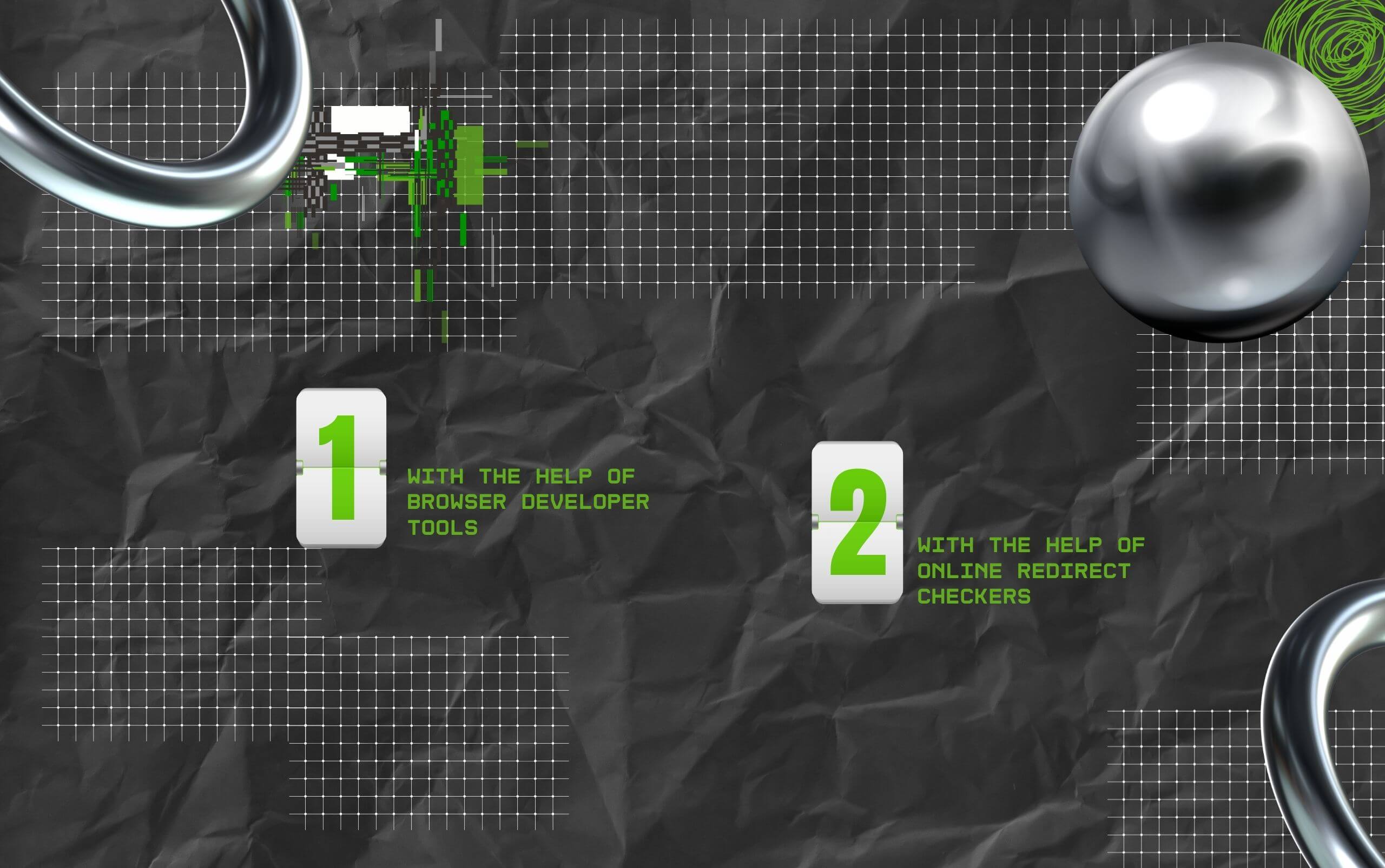
So I have two methods for you that can help you check if there are any 302-related problems.
A majority of modern browsers, like Firefox, Safari, and Chrome, come with developer tools that are built in. As a result, with the help of these built-in tools, you can check for 302 redirects.
Also, I have discussed the steps for using developer tools to check for 302 redirects below:
There are multiple online tools that allow users to trace and track redirect chains, showing them the status codes in the process.
So, here are three tools that are my personal favorite when it comes to online redirect checkers:
Why can I rely on these tools? Because these are super easy to access and use. You just need to enter a URL, and the tool will show you both the status codes and the redirect path.
Google does take 302 redirects into account as an eligible factor for PageRank.
However, since the redirect happens to be temporary, it doesn’t pass the rank or link equity of the original page to the new URL.
This is usually good since it is a way of maintaining the stability of a website. Anyway, if you leave a 302 status code in one place for a long time, then search engines will begin looking at this as a permanent redirect.
This, in turn, can impact how search engines are indexing your pages. As a result, it is always safe to use 302 redirects for making temporary changes.
If you use this redirect for making a permanent redirect, then it can cause duplicate content problems and dilute the value of your SEO strategy.
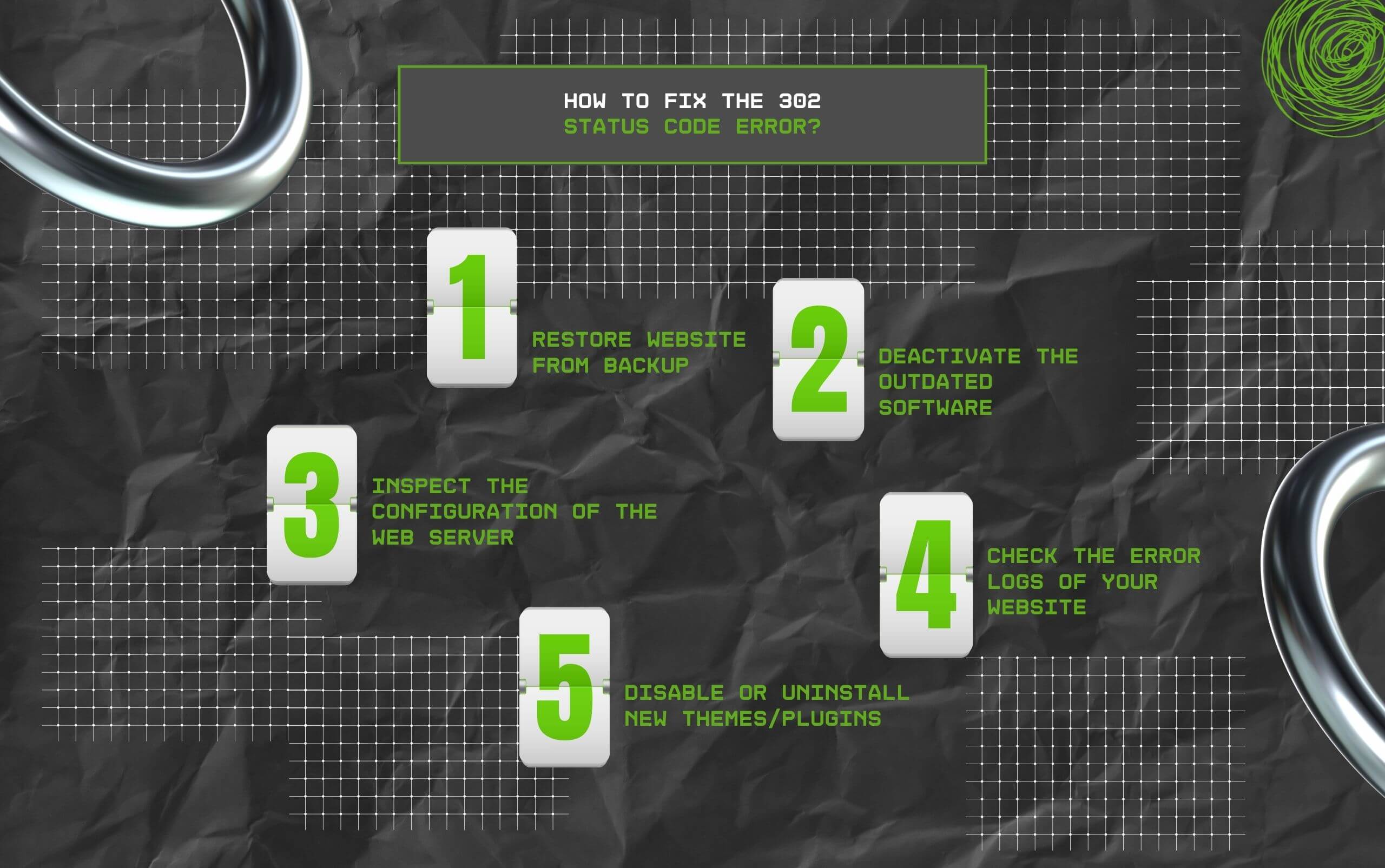
Finally, I am here to discuss the different ways in which you can fix the 302 status code error – the best part?
With my different solutions, you can easily diagnose which element of your website is actually sending out improper responses.
So, here we go!
Of course, you need a solid backup fr your website – especially befire you make changes.
Moreover, with a complete backup, you can be assured that there will not be any data loss, malfunction, or security breaches.
Also, the first thing you need to do in this context is restore your website to its standard, stable state. And for doing this, you have to access the hosting control panel of your device.
Internet standards or rules are recorded in written documents known as RFCs.
Now, one of the rules (for HTTP 1.0) says, “when a server sends a ‘302 Found’ status code, it tells the browser to temporarily redirect to another page.”
However, if the ‘302 Found’ has been sent after the POST request or form submission, then the browser must ask you before redirecting.
Having said that, several modern browsers usually ignore this step, treating it much like a simple GET request or page request.
This, in turn, causes issues because your service might not deal with the redirect accurately.
As a result, to resolve this, HTTP 1.1 launched a new status code – ‘303 See Other.’ It is specifically meant for redirecting after a form submission.
Also, this will ensure that the browser is properly handling it.
In addition, it is crucial to note that due to such an issue, it is an excellent idea not to use any old software that fails to follow the new HTTP 1.1 rules.
Also, this will stop users from coming across any inaccurate content on your site.
A web server misconfiguration might cause a 302 redirect as well.
For example, incorrect redirect directives or rewrite rules might be the issue. As a result, you have to identify all the web server misconfigurations to resolve this problem.
Also, you need to check for any unintended redirects as well, since the server might cause them to crop up due to incorrect or outdated rules.
Sometimes, when you are making any change to your website, it is possible that it might cause a ‘302 Found’ error.
Now, to understand exactly what is causing this error, you can start by checking the error logs of your website.
While a majority of sites have logs that document (or record) literally anything that happens on the server, and this includes the errors.
Also, these logs offer users insights into what is actually going wrong.
So, by checking these logs out, you can easily spot any problem in the site’s code that might have been causing the error.
In WordPress, themes and plugins are usually responsible for causing website errors.
Why? Because in most cases, plugins can set up redirects which might conflict with the default redirects of WordPress.
This, in turn, leads to the incorrect HTTP response code generation.
As a result, for resolving this problem, you can choose to disable or uninstall these plugins or themes temporarily on your website.
On that note, here is a simple version:
If your site was working well without any plugins, then the problem is probably caused by some plugin you started using recently. Now, to identify the problematic one:
Also, if you find that none of your plugins is causing the issue, then repeat the same steps with your themes to find out if the issue is with themes and not plugins.
Barsha is a seasoned digital marketing writer with a focus on SEO, content marketing, and conversion-driven copy. With 8+ years of experience in crafting high-performing content for startups, agencies, and established brands, Barsha brings strategic insight and storytelling together to drive online growth. When not writing, Barsha spends time obsessing over conspiracy theories, the latest Google algorithm changes, and content trends.
View all Posts

The Ultimate Guide To Competitor Backlink Ana...
Oct 23, 2026
How To Land High-Authority Editorial Backlink...
Oct 23, 2026
Why Your Website Traffic Dropped Suddenly And...
Oct 23, 2026
How Do The Physical Google Review Tools Redef...
Oct 23, 2026
How To Get Your Brand Cited In AI Search Resu...
Oct 22, 2026