SEO Dashboard: What To Track, What To Ignore, And How To Make It Useful
Sep 25, 2026

Search anything on Google late at night, and you’ll feel it instantly. That bright white screen hits hard.
And there’s no point denying how we all hate the white screen – especially when it’s late in the night, and you are in bed, using your phone to browse the internet.
Yes, yes, I’ve been there – actually, I’m there on most nights. So, I understand why dark mode exists.
Moreover, that is precisely why dark mode on Google became popular. It wasn’t a viral trend; it was a fix, a solution.
But most people only see it as a visual change once they switch to dark mode. In reality, it changes how you use the internet.
And today, I am going to break down what dark mode actually does and how you can get it right.
Stay tuned.
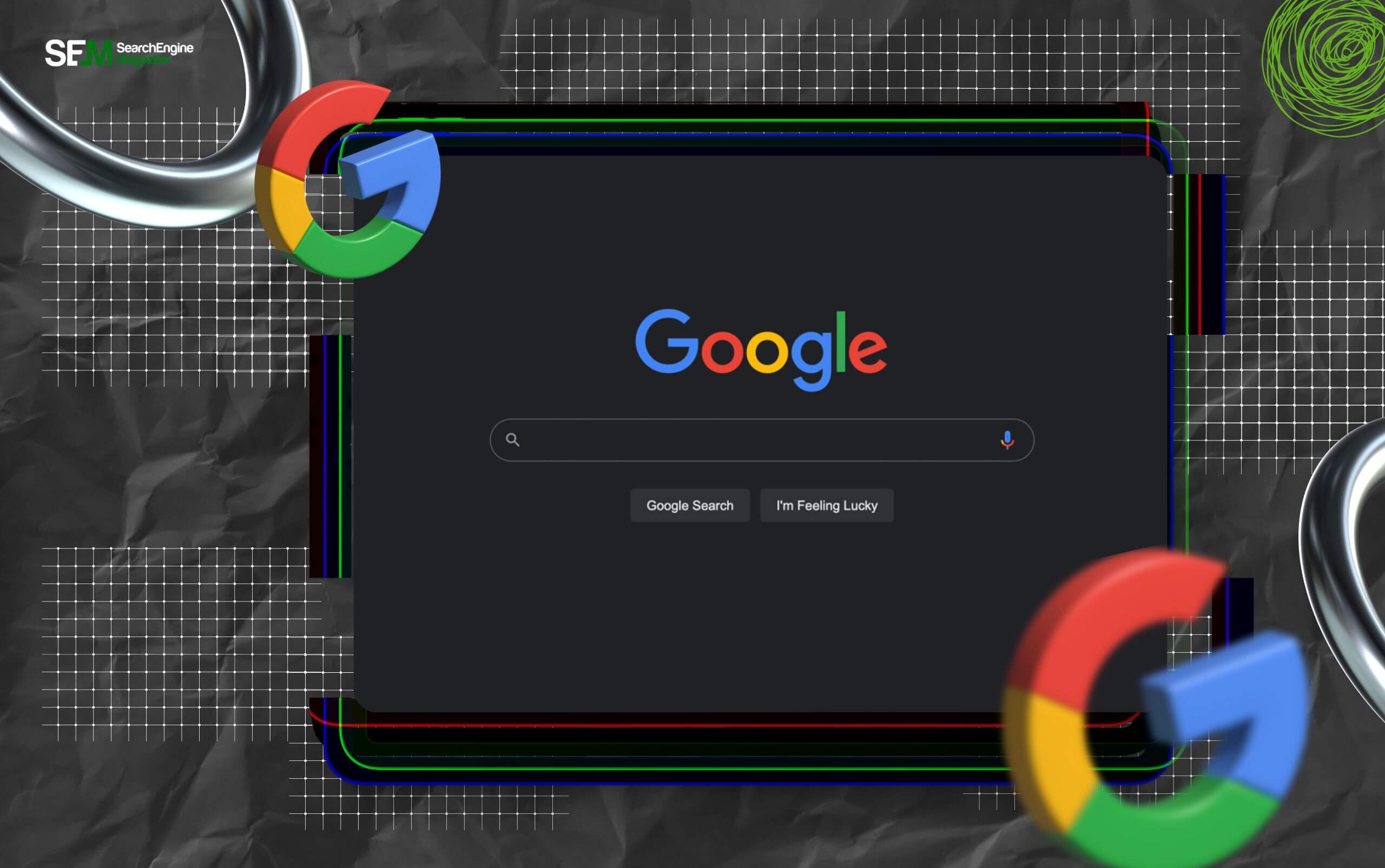
Dark mode flips the interface. Instead of dark text on a white background, you get light text on a dark background.
I know it sounds simple, but the effect is noticeable.
It doesn’t change what Google shows you. Instead, it changes how it feels to use it. More importantly, it is about the user experience – the point is to have a better experience.
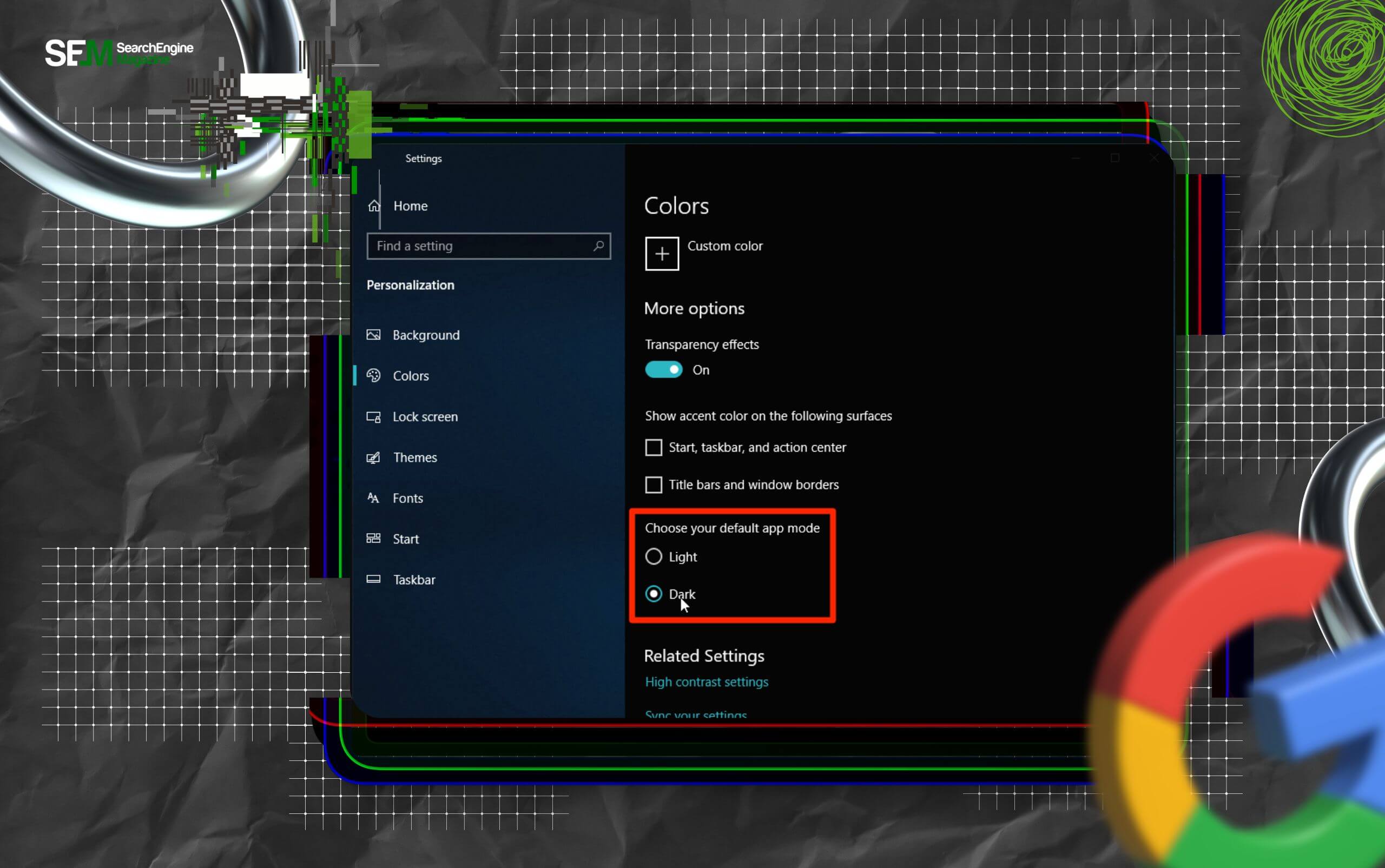
Dark mode didn’t become popular because companies pushed it. So, it wasn’t really a marketing gimmick. Rather, users asked for it.
People who worked late, scrolled at night, or spent long hours on screens started noticing the strain. White screens felt harsh in darker environments.
As a result, when Google added dark mode, adoption was quick. Moreover, it solved a real problem.
This is something most people don’t notice.
Dark mode changes how long you stay on a screen, while bright interfaces create urgency. So, you scroll faster, you skim more.
Dark interfaces slow things down slightly. As a result, you read more, you stay longer. It’s not dramatic, but it’s real.
That’s why many people prefer dark mode for:
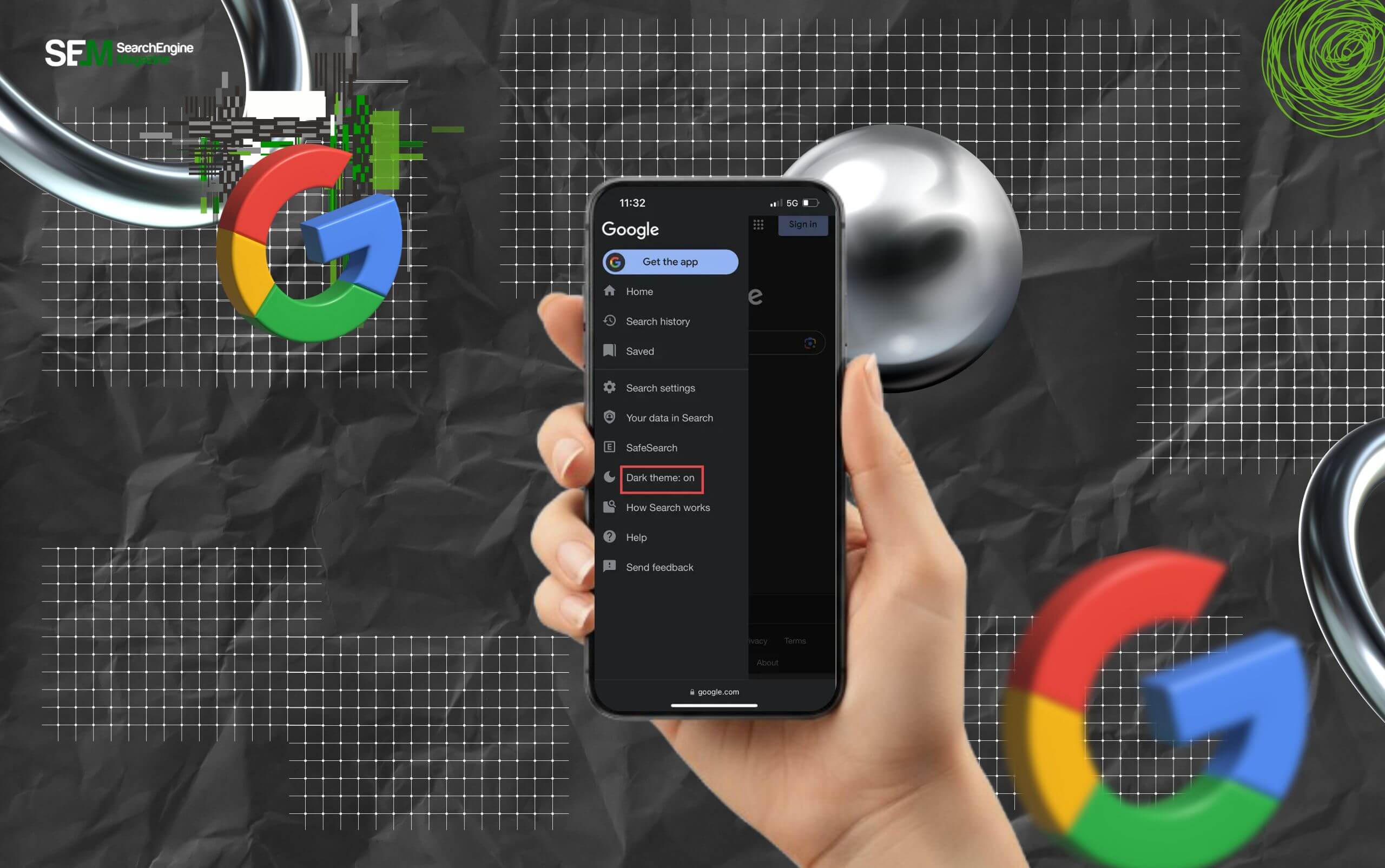
Google made this fairly simple, but it depends on how you’re using it.
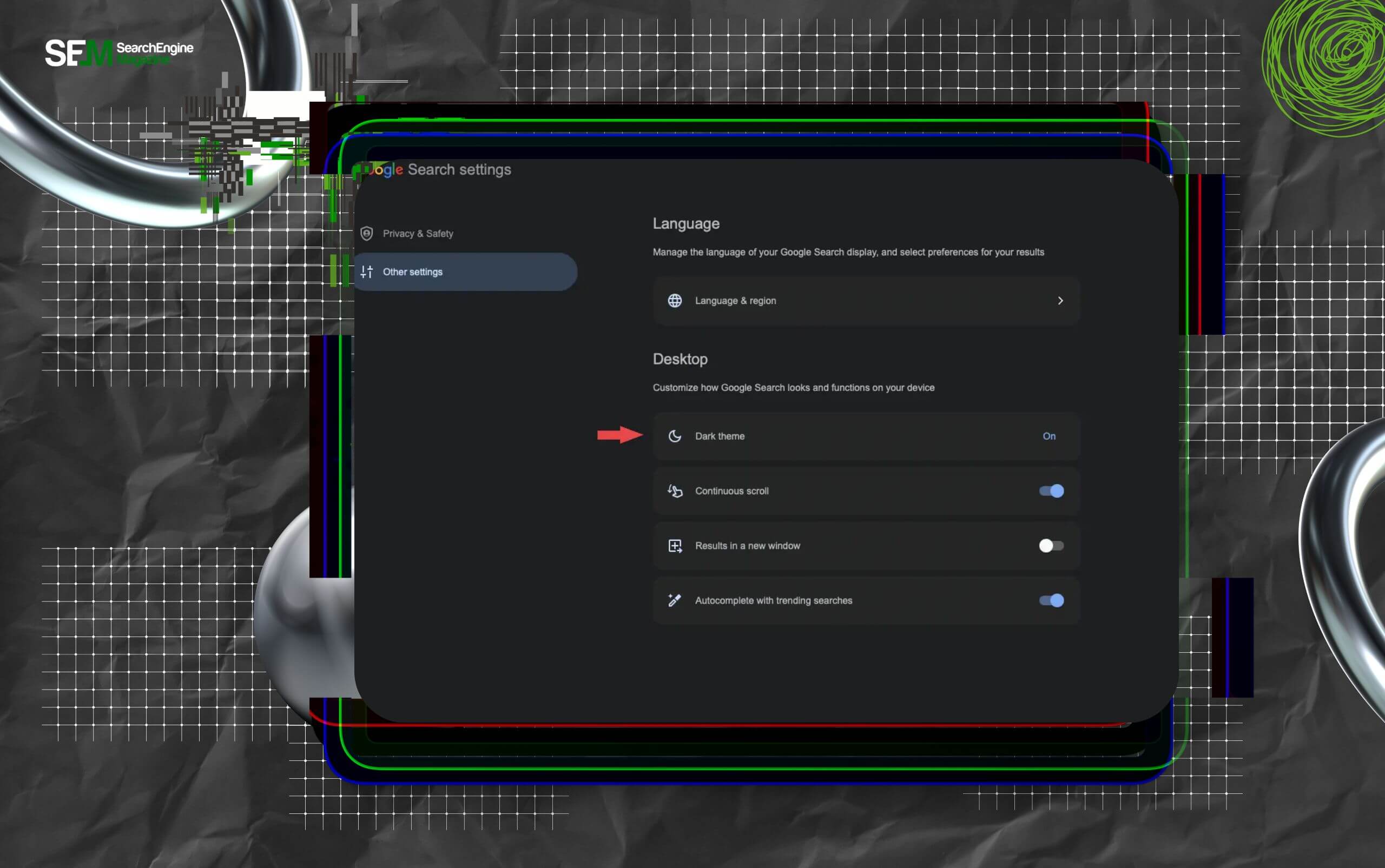
So, I’ve done my best to highlight how you can turn on dark mode in Google for both desktop and mobile users.
Follow the steps mentioned below to turn on dark mode in Google on your desktop:
Follow the steps mentioned below to turn on dark mode in Google on your mobile browser:
Also, you can enable system-wide dark mode from your phone settings. In that case, Google will automatically follow it.
Like most things on the internet (and life), dark mode is not perfect – sometimes it can get a little inconsistent.
Of course, it works really well on:
However, it may not fully apply to:
So even if Google is in dark mode, clicking a result might take you to a bright page. That breaks the experience a bit.
This is where things get interesting. Many people believe dark mode always reduces eye strain. That’s not entirely true.
Instead, it depends on:
Also, dark mode helps in low-light environments. But in bright daylight, it can reduce readability.
So the best approach is simple:
Let comfort guide you.
On phones with OLED screens, yes. Dark pixels use less power than bright ones. So dark mode can extend battery life slightly.
However, on laptops or LCD screens, the difference is minimal. So it helps, but it’s not a major factor for most users.
There’s a psychological side behind dark mode’s popularity – more than its functional benefit, it’s more about how it makes you ‘feel’ better.
In terms of user experince, dark mode feels:
Also, it reduces visual noise. That’s why many apps, not just Google, now offer it by default – users love it!
So one thing is clear: dark mode’s popularity is not about comfort. Instead, it’s about experience.
A few small things can ruin the benefit of dark mode. And I have three of the most common mistakes that people usually make while switching to dark mode.
1. Keeping the brightness of your device too high can ruin the benefit of the dark mode. Why? Because this mode works best with lower brightness.
2. Switching randomly between two modes can again ruin the user experience of the dark mode. This is because constant switching can feel inconsistent.
3. Ignoring contrast levels on your screen is a common mistake that disrupts the dark mode. So, if the text looks grey instead of clear white, it strains your eyes.
Dark mode is not always the best choice.
So, you should avoid it when:
Just remember that it’s a tool, not a rule.
Dark mode shows how user preferences shape products.
Companies didn’t invent the need, but users pushed for it. And once it arrived, it became standard.
Today, most major platforms offer dark mode because people expect it. Dark mode on Google is a small change on the surface.
But it affects comfort, focus, and how long you stay engaged. So, if you haven’t tried it properly, switch it on at night and use it for a few days. You will notice the difference.
Read Also:
Barsha is a seasoned digital marketing writer with a focus on SEO, content marketing, and conversion-driven copy. With 8+ years of experience in crafting high-performing content for startups, agencies, and established brands, Barsha brings strategic insight and storytelling together to drive online growth. When not writing, Barsha spends time obsessing over conspiracy theories, the latest Google algorithm changes, and content trends.
View all Posts

SEO Dashboard: What To Track, What To Ignore,...
Sep 25, 2026
Analytics SEO: How To Turn Search Data Into B...
Sep 25, 2026
AI Search Tools: What They Actually Measure A...
Sep 25, 2026
FAQ Schema: When It Still Makes Sense And Whe...
Sep 25, 2026
The Keyword With 10 Searches That Sent Ahrefs...
Sep 24, 2026