How To Get Your Brand Cited In AI Search Results In 2026
Oct 22, 2026
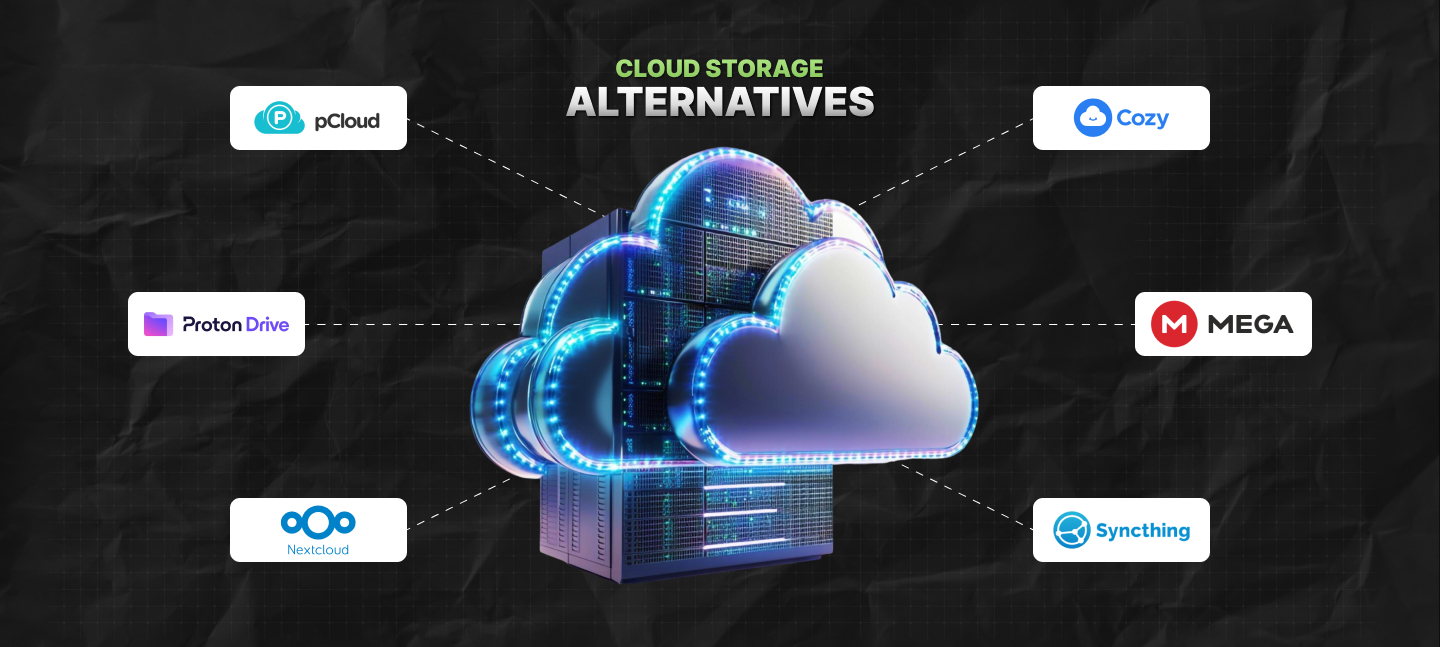

Most of us end up using Google Drive by default when it comes to picking a cloud storage, thanks to its easy availability with a Gmail account.
Similarly, iCloud comes with Apple devices, and OneDrive is available with Windows.
The thing is, you never actually choose any of them – we end up with them because they exist on our devices by default.
But the moment storage starts filling up, the subscription bill also starts going up – and then your boss starts asking all the difficult questions about storage, where you keep your files, and accessibility.
And that’s precisely when the default storage begins to feel more like some compromise you are being forced to make – and less like a convenience.
Yes, yes, I’ve been there – and I can tell you the only solution is to check out different cloud storage alternatives and pick one that suits you the best.
TBH, in 2026 alone, more than 2.3 billion individuals across the globe use cloud storage.
Moreover, an increasing number of people are also moving away from popular platforms since the demand for more control, stronger privacy, and better value is on the rise.
So, if you have been actively searching for convenient cloud storage alternatives that align with yout budged, security requirements, and needs, then I can help you out.
In my guide, I have discussed some cloud storage options that can serve as effective alternatives to OneDrive, Dropbox, iCloud, and Google Drive.
Please note, I’ve evaluated these alternatives on the basis of collaboration features, security, pricing, types of users, and storage capacity.
Stay tuned.
Before jumping to a replacement, it helps to figure out what you actually need from cloud storage in the first place.
In my experience, I have seen that most platforms are good at one or two things, but very few do everything perfectly.
For some people, storage size matters most, while others care more about privacy, collaboration tools, or how smoothly everything works across devices.
So before choosing anything, think about a few practical things first:
Those answers usually narrow down the options much faster than feature lists do.
Also, once you know what actually matters for your setup, choosing the right cloud storage service becomes a lot easier.
So without wasting time, let’s check out the best cloud storage alternatives to Google Drive, iCloud, and OneDrive.
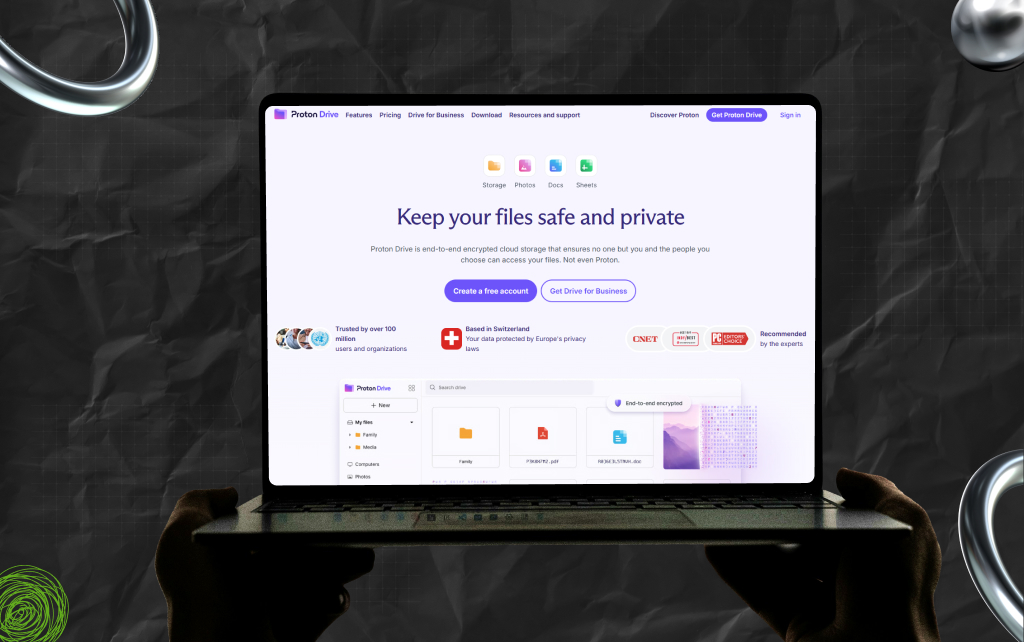
So, if you already use Proton Mail, then you really need to check out Proton Drive. This Switzerland-based end-to-end encrypted solution comes with relatively strict privacy laws.
Moreover, it doesn’t even matter if Proton Drive has strict privacy laws because everything is already encrypted – as a result, nobody can look at what you are storing in your drive.
Also, Proton Drive is open-source, and you can easily integrate it smoothly with other Proton software solutions and tools like Calendar or Mail.
Even though this cloud storage alternative is encrypted, you can share your files with other people. The best part? No limits on the size of files and password-protected file sharing!
Of course, this will cost you since Proton only offers 1 GB of storage for free. Also, I’ve laid out the pricing for Proton Drive below:
| Plan | Pricing |
|---|---|
| Proton Free (0 GB – 5 GB) | Free |
| Drive Plus (200 GB) | $3.99–$4.99/month |
| Proton Unlimited (500 GB) | $9.99–$12.99/month |
| Proton Duo (2 TB) | $14.99–$19.99/month |
| Proton Family (3 TB) | $23.99–$29.99/month |
| Plan | Pricing |
|---|---|
| Drive Professional | 7.99/user/month |
| Proton Business Suite | 14.99/user/month |
While Proton Drive is expensive if you compare it with Google Drive, understand that you are paying for the solid security, especially the encrypted storage.
Frankly, using Proton Drive is a no-brainer for everyone who already uses Proton email.
Also, people who want to stop using different Google tools – like Calendar, Mail, and Drive – simultaneously can opt for Proton Drive as well.
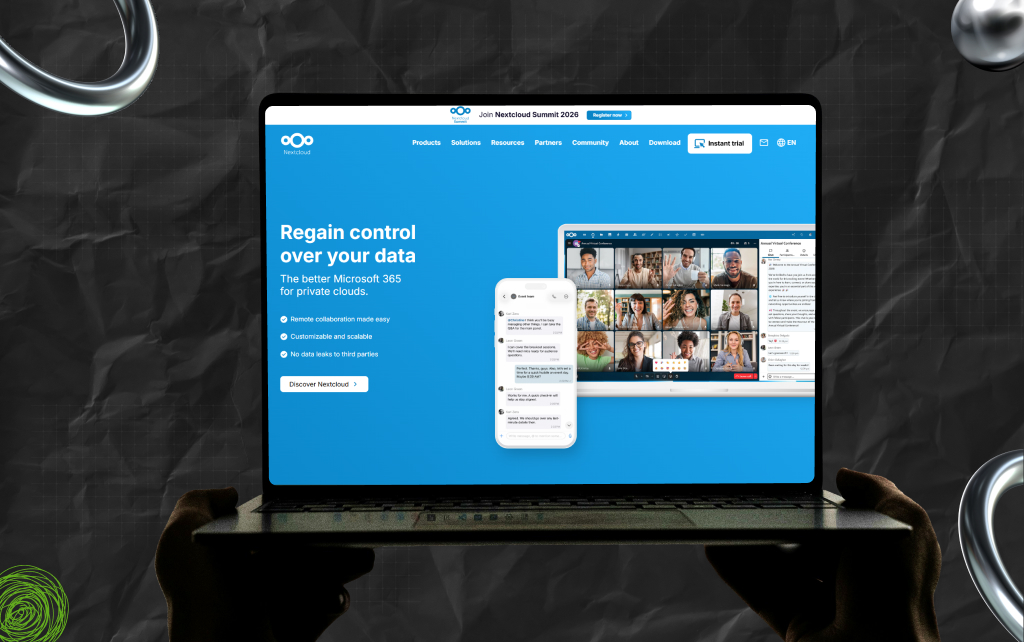
Nextcloud is more than cloud storage – it is perhaps the easiest way to have complete control over all your files and, more importantly, accessibility to those files.
Moreover, this is one of those cloud storage alternatives that can be self-hosted on a user’s home server, or you can even rent the server from providers like Linode.
In most cases, NextCloud’s file storage is very powerful, as it supports folders and lets users mark specific files as ‘favorites’ for easy access.
Also, you can share your files with anyone you want and add comments wherever required. In addition, it supports versioning, so you can restore older versions of any file.
And that’s not all. You can also mount the storage through WebDAV using pretty much any decent file manager. On Linux desktops like GNOME or KDE, it is even easier.
Once you add your Nextcloud account through the online accounts settings, everything usually connects automatically in the background.
The mobile app is surprisingly good, too.
You can auto-upload photos, browse files, manage storage, jot down notes, and basically run your personal cloud from your phone without much effort.
Of course, NextCloud will cost you – I’ve laid out the enterprise-level pricing for NextCloud below:
| Plan | Pricing |
|---|---|
| Standard | Starts at ~€71.29/user/year |
| Premium | ~€104.99/user/year |
| Ultra | ~€204.75/user/year |
And honestly, Nextcloud goes far beyond simple file storage. Since it is open-source and actively maintained, the platform continues to improve.
Also, you can add tools like OnlyOffice or Collabora to turn it into a full online office suite, with collaborative editing built right into your storage.
As a result, if the goal is self-hosting, privacy, or simply keeping control over where your files end up, Nextcloud is still one of the best options available.
SyncThing is not exactly a cloud storage solution because it does not store your files and folders on any cloud server.
Instead, this tool just syncs your files across different devices in real-time.
As a result, you just need to set this software up on yout desktop and laptop. And you will be able to share files between the two devices easily.
Of course, SyncThing comes with some drawbacks, such as:
But at the same time, you literally don’t need to pay for anything – SyncThing is an open-source software solution that is free to access with zero cloud subscriptions.
Moreover, if all your devices are located in different places, you can use the internet or a local network to sync your files with this software solution.
Also, if you are not looking for storage that you can share with others and just want to access all your files from different devices, then SyncThing is an excellent option.
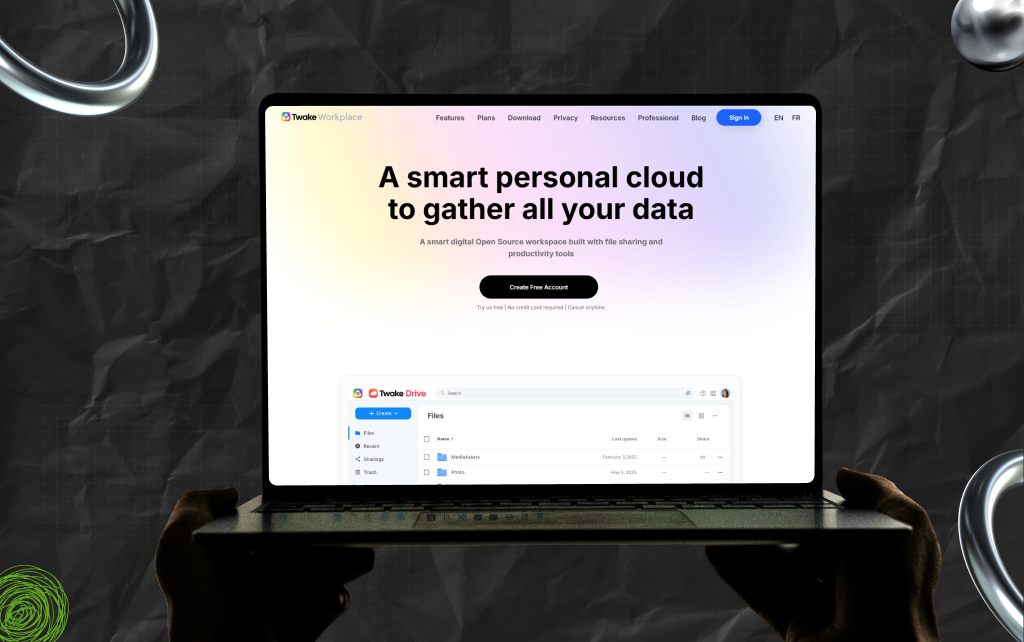
Another one of my favorite cloud storage alternatives is Cozy Cloud, an open-source French software solution for your cloud storage woes.
FYI, Cozy has an entire suite of tools, and Cozy Drive is their hero tool, i.e, a tool for cloud storage that offers sharing options.
Moreover, the tool is available for iOS, Android, Windows, macOS, and Linux. Plus, it offers 5GB of free storage to users – additional tiers will definitely cost you.
And while it might seem more expensive than Google, you get more privacy and stronger security.
On that note, I’ve laid out the pricing plans for Cozy Cloud below:
| Plan | Pricing |
|---|---|
| Free Plan (upto 5 GB) | Free |
| Standard (upto 50 GB) | €3/month |
| Premium (upto 100 GB) | €9.98–€12/month |
Moreover, it has an auto-import feature so you can transfer photos from your phone’s camera to the drive.
And not just that, you can also import specific documents like bank statements, health refunds, bills, and more from over 100 providers.
Where privacy is concerned, Cozy Cloud is very transparent about what data they collect, and that is only the user’s traffic insights from the site.
However, all your folders and files stay entirely private.
In addition, Cozy Cloud has other tools like Cozy Pass for managing passwords, Cozy Notes for taking notes, and Cozy Banks for managing bank statements from one place.
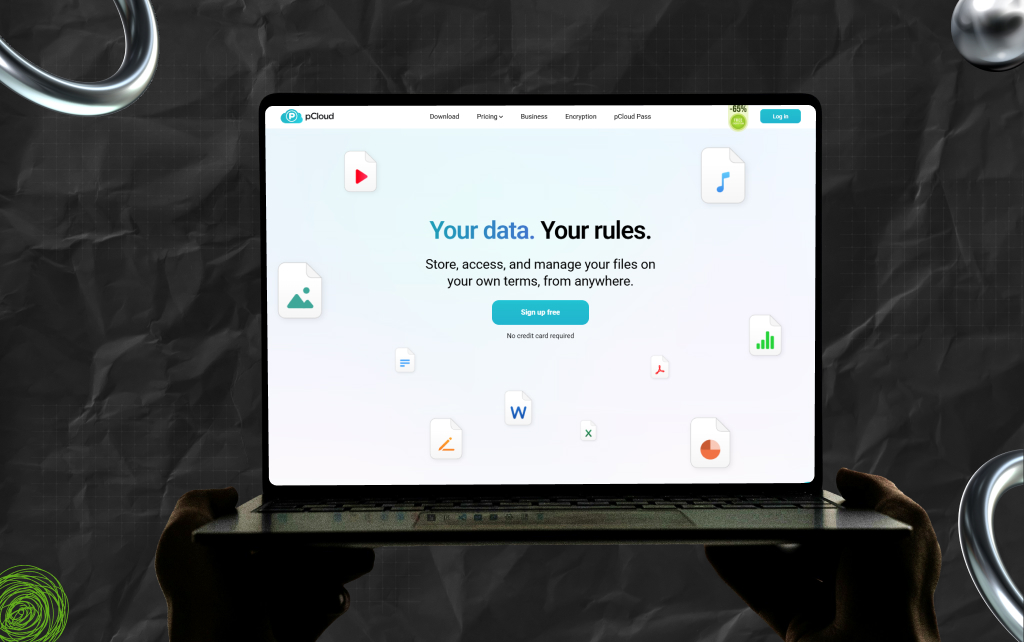
I have used pCloud for cloud storage previously, and needless to say, I’m a fan!
While pCloud isn’t open-source, it does come with optional encryption – so, if you want, you can ensure your files are encrypted, and you are the only one who can access your files.
Moreover, pCloud is more cost-effective with affordable plans. Also, they offer lifetime plans that might sound expensive, but it’s a one-time investment. However, I’m not a big fan of lifetime plans and usually steer clear of them.
On that note, I’ve laid out the pricing plans for pCloud below:
| Plan | Pricing |
|---|---|
| Free Plan (Upto 10 GB) | Free |
| Premium (500 GB) | $4.99/month Or $49.99/year |
| Premium Plus (2 TB) | $9.99/month Or $99.99/year |
| Plan | Pricing |
|---|---|
| Business | $9.99 per user/month |
| Business Pro | $14.98 per user/month |
| Plan | Pricing |
|---|---|
| Premium (500 GB) | $199 – $299 |
| Premium Plus (2 TB) | $399 – $599 |
| Ultra (10 TB) | $1190 – $1890 |
| Family (2 TB) | $595 (upto 5 users) |
Also, pCloud works across pretty much every major platform. There are apps for Linux, Windows, macOS, Android, and iPhone, plus a command-line client if that is more your thing.
The syncing setup is flexible, too. You are not stuck using one dedicated sync folder like some older cloud services still force you to do.
Moreover, you can choose folders from different parts of your drive, sync them between devices, back up your computer to the cloud, and share files or folders with others without much hassle.
They have also added a password manager recently, which some people might find useful if they want fewer separate apps to manage.
Now, pCloud is not open source, and for some users, that matters a lot.
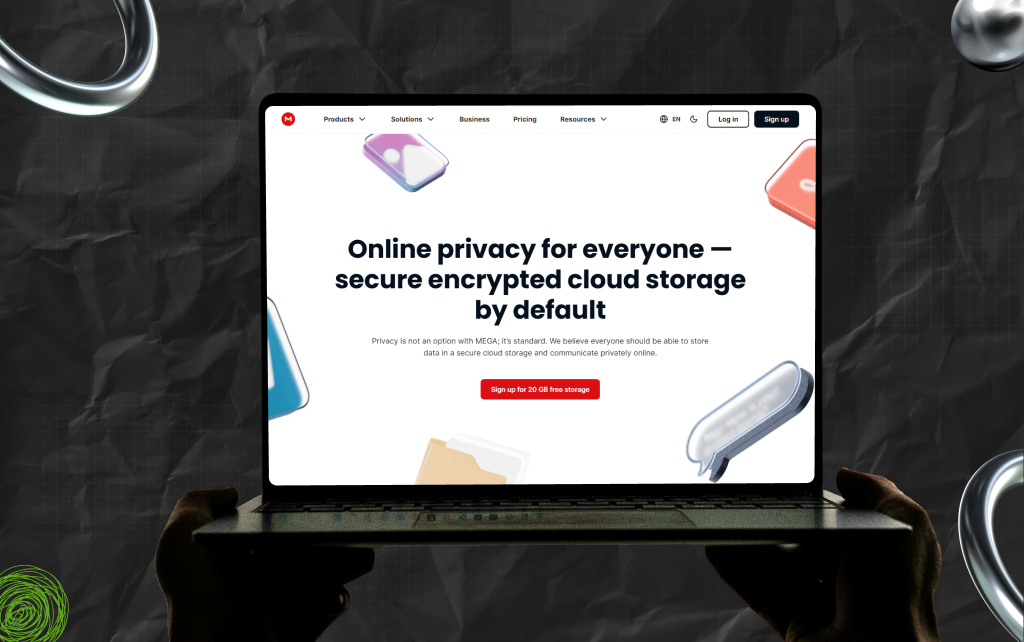
If you are looking for massive storage options and do not want to self-host, then Mega is literally the only option at your disposal.
Of course, Mega’s pricing plans are relatively more expensive than all the options I’ve mentioned above.
But taking into consideration the kind of storage Mega offers, you get a good value for money.
On that note, I’ve laid out the pricing plans for Mega below:
| Plan | Pricing |
|---|---|
| Essential (200 GB) | ₹373.64/monthly (charged yearly) |
| Pro Lite (500 GB) | ₹560.36 (charged yearly) |
| Pro I (3 TB) | ₹934.00 (charged yearly) |
| Pro II (10 TB) | ₹1,868.09 (charged yearly) |
| Pro III (20 TB) | ₹2,802.18 (charged yearly) |
While I won’t deny the company does have unsavory origins (remember Kim DotCom?), things have changed for the better in 2026.
At present, the company publishes reports covering takedown requests and related topics. Plus, it has become very transparent with its operations.
Also, Mega is not open source since they do publish certain source codes for clients, but it is usually under some proprietary license.
FYI, such a license will only allow people to see and comment, but not redistribute, modify, or contribute.
Still, it allows people to check for backdoors or vulnerabilities in clients, though its server part stays entirely opaque.
MEGA has apps for pretty much every platform you would realistically use, including Linux, Android, iPhone, Windows, and macOS.
Once everything is set up, you can automatically sync files from your computer or phone, share folders with other people, and keep your data accessible across devices without much effort.
Additionally, one of the platform’s biggest selling points is encryption. MEGA heavily pushes its end-to-end encryption model, not just for cloud storage but also for its built-in chat app.
Of course, the seven cloud storage alternatives I have discussed above are my selection based on certain parameters I’ve mentioned in the beginning.
Apart from these alternatives, there are several other options that are proprietary or open source.
Some, like DropBox is very popular, and then there are others, not-so-popular ones like Infomaniak or SeaFile.
However, my selection basically covers every single use case that is applicable for Google Drive, with pricing that people can pay for and solutions that users will be able to self-host.
Also, these are all options without a cloud server.
Currently, my preference is pCloud and NextCloud because of the smooth user experience and solid credibility both options offer to users.
Obviously, you can pick some other alternative that works better for you.
So, there’s no point working with Google Drive when you are not happy with its features – just choose an alternative and opt for something more private.
Read Also:
Barsha is a seasoned digital marketing writer with a focus on SEO, content marketing, and conversion-driven copy. With 8+ years of experience in crafting high-performing content for startups, agencies, and established brands, Barsha brings strategic insight and storytelling together to drive online growth. When not writing, Barsha spends time obsessing over conspiracy theories, the latest Google algorithm changes, and content trends.
View all Posts

How To Get Your Brand Cited In AI Search Resu...
Oct 22, 2026
The Ultimate Blueprint For Broken Link Buildi...
Oct 16, 2026
The Ultimate Guide To Stealing Your Competito...
Oct 15, 2026
Beyond The Basics: Master Guest Posting For H...
Oct 15, 2026
Best Generative Engine Optimization (GEO) Com...
Oct 14, 2026