KeywordStat Review: Keyword Research, Clustering & SEO Data Compared
Oct 03, 2026

Canonicalization SEO sounds technical. Most people skip it. But if you run a website, it matters more than you think.
Because it answers a simple question for search engines: Which version of this page should count?
So, if you don’t answer that clearly, search engines decide on their own. And that’s where problems start.
Canonicalization SEO is about handling duplicate or similar content.
For example, the same page can exist in multiple forms:
To you, these look the same. Similarly, to search engines, they are different URLs. Without guidance, they treat them as separate pages. That splits your ranking signals.
A canonical tag tells search engines: “This is the main version of the page. Ignore the rest.” It’s added to the page’s HTML.
Once set correctly, search engines:
It doesn’t force them. But it strongly guides them.
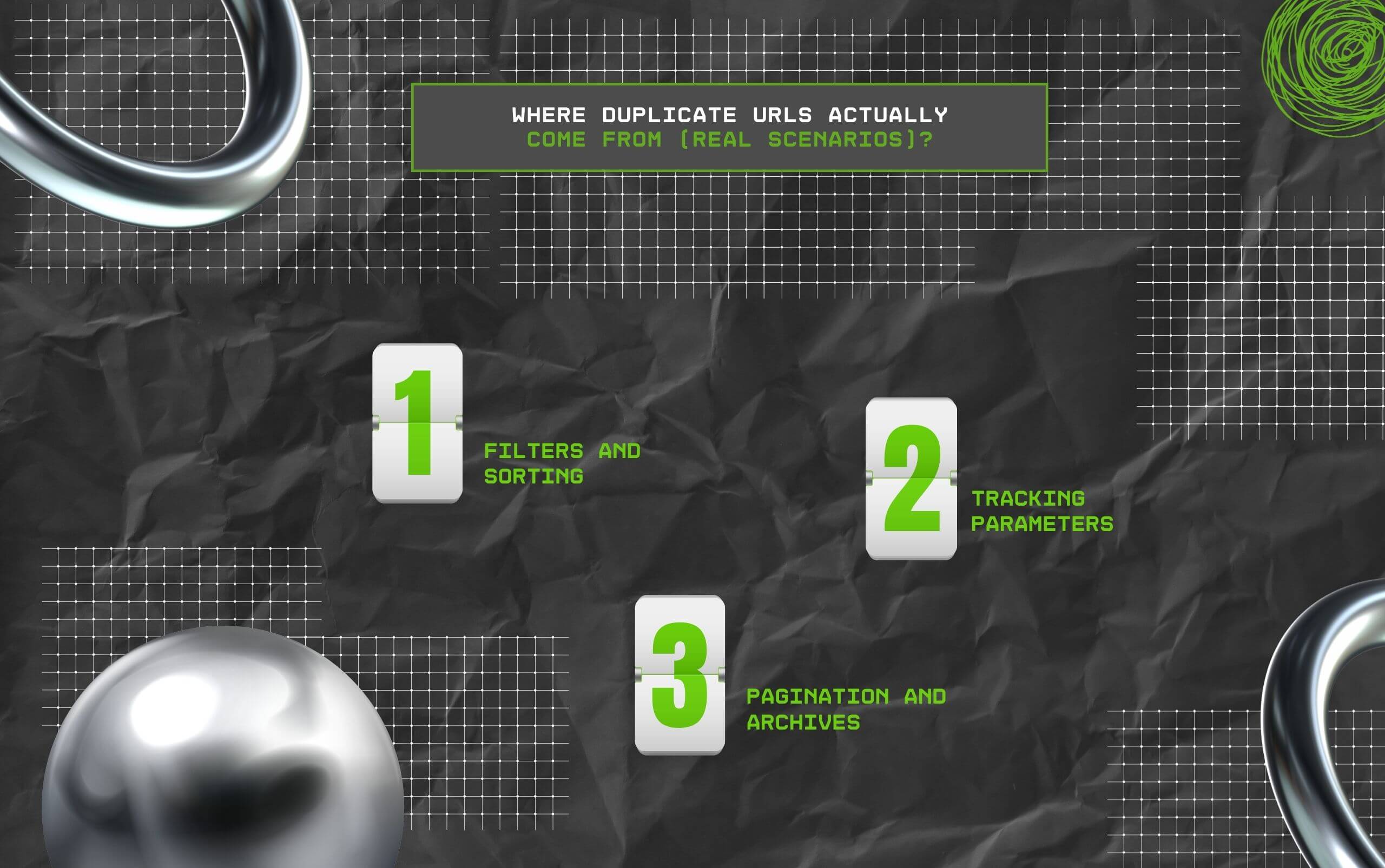
Most duplication is not planned. It just happens as a site grows. So, here are some common situations:
E-commerce sites create URLs like:
Each variation becomes a new page.
Marketing campaigns add tags like:
These create multiple versions of the same page.
Blog pages or category listings often create overlapping content. None of these feel like duplicates when you build them. But search engines see them that way.
Duplicate content is not always intentional. It happens naturally.
For example:
So, if it’s not managed, your SEO effort gets diluted. Instead of one strong page, you end up with several weak ones.
Let’s say you have a product page.
It can be accessed through:
Each creates a different URL. If all of them compete, none of them performs well. But if you set one canonical URL, all signals point there. That page becomes stronger.
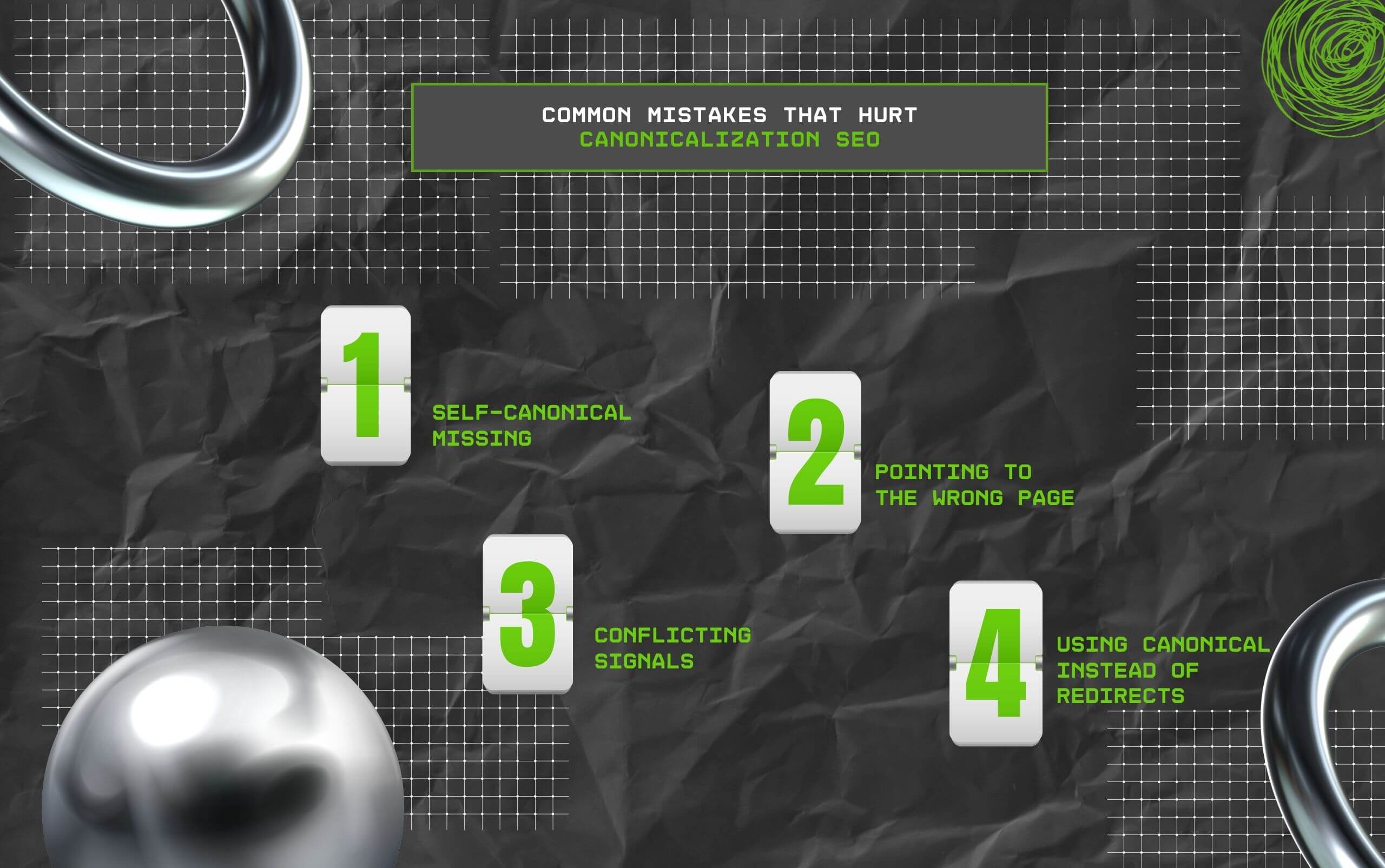
Canonicalization SEO is simple in theory. But easy to mess up. On that note, here are some common issues:
1. Self-canonical missing: Every page should point to itself as canonical.
2. Pointing to the wrong page: If Page A points to Page B incorrectly, Page A may lose visibility.
3. Conflicting signals: If your sitemap, internal links, and canonical tags don’t match, search engines get confused.
4. Using canonical instead of redirects: Canonical tags suggest, but they also redirect.
Always remember that using the wrong one weakens control. As a result, ensure that you are avoiding these common mistakes.
This is where people get confused. But no need to worry because with my help, it won’t be a problem.
1. Canonical Tag:
2. Redirect (301):
So, the truth is you need it more often than you think.
As a result, use it when:
In addition, it keeps your SEO clean and focused.

Canonical tags are not a fix for everything.
Don’t rely on them when:
Sometimes the better solution is:
So, here’s the important part. Search engines don’t have to follow your canonical tag. They usually do. But not always.
Also, if your signals conflict, they may ignore it.
For example:
So consistency matters, and the more you start becoming consistent, the better for you.

Internal links reinforce your canonical choice.
So, if you say Page A is canonical, but most internal links point to Page B, it sends mixed signals.
The result: Search engines may choose their own version
So make sure:
Also, if you want to get this right, keep it simple:
This covers most real-world cases.
You don’t need complex tools to start.
So, on that note, a few simple checks:
Also, if you see multiple versions ranking or indexing, there’s likely an issue.
Canonicalization SEO is not visible. You don’t “see” results immediately. Unlike content or backlinks, it works in the background.
That’s why it gets ignored.
But over time, it makes a big difference. It ensures your efforts are not split across multiple URLs.
Moreover, canonicalization in SEO is not about complexity. Instead, it’s about clarity. You’re telling search engines: “This is the page that matters.”
Also, when that signal is clear, your rankings become more stable. When it’s not, your SEO gets scattered.
And most of the time, people don’t even realize why.
Barsha is a seasoned digital marketing writer with a focus on SEO, content marketing, and conversion-driven copy. With 8+ years of experience in crafting high-performing content for startups, agencies, and established brands, Barsha brings strategic insight and storytelling together to drive online growth. When not writing, Barsha spends time obsessing over conspiracy theories, the latest Google algorithm changes, and content trends.
View all Posts

KeywordStat Review: Keyword Research, Cluster...
Oct 03, 2026
How Corda Turns Authority Data Into Campaigns
Oct 01, 2026
How To Audit Your Search Visibility In 2026: ...
Sep 30, 2026
What Is Google Lighthouse? A Practical Guide ...
Sep 30, 2026
When Can You Save A Public Instagram Story?
Sep 30, 2026