Structured Data SEO: How Schema Markup Helps Search Engines Understand Your Website
Sep 12, 2026
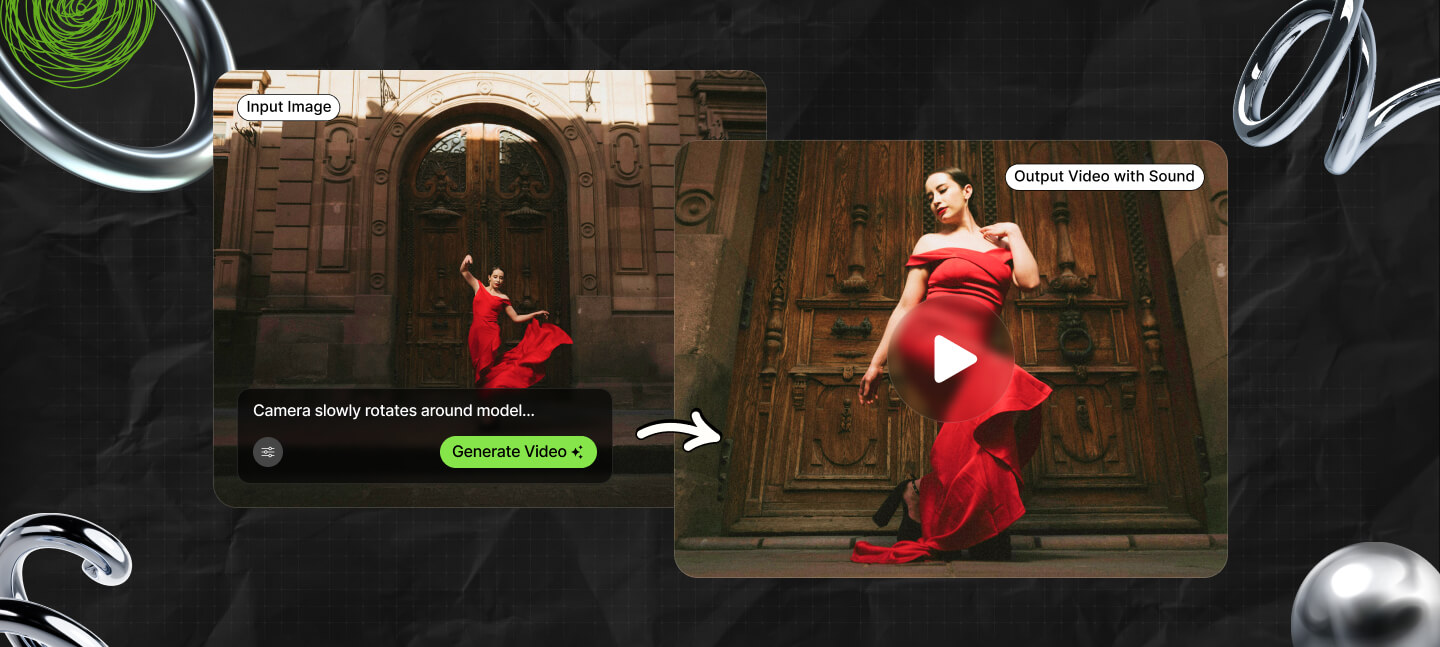

As of June 2026, AI image editing tools have moved far beyond background removal and one-click filters.
The best platforms now handle object replacement, style consistency, generative fill, batch editing, prompt-based transformations, and production-ready outputs for different platforms.
And that includes social media, ad campaigns, ecommerce, and product launches.
After spending several weeks testing different platforms across startup marketing workflows, content production, and creative campaigns, I noticed one obvious thing pretty quickly.
Most AI image editors still force users to compromise somewhere.
While some are fast yet inconsistent, others produce impressive visuals but slow down actual production work.
To be honest, very few tools balance usability, editing quality, and workflow speed well enough to become part of a real content pipeline.
As a digital marketing professional for eight years, I decided to test the best AI image editors.
The purpose? To find out which one will actually save the day when I’m struggling with excessive workload on a bad day.
So, my guide breaks down the AI image editors that stood out during testing.
This includes which tools work best for creators, marketers, developers, ecommerce brands, and startup teams trying to produce content at scale.
Also, please note that I focused heavily on practical usage instead of flashy demos because that is where most AI tools either become genuinely valuable or completely frustrating.
And the best part? I can guarantee at least one of these tools will fit the way you work.
Stay tuned.
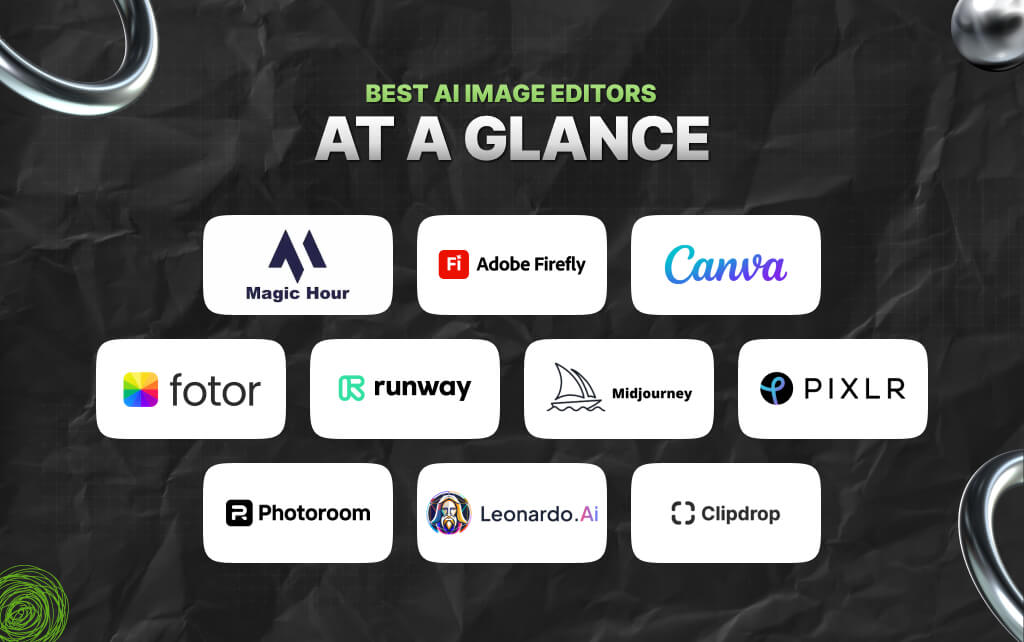
In this section, I have made a table featuring the best AI image editors for 2026 so that you can have a complete overview of all the tools and why they stand out in the market currently.
| Tool | Best For | Key Modalities | Platforms | Free Plan | Standout Feature |
|---|---|---|---|---|---|
| Magic Hour | All-in-one AI image and creative workflows | Image editing, prompt editing, generative AI | Web | Yes | Fast, production-friendly editing pipeline |
| Adobe Firefly | Creative professionals | Generative fill, commercial-safe assets | Web, Adobe apps | Limited | Deep Adobe integration |
| Canva AI | Marketing teams and non-designers | Templates, AI editing, social content | Web, mobile | Yes | Easy team collaboration |
| Midjourney Editor | Artistic image generation | Stylized editing and transformations | Web, Discord | No | Exceptional artistic consistency |
| Runway | Creative video and image teams | Video + image AI workflows | Web | Limited | Hybrid multimedia editing |
| Pixlr | Budget-conscious users | Browser image editing | Web, mobile | Yes | Lightweight and accessible |
| Fotor | Ecommerce and quick content | Portraits, product photos | Web, mobile | Yes | Fast enhancement tools |
| PhotoRoom | Product photography | Background replacement, ecommerce visuals | Web, mobile | Yes | Excellent product cutouts |
| Leonardo AI | Game assets and concept work | AI generation and editing | Web | Yes | Fine control over outputs |
| Clipdrop | Everyday AI utilities | Cleanup, relight, upscale | Web, mobile | Yes | Simple utility-focused workflow |
In this section, I’ve discussed the 10 best AI image editors currently dominating the market.
Please note that I tested more than 25 tools, while taking into account expert reviews and actual user reviews into account.
Based on my experience and real-world insights, here’s my list of the 10 best AI image editors of 2026 – if anything changes, I’ll update the list.
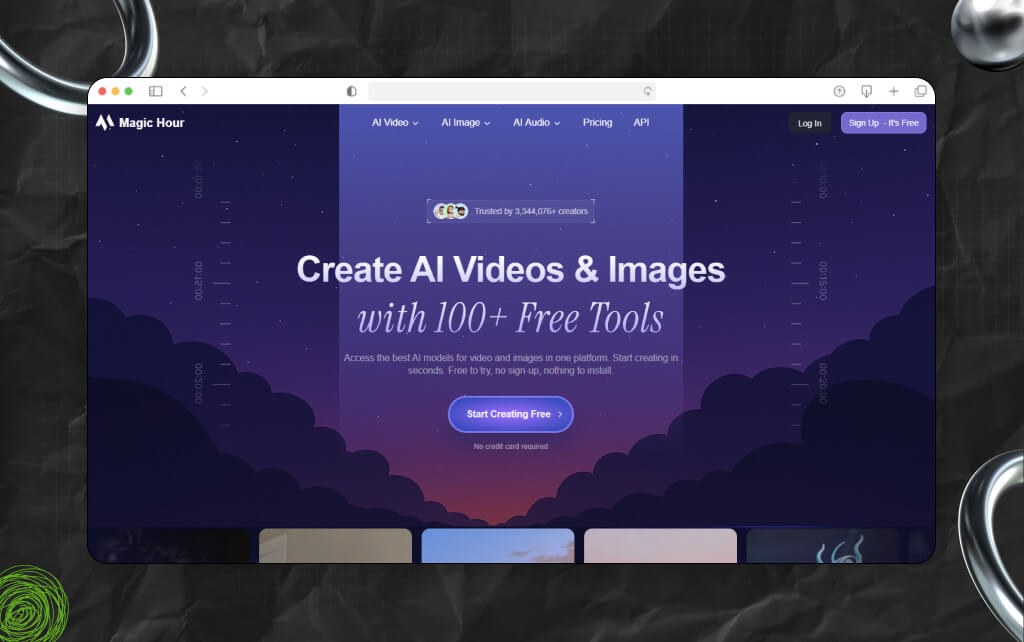
If you work in digital content creation today, Magic Hour is one of the most practical AI image editing platforms currently available.
I tested it across multiple workflows, including social content, ecommerce assets, ad creatives, YouTube thumbnails, landing page visuals, and startup marketing campaigns.
So, what stood out immediately was how fast the platform feels compared to many competitors that overload users with complicated interfaces and disconnected features.
Moreover, the platform combines AI editing, image generation, and workflow efficiency in a way that feels genuinely usable in production environments.
One thing I appreciated during testing was how naturally the editing process fit into existing creative workflows.
Instead of spending time masking layers manually or fighting overly technical controls, I could move quickly between iterations and generate usable assets much faster.
The entire image to video AI was quick and seamless.
Also, the platform’s AI image editor handled prompt-based edits surprisingly well while still keeping the interface approachable for non-designers.
So, if your goal is to create polished visuals quickly without sacrificing quality, Magic Hour is difficult to beat right now.
What impressed me most was how efficiently it handled iterative creative work.
Instead of spending twenty minutes refining edits manually, I could move from idea to usable creative asset in minutes.
For startups and content-heavy teams, that speed difference matters.
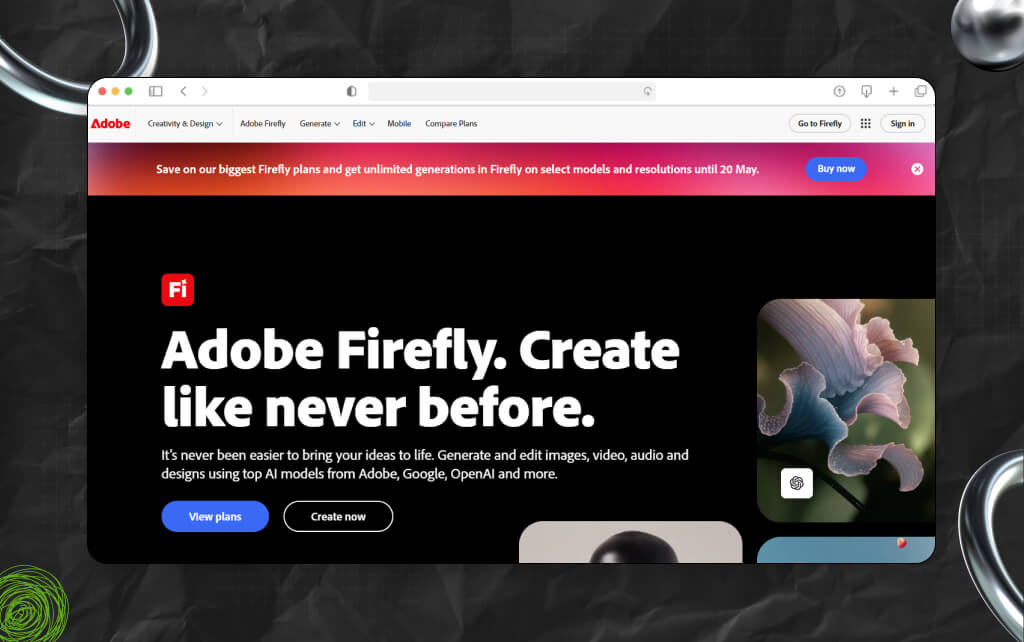
Adobe Firefly has matured significantly over the past year.
So, while earlier versions felt experimental, the 2026 release cycle finally made it feel integrated into professional workflows.
The biggest advantage here is obvious: Adobe’s ecosystem.
Moreover, if your team already uses Photoshop, Illustrator, or Creative Cloud, Firefly becomes much more compelling because it reduces friction between AI-assisted edits and traditional design workflows.
Also, Adobe continues emphasizing commercially safer training data, which matters for enterprise teams and agencies.
Adobe Firefly works best for professionals already living inside the Adobe ecosystem.
I found the editing quality impressive, particularly for complex scene modifications and generative expansion.
Having said that, it still feels more like an extension of traditional design software rather than a fully streamlined AI-native editing platform.
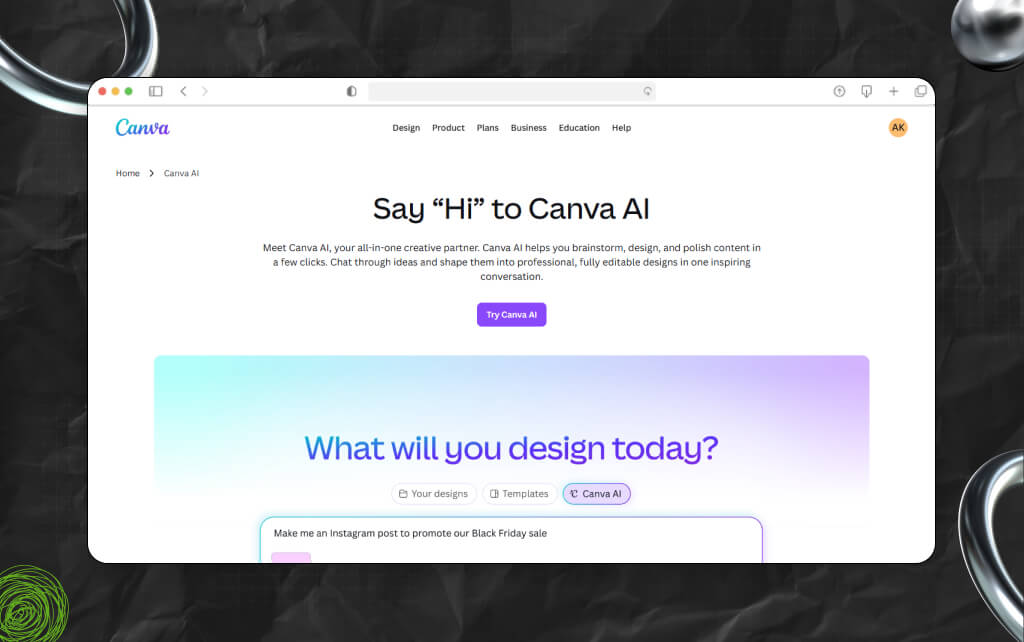
Canva has become much more capable than many people realize. A few years ago, most professionals viewed it primarily as a lightweight social graphics tool.
Today, Canva AI has evolved into a surprisingly capable content production platform for startups, creators, and marketing teams.
So, the biggest strength is accessibility. As a result, almost anyone on your team can use it productively within an hour.
For fast-moving startup teams, Canva AI is often the easiest entry point into AI-assisted design workflows.
Moreover, I particularly liked how efficiently teams can collaborate without needing advanced design expertise.
So, if your company produces high volumes of social content, ads, presentations, and lightweight creative assets, Canva remains one of the most practical options.
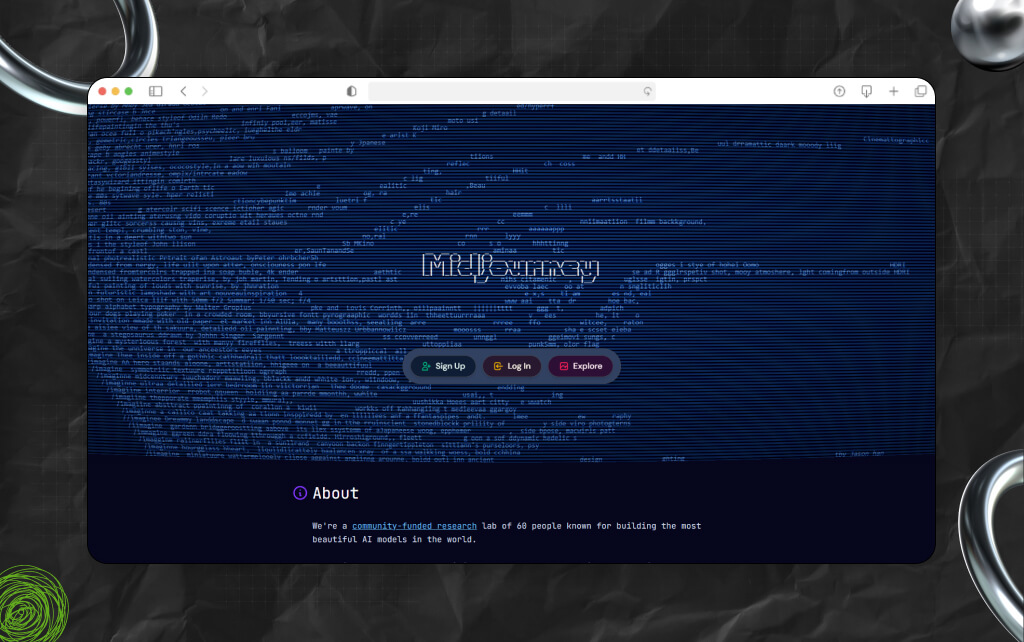
Midjourney remains one of the strongest tools for highly stylized AI visuals.
Its newer editing capabilities have improved substantially, allowing users to refine, modify, and iterate on generated images with much more control than earlier versions.
As a result, while it is not the most business-focused editor on this list, it produces some of the most visually striking outputs.
I still think Midjourney is strongest for concept artists, brand experimentation, entertainment visuals, and creators who prioritize aesthetics over workflow efficiency.
Also, if your goal is artistic originality, few tools compete with it.
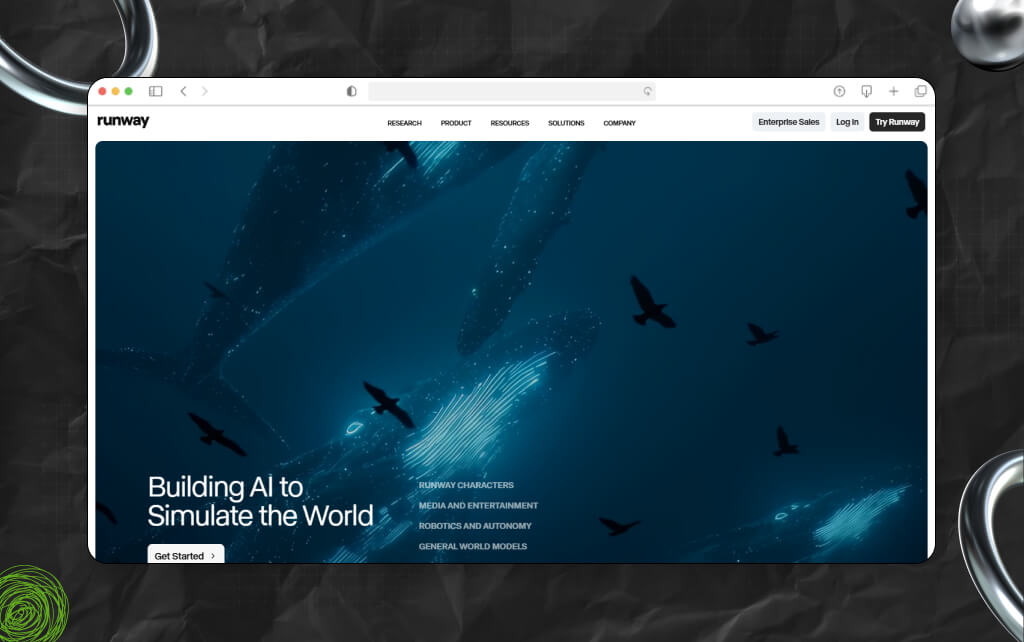
Runway continues positioning itself as a broader AI creative suite rather than just an image editor. That broader vision works surprisingly well.
Moreover, the platform combines AI image editing, video generation, motion tools, and creative experimentation inside a single ecosystem.
Also, for creators working across multiple media formats, this flexibility matters.
Runway makes the most sense for creators producing both video and image content regularly. I found the workflow especially useful for short-form video teams building social-first content.
So, if your work spans YouTube, TikTok, paid ads, and AI-assisted visual storytelling, Runway deserves attention.
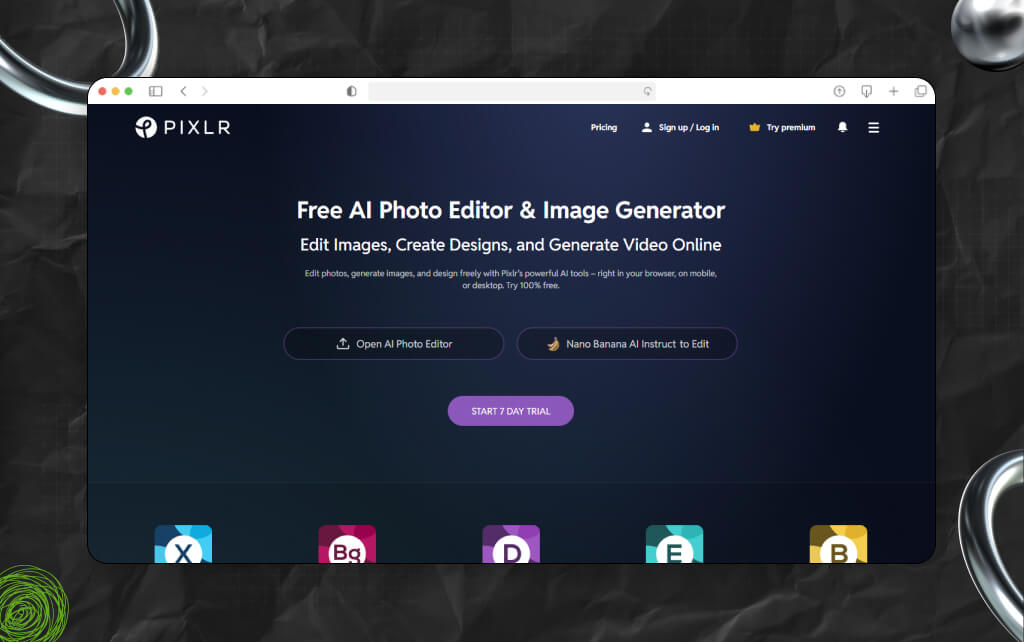
Pixlr has quietly remained one of the most accessible browser-based image editors for years.
Its AI capabilities now make it much more competitive than many people expect.
So, while it lacks the sophistication of enterprise-focused platforms, it performs surprisingly well for quick edits, lightweight graphics, and smaller creative projects.
I would recommend Pixlr primarily for freelancers, students, smaller businesses, and creators who need fast edits without investing heavily in complex software ecosystems.
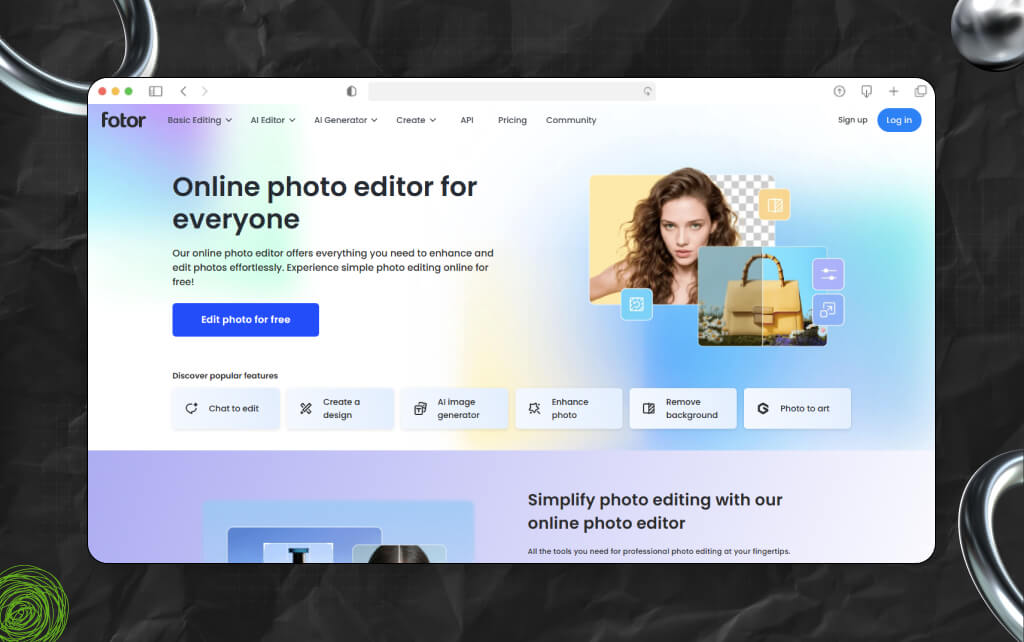
Fotor focuses heavily on simplicity and fast enhancement workflows.
In testing, I found it especially useful for portrait cleanup, ecommerce visuals, and quick marketing graphics.
Also, it is not trying to compete directly with high-end creative suites. Instead, it prioritizes speed and accessibility.
If you run ecommerce stores or need fast visual cleanup without a steep learning curve, Fotor delivers solid value.

PhotoRoom has become one of the strongest AI tools for product-focused image editing. Its background removal quality alone saves enormous amounts of manual editing time.
So, for ecommerce businesses, marketplaces, and product-heavy marketing workflows, efficiency matters.
PhotoRoom excels when your business depends on fast product imagery production. I tested it with mock ecommerce workflows and found the output surprisingly consistent.
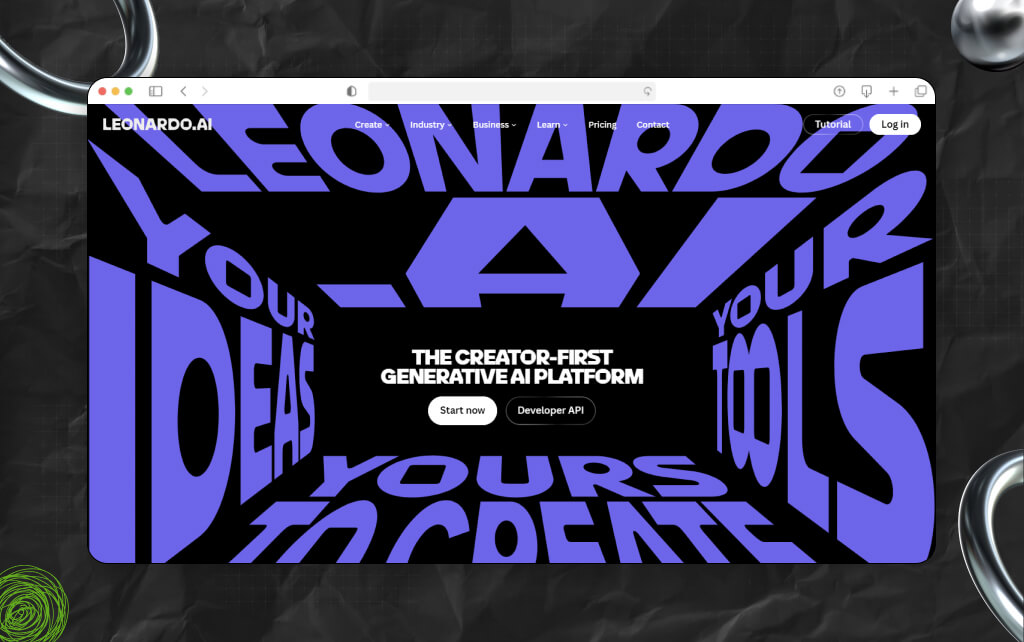
Leonardo AI has become increasingly popular among game developers, concept artists, and creators building fictional environments.
Also, the platform offers more granular creative control than many consumer-oriented AI image editors.
I found Leonardo AI particularly impressive for users who want deeper control over creative direction rather than one-click simplicity.
If you’re building game assets, fantasy environments, or highly stylized visuals, it offers strong flexibility.
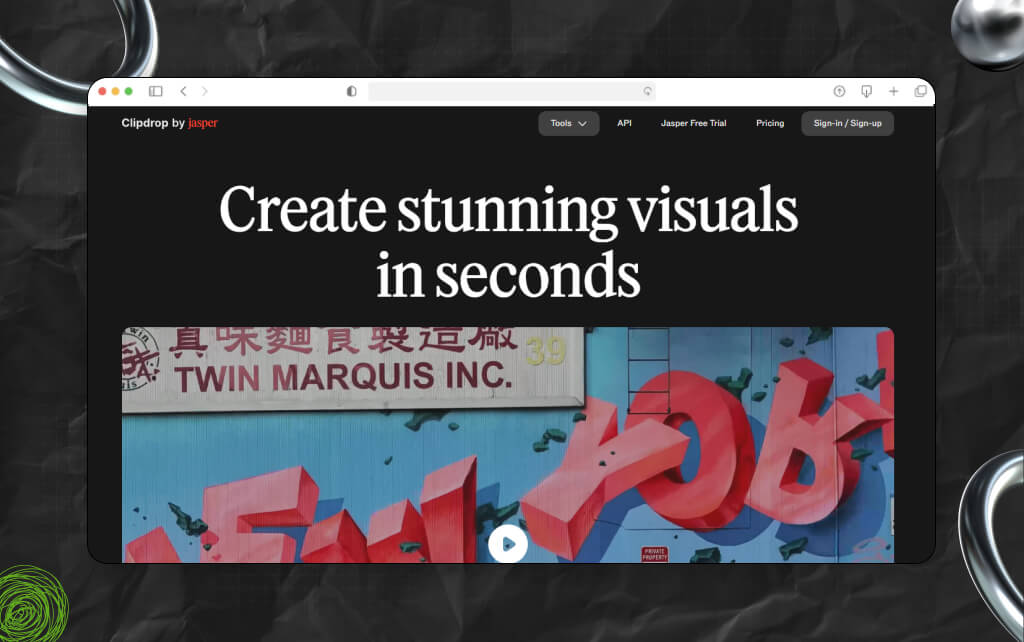
Clipdrop takes a utility-first approach to AI image editing.
Instead of trying to become a full creative suite, it focuses on solving specific editing problems quickly. That strategy works.
Clipdrop is one of the easiest tools on this list to recommend casually because it solves common editing tasks efficiently without overwhelming users.
I tested these tools across real-world workflows instead of relying only on feature lists or marketing pages.
So, the evaluation process included:
Also, I looked closely at:
Many AI image editors generate impressive demo images but break down during real production usage.
That distinction matters.
Moreover, a platform that saves a creator five hours per week is significantly more valuable than a tool that produces one spectacular demo image but slows down actual workflows.
As a result, the best AI image editors are increasingly becoming workflow tools instead of novelty generators.
The market has changed dramatically over the past eighteen months.
Earlier AI image tools focused mostly on generation quality. Today, the competition is shifting toward workflow integration, speed, collaboration, and commercially reliable outputs.
According to Adobe’s 2025 Creative Trends report, AI-assisted workflows are now used by a growing percentage of professional creative teams.
Meanwhile, platforms like Canva, Runway, and Magic Hour are pushing toward all-in-one creative ecosystems instead of standalone editing utilities.
As a result, 3 major trends stand out right now:
Many users no longer want to write complex prompts.
Moreover, platforms increasingly focus on visual editing systems, contextual AI tools, and simplified interactions.
This is one reason tools like Magic Hour feel increasingly accessible to non-technical creators.
Instead of using five separate tools for generation, editing, resizing, cleanup, and export, creators increasingly want unified platforms.
This shift favors platforms that reduce friction.
A spectacular AI-generated image means very little if outputs remain inconsistent. As a result, businesses now prioritize:
That is changing how platforms compete.
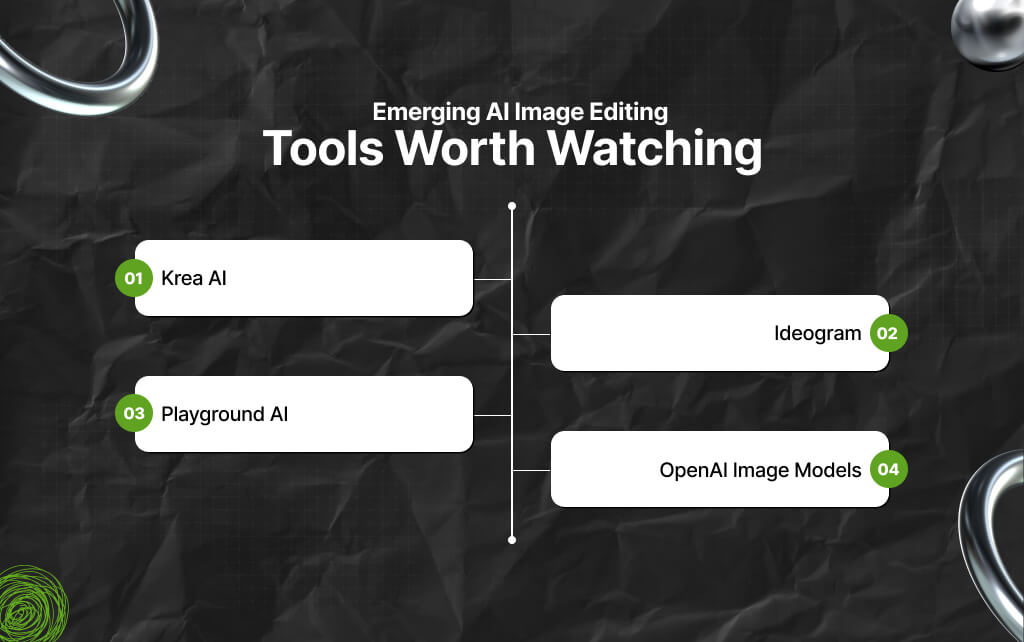
Also, several newer platforms are worth monitoring closely.
While writing about the best AI image editors of 2026, I came across a few emerging options as well that are worth mentioning.
So, I am expecting this category to evolve rapidly over the next year.
The best AI image editors in 2026 depend heavily on your workflow. On that note, here is the simplest breakdown after extensive testing:
So, if I were building a startup content operation today, I would prioritize platforms that reduce production friction while maintaining commercially usable quality.
That is why Magic Hour currently stands out. Moreover, understand that the gap between idea and execution keeps shrinking.
Creators who learn how to integrate AI editing tools into practical workflows will move significantly faster than teams still relying entirely on traditional manual production pipelines.
Still, no tool is perfect.
As a result, it is best to experiment with multiple platforms. Test them using your own workflows, assets, and production demands.
Remember, the right AI image editor is the one that consistently saves you time while improving output quality.
Check out the most frequently asked questions related to the best AI image editors in 2026:
For most creators, marketers, and startup teams, Magic Hour currently offers one of the strongest combinations of usability, speed, and output quality.
Canva AI and Fotor are both beginner-friendly options with minimal learning curves.
Yes. Many AI image editors now produce commercially usable outputs suitable for advertising, social media, ecommerce, and content marketing.
PhotoRoom performs especially well for product imagery, background removal, and marketplace-ready assets.
Not entirely. Traditional editing software still offers deeper manual control, but AI tools are dramatically reducing the time required for common editing tasks.
Barsha is a seasoned digital marketing writer with a focus on SEO, content marketing, and conversion-driven copy. With 8+ years of experience in crafting high-performing content for startups, agencies, and established brands, Barsha brings strategic insight and storytelling together to drive online growth. When not writing, Barsha spends time obsessing over conspiracy theories, the latest Google algorithm changes, and content trends.
View all Posts

Structured Data SEO: How Schema Markup Helps ...
Sep 12, 2026
TikTok Downloader For Content Marketing Resea...
Sep 12, 2026
AI Content Optimization: How To Make Your Con...
Sep 11, 2026
AI Citations: How To Get Your Content Referen...
Sep 10, 2026
Top Enterprise AI Cloud Platforms for RAG, AI...
Sep 08, 2026