KeywordStat Review: Keyword Research, Clustering & SEO Data Compared
Oct 03, 2026
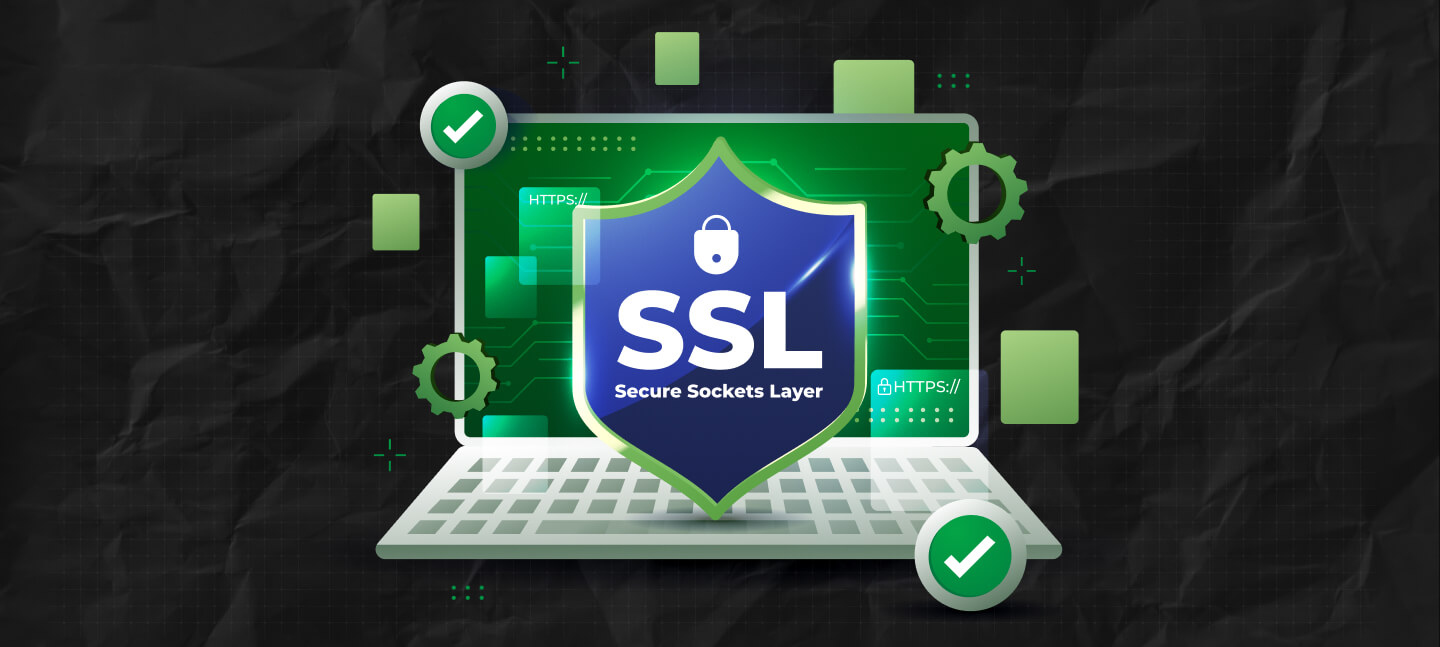

What is an SSL certificate chain? It is a set of digital certificates that connects a site’s SSL certificate to a trusted root certificate authority (CA).
The chain allows browsers to verify that a website is legitimate and that encrypted HTTPS connections can be trusted.
TBH, most people only discover SSL certificate chains when something breaks.
A browser suddenly throws a terrifying warning. A website stops loading properly.
Or Chrome starts acting as if your domain belongs to a cybercriminal operation running out of a basement somewhere.
Then you open the SSL settings and immediately see words like:
And it honestly sounds less like web security and more like something from a spy movie.
But the idea behind an SSL certificate chain is actually pretty simple once you strip away the technical language.
So, the truth is your browser needs proof that a website is legitimate. And the certificate chain is how that proof gets verified.
Sounds a little confusing, doesn’t it? Honestly, the jargon has always intimidated me, even if I have spent more than eight years in the digital marketing industry.
And precisely for that reason, I often choose to write on such topics with one aim – to simplify the jargon and make it easy for people to understand.
Stay tuned.
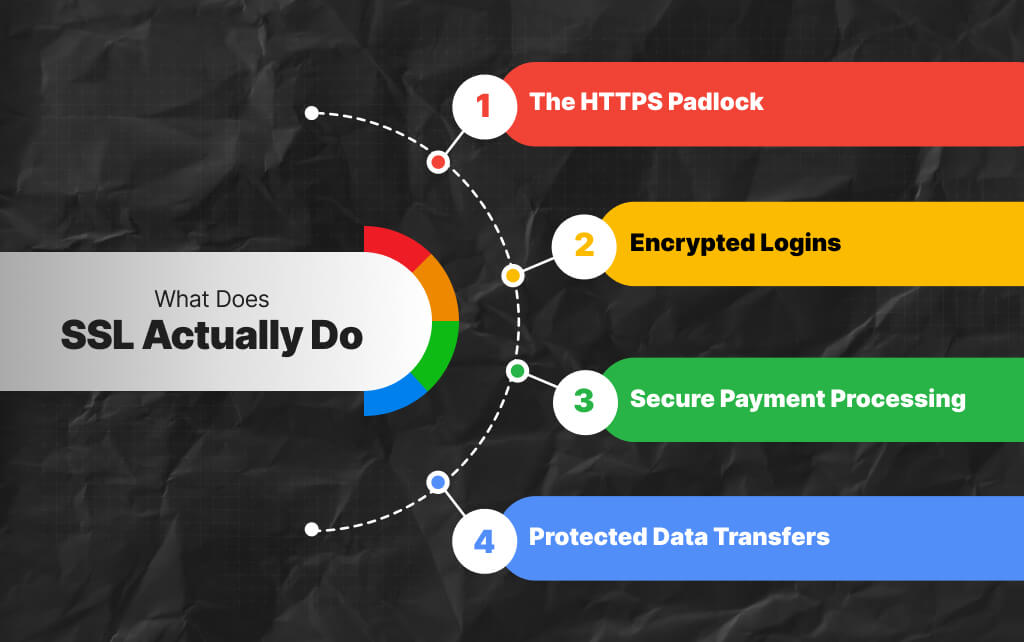
SSL, or more accurately TLS now, encrypts the connection between a user’s browser and a website.
That is what gives websites:
Without SSL, information moving between a browser and a website can potentially be intercepted or altered.
Now, this is not ideal if somebody is entering:
So, SSL certificates exist to establish trust and encryption. But browsers do not automatically trust every certificate on the Internet – that would be chaos.
Instead, they rely on a trust system, and that system is where the SSL certificate chain comes in.
An SSL certificate chain is a set of certificates that links your site’s SSL certificate to a trusted root certificate authority.
In simpler terms, your website borrows trust from larger trusted authorities.
So, look at it like identity verification. Imagine a random person walks up claiming, “Trust me, I am legitimate.”
You probably would not immediately believe them. But if somebody credible and globally recognized confirms their identity, suddenly the situation changes.
That is basically how SSL certificate chains work online.
As a result, your website certificate gets validated through a hierarchy of trusted certificates until the browser reaches a certificate authority it already trusts automatically.
Plus, the easiest way to understand an SSL certificate chain is to visualize how trust flows between certificates:
Browser Trust Store
↑
Root Certificate Authority (CA)
↑
Intermediate Certificate
↑
Website SSL Certificate
↑
Your Website
When somebody visits your website, the browser checks whether your SSL certificate connects back to a trusted root authority through intermediate certificates.
So, if the chain is complete and valid, the browser accepts the connection and enables HTTPS encryption automatically.
This in turn improves:
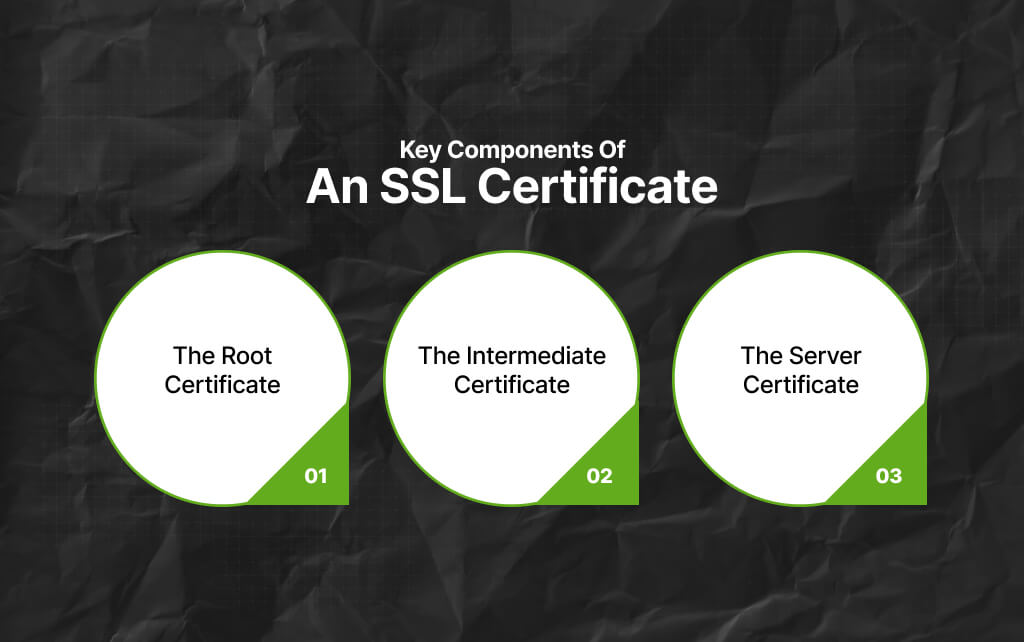
The SSL chain usually has three main parts.
This is where the terminology starts sounding intimidating, even though the structure itself is straightforward. But don’t worry, I’m here to simplify things for you.
So, this one sits at the very top.
Root certificates belong to trusted Certificate Authorities, often called CAs:
Now, browsers and operating systems already trust these root certificates by default because they are built into their trust stores.
As a result, that means Chrome, Firefox, Safari, Windows, macOS, and Linux systems already recognize them as legitimate authorities.
Plus, the root certificate acts like the ultimate trusted source.
This is the middle layer.
Instead of using root certificates directly for every website, certificate authorities issue intermediate certificates.
Why? Because protecting the root certificate is critically important. Now, if a root certificate gets compromised, the fallout becomes enormous.
So intermediate certificates act as buffers between the root authority and end-user certificates.
Plus, they inherit trust from the root certificate and then pass that trust downward. Most SSL chain problems actually happen here.
Missing intermediate certificates are one of the most common reasons browsers suddenly throw: “Your connection is not private.”
Even though the website owner swears the SSL certificate was installed correctly.
This is the certificate installed on the actual website.
FYI, it belongs specifically to your:
So, when somebody visits your site, the server presents this certificate first. Then the browser follows the chain upward:
As a result, if the chain connects properly to a trusted root authority, the browser accepts the connection.
Also, if something breaks along the way, trust collapses immediately, which is why SSL errors tend to look so dramatic.
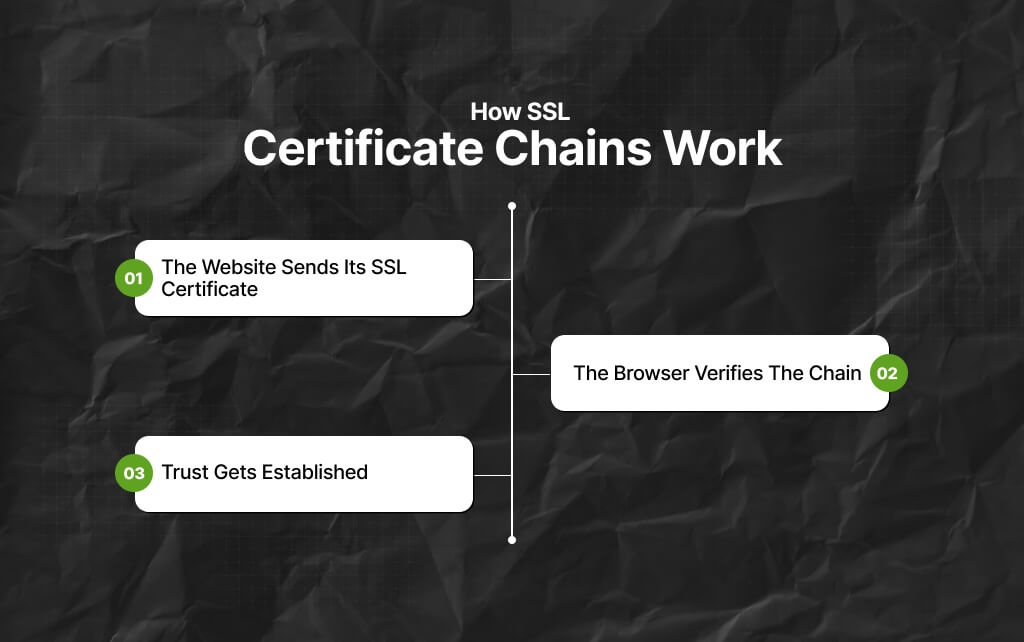
The easiest way to understand the process is to follow what happens when somebody opens a secure website.
So, when a browser connects to a site using HTTPS, the server sends its SSL certificate along with any required intermediate certificates.
This happens automatically during the TLS handshake. Also, the browser then starts checking whether the certificates can be trusted.
The browser checks whether:
So, if the chain is complete, the browser accepts the connection, and encryption begins. Also, most users never notice any of this happening because the process takes milliseconds.
Once the chain validates successfully, the browser treats the website as secure.
That is when users see:
At that point, encrypted communication starts flowing normally between both sides.
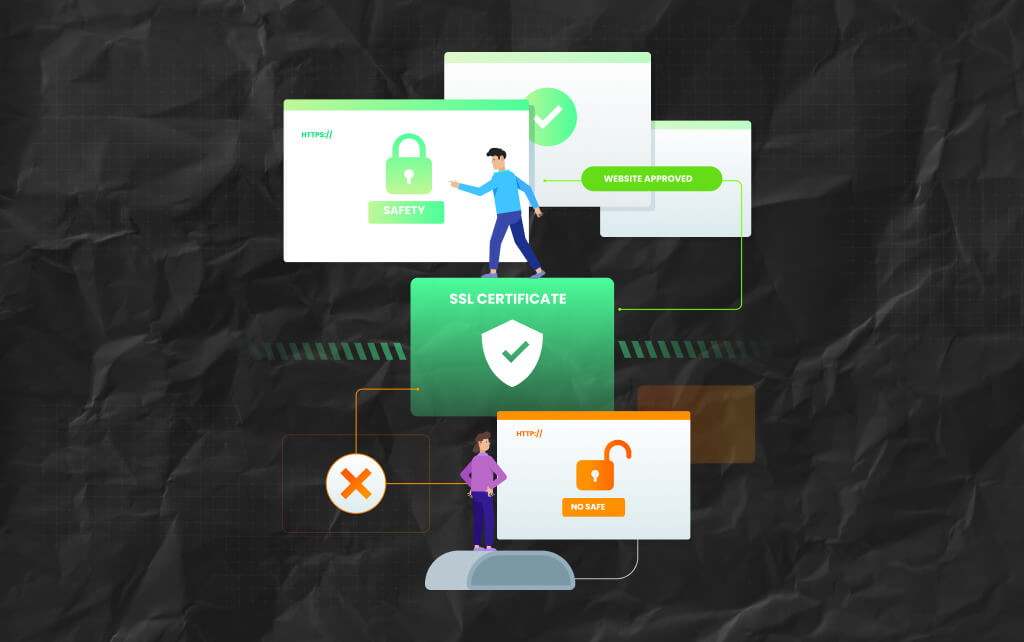
Because encryption alone is not enough.
So, a browser also needs proof that the server claiming to be “yourbank.com,” is actually your bank and not somebody intercepting traffic somewhere else.
The certificate chain provides that verification system.
Without it, attackers could theoretically present fake certificates and impersonate websites more easily.
Also, that trust infrastructure is a huge part of why modern web security works at all.
This is usually when website owners start panic-Googling technical forums at 2 a.m.
So, if the chain is incomplete or configured incorrectly, browsers may show errors like:
Sometimes the website still works on certain devices but fails on others.
That happens because some operating systems already cache missing intermediate certificates while others do not, which makes troubleshooting incredibly annoying.
Browsers and operating systems maintain built-in trust stores containing approved root certificate authorities.
Now, these trust stores are carefully managed by companies such as:
Also, when a browser sees that your SSL certificate ultimately connects back to one of these trusted root authorities, it accepts the connection as secure.
This system is known as the “chain of trust.”
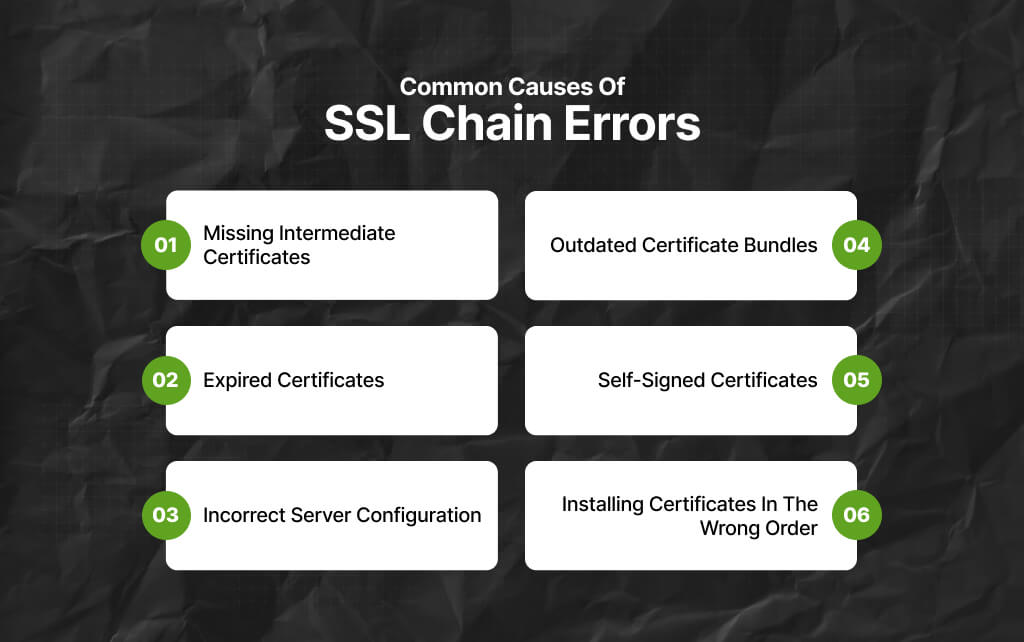
A few things cause SSL chain problems repeatedly:
And honestly, SSL setups are one of those areas where a single missing file can create absolute confusion for hours.
Especially because everything often looks “correct” initially.
So, most people verify certificate chains using:
These tools help identify:
And yes, every developer eventually ends up staring at certificate diagnostics, wondering why browsers suddenly lost trust in perfectly normal websites.
Also, it is practically a rite of passage.
Technically, no.
SSL is the older protocol. In contrast, TLS replaced it years ago because SSL versions became outdated and insecure.
But people still casually say “SSL certificates” because the terminology never really disappeared.
So even though modern websites use TLS behind the scenes, the industry still calls them SSL certificates almost everywhere.
The internet collectively decided not to rename the habit.
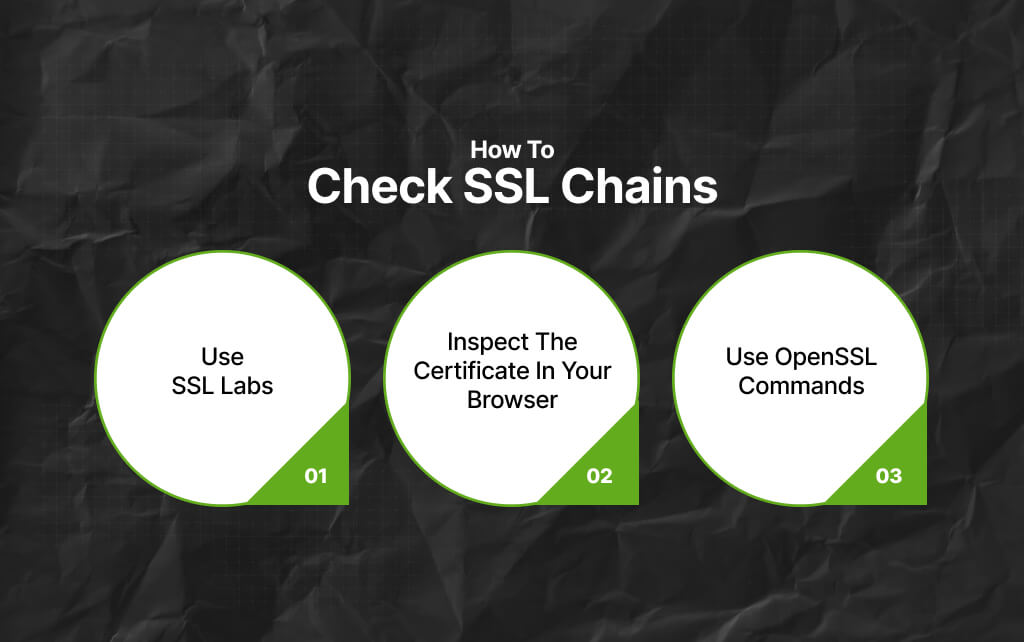
Now, there are several ways to verify whether an SSL certificate chain is configured correctly.
SSL Labs provides a detailed SSL testing tool that checks:
Most browsers allow you to inspect certificate details directly.
As a result, for Chrome users:
Then, you can view the server certificate, intermediate certificates, and root authority.
Developers often verify certificate chains using OpenSSL.
For example: “`bash
openssl s_client -connect yourdomain.com:443 -showcerts
At its core, an SSL certificate chain is simply a trust system.
Since your website certificate alone is not enough for browsers to automatically trust you, it needs validation from trusted authorities higher up the chain.
Now, that chain allows browsers to confirm:
And once you understand that idea, SSL chains stop feeling mysterious very quickly – I know it’s annoying sometimes. But not mysterious.
Read Also:
Barsha is a seasoned digital marketing writer with a focus on SEO, content marketing, and conversion-driven copy. With 8+ years of experience in crafting high-performing content for startups, agencies, and established brands, Barsha brings strategic insight and storytelling together to drive online growth. When not writing, Barsha spends time obsessing over conspiracy theories, the latest Google algorithm changes, and content trends.
View all Posts

KeywordStat Review: Keyword Research, Cluster...
Oct 03, 2026
How Corda Turns Authority Data Into Campaigns
Oct 01, 2026
How To Audit Your Search Visibility In 2026: ...
Sep 30, 2026
What Is Google Lighthouse? A Practical Guide ...
Sep 30, 2026
When Can You Save A Public Instagram Story?
Sep 30, 2026