Structured Data SEO: How Schema Markup Helps Search Engines Understand Your Website
Sep 12, 2026
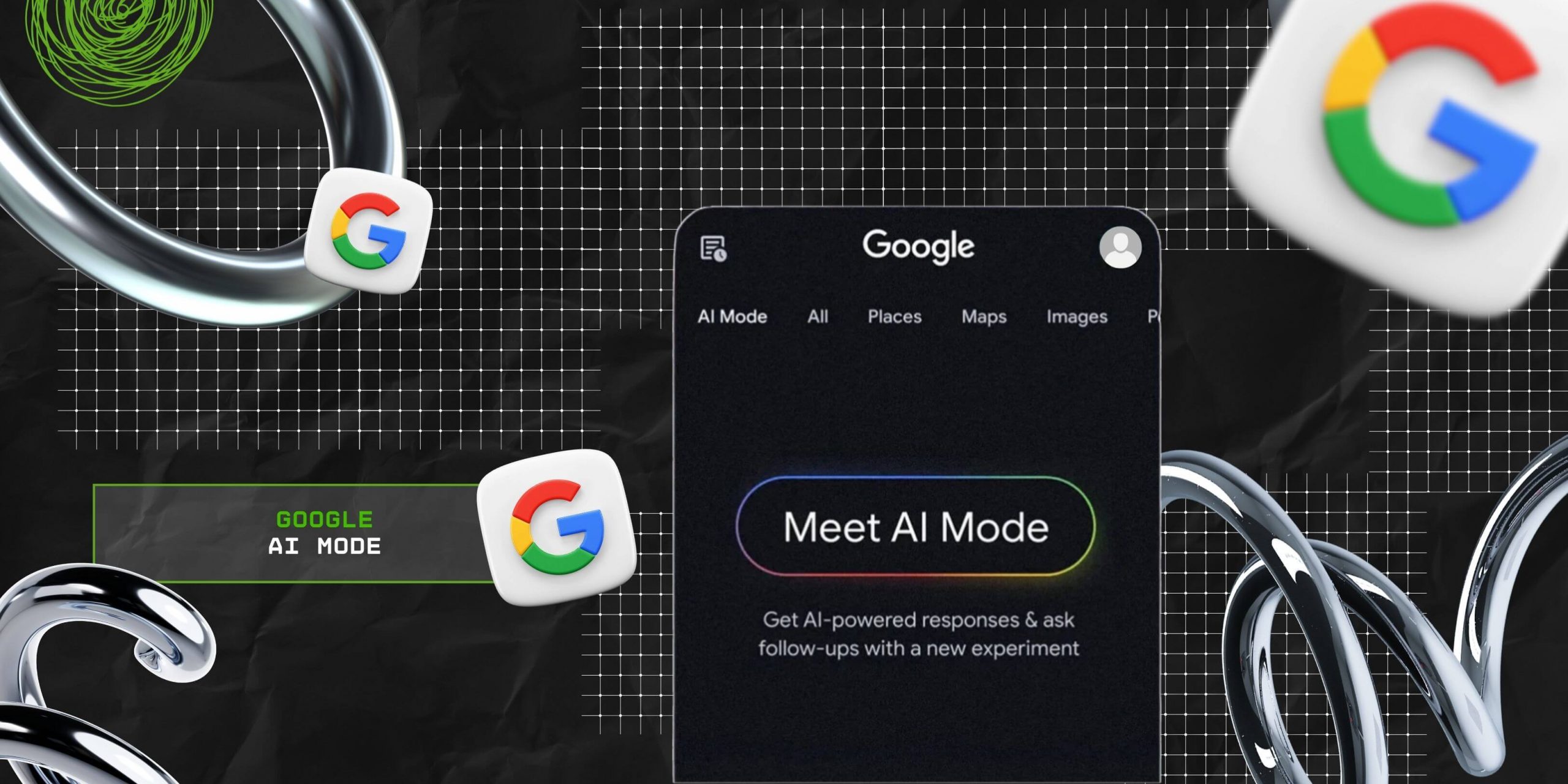

Since time immemorial, Google has been obsessed with making search easy for the user. And, with the launch of its AI mode, Google has turned its search engine model into a conversational bot.
That is, now, users can simply type in their query and get instant responses from the AI Mode. Bringing the answer to the question in a jiffy.
So, they no longer need to scroll through 12 different articles without finding a direct answer. But this has started a digital commotion around the question — “How does the Google AI Mode work?”
Well, that’s exactly what I am going to delve into today. That is, in this blog, I will be exploring the diverse aspects of Google AI Mode by focusing on—
Stay tuned!

To explain in simple terms, Google AI Mode is an evolved version of the AI Overviews. That is, it is a separate built-in feature of Google that offers conversational responses directly to user queries.
According to the report from Yoast SEO—
“Google AI Mode is a feature in Search that uses generative AI to deliver full, conversational answers instead of just showing a list of links. It breaks questions into parts, pulls information from across the web, and presents a direct, useful response at the top of the results page.”
So, when it is turned on, users get instant responses for multi-tiered questions from a single search. That is, the AI model breaks down the complex parts of the question and provides AI-generated responses for each snippet.
Moreover, the feature comes with potential reasoning capabilities, multimodal inputs, and cross-platform compatibility. Making it the perfect AI search bot.
As the report from Zapier points out—
“And like a chatbot, the feature also supports follow-up questions, so your search experience feels more interactive and tailored to you.”
Similar to other AI chatbots — ChatGPT, Perplexity AI, and Gemini — Google AI Mode provides direct answers for users’ search queries instantly.
That is, it’s “query-fan out” removes sub-searches or related queries that add jargon to the direct answer.
Rather, it generates a clear and concise snippet of information that addresses the question and creates a conversational flow.
So, the key features and functionalities of the AI Mode include—
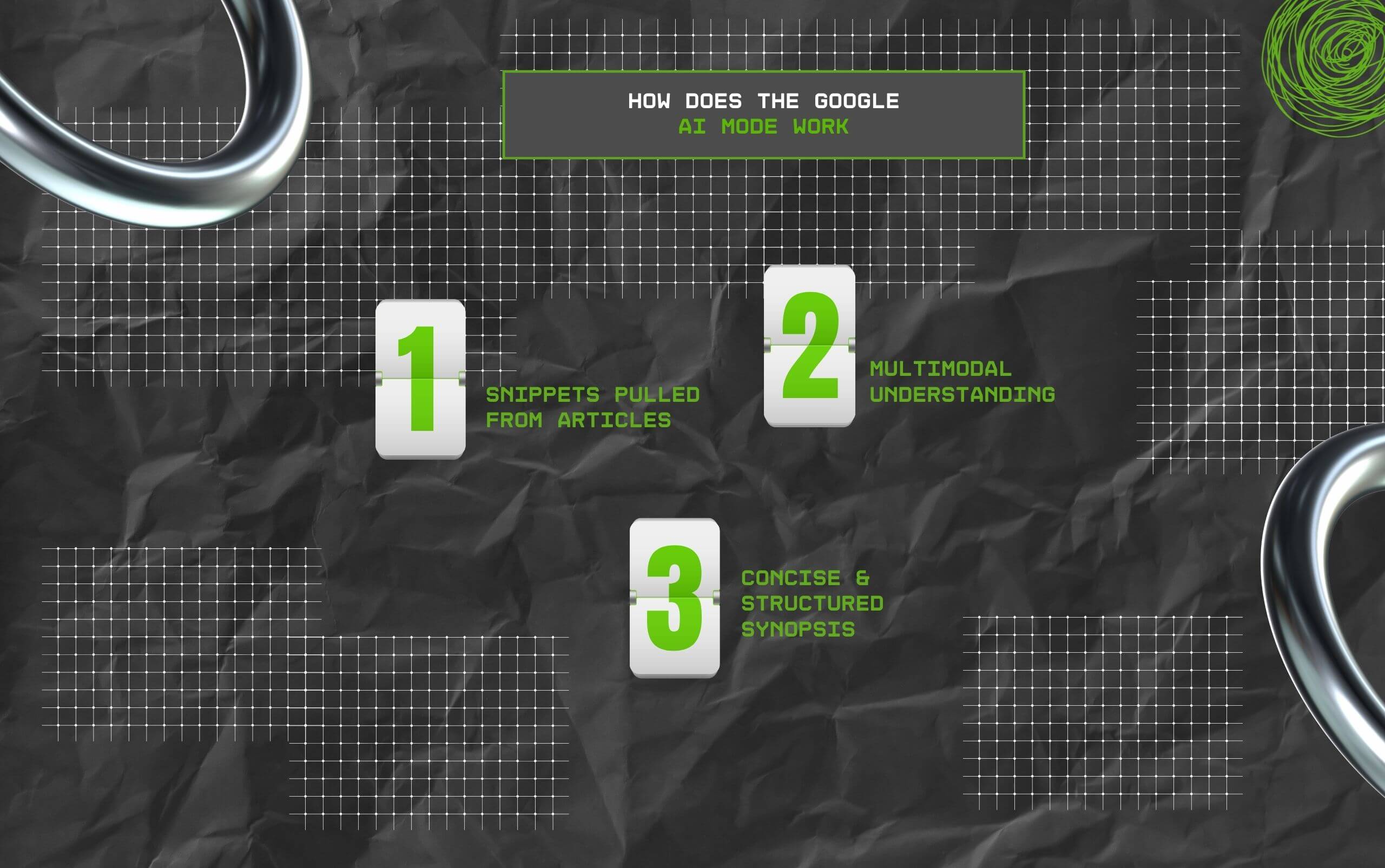
Unlike Google’s basic SERPs, its AI Mode focuses on pulling out the actual information from across the internet resources.
So, instead of a list of potential articles, it directly addresses the query with factual details. Making it easier for users to find the exact answer without getting lost in a spiral of information.
Moreover, the AI Mode’s most striking part is its multimodal understanding.
That is, it can easily comprehend diverse kinds of query formats — text, video, image, and even voice. Simplifying the searches for the users.
So, the search becomes a lot smarter with its understanding of multimodal inputs. This way, searching becomes flexible, so users can search in any format.
As the report from Yoast SEO depicts—
“AI Mode handles different types of input, not just text. You can type a question, say it out loud, or upload a photo, and it works out what you mean.”
In addition to this, Google AI Mode avoids flooding the response with irrelevant information and jargon. So, the users get a crisp and concise response from the search bot.
So, within the conversational summaries, it incorporates important details and relevant information. Presenting it in a simple and clean synopsis.
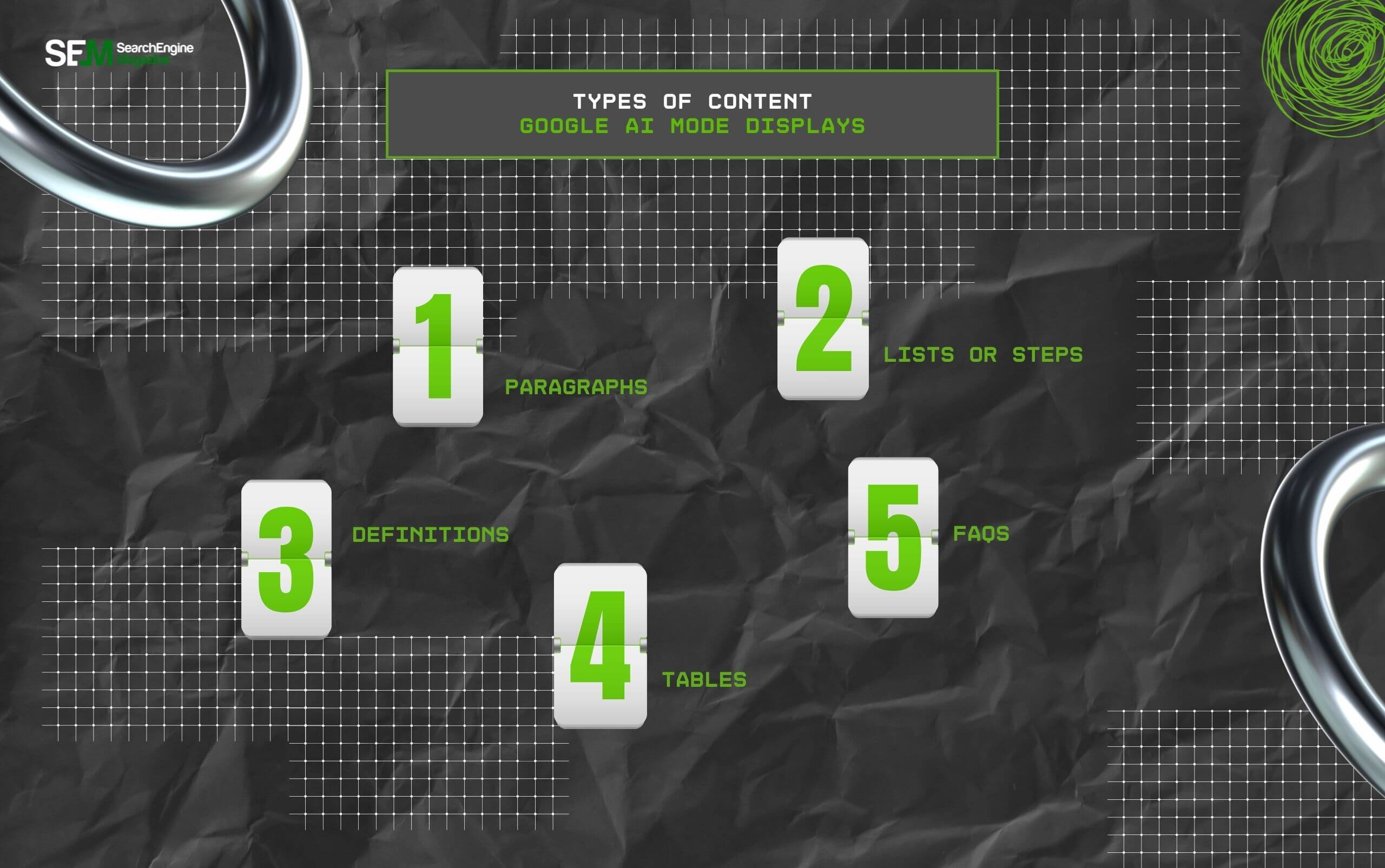
Unlike the SERPs, the content displayed on Google’s AI Mode is more structured and clearly formatted. So, some of the common content formats it uses include—
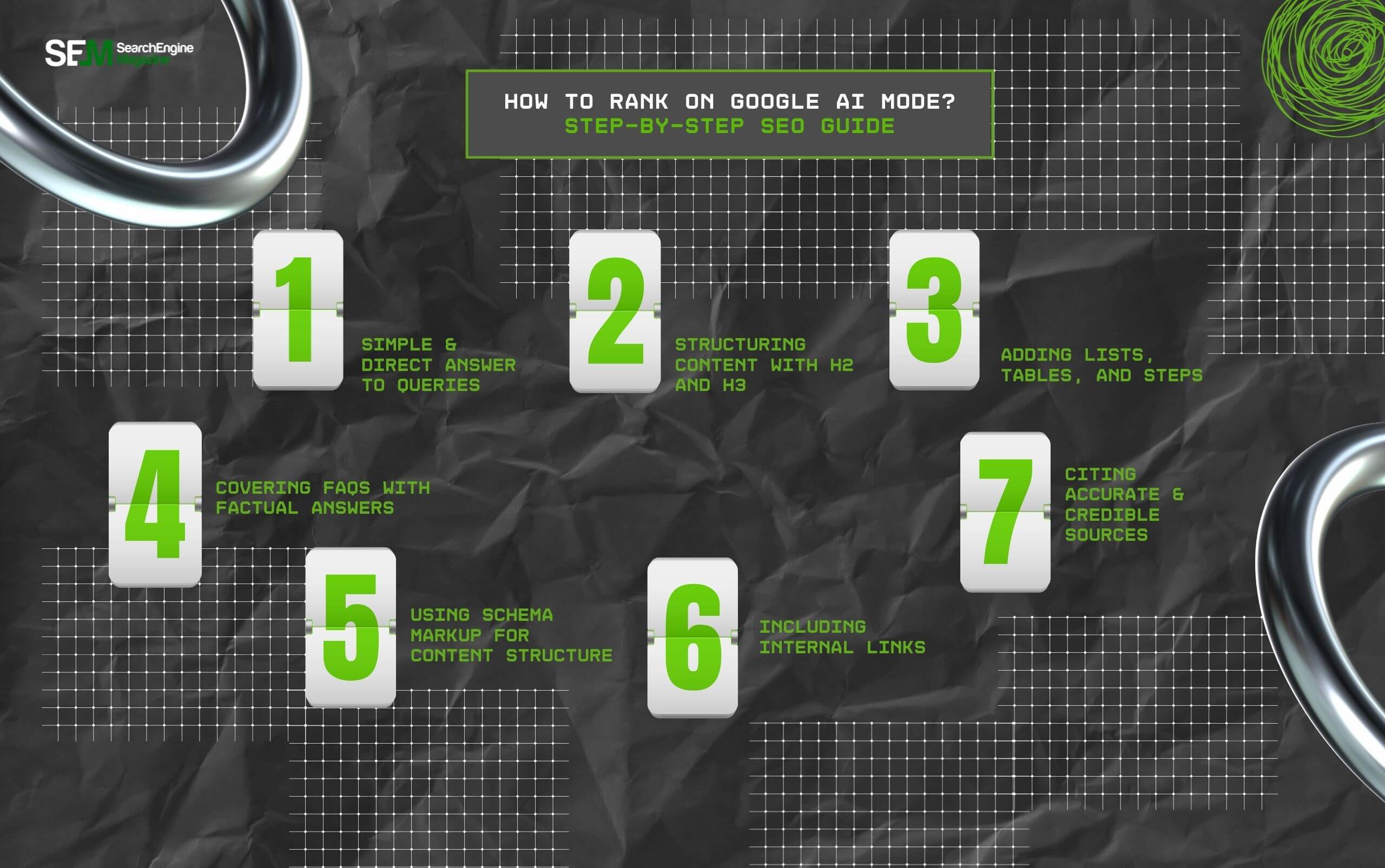
As Google AI Mode is gaining traction, users are choosing it over simple Google searches. And, ranking on it can help businesses get clicks, drive organic traffic, and increase conversion rates.
So, here are the simple steps that can help businesses to top the AI Mode list—
Firstly, AI Mode looks for instant value in content. So, creating long paragraphs with information stuffed can obstruct the ranking opportunities.
Instead, businesses should create simple, clear, and concise paragraphs highlighting the exact factual information. That is, directly addressing the user’s intent and the query.
So, Google’s AI model can pull out specific information from the content and present it in snippets on the AI Mode.
Moreover, a long block of content is so 2000. That is, in 2025, short paragraphs with proper structuring are winning the rank positions on both Google’s SERPs and AI Mode.
So, businesses should structure their content using H2 and H3. This way, they can break the long paragraph into smaller chunks that the search bot can pull while answering the user’s query.
Now, simply having a block of text can bore your users. So, the best way to make the content appealing is by combining different formats of content.
That is, breaking the content into a visually appealing structure with lists, tables, and steps for some tutorials. This way, the AI Mode can pick the exact structure for user queries.
According to the report from Pro Rank Tracker—
“Every page should be skimmable and scannable. Use subheadings to clearly separate ideas. Add a clickable table of contents so users (and crawlers) can jump to relevant sections. And use bulleted lists, charts, and tables to break down complex info into bite-sized insights.”
Since users often look for related queries, covering them in the FAQs section can be a game-changer in the ranking field.
So, businesses can add a FAQs section with just the factual information for common questions. This way, the search bot can pull up the article when a similar search appears.
With AI’s incorporation in search engine algorithms, the bots crawl through the content to understand the context.
And, schema markup enables explaining the structure of the content to both the bots and the users. Making it easier to navigate through the topic clusters.
Similarly, Google AI Mode uses the same bots to crawl through the content.
So, a schema markup can help it understand the structure and index the page to pull it up while addressing user queries.
In addition to this, internal linking on the webpage can create a proper site hierarchy. Breaking the main topic into its clustered components.
So, it is easier to navigate through a complete content cluster.
Moreover, the AI Mode can correlate the internal links to find more webpages covering content around the same topic and index them.
So, the repository is filled with webpages covering the diverse aspects of the topic. Allowing users to find the exact answer in a jiffy.
As the report from Pro Rank Tracker highlights—
“This kind of content builds topical depth. It helps show Google’s AI that you know what you’re talking about — not just on your product pages, but across the broader context of your industry.”
Unlike other AI models, Google’s AI Mode pulls accurate information most of the time. So, when businesses provide accurate and credible information, their pages are pulled by the AI mode.
Moreover, the credibility and accuracy of the information further build trust with the users. So, making it easier to drive organic traffic to the site.
Now, the question is — “How to know if the strategies are working with Google AI Mode?”
Since ranking or being visible to Google AI Mode is not similar to basic Google SERPs, businesses need solid measurable metrics to check whether the strategies are working or not.
Now, there are other ways to check how the content is performing on the AI Mode. But most of them require complex processes or third-party implementation.
So, it is better to use the simple Google Search Console to directly measure the impact of the AI Mode ranking.
Now, with this simple guide, anyone can boost their content rank on Google’s AI Mode. But if you are waiting for the right time, you might miss out on the opportunities.
So, apply these strategies and jump to the top of the ranking charts today!
Here, I have brought you some of the common questions around Google AI Mode that most users look for.
If you want to turn on Google AI mode, you need to visit the main home page of Google and click on the “AI Mode” next to the search bar. Alternatively, you can visit the google.com/ai link to directly turn on the Google AI Mode.
Generally, the base Google Gemini 3 model is free. So, any user can log in to their Google accounts to access the Gemini 3 version. But the Pro version of the model, that is, Google Gemini 3 Pro, is not available within the free tier. So, users need to pay a subscription charge to access the AI tool for generating creative ideas and more.
Google has segregated its AI tool and AI research model into separate divisions. That is, Google’s AI chatbot is called Gemini — previously called Bard — and Google’s research division is called DeepMind. Moreover, this research team was formed by combining the artificial intelligence department with the Google Brain Team.
In simple terms, Google AI Pro refers to the paid subscription to the advanced features and AI models of Google. So, users can access all the high-end facilities of Google’s AI tools with a simple monthly subscription. Apart from the AI tools, Google AI Pro offers increased storage across all its tools for the Google account. So, users can access AI models, get more storage, and other enhanced features across the other apps.
There are a few methods that can help in turning off Google’s AI mode. Some of these methods include—
• Disabling the AI Overviews from the Search Labs menu of Google Search
• Pausing the web and app activity from the Profile’s privacy settings
• Turning off the personalization options and smart features from the Google profile.
Chandrima is a seasoned digital marketing professional who works with multiple brands and agencies to create compelling web content for boosting digital presence. With 3 years of experience in SEO, content marketing, and ROI-driven content, she brings effective strategies to life. Outside blogging, you can find her scrolling Instagram, obsessing over Google's algorithm changes, and keeping up with current content trends.
View all Posts

Structured Data SEO: How Schema Markup Helps ...
Sep 12, 2026
TikTok Downloader For Content Marketing Resea...
Sep 12, 2026
AI Content Optimization: How To Make Your Con...
Sep 11, 2026
AI Citations: How To Get Your Content Referen...
Sep 10, 2026
Top Enterprise AI Cloud Platforms for RAG, AI...
Sep 08, 2026