Structured Data SEO: How Schema Markup Helps Search Engines Understand Your Website
Sep 12, 2026


Being in the digital marketing field, I have seen countless good sites lose their authority within the blink of an eye. And, that too because they migrated the website.
Since then, website migration has been taboo in my mind. Now, most digital marketing agencies avoid website migration to keep their authority and organic traffic intact.
And, I get that it is risky to migrate a good website. But sometimes migration can change the overall SEO performance. Taking rankings to the next level.
Now, you must be wondering how to tread this risky path. Well, the answer is to follow a proper SEO migration guide — covering both the pre-planning and post-checklists.
So, here, I have brought you exactly that. In this simple guide, I have delved into the diverse aspects of website migration, exploring—
Stay tuned!
Before diving into the checklists, let’s understand what exactly SEO migration is.
So, to put it in simple words, website migration, or as it is commonly known, SEO migration, refers to a relocation process.
That is, it is a process to move a website from its former domain, hosting area, or content niche to another.
Now, this is done for a variety of reasons. But the risky part of this process is the loss of stability in the digital space.
That is, this sudden migration from a stable content management system can massively impact the organic traffic, domain authority, and more.
So, naturally, it is usually avoided to ensure that the brand sites stay stable.

Even though the process is complicated and associated with high risk, businesses often choose to migrate their websites. So, here are some of the reasons behind—
1. Technological Changes — If the brand is switching to a modern technology, they need to integrate it into the system. So, it changes the website to upgrade it for the technological change.
2. Relocating Website — This revolves around changing the domain of the site by relocating it to another one. So, the brands can relocate the site to a new domain, merge with another site, or rebrand it.
3. Redesigning Site Structure — Unlike minor tweaks in the website, major design changes can often lead to a migration of the website. So, brands might choose to redesign the entire website and change the domain location.
4. Content Production Changes — Moreover, if brands choose to change their content production angle, then they need to change the entire domain. So, the new content production aligns with the website designs.
5. Switching Host Domain — If the host is switching, then the website needs to be migrated to the new hosting, domain, and location. So, it becomes easier to switch the hosts with a simple website change.
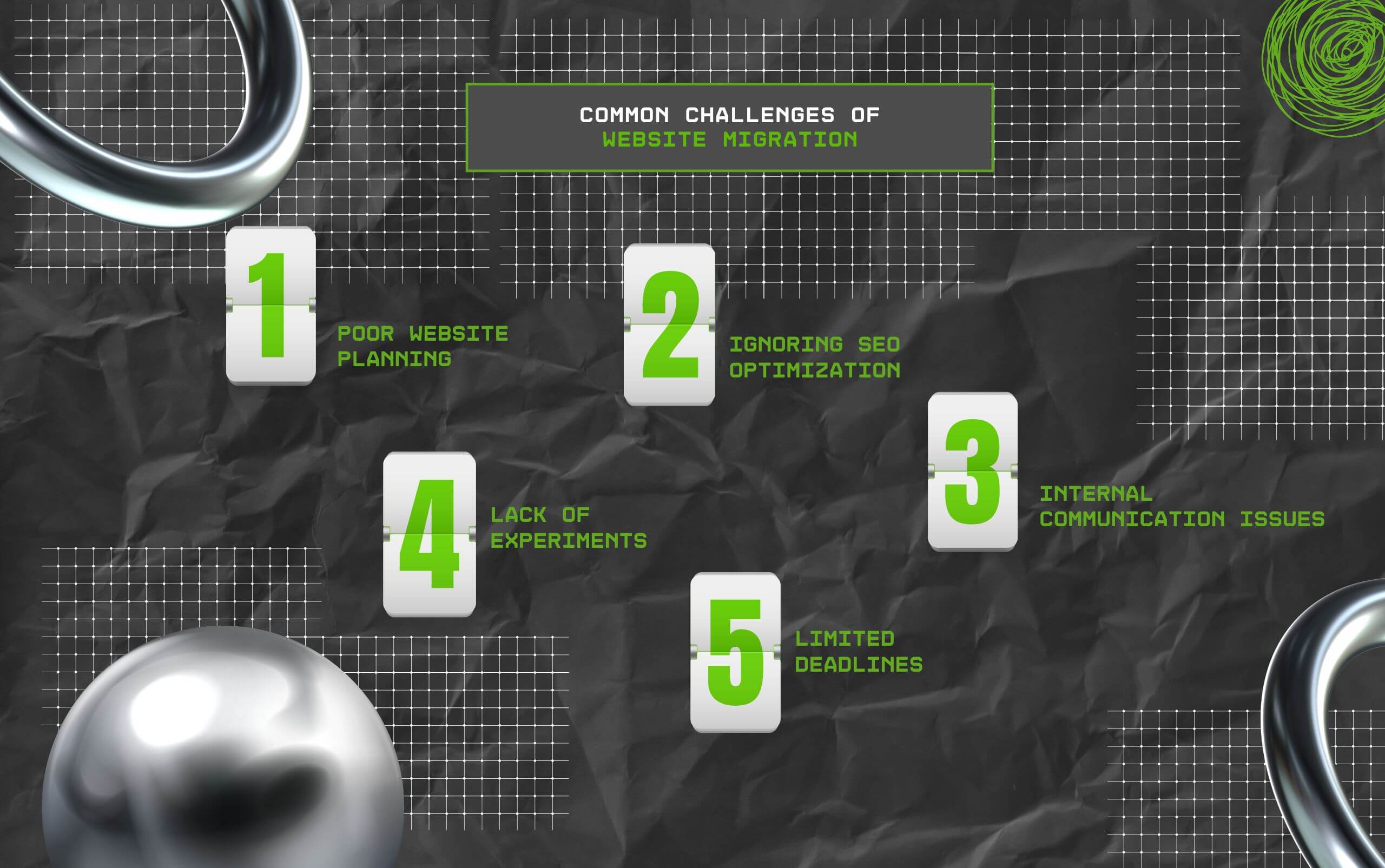
Now, migrating can sound exciting, but it comes with massive risks and challenges. So, some of these challenges include—
Firstly, poor planning and resources can massively impact the smooth migration of the websites. So, it is vital to develop a proper plan for running the migration process.
That is, brands need to identify the purpose, allocate the resources, and structure the team, and keep an alternative plan handy — in case things go South.
Another vital challenge is SEO optimization. Given that migration impacts the SEO performance, it is better to optimize the process to minimize this SEO impact on the site.
Team communication regarding the website migration cannot be overlooked. That is, brands need to ensure that all the cross-functional teams communicate about the process.
This way, the process can be streamlined and smoothly run, avoiding major issues. So, migration can be done in a few days.
Moreover, testing and experimentation matter. That is, before making the final decision on the structure, design, and other aspects of the websites, brands need to test different versions.
So, brands can conduct private testing of the different versions and collect the engagement data. Then, based on these insights, they can make a more data-driven decision.
Finally, SEO migration is not a one-night process. It takes hours and days to fully migrate a site to another domain without majorly impacting its SEO aspects.
So, having short deadlines can affect the proper execution of the migration process.
Since SEO migration is a very complicated process, following a proper process is vital. So, here are the pre-migration and post-migration checklists—
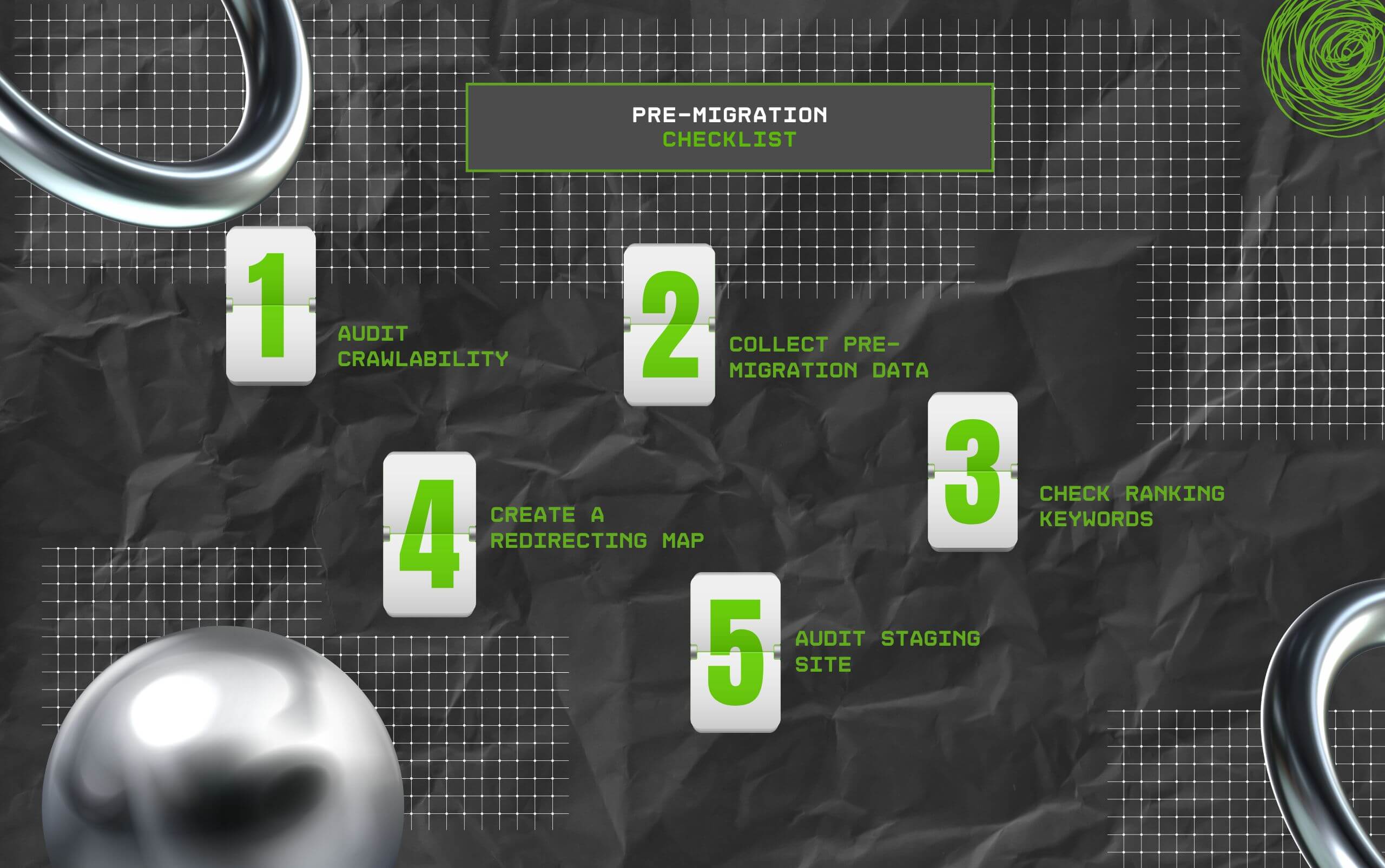
Now, before starting the migration process, here is what you need to keep prepared. This way, you can conduct a successful SEO migration.
Conducting an audit on how the current version is crawled gives accurate data on the site’s authority and SEO performance. So, it can help in comparison.
Then, gather the data on the indexed URLs, traffic, backlinks reports, XML sitemap, and content-related information. So, it can be compared with the post-migration results.
After that, collect the data on the current ranking keywords and their traffic rate. So, it can help in identifying the post-migration issues with the website.
Moreover, you need to create a clear map of the current pages that will be redirected to the new version. This will keep track of the entire redirection in the URLs.
Finally, conducting a technical audit on the staging site can help in resolving the tech issues before starting the migration process. So, post migration, these issues won’t affect the site’s SEO performance.
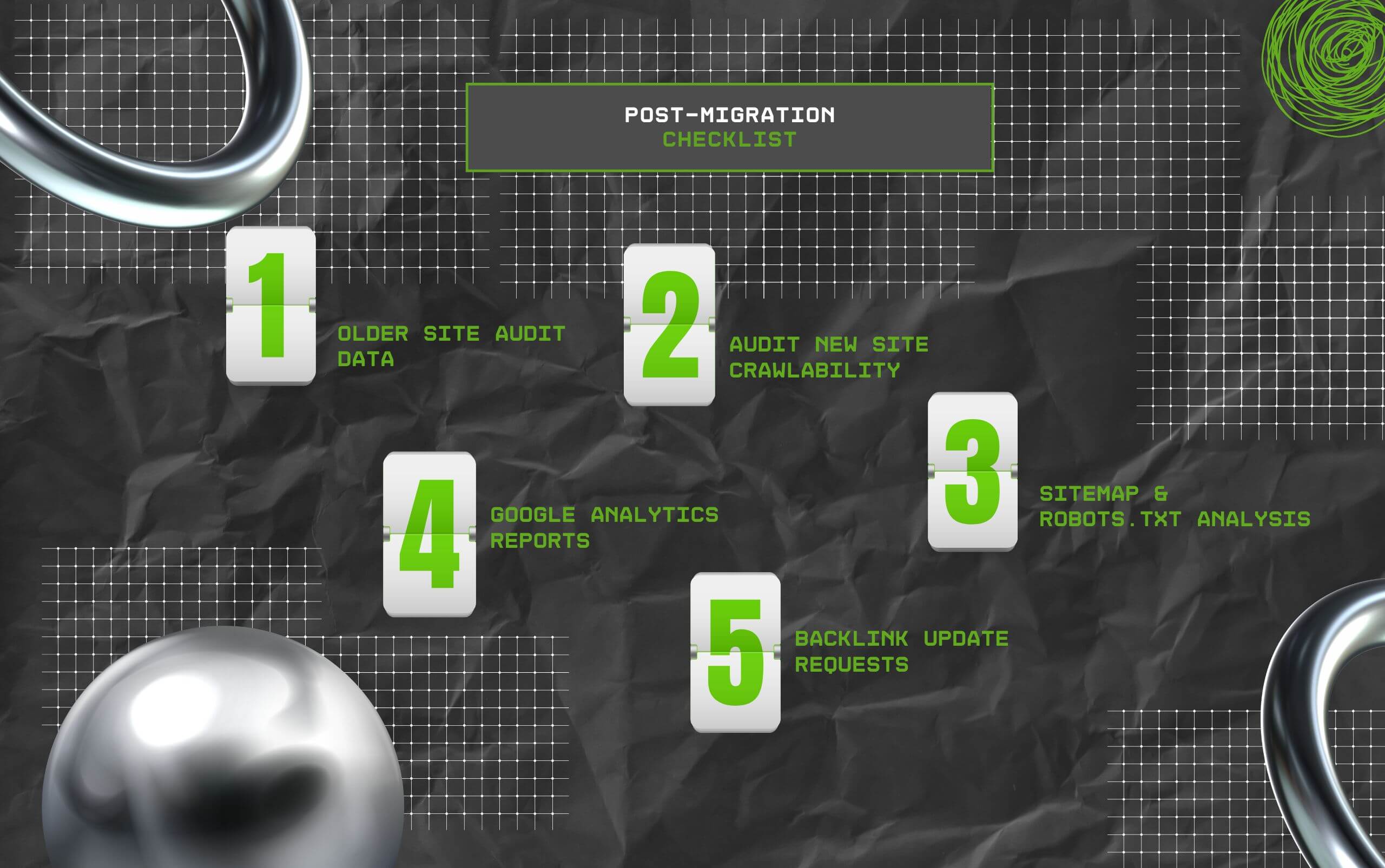
Similarly, after the migration is over, you need to check how successful it was. So, here is a clear breakdown of the post-migration checklist—
Firstly, to start the comparison between the older and the newer versions of the website, you need to audit the older site and collect relevant data on its SEO performance.
Then, run an audit on the newer site to measure its crawlability and SEO performance. This way, you can compare the URLs, tags, blocked pages, and other issues at the earliest.
After that, analyze the sitemap and robots.txt files to ensure they are formatted properly. So, you can identify the tech issues and fix them with the XML sitemap validator.
Moreover, collect the GA4 reports on the indexing, traffic, ranking keywords, and page speed. This can help in comparing the two versions and measuring the success rate of the overall SEO migration.
Finally, you need to identify the broken backlinks and fix them by sending requests to the authoritative sites. Additionally, you can use the 301 redirects to pass the link equity after the migration process is complete.
Now, the process of migrating a website from its current domain to its new domain is not child’s play. Moreover, it comes with risks and challenges.
So, a simple mistake can be quite fatal to the overall SEO performance.
But when you have the perfect checklist for both the pre- and post migration process, the process no longer feels daunting.
So, take this chance to migrate your website without falling into the risky pitfalls.
Here, I have delved into the diverse frequently asked questions around the SEO migration for websites that most users look for.
Since website migration ranges from slight changes to massive changes, the time taken to complete the migration process can differ.
For instance, if there are simple changes, then it can take up to a few hours. But if there are complex changes, then it might take a few months to fully complete the change.
Even though there is no negative impact of website migration on SEO rankings, it can affect the rankings temporarily. That is, the SEO ranks can fluctuate with the migration rolling out.
But mostly this fluctuation resolves within a month to 3 months. So, it does not permanently impact the SEO rankings post the migration is complete.
Yes, absolutely. Believe it or not, updating the XML sitemap for a migrated website is the first crucial step after the migration is complete.
This update helps in restructuring the URL tags with the changed website structure. So, search engines can easily index the migrated website content.
Yes, absolutely. Given that migrating websites can often lead to broken backlinks, it can be fixed using 301 redirects.
So, the users can be redirected to the new and relevant backlinks. Also, you can find the exact backlinks from the old version of the pages and relink them to the content.
Generally, to check if the migration was successful, brands and businesses need to track the key website performance metrics.
That is, they can monitor the pre and post migration performance metrics to analyze the success rate of the website migration. So, they can measure and modify the strategies.
Chandrima is a seasoned digital marketing professional who works with multiple brands and agencies to create compelling web content for boosting digital presence. With 3 years of experience in SEO, content marketing, and ROI-driven content, she brings effective strategies to life. Outside blogging, you can find her scrolling Instagram, obsessing over Google's algorithm changes, and keeping up with current content trends.
View all Posts

Structured Data SEO: How Schema Markup Helps ...
Sep 12, 2026
TikTok Downloader For Content Marketing Resea...
Sep 12, 2026
AI Content Optimization: How To Make Your Con...
Sep 11, 2026
AI Citations: How To Get Your Content Referen...
Sep 10, 2026
Top Enterprise AI Cloud Platforms for RAG, AI...
Sep 08, 2026