How Corda Turns Authority Data Into Campaigns
Oct 01, 2026
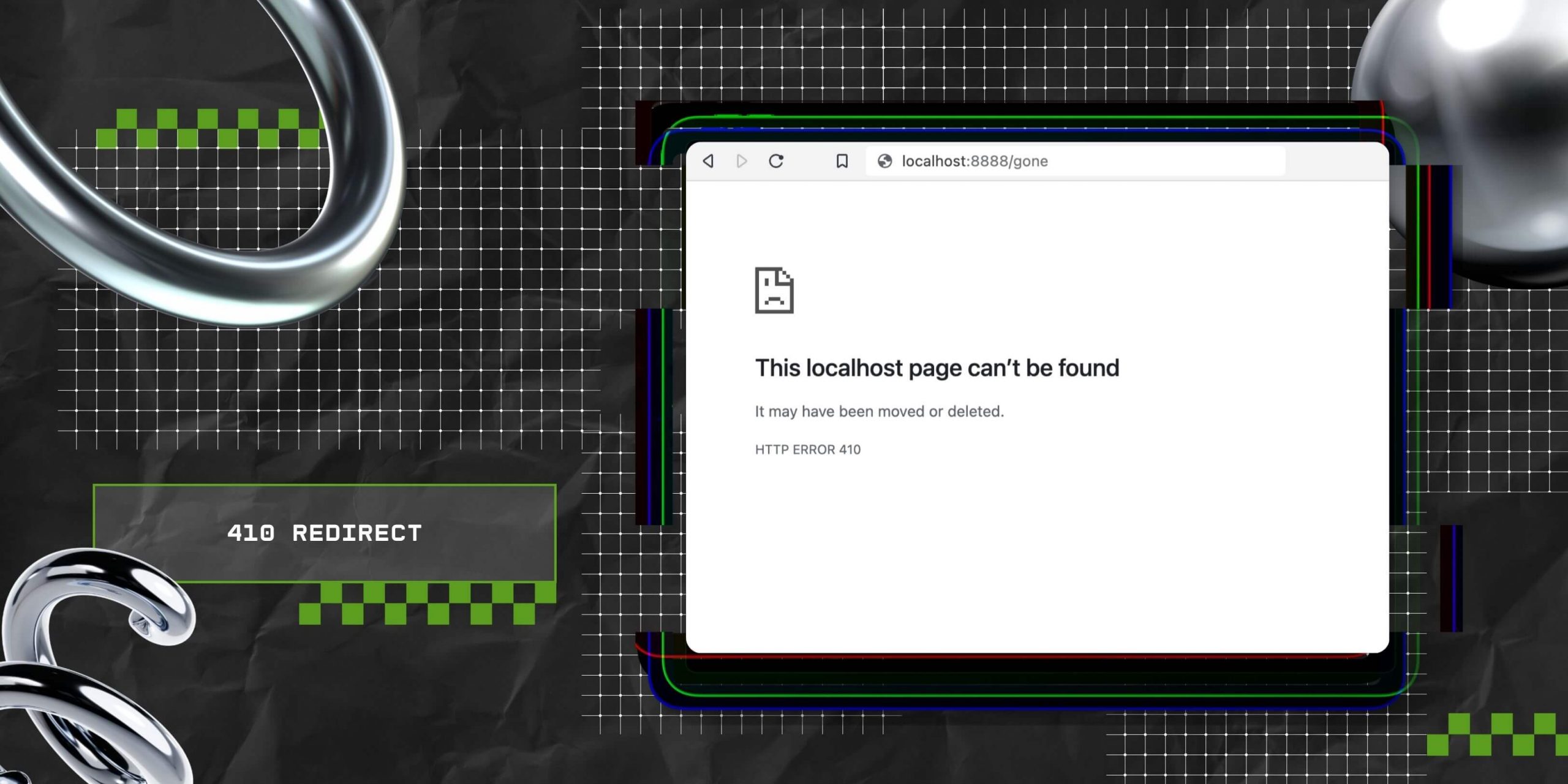

With the Google March Update rolling out as we speak, it is perhaps the right time to talk about the 410 redirect!
If your site is currently full of outdated, irrelevant, or old content that fails to help your visitors, then you need to delete a few posts.
But you have to be super careful about how to delete blog posts properly – otherwise, things might backfire.
TBH, I have personal experience when it comes to deleting old, outdated content from a site – I have done it for Search Engine Magazine post the March 2024 update.
And the entire time I was doing content pruning, I was worried – the problem? You can’t make a mistake. And that itself creates pressure.
While getting rid of old blogs, it is crucial to be accurate. Otherwise, your actions will create a negative impact on your site’s overall search engine rankings and user experience.
So, in that case, the best way to go about deleting blogs is to rely on 410 redirects.
And that is precisely why I’m here to help you understand a 410 redirect better, focusing on how it is different from any other redirect.
Also, with my help, you can ensure that search engines and visitors on your website know what content was deleted, and more importantly, why, maintaining the website’s structural integrity.
Stay tuned.
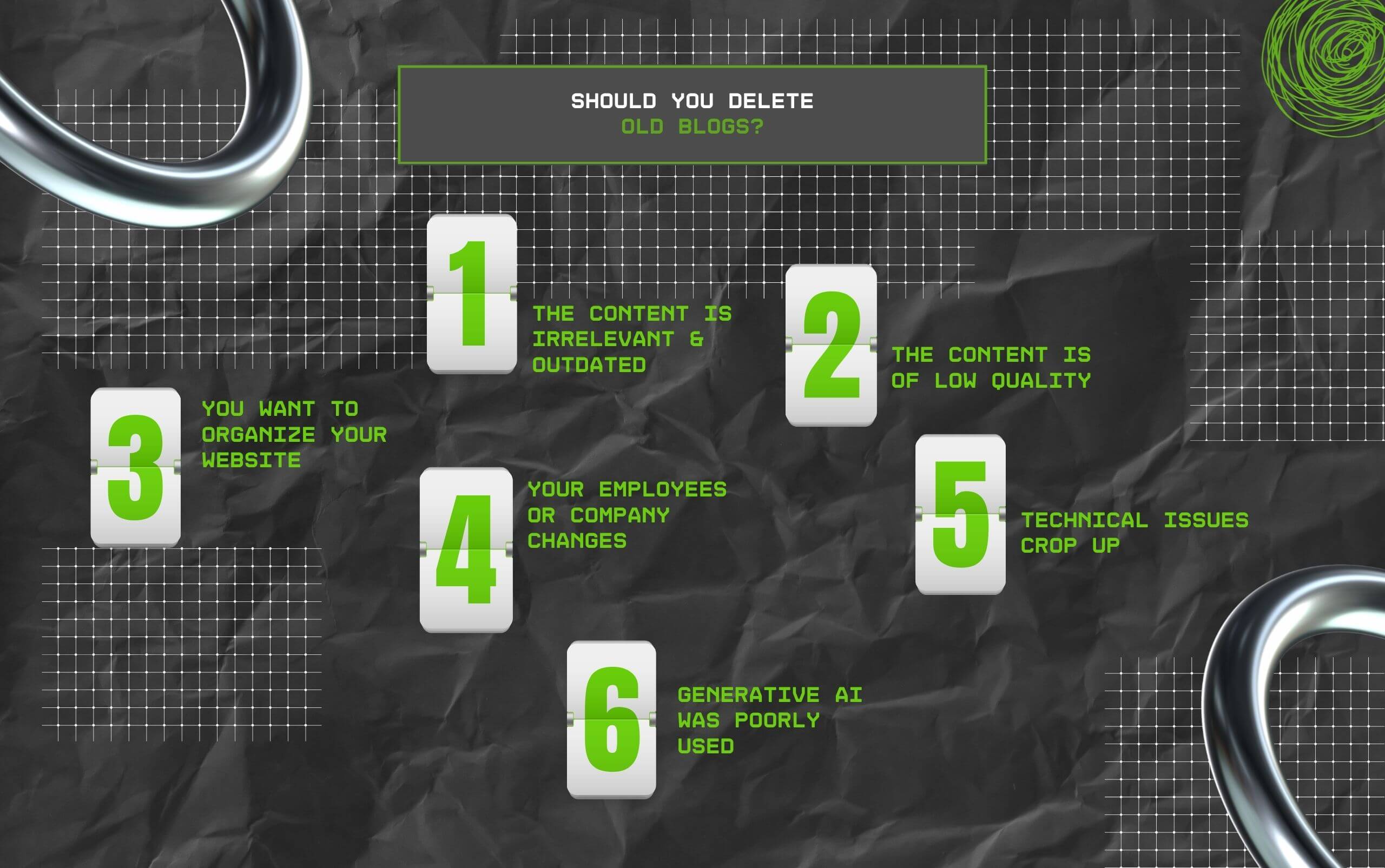
So the important question to ask here is: should you think about deleting old, outdated content from your website? Well, frankly speaking, the answer can vary.
Having said that, you should definitely delete old blogs from your website if:
So if your content talks about a service that you don’t offer anymore, then delete the content.
Similarly, if you’re promoting some event from an entire decade ago, then delete the content. In contrast, if you have content with outdated facts, then you can modify and republish.
Delete blogs that have extremely low-quality content. Also, this applies to any content that is less than 500 words.
Plus, it includes content that just feels off – some blogs will just feel off once you revisit them.
So, if your content topic is excellent but the blog fails to offer qualitative value, then just delete the post and rewrite the blog from scratch.
Websites – like anything in life – need occasional cleanups.
So, if you come across orphan pages or pages with confusing navigation, it is time to consider removing the same content pages.
I have always followed and will continue to do so in the future. Always delete posts that feature personal experiences of writers who no longer write for you.
Similarly, if you have author bios of former employees, it’s best to remove them as well. Also, the same is applicable for any industry you don’t want to collaborate with.
Old and outdated blog posts often have duplicate content or broken links. Sometimes it is so much easier to just delete these posts instead of fixing them.
If someone in your team (or you) has used ChatGPT or any other AI tool to create too many pieces of low-quality content, then it is crucial to think about removing those blog posts.
Also, if you have the time to come up with a prompt and create AI content, then you should also put in the effort to check and add a human take.
Thus, if your blog does not meet the criteria I discussed above, you can consider updating it instead of deleting it.

Generally, using a 410 redirect for deleting outdated blogs is a normal practice. However, there are a few times when using a 301 redirect is a better option instead.
On that note, here are some advantages and disadvantages of each redirect.
As I have been saying, a 410 redirect will tell Google that a user had meant to remove a specific blog post.
It is better than opting for a 404 redirect, which usually indicates an error, but it doesn’t explain ‘why.’ Also, Google doesn’t stop crawling URLs that have a 404 status code.
As a result, a 410 redirect is better, considering Google stops crawling URLS with this status code. Naturally, using a 301 redirect eats into your website’s crawl budget.
In contrast, 410 redirects simply indicate that the blog no longer exists. And there’s no necessity for finding any relevant content for redirecting the old URL to.
Also, in the majority of cases, such redirects are an excellent way of deleting old blogs.
A 301 redirect automatically sends one URL to another, directing both users and search engines to the new page before they can access the original one.
Moreover, you can use this redirect to get rid of old blogs – how? By redirecting organic traffic away from old blogs to a new page. This, in turn, creates multiple issues.
Using this redirect for deleting old blogs requires you to have something similar to point to. As a result, you should only use this redirect for pointing out related pages or posts.
Having said that, remember that a 301 redirect keeps your old blog live in some form. This, in turn, will complicate the website’s structure.
Moreover, in the worst case, 301 redirects pointing to one another end up creating a redirect loop of sorts – such a loop can take an entire website down.
TBH, deleting outdated blogs is relatively easy once you know what you have to update and what you have to delete.
Now, assuming you have taken my advice and decided on using a 410 redirect instead of 301, I’ve laid out the steps for deleting outdated content from your website.
Please note that these steps are meant only for WordPress sites that have Yoast SEO Premium installed. FYI, the premium edition will cost you $99 annually – and it’s absolutely worth it.
Step 1: Change the post’s status to “Draft” by going to Posts → Quick Edit. This ensures the post no longer appears on your blog listing, category pages, or anywhere else it may be automatically displayed across your site. Keep in mind, “Posts” is the default WordPress label for blog entries—if you’re working with a custom post type, navigate to that section instead. The “Status” option is a quick way to publish or unpublish content.
Step 2: Open Yoast’s Redirects manager and choose the “410 Content Deleted” option under Plain Redirects. This action assigns a 410 status code to the selected post, indicating that the content has been permanently removed.
Step 3: Enter the post’s URL into the “Old URL” field and click “Add Redirect.” If you decide to reverse this later, you can remove the 410 redirect directly from the Redirects section.
And that’s all you need to do to successfully delete any outdated blog with the help of a 410 redirect.
If you end up doing it the right way, then deleting old or outdated blogs doesn’t impact SEO negatively. Instead, it can end up helping your SEO strategy.
Moreover, inaccurate or outdated content offers no value to search engines or users.
Also, providing value to search engines or helping users is at the core of Google’s content guidelines for ranking on SERPs.
In addition, old blogs can get problematic in case they end up complicating navigation. And this is also true of blogs containing broken links.
As a result, it is so much better if they get deleted in such cases. In contrast, you should try to update old blogs before you decide to delete them.
This is because any content that has been on the web for some time typically gains backlinks and some authority.
So, if you can retain those backlinks and authority while keeping your facts up to date, you are all set.
Barsha is a seasoned digital marketing writer with a focus on SEO, content marketing, and conversion-driven copy. With 8+ years of experience in crafting high-performing content for startups, agencies, and established brands, Barsha brings strategic insight and storytelling together to drive online growth. When not writing, Barsha spends time obsessing over conspiracy theories, the latest Google algorithm changes, and content trends.
View all Posts

How Corda Turns Authority Data Into Campaigns
Oct 01, 2026
How To Audit Your Search Visibility In 2026: ...
Sep 30, 2026
What Is Google Lighthouse? A Practical Guide ...
Sep 30, 2026
When Can You Save A Public Instagram Story?
Sep 30, 2026
Google Looker Studio: What It Is, How It Work...
Sep 30, 2026