Agency Guide To YouTube Growth: Wholesale Pricing For Multiple Clients
Sep 15, 2026


Each status code has its own story. About? What is happening between a server and a client (example, a web browser)?
And some stories are just so simple and easy to understand. For example, 404 means that a web page does not exist, and 200 simply means success.
However, if you come across something like ‘4o5 Method Not Allowed,’ then the story becomes somewhat interesting.
And that is precisely why I’m here! To break down the 405 error in detail, figure out the potential causes, effective solutions, and prevention tips for the future.
Welcome to my error troubleshooting guide. Stay tuned!

The 405 error is a response that appears when your web browser or an API tool attempts to request a resource with an HTTP method that the server doesn’t allow for that resource.
For instance:
So, the vital detail here is that the web page you are trying to visit exists. However, the specific request method for interacting with the same isn’t allowed by the server.
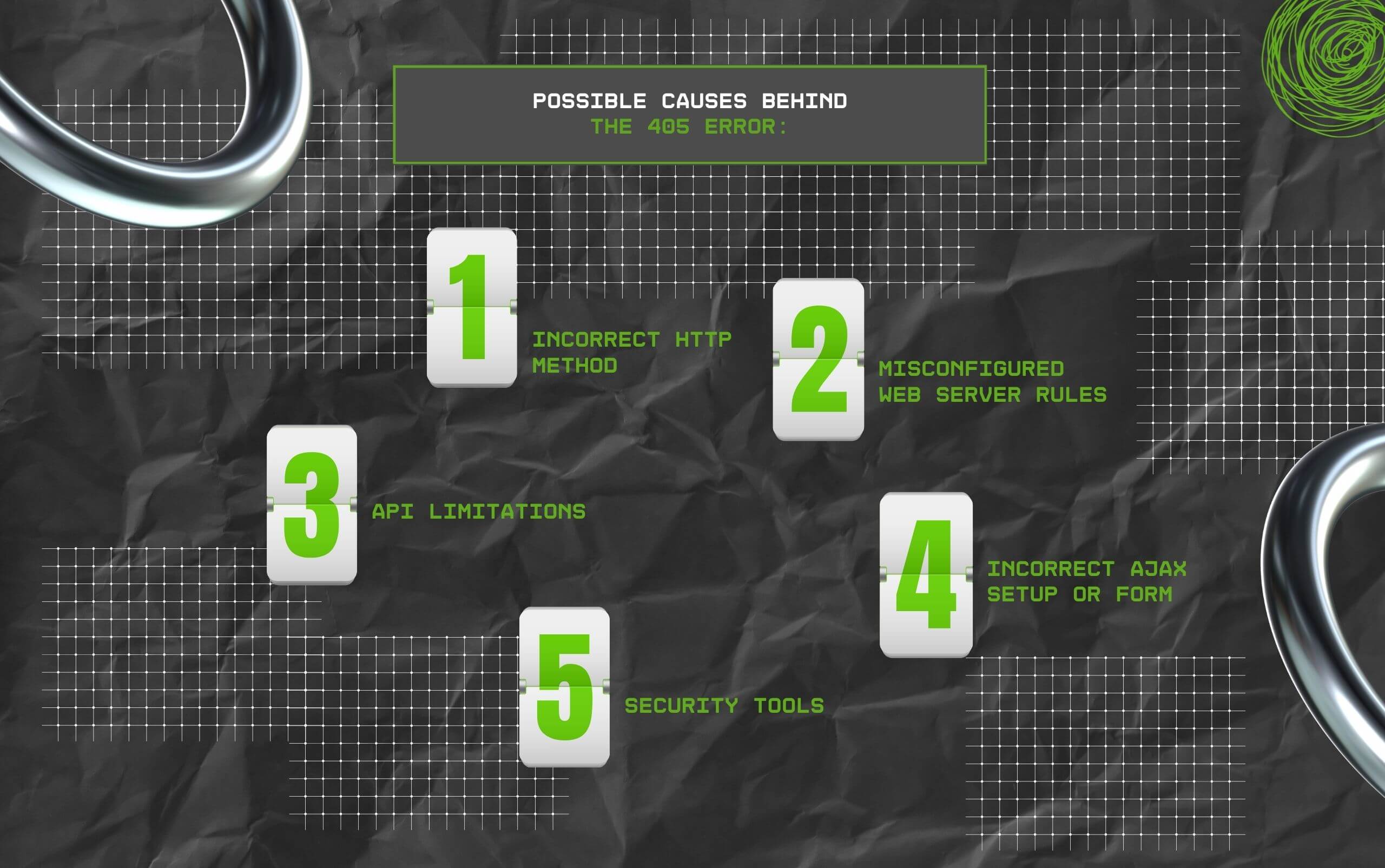
The 405 status code does not always have an obvious cause – or a single one for that matter.
For instance, it could be due to the request method or due to problems with the server configuration. Moreover, it could even be due to additional layers of security in place.
So, there could be more than one possible cause that leads to the 405 error. And I’ve done my best to highlight all the common situations that are likely to trigger this error.
On any server, resources are set up for accepting specific HTTP methods.
For instance:
Moreover, one of the most common scenarios for this to occur is when any developer makes a POST request to a link that was designed only for handling GET requests.
While the server is able to recognize the resource, it does not support the method. As a result, it ends up responding with the 405 status code.
This is perhaps the most common (and frequent) cause behind the 405 status code, particularly if you are working with API, scripts, or forms that engage with web services.
Servers such as IIS, Nginx, and Apache provide control to administrators over permitting different HTTP methods.
Moreover, configuration directives like Nginx’s limit_except and Apache’s Limit can block some verbs explicitly.
For example:
This typically takes place after any change to server blocks, the IIS request filtering settings, or .htaccess files.
Even overlooked directives or small typos can lead to methods getting blocked unintentionally.
APIs often come with method rules that are very strict. Moreover, in any RESTful API, various HTTP verbs generally correspond to particular actions:
So, if any developer uses an incorrect method to call an endpoint, like making a PUT request to a link that allows only POST requests, then the server will respond with the 405 status code.
Now this is kind of intentional, considering APIs are supposed to enforce interaction patterns consistently.
For instance, the API for GitHub doesn’t allow users to DELETE any repository mistakenly with an inaccurate method call.
Instead, it needs an accurate verb, or the user will receive a 405 error.
JavaScript requests and web forms are another very common reason behind the 405 status code.
While a web form can come with the “method=’post’ attribute.” However, the server allows only GET on the same URL.
In that case, either JavaScript will fetch (), or XMLHttpRequest might have the coding to make PUT requests if the backend supports only POST.
Moreover, browsers can handle AJAX and form submission automatically.
As a result, even the tiniest mismatch in the server’s expectations versus how the request has been coded can trigger the 405 error.
Also, beginners usually face this issue when they are learning to work with a frontend framework for making API calls or setting up web forms in PHP.
So, even if you have configured a web server accurately, security layers might step in to block requests.
For instance:
Also, in these situations, the web server itself can support a method. However, it is possible for the request to get intercepted even before it can even reach the application.
Moreover, this, in turn, leads to a lot of confusion.
Why? Because logs might show that the server has been ‘rejecting’ the particular method, but in reality, it is a sort of security layer doing all the filtering.
On the surface, you can mistake the 405 status code for other server and client errors. However, the details do matter.
Moreover, finding out the key differences will only help you to solve errors correctly.
| Error Code | What It Means? | Example |
|---|---|---|
| 404 Not Found | The server isn’t able to find the particular resource that you are requesting. | You try to visit a page (e.g., abc.com/page.html), but the page doesn’t exist. |
| 403 Forbidden | The resource does exist. But the web server happens to be blocking your access. | You try to check out private directories without permission. |
| 501 Not Implemented | The server does not support or recognize the HTTP method for any resource. | If the web server does not support a PATCH request, then this error will occur. |
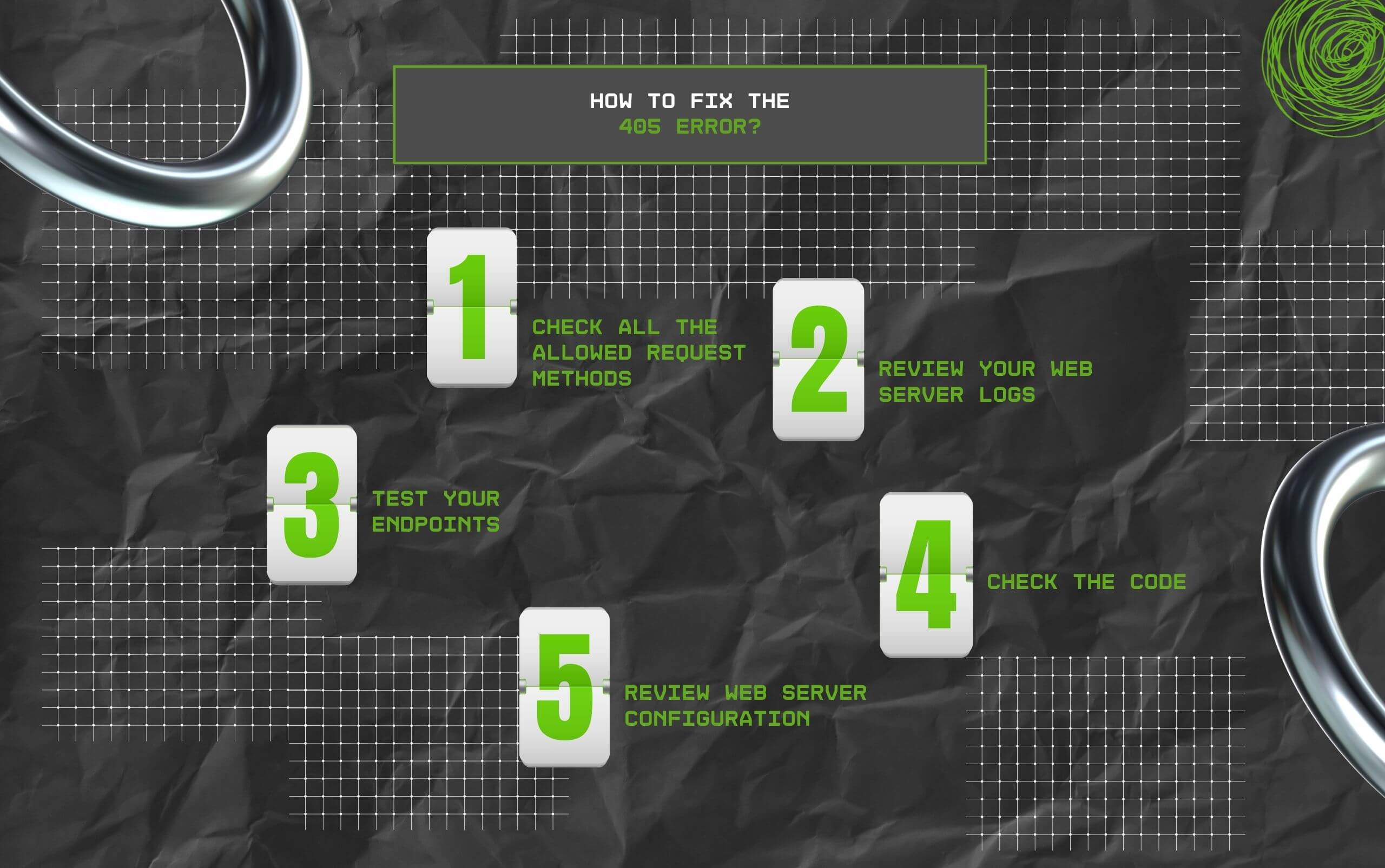
It is a little tricky to solve the 405 error because the web server is able to acknowledge the existence of the resource. However, it has rejected the request because of how it was made.
As a result, finding out the exact cause behind the error will help you to solve it – and that too with the help of my step-by-step guide.
When a web server responds with the 405 error, you will see the response has an ‘Allow header’ that lists the methods that particular resource supports.
This is literally the web server’s way of telling you, “You cannot do that. But here’s what you can do instead.”
For Instance:
HTTP/1.1 405 Method Not Allowed
Allow: GET, POST
So, if you attempted to send a PUT request, this response will tell you that POST and GET requests are only valid.
Moreover, you can view this easily with the help of browser developer tools from the Network tab. Also, you can use external tools like Postman.
Additionally, if you can automate header checks within the debugging window, it can quickly identify the misaligned method that was used for different endpoints.
Logs are usually the quickest way of uncovering the cause since they generally explain directly why they rejected the request. Also, they confirm it is not due to deeper connectivity problems.
Additionally, logs might display entries like: “The client sent an unsupported method (PUT) to /index.php.”
Tools like Postman or cURL are valuable for finding out which methods will actually work.
Moreover, testing endpoints in this way also rules out any kind of guesswork, offering you transparency into how a web server responds to requests.
With the help of cURL:
A. curl -i -X GET https://example.com/resource
B. curl -i -X POST https://example.com/resource
C. curl -i -X PUT https://example.com/resource
Also, if POST and GET succeed but the PUT request fails and sends back a 405 error, then you have identified the problem – rather, the mismatch.
In addition, Postman offers a visually appealing interface where users can easily toggle different methods. Also, they can check out responses instantly, making it friendly for beginners.
If the web server is able to allow the request method, but you are still getting the 405 status code, then the issue might be with the application code.
Also note that this particular step is usually where beginners trip, sending information to the correct endpoint while using the incorrect verb.
So, if both code and headers look okay, then the problem might be related to server restrictions. Moreover, administrators usually block methods owing to security reasons.
However, if this stops legitimate requests, then adjusting your settings is absolutely essential.
Example:
<Limit GET POST>
Require all granted
</Limit>
Also, if PUT happens to be missing here, then all PUT requests will respond with a 405 error.
location /api/ {
limit_except GET POST {
deny all;
}
}
So, this will reject methods apart from POST and GET.
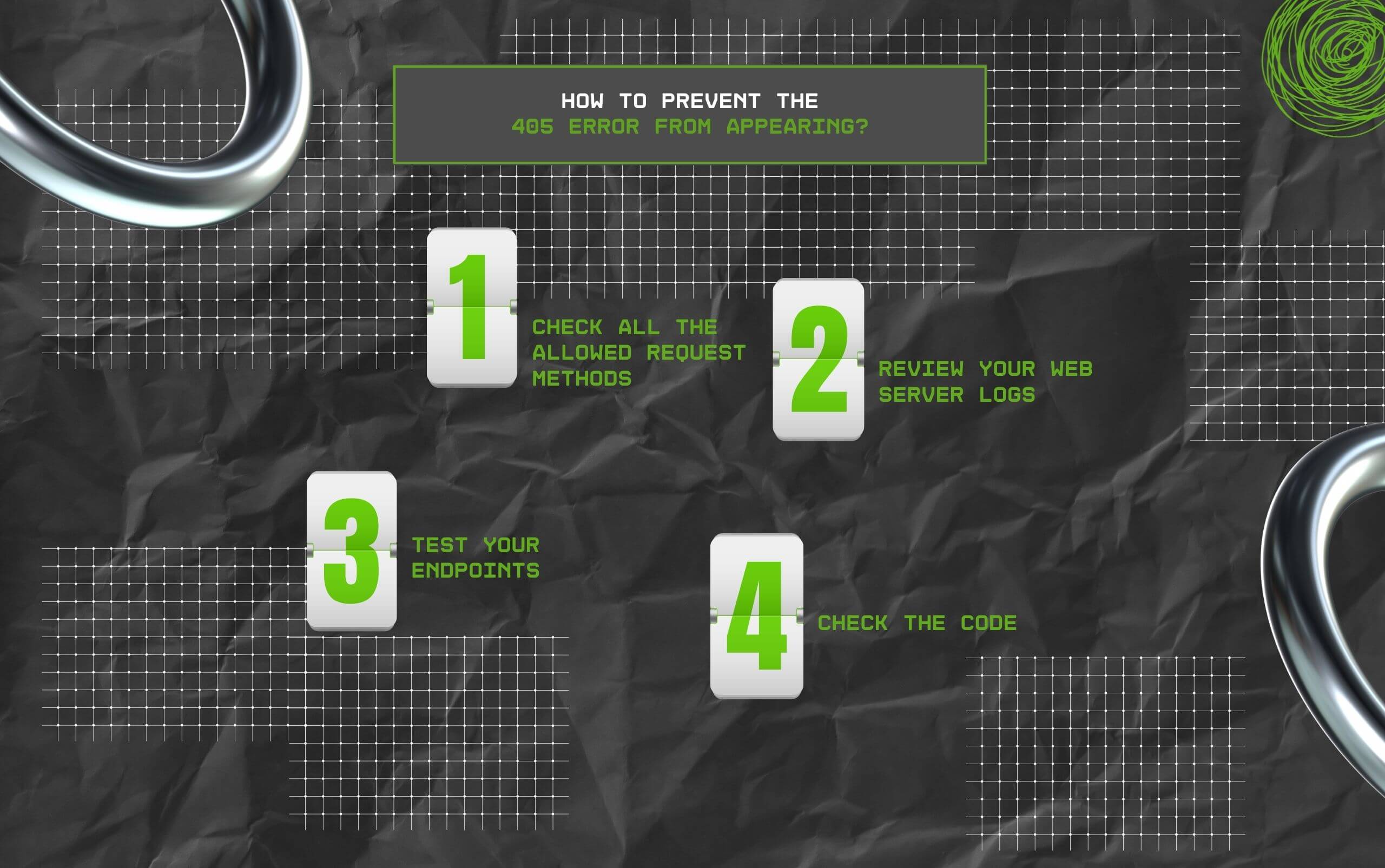
Fixing the 405 status code when it crops up is not going to help you entirely – I mean, it can happen again.
As a result, preventing it from happening in the future will save your time and energy – and that too in the long run.
So, with the help of the right practices, especially during configuration and development, you can decrease the chances of applications or users encountering unsupported methods.
On that note, I have four prevention tips that can help you keep the 405 status code at bay!
When writing API calls, scripts, or forms, always check that you are using only HTTP methods allowed by the web server.
For example, if your web server only accepts POST requests to submit data, then ensure you don’t accidentally send a PUT or GET request.
As a result, consider validating request methods in the initial development stages since it helps to identify mistakes before reaching production.
Also, several frameworks will allow you to define the allowed request methods in controllers or routes directly, making it easy to enforce accurate usage.
Web servers usually have different method restrictions. And these are generally defined in their respective configuration files, such as API gateway settings, .htaccess, or nginx.conf.
So, if you can keep records of the supported methods, then it will become easy for both administrators and developers for an understanding of the specific limits.
This sort of documentation is particularly valuable for long-term projects or large teams, where server polices can end up getting forgotten or lost over time.
Even with precision and careful planning, any unsupported method request might slip through.
That is precisely why it is helpful to offer transparent error messages, usually when the 405 status code appears.
Instead of some random ‘Method Not Allowed,’ personalize the response. That way, the developer or user understands what was wrong and, more importantly, how to fix it.
If you are building an API, then sticking to HTTP policies and the best REST practices makes it easy for clients to be more aware and set expectations accordingly.
For instance, if you build an endpoint to update a particular resource, use PATCH or PUT consistently.
This sort of predictability will decrease the potential risk of any unsupported method being sent. Also, it enables external developers to engage correctly with the API.
The 405 status code tells us one thing – that the web server has data on the existence of the resource.
However, it does not allow the request method that you tried. But hopefully, you can fix this error with my help.
And the primary takeaway from here?
Always check your ‘Allow header’ option, review the logs, and ensure your server and code rules align with the methods that you have been intending to support.
Read Also:
Barsha is a seasoned digital marketing writer with a focus on SEO, content marketing, and conversion-driven copy. With 8+ years of experience in crafting high-performing content for startups, agencies, and established brands, Barsha brings strategic insight and storytelling together to drive online growth. When not writing, Barsha spends time obsessing over conspiracy theories, the latest Google algorithm changes, and content trends.
View all Posts

Agency Guide To YouTube Growth: Wholesale Pri...
Sep 15, 2026
Top 5 Reputed SMM Panels To Buy Social Media ...
Sep 15, 2026
How Is Social Media Marketing Changing The Wa...
Sep 15, 2026
Structured Data SEO: How Schema Markup Helps ...
Sep 12, 2026
TikTok Downloader For Content Marketing Resea...
Sep 12, 2026