The Ultimate Guide To Competitor Backlink Analysis: An Actionable SEO Blueprint To Steal Your Rivals’ Traffic
Oct 23, 2026
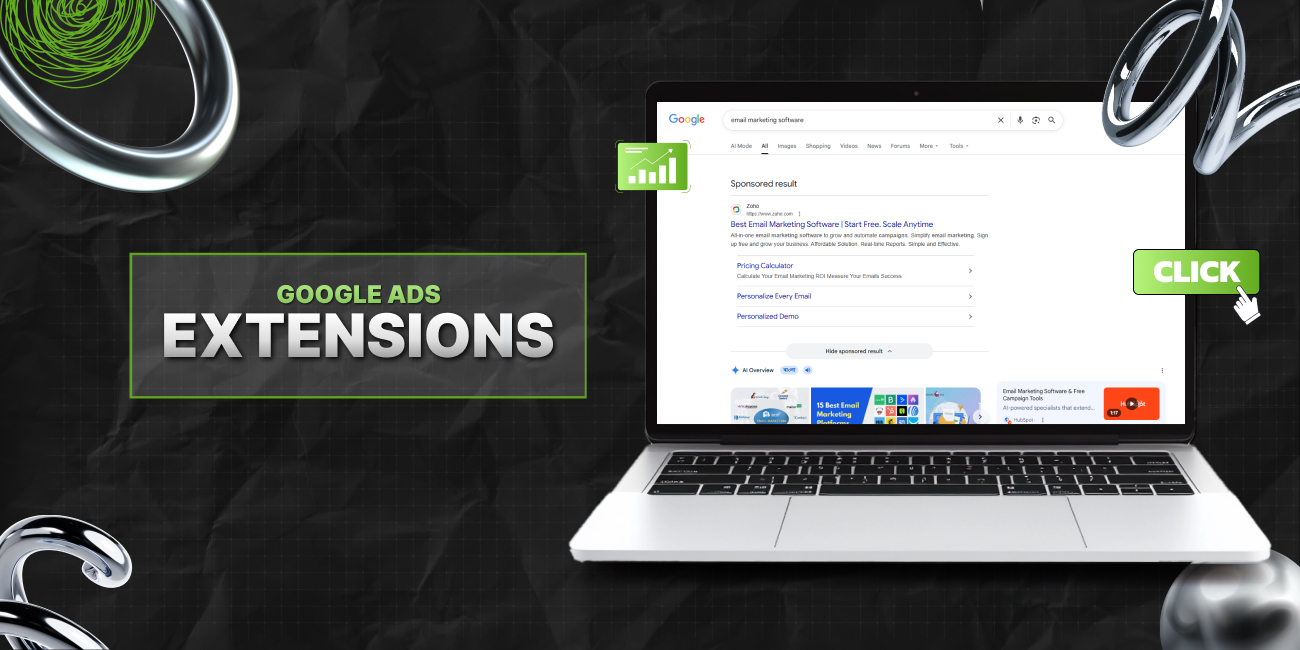

Google Ads extensions are simple, but they have a big impact. They add extra information to your ads. More detail. More context. And naturally, more reasons to click.
So, if you are running ads without extensions, you are leaving performance on the table.
And that is precisely where Google’s ad extensions can save the day. Today, I am going to comprehensively break down the role of these ad extensions in improving clicks.
More importantly, I’ll help you understand how to use these extensions for improving clicks and conversions.
Stay tuned.
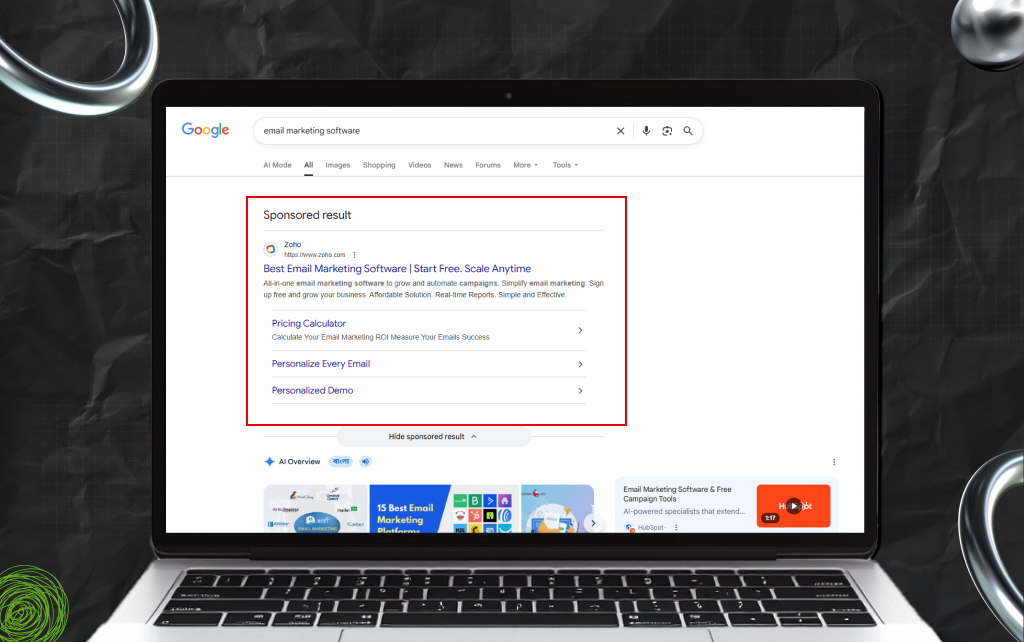
Extensions are additional pieces of information that expand your ad.
They can include:
They don’t replace your ad copy. But they support it. And they make your ad more visible on the search results page.
Most users don’t read ads carefully. They scan. As a result, these extensions help your ad stand out during that scan.
Moreover, Google Ads extensions:
This often leads to higher click-through rates. Also, in many cases, better CTR also improves your ad rank.
So extensions don’t just add information. Instead, they improve performance.
Most people focus on keywords and ad copy. But extensions play a role too. Moreover, they improve the expected click-through rate. And that is a key part of Quality Score.
As a result, if your extensions make your ad more useful, more people click:
Higher CTR → better Quality Score → lower cost per click.
So extensions don’t just improve visibility. Instead, they can reduce costs over time.
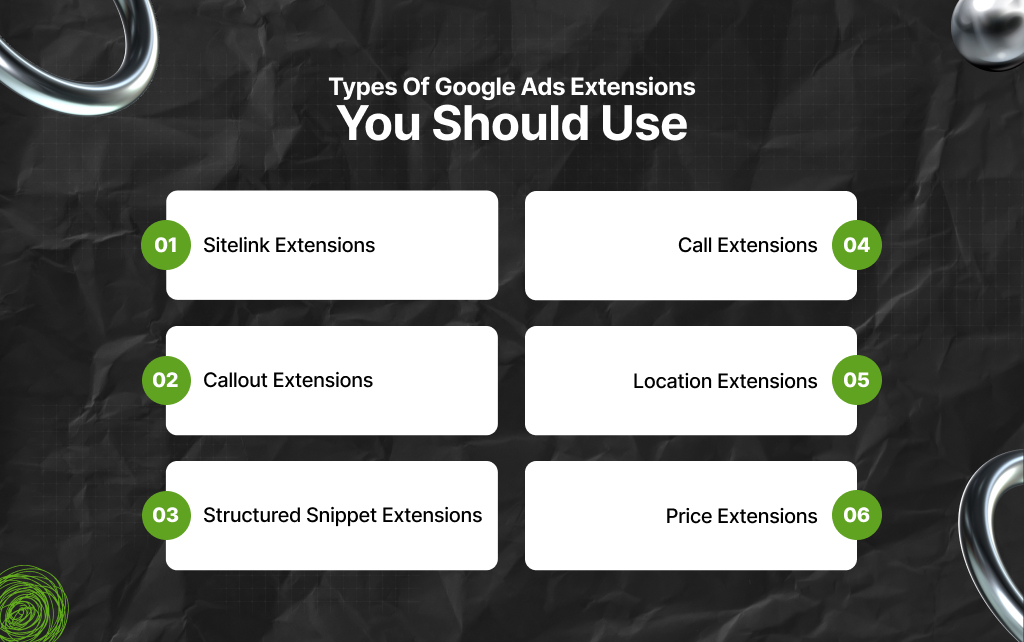
Not all extensions are equal. Some have more impact than others.
As a result, it is safe to start with these.
These are extra links below your main ad. Moreover, they send users to specific pages.
For example:
They give users options. Instead of one path, you offer several. And this in turn increases the chance of a click.
These are short text snippets. Moreover, they highlight key points like free delivery, 24/7 support, and the absence of hidden fees.
Moreover, they don’t link anywhere – they just build trust and add detail. As a result, it is best to keep them short and clear.
These show a list under a heading.
For example:
They help users quickly understand your offering. As a result, use them to show range.
These add your phone number to the ad. Moreover, users can call directly from search.
This works well for:
So, you have to make sure someone is available to answer.
These show your business location. Moreover, they connect with your Google Business Profile.
As a result, these are useful for stores, restaurants, and local services. More importantly, local extensions can help users find you easily.
These display pricing details, and users see options before clicking. As a result, price extensions are very useful for filtering traffic.
Also, people who click are more likely to convert.
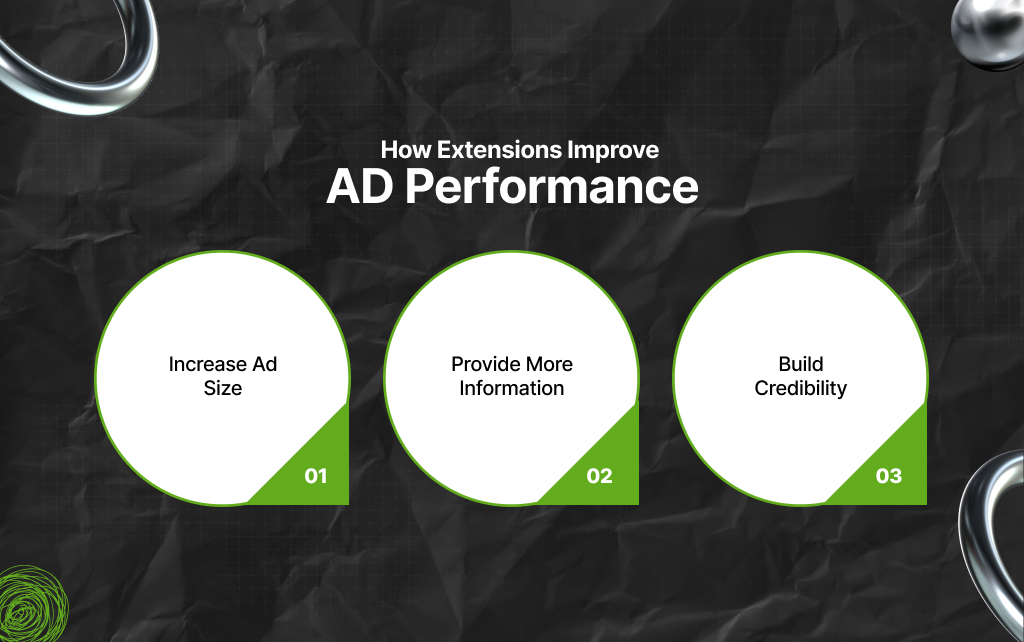
Google Ad extensions work on multiple levels.
For instance, they:
This leads to better engagement. Also, Google considers extensions when calculating ad rank. As a result, strong extensions can help your ad appear higher.
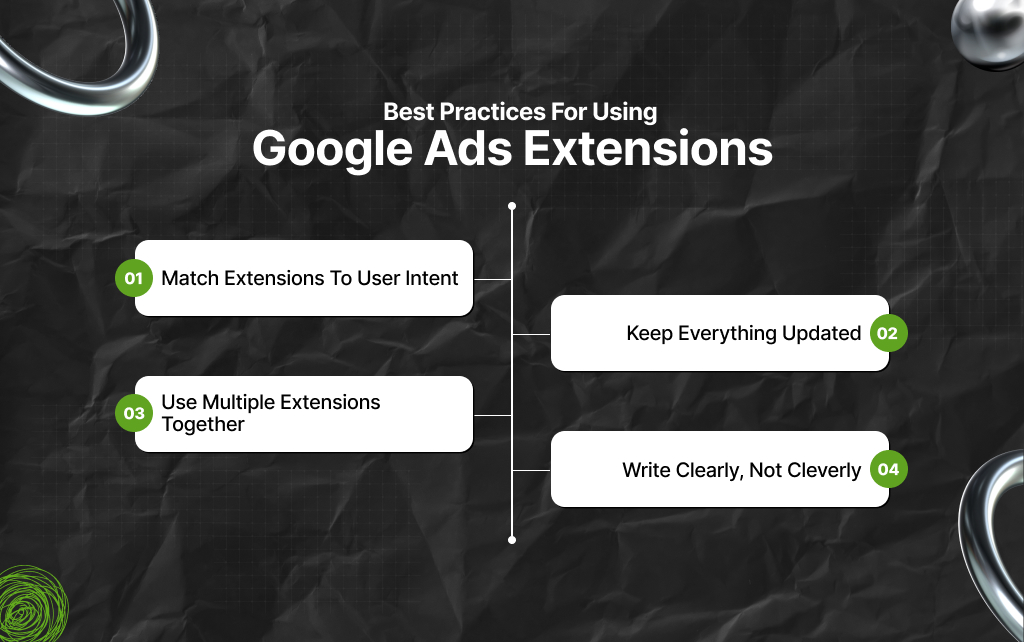
Adding extensions is easy. But using them well takes effort. And with my 4 core pointers on best practices, you can make the most of Google Ads extensions.
Think about what the user wants. So, if they are searching for pricing, show price extensions.
But, if they want options, use sitelinks. Remember that relevance matters.
Outdated information hurts trust. As a result, you need to regularly check links, prices, and offers. The purpose? To keep all your extensions accurate.
Don’t rely on one type. Instead, combine multiple extensions to make the most of Google Ads extensions. You can combine Sitelinks, Callouts, and Snippets.
This gives your ad depth. And Google can decide which ones to show. Also, extensions work best when paired with the right keywords. So, if your keyword intent is weak, extensions won’t fix it.
But if intent is strong, extensions amplify results. As a result, it is best to align both.
Avoid vague phrases. Say what you offer in simple words. Why? When it comes to search engines, clarity wins.
As a result, remember it is not about witty one-liners and compelling copies – that might work for socials. But for search, you have to keep things clean and simple.
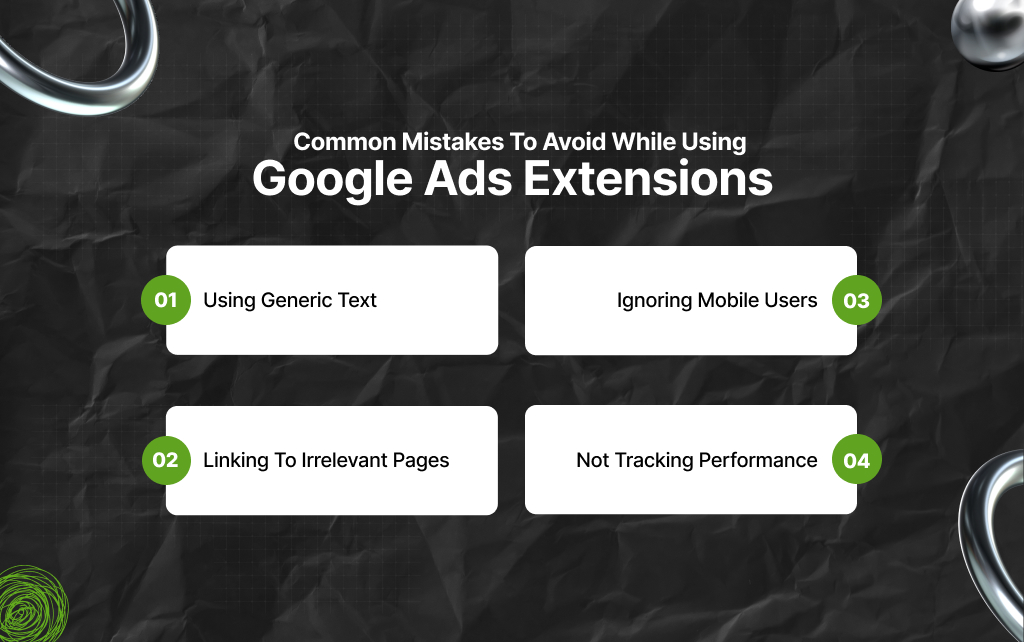
Many advertisers use extensions, but poorly. Personally, I have seen most companies and brands make the same set of mistakes – it’s a pattern.
And if you compare brands against industry data, the pattern becomes even clearer. On that basis, you need to avoid making these mistakes:
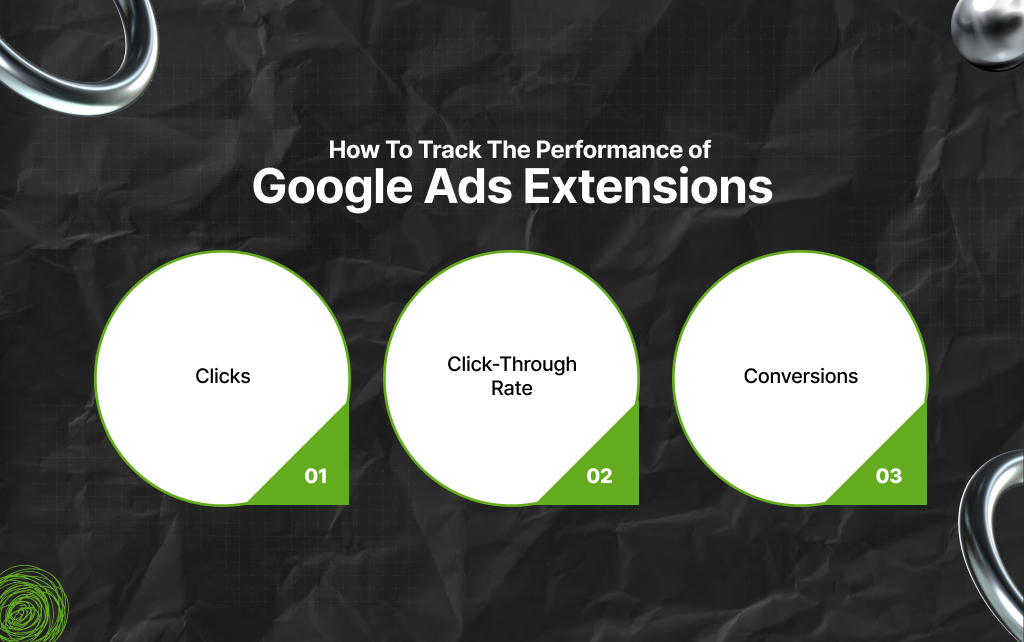
Inside Google Ads, you can view data for each extension.
So, look at:
Then, identify what works. Once you have identified what is working, improve or remove weak extensions.
When To Use Which Extension?
There is no single rule, but some patterns help.
For example, use sitelinks for navigation, callouts for benefits, snippets for categories, and call extensions for direct contact.
Mix them based on your website’s business goal.
Also, I have one advanced tip – test different variations. Don’t set extensions once and forget them.
Instead, test different versions. And based on your test results, change wording, order, and offers. This is because small changes can improve results.
Users behave differently on mobile and desktop. And your extensions should reflect that. Based on my experience, here’s how most Google Ads extensions work on different devices.
So, you have to check performance by device. Then adjust your extensions accordingly.
Google Ads extensions are not optional. They are a core part of a strong ad.
Moreover, they make your ads bigger, clearer, and more useful. So, if you use them well, you get better clicks and better results.
Remember the point: it’s all about making simple changes and real impact.
Barsha is a seasoned digital marketing writer with a focus on SEO, content marketing, and conversion-driven copy. With 8+ years of experience in crafting high-performing content for startups, agencies, and established brands, Barsha brings strategic insight and storytelling together to drive online growth. When not writing, Barsha spends time obsessing over conspiracy theories, the latest Google algorithm changes, and content trends.
View all Posts

The Ultimate Guide To Competitor Backlink Ana...
Oct 23, 2026
How To Land High-Authority Editorial Backlink...
Oct 23, 2026
Why Your Website Traffic Dropped Suddenly And...
Oct 23, 2026
How Do The Physical Google Review Tools Redef...
Oct 23, 2026
How To Get Your Brand Cited In AI Search Resu...
Oct 22, 2026