PRNEWS Rewards Adds Rankfor.AI To Track How Brands Show Up In AI Assistants
Oct 10, 2026

Meta Business Suite is built for one purpose. It helps you manage your business presence across Facebook and Instagram from one place.
Also, if you handle social media seriously, this tool is not optional. Instead, it becomes your control centre.
And today I’m here with my personal guide on using Meta Business Suite. This guide breaks it down in a practical way. No fluff. Just what you need to use it well.
Stay tuned.
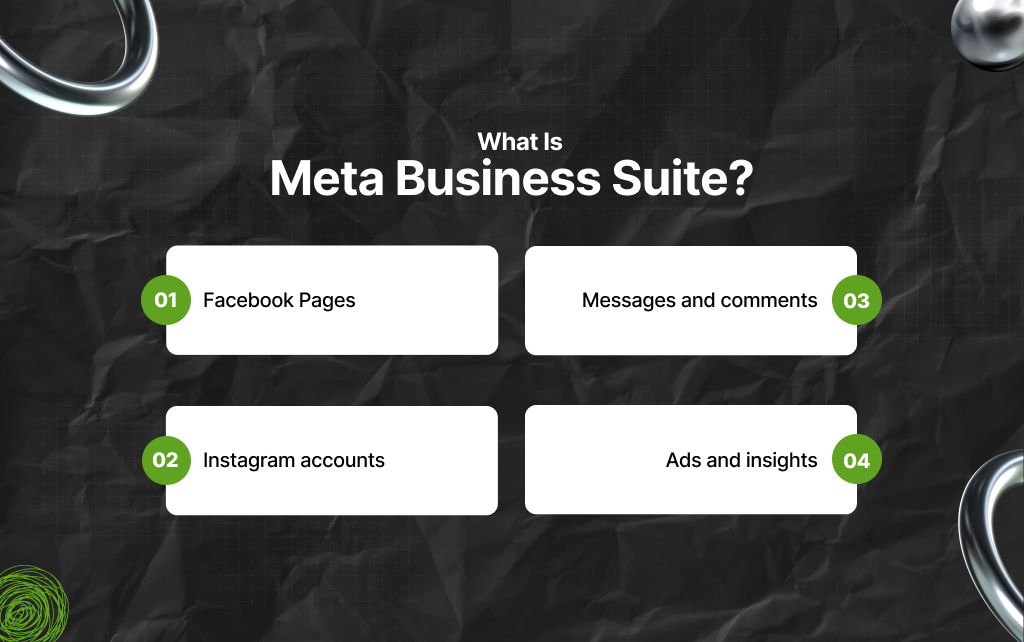
Meta Business Suite is a free platform by Meta.
This business suite lets you manage:
The point? Everything on one dashboard. Instead of switching between apps, you handle everything from a single place.
That saves time. Also, it reduces mistakes.
Most people think posting more will increase reach. It doesn’t work like that.
Instead, Meta’s algorithm looks at how people respond to your content. Not just how often you post.
In this context, the key signals include:
This changes how you should use Meta Business Suite. Don’t just schedule posts. Time them when your audience is active.
Then stay available.
Also, reply to comments early. That first hour matters more than you think.
Social media is not just about posting anymore. You need to respond fast. Instead, track performance and stay consistent.
Doing this manually across platforms gets messy. Meta Business Suite solves that.
Also, it brings structure to your workflow.
You can:
This makes your process more efficient.
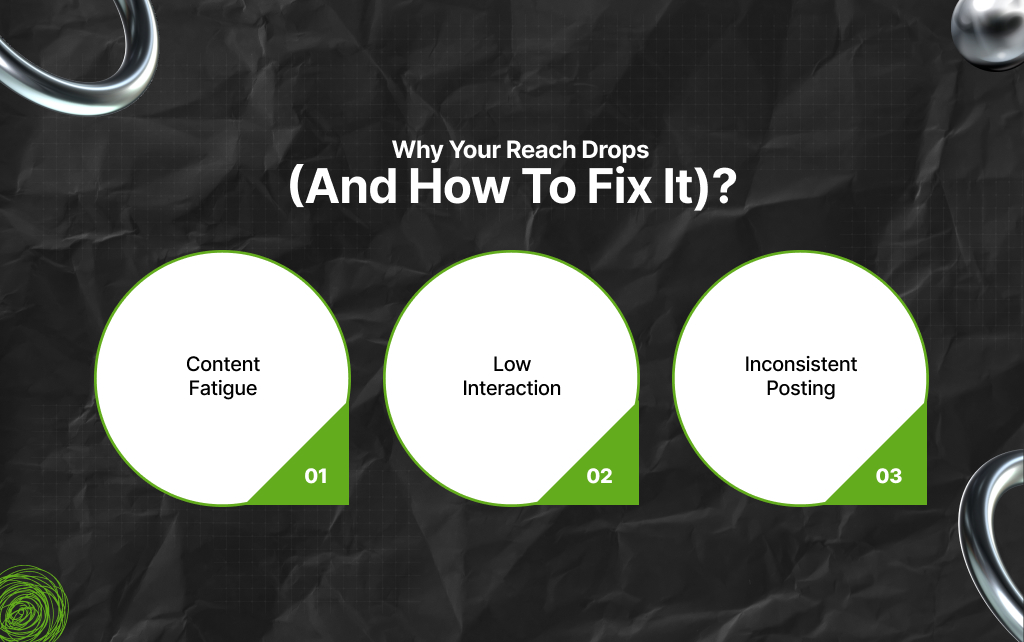
A common complaint is falling reach. It usually comes down to three issues.
As a result, use Meta Business Suite insights to catch this early. If reach drops, change something:
Sometimes, small adjustments and quick fixes often solve big problems.
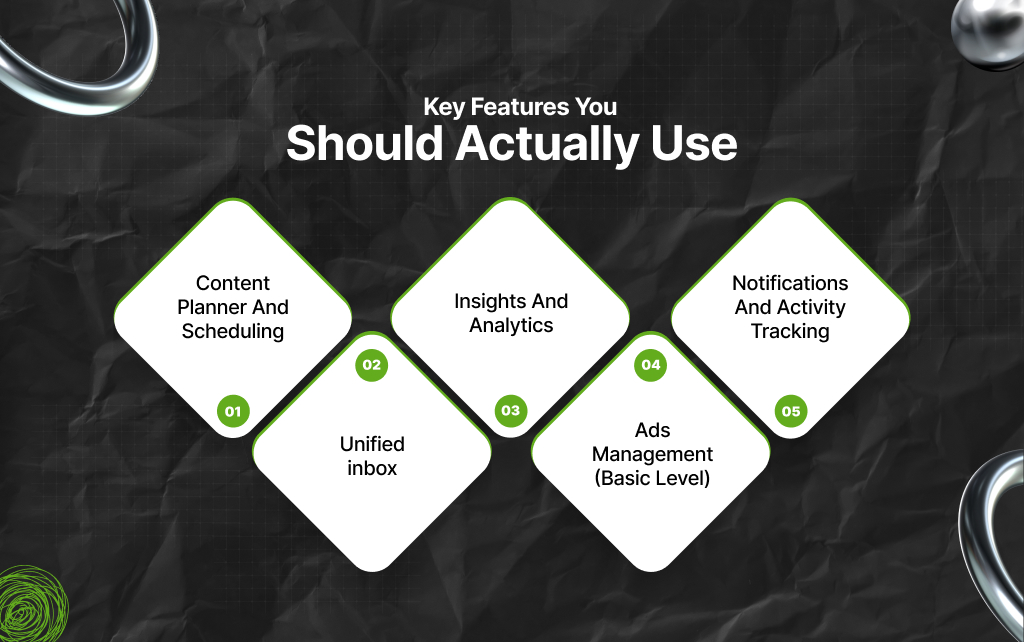
Many people open the tool and feel lost. Instead, you need to focus on the core features of Meta Business Suite first.
And this is precisely why I have shared a list of features to note:
This is one of the most useful features. You can create and schedule posts for both Facebook and Instagram. The best part? You don’t need third-party tools.
So, you can:
Understand that consistency matters more than frequency. Also, this feature helps you stay consistent.
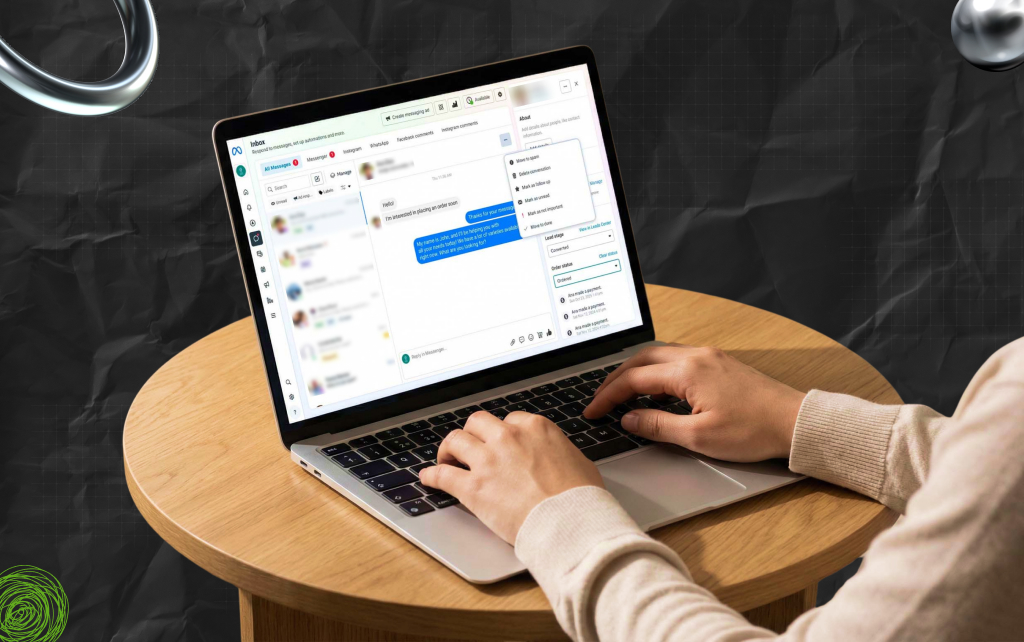
All messages and comments come into one place.
This includes:
Moreover, you don’t need to jump between apps. But you can choose to reply faster. That improves engagement. For brands, response time matters.
Meta Business Suite shows how your content performs.
So, you can track:
This data helps you make better decisions. Moreover, you stop guessing. Also, you start adjusting based on results.
You can create and monitor ads from inside the tool. Moreover, it’s not as detailed as Ads Manager, but it works for basic campaigns.
So, you can:
For small businesses, this is enough to start.
With Meta Business Suite, you can get updates on:
This keeps you responsive. Also, missing interactions can hurt your brand image.
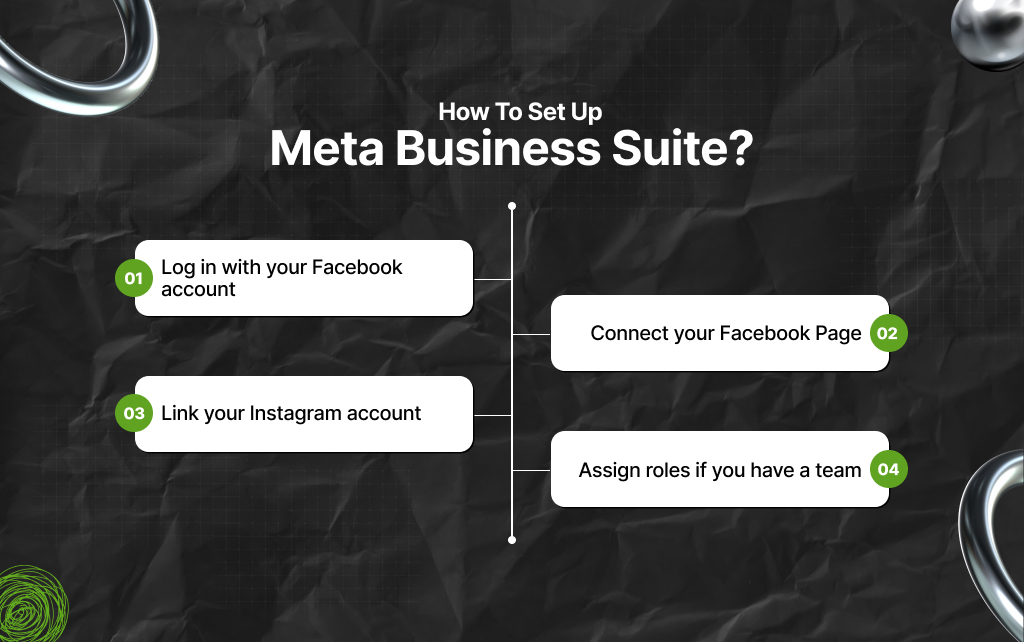
Getting started is simple. And I’ve laid out the steps below to highlight how you can set up Meta Business Suite:
Once done, your dashboard becomes active. Now, make sure everything is properly connected.
Otherwise, features won’t work fully.
Start with a simple approach. Just pick a few content themes.
For example:
Then schedule posts for the week. Don’t overcomplicate it because consistency beats perfection.
Most people check insights but don’t act on them. That’s a mistake.
Instead, look for patterns:
Then adjust. So, if videos perform better, create more videos. Also, if certain topics work, go deeper into them.
Remember that insights only matter if you use them.
Not all content performs equally. You need to adapt to what works.
Right now, these formats tend to perform better:
Static images still work, but less than before. Moreover, you can use Meta Business Suite to test formats.
Don’t guess. Instead, post different types, then compare the results.
If you handle more than one page, things can get messy fast. Meta Business Suite helps, but you need structure.
As a result, assign roles clearly:
While doing so, please avoid overlapping. Also, label your content internally. Know which post belongs to which campaign.
This keeps your workflow clean.
You don’t always need paid reach. Organic engagement still works if done right.
As a result, focus on:
People engage when they feel involved. Not when they feel marketed to.
Once you get comfortable, go deeper.
For starters, use scheduling for campaigns. How? It’s simple, really – Plan content around launches or events. Then, schedule everything in advance.
This keeps your messaging consistent.
Moreover, you can also track competitor activity manually. While the tool doesn’t show full competitor data, you can still observe patterns.
As a result, with Meta Business Suite, you can check:
So, the point is to use this as a reference, not a rule.
Also, you can improve response time – you just need to set a habit. And then check your inbox at fixed times.
Plus, do reply quickly and clearly. This builds trust over time.
That’s not all.
There are SEO benefits to using Meta Business Suite as well. It’s not a direct SEO tool. But it supports your visibility.
Remember active social profiles:
These signals support your overall digital presence.
Not all metrics are equal. Likes look good, but they don’t tell the full story.
As a result, focus on:
These show real interest. Meta Business Suite gives you these insights. Also, use them to judge performance properly.
Many users don’t get results because of simple errors.
So, here are a few:
Avoid these, and your results improve.
Even with the right tool, mistakes happen.
So, here are a few deeper issues:
Meta Business Suite gives you the tools. But strategy still matters.
People often confuse these two. Meta Business Suite is for overall management. But Meta Ads Manager is for advanced advertising.
As a result, if you run complex campaigns, use Ads Manager. But if you manage daily content and basic ads, Business Suite is enough.
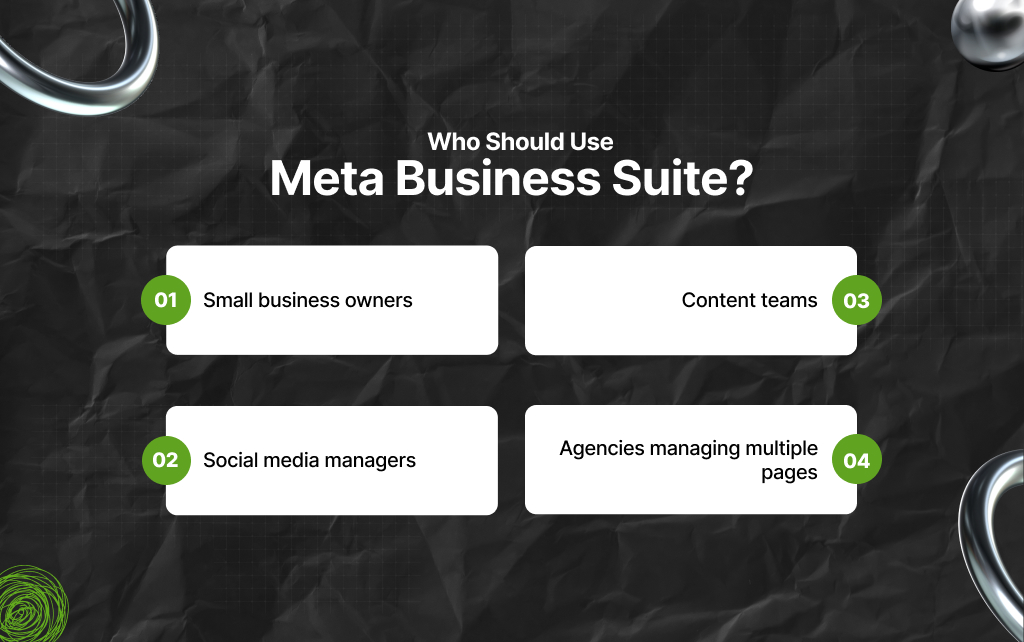
This tool works best for:
Also, if you handle Facebook or Instagram regularly, you need this.
At some point, you may outgrow it.
That happens when:
Then you may need advanced tools. But for most businesses, this tool is enough.
Meta Business Suite is simple, but powerful when used well.
Most people underuse it – they post and leave. But if you plan, track, and respond properly, the results improve.
You don’t need complex tools to grow.
But what you need is consistency, clarity, and the right system. This tool gives you that.
Barsha is a seasoned digital marketing writer with a focus on SEO, content marketing, and conversion-driven copy. With 8+ years of experience in crafting high-performing content for startups, agencies, and established brands, Barsha brings strategic insight and storytelling together to drive online growth. When not writing, Barsha spends time obsessing over conspiracy theories, the latest Google algorithm changes, and content trends.
View all Posts

PRNEWS Rewards Adds Rankfor.AI To Track How B...
Oct 10, 2026
Is Serpstat Worth It? A Deep Dive Into Pricin...
Oct 09, 2026
How To Use Screaming Frog: The Definitive Tec...
Oct 09, 2026
Master The Rich Result Test: Fix Your Broken ...
Oct 08, 2026
Does vnROM Bypass Still Work? A Realistic 202...
Oct 08, 2026