The Ultimate Blueprint For Broken Link Building: How To Find Dead Links And Earn High-Authority Backlinks
Oct 16, 2026

I was certainly surprised to know that so many people want to find out how to comment anonymously on Facebook – I mean, why?
I had to accept that there could be multiple reasons. Like someone might have a very sensitive question to ask in their community groups. Or someone wants to share their thoughts without disclosing their identity.
Also, for someone it could be just that they don’t want their colleagues, acquaintances, family, or even friends to connect their names to some discussions.
It’s pretty common to be fair. But sadly, this is perhaps the most misunderstood thing about Facebook.
As someone who has been using Facebook since 2010, I can tell you that all the content on the internet claiming they found a trick to hide one’s identity on Facebook is a sham.
Some recommend browser extensions. Others suggest downloading third-party apps or changing obscure settings. Most of those suggestions don’t work.
Some can even put your account or personal information at risk.
The truth is much simpler – Facebook was built around identifiable accounts. In almost all situations, every comment on the platform is linked to a profile or page.
Of course, that does not mean users don’t have any control over their privacy on the platform. It simply means anonymous commenting works differently from what many people expect.
Today, I’ll discuss what Facebook allows and, more importantly, what it does not allow, while highlighting the legit ways in which you can protect your privacy on the app.
Stay tuned.
No, you generally cannot comment anonymously on Facebook.
When you comment on a post, your comment is usually connected to the Facebook profile or Facebook Page you’re using.
Other users can normally see the name and profile attached to that comment.
However, there are a few situations where you can protect your privacy or limit how much personal information other people see.
For example, some Facebook Groups allow anonymous posts, although that doesn’t automatically make the comments anonymous.
You can also adjust your privacy settings, limit what appears on your public profile, or comment as a Facebook Page when that option is available.
These options don’t hide your identity completely, but they can give you more control over your online presence.
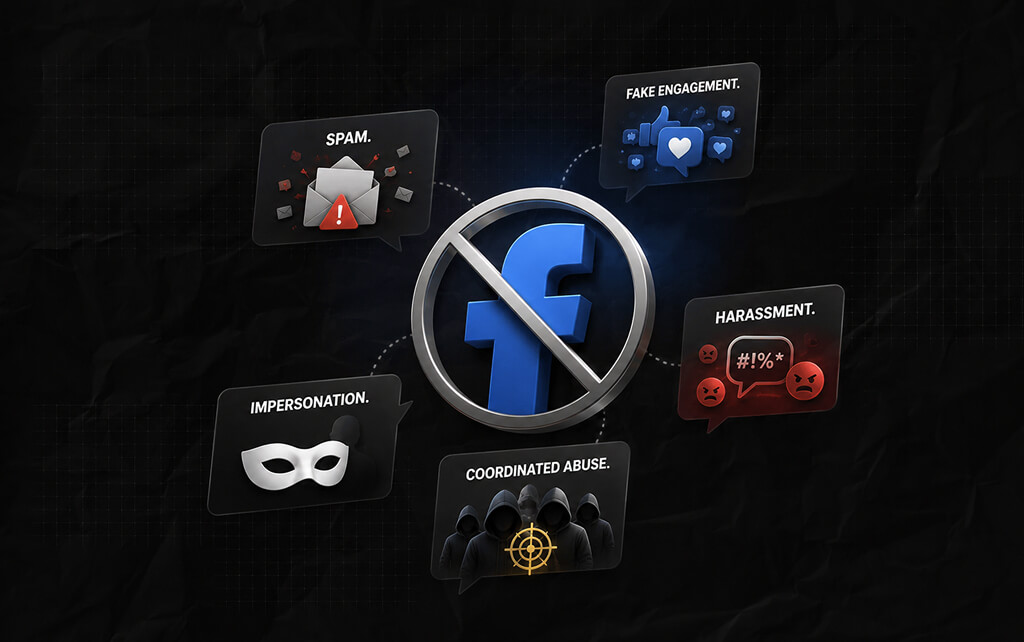
The answer comes down to how Facebook is designed.
Unlike anonymous discussion forums, Facebook encourages people to interact through identifiable accounts.
The platform links comments, reactions, messages, and posts to individual users or Pages. This approach helps Facebook reduce problems like:
So, if anyone could leave completely anonymous comments anywhere on the platform, moderating conversations would become much more difficult.
That’s one reason Facebook has continued to focus on identifiable accounts instead of anonymous participation.
Having said that, I do agree that needing an account will not erase abusive behavior completely – it will still exist.
But you can at least do something about it – you can see which account is abusing or harassing you and take action against them.
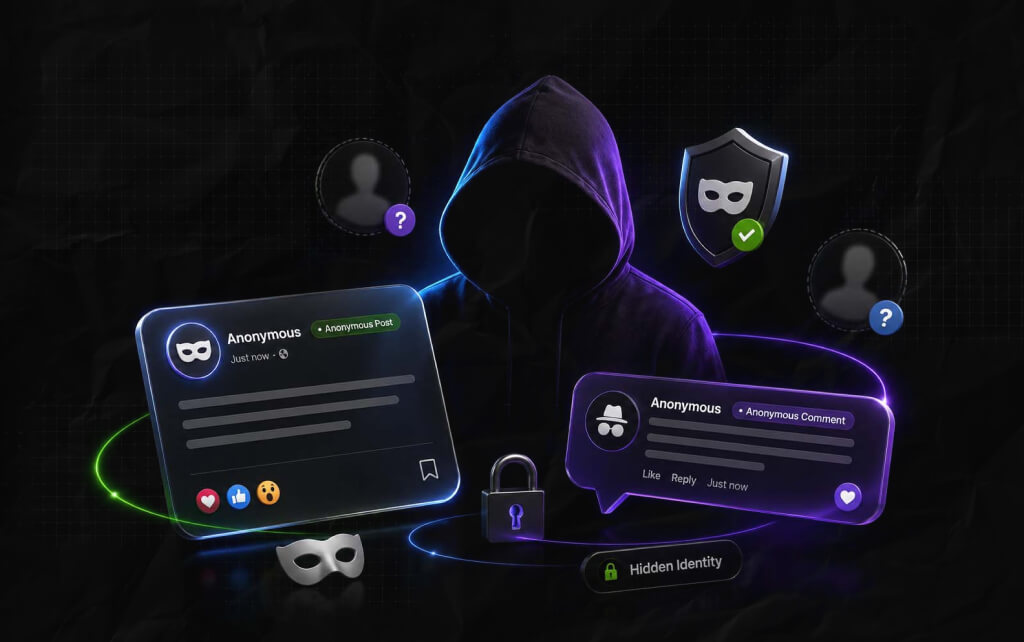
This is where many people become confused.
Facebook sometimes allows anonymous posting in certain Groups. That feature is completely different from anonymous commenting.
Here’s the difference.
Some Facebook Group administrators can enable anonymous posting.
If this feature is accessible for you, then you can post something in your group without disclosing your identity to the other members of the group.
Also, it is essential to know that the admins and moderators of the group will be able to see what you posted – Facebook makes this possible because admins and moderators might need to review your content before it gets published in the group.
I’ve seen this feature is super popular in community and support groups where members prefer discussing their personal experiences while keeping their privacy intact.
Comments work differently.
So, when you leave a comment under a post on Facebook, your identity is visible to everyone who can see the comment – and the comment is obviously linked to your account or page.
And this is even applicable to anonymous posts – even if you post without disclosing your identity but leave a comment under the post, people can find out about you unless Facebook adds an anonymous commenting feature for such situations.
Many users assume that an anonymous post automatically creates an anonymous discussion – that’s usually not how Facebook works.
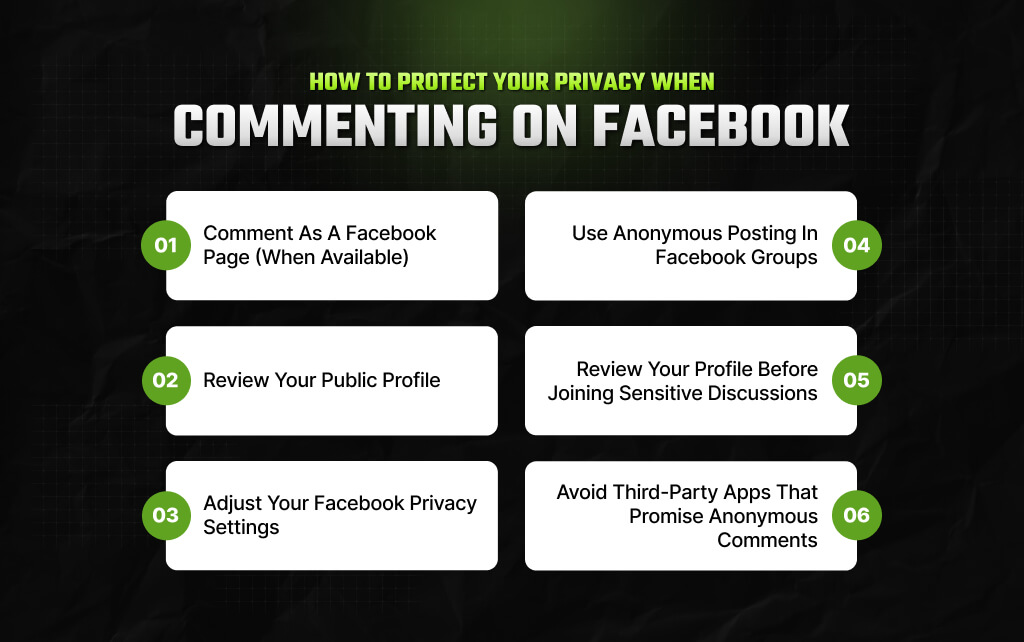
I am sorry to break your heart, but there’s no way any blog can help you find out how to comment anonymously on Facebook. Because Facebook has no such feature to date.
But that does not mean you can’t protect your privacy on the app – there’s more than one way in which you can limit what others can see.
Of course, none of these privacy-backed measures can actually help you comment anonymously. But these features can reduce the amount of information a stranger can find out about you.
On that note, let’s find out what actually works in 2026!
You already know this – if you are in charge of managing a page on Facebook, then you can engage directly through the page.
So, your name won’t appear anywhere – the name of the page will appear with your comments and other interactions.
For instance, I run a sustainable fashion business online – it’s called Gulzar. Now, when I use Gulzar’s page on Facebook to engage with potential and existing clients, my name doesn’t appear – instead, Gulzar’s name appears.
It separates your personal identity from your business interactions.
It isn’t anonymous. People can still see the Page that posted the comment. So, if the Page clearly identifies you or your business, your identity may still be obvious.
Some users believe they can comment as a Page everywhere on Facebook. But that’s not the reality – whether this feature is accessible or not entirely depends on where you are commenting and the features Facebook supports currently.
Many people worry about their comments when the real issue is their profile. Someone clicks on your name after reading your comment.
Now, if you have kept your profile entirely public, then they will be able to check out everything that is available on your profile.
And the worst part? It is entirely out of your control. The only thing I can suggest you do is take some time to review the information available on your public profile. If you see there’s too much information available on your profile, then consider reducing it.
Of course, it won’t make your comments on the app anonymous. But it will definitely protect your privacy.
It limits how much personal information strangers can access.
Your name will still appear beside your comment.
I have always loved this thing about Facebook – how it allows users to figure out who can see what on their accounts.
For instance, anyone on Facebook can control who can check out what – and this typically includes:
Also, I feel you should review these settings from time to time – it’s healthy, especially for users with a knack for participating in public discussions often.
It gives you greater control over your personal information.
Privacy settings don’t make comments anonymous. People can still see the account that posted the comment.
Some Facebook Groups allow members to publish anonymous posts.
This feature is usually enabled by the group’s administrators.
It’s most common in support groups where members discuss sensitive topics such as health, relationships, or personal experiences.
If anonymous posting is available, you’ll normally see the option while creating a new post.
It hides your identity from most members of the group.
Group administrators and moderators can generally still see who submitted the post.
Anonymous posting is different from anonymous commenting.
If you leave a comment, it will usually appear under the profile or Page you’re using unless Facebook specifically provides another option.
Suppose you’re about to comment on a discussion about mental health, workplace challenges, or a local community issue.
Before posting, visit your own profile as a public visitor would – you might notice details you’ve forgotten about.
Small adjustments can make a noticeable difference.
It helps you understand how much information other people can access after clicking your profile.
It won’t remove your name from your comment.
It simply limits what people discover after opening your profile.
This advice is worth repeating because misleading claims are everywhere. Some websites advertise tools that supposedly let you comment anonymously across Facebook.
Be cautious. Facebook doesn’t provide official support for apps that magically hide your identity while leaving comments.
Some of these services ask for your Facebook login details. Others request unnecessary permissions.
In the worst cases, they exist to collect personal information or compromise accounts. So, if something sounds too good to be true, it usually is.
Also, protecting your account is far more important than testing an unofficial shortcut.
You may not be able to comment anonymously, but you can still make your account more private. A few small changes can reduce how much information strangers can access.
So, consider these habits:
Privacy isn’t usually one setting – it’s a combination of small decisions.
Read Also:
Barsha is a seasoned digital marketing writer with a focus on SEO, content marketing, and conversion-driven copy. With 8+ years of experience in crafting high-performing content for startups, agencies, and established brands, Barsha brings strategic insight and storytelling together to drive online growth. When not writing, Barsha spends time obsessing over conspiracy theories, the latest Google algorithm changes, and content trends.
View all Posts

The Ultimate Blueprint For Broken Link Buildi...
Oct 16, 2026
The Ultimate Guide To Stealing Your Competito...
Oct 15, 2026
Beyond The Basics: Master Guest Posting For H...
Oct 15, 2026
Best Generative Engine Optimization (GEO) Com...
Oct 14, 2026
Digital PR for Link Building: How To Earn Hig...
Oct 13, 2026