
Image Link Building: A Simple Guide To Earning Easy Backlinks
Oct 27, 2026

A common issue for nearly every website owner is that if you hire a freelance designer to create bespoke graphics, charts, or diagrams, others will likely steal them.
Bloggers, writers, and publishers will spend hours searching for images on Google Images.
Most of the time, when they find your image, they download it, put it on their webpage, and forget to credit you.
They definitely aren’t trying to be rude. It’s just that they’re in a rush to complete their work.
However, with image link building, you can use these stolen images to get easy backlinks.
All you need to do is find the websites using your images and politely ask them to add a link to your site.
Here’s how to do this simply and effectively.
Goal: Try to find websites stealing your graphics and ask them to give you a backlink.
Why it works: The people using your graphics already like your content, so they’ll be more than happy to give you a backlink.
Secret: Be polite with your emails. If they think you’re being angry, they’ll just remove the image.
What to look for: Use bespoke charts, graphs and diagrams. Stock images won’t work.
If you’ve tried other backlink methods, you’ll know how difficult it can be.
Most people won’t bother reviewing a draft guest post or fixing broken link-building issues and will throw it in the bin.
You’re asking strangers for a huge favor, so they simply won’t have the time.
However, with image link building, most of the hard work is already done.
The editor has already seen your graphic, likes it, and is currently using it on their page to help their readers understand a concept.
All you’re doing is letting them know a little note is missing.
As they’re using your content, they are highly likely to respond.
In fact, this method gets a positive response quickly because your emails are so friendly. It really is a win-win!
You can now earn backlinks easily with images by creating high-quality infographics, tracking usage with reverse image search, and requesting unlinked source attributions. You just need to follow some basic simple steps.
You can’t track every single image on your website. Generic stock or basic screenshots won’t work.
Instead, go through your blog and find your best and most unique images. Look for:
These are great for showing interesting facts about your business or industry.
For example, if you’ve done a mini survey and turned the data into a pie chart, then this would be a great image to use.
Writers love using charts to back up their points and will happily take your image if it’s clean.
These are clear diagrams explaining how to do something.
If you have a graphic explaining ‘How a product gets from the factory to your doorstep ’, it’s a proprietary design.
Other blogs discussing logistics will want to use your image to save them having to create their own.
These are fun and detailed. Infographics summarise a whole topic and are highly shareable.
People love adding them to Pinterest or inserting them in the middle of long guides to give readers a break.
Create a simple list of the URLs for the pages containing your images.
Finding out who stole your images is easy and free. Below are the easiest ways to find them.
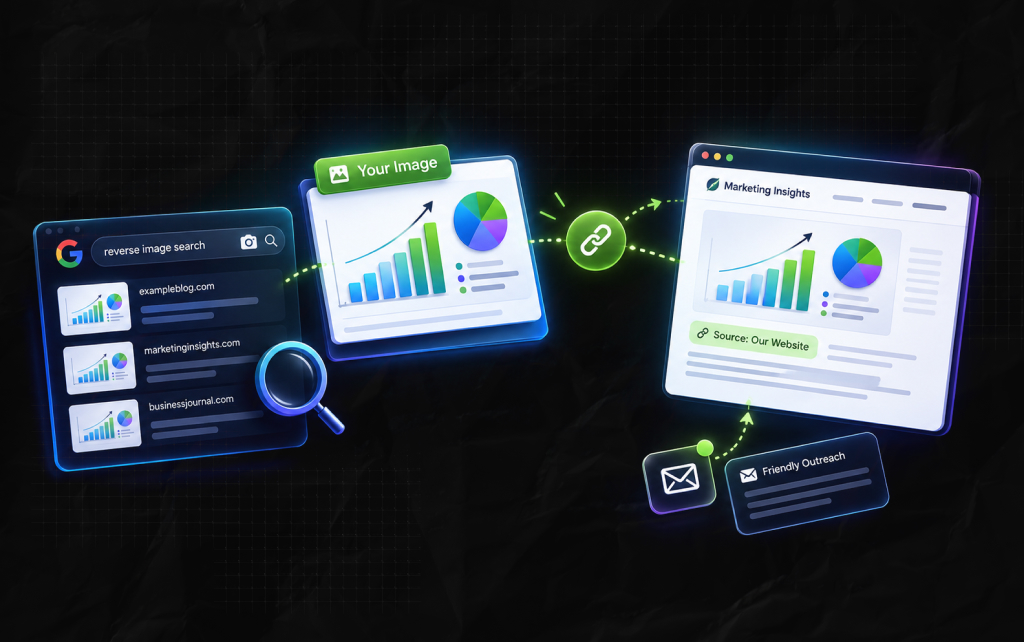
Go to Google Images and click the little camera icon in the search bar. Paste in the URL to your graphic or upload the file.
Google will then display all websites on the internet that are currently using your image.
Furthermore, you need to create a list of any websites using the image that don’t have a link to it.
Sometimes people won’t even download the image. They’ll copy the URL to your image and insert it into their web page.
This is like someone connecting an extension lead to your house to use your electricity.
Every time someone visits their website, it uses your web server’s energy to load up the image.
You can use normal link-checking tools to find these websites instantly, since they connect straight to your image filename.
Related Article For You: How To Do Google Advanced Search? Improve Your Research And Analyze Better With Google’s Advanced Search
Don’t email every website. Some will be spam bots or scrapers that just copy everything. Before you email, check the website off this quick list:
Firstly, you need to take a look at the home page to see if it looks like a genuine website with real people writing for real people.
If it’s full of odd ads and broken text, then avoid.
Secondly, check the image on their page. Is there somewhere easy for them to insert a line saying ‘Source: Your Company’.
Also, check when the article was posted. If it’s been posted in the last couple of years, then they’re far more likely to update it.
You want to gain links from trustworthy-looking sites. If the domain looks dodgy, then avoid. You don’t want a bad link.
Even if you’re selling shoes and the cooking blog used your chart about leather production, it’s still a good match.
However, if it’s a completely random site, then think carefully.
Lastly, check if there’s a contact us page or author bio. If there’s nowhere to find their email or contact form, then move on to the next.
When you email the site owner, be incredibly nice. Do not mention copyright laws, legal actions, or infringement. If you scare them, they will just press delete, and you lose the link forever.
Instead, act like a helpful friend pointing out a small mistake.
Here is a simple message you can copy, fill in, and send:
Subject: Quick question about your image on [Name of Their Article]
Hi [Name],
I was reading your great post about [Topic] today and noticed you used our chart about [What the Chart Shows]. It looks fantastic on your page!
I am so glad the graphic is helpful to your readers.
Would you mind adding a quick link back to our site under the picture so people can see the original data?
You can link directly to this page: [Your Page URL]
Thanks so much, and keep up the great work with the blog!
Best,
[Your Name]
Most will agree and add your link. If they do, then send them a quick thank-you note!
If they decline to add your link, don’t argue with them. Just send them a friendly ‘no problem!’ message.
Telling them to do it or threatening them will only make them remove your image and waste your energy.
Another way to make image link building easier is to create images people will automatically link to you.
This will make your media gallery an automatic way to grow your assets.
First, when writers write articles, they want the quickest answers possible.
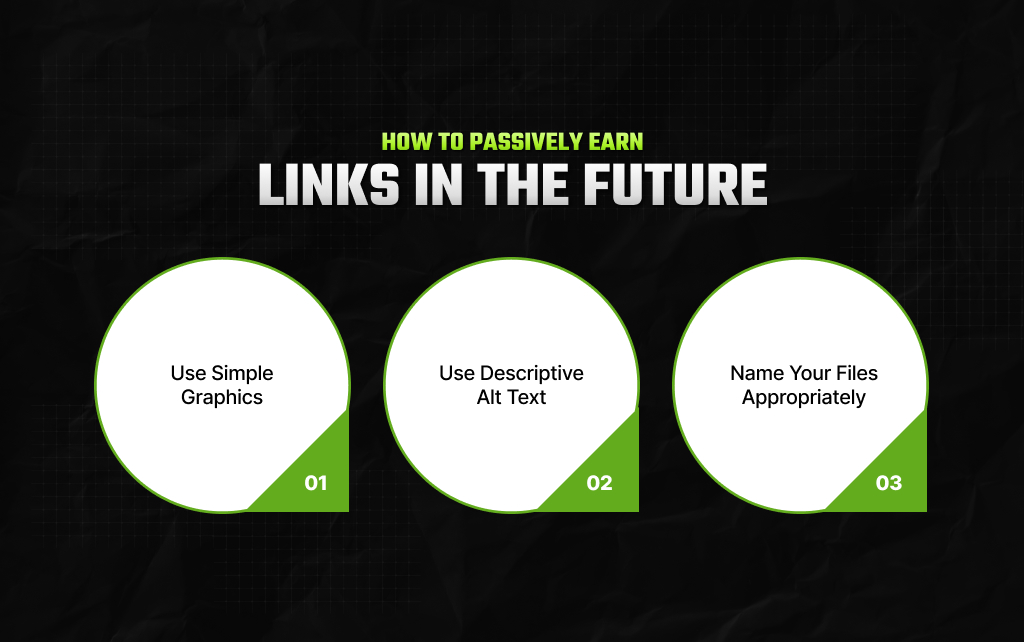
So create simple graphics with clean designs that define basic terms in your industry.
If your chart is the cleanest on Google Images, they will choose to use it, download it, and many will link to you automatically.
Second, make sure your pictures can be found on Google by creating clear, simple descriptions.
When uploading your file to your website, type in a short sentence within the alt text box.
Moreover, don’t use any keyword stuffing. Just describe what is in the image as if you were telling a friend.
Before uploading your new graphic, look at the file name. If it says something like image_version_3_final.png, change the name!
Give it a name that tells people exactly what the image is. For example, marketing-funnel-steps-diagram.png.
This will help Google index your asset correctly.
Also Check: Remarketing Definition: What Is Remarketing?
Once you’re confident with the basics, you can take your campaign to the next level. Let’s take a look!
Don’t just look at your images. Look at your top competitors and see who links to their graphics for better backlink analysis.
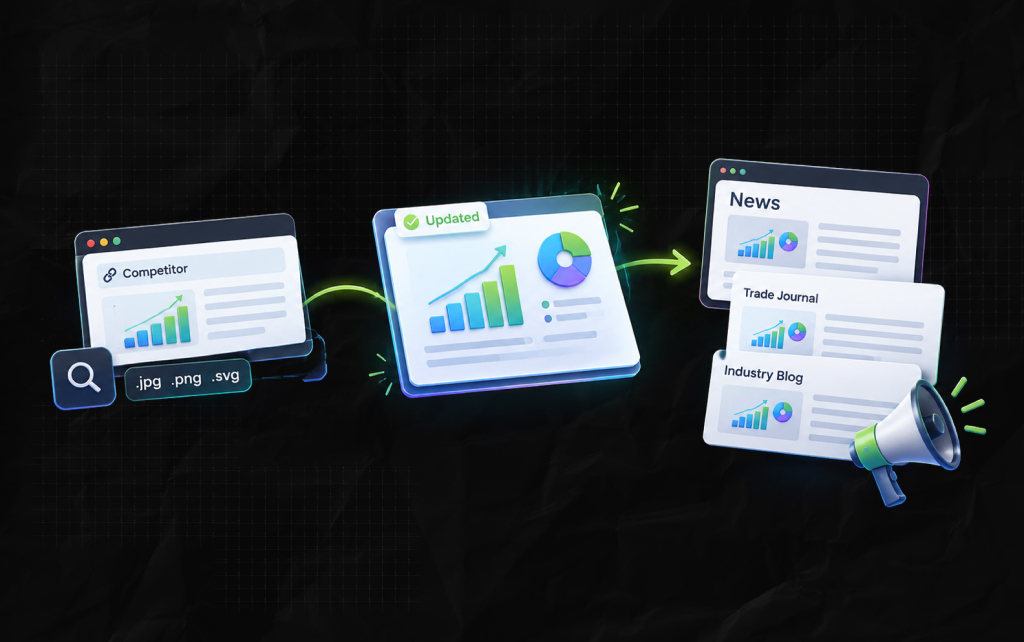
Simply type their domain into a search tool. You can search for links to image files (.jpg, .png, etc.).
If you see a prominent blog within your industry linking to an old, outdated chart on your competitor’s site, create an updated chart with a nicer design.
Furthermore, you need to email the editor and offer to provide them with an upgraded version of your visual for free.
You can use your bespoke graphics as part of a wider media campaign.
If you compile an industry data report and create 5-6 clean charts, this can help summarise your findings for digital pr for link building.
As a result, you can pitch these to news sites and trade journals. Journalists love visuals because they save time on layouts and look professional.
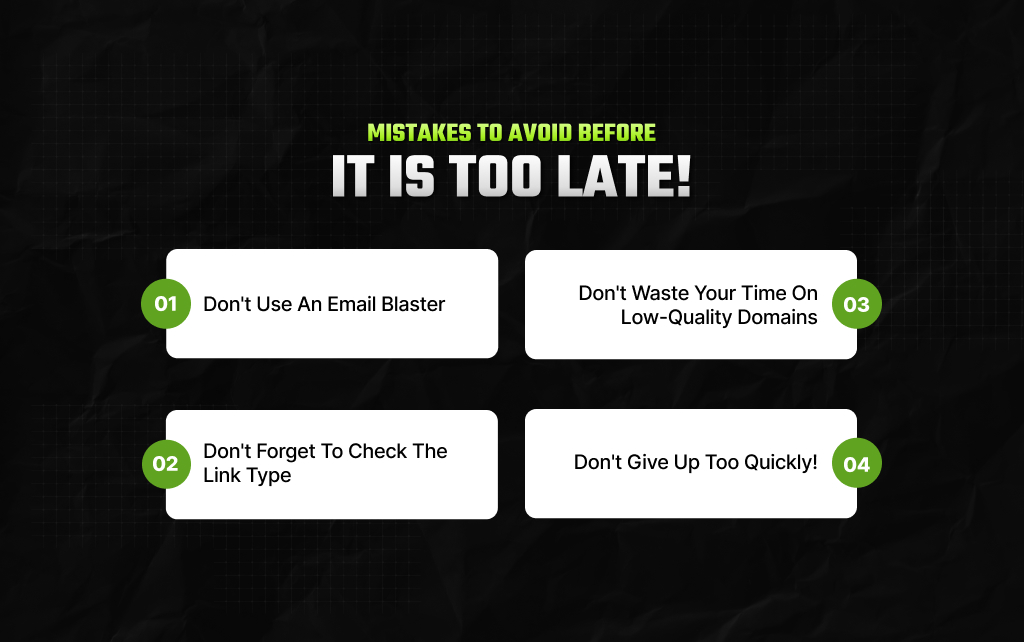
Avoid these simple mistakes to keep your campaign running smoothly!
Don’t use software to send hundreds of the same emails. Editors can tell when you’re using templates and will instantly put your email in their spam folder.
Spend 2 minutes personalizing your note.
If they agree to link to you, check that they have done so. Sometimes they may have added a text link.
Gently ask them to turn it into a live link so their users can easily navigate to your site.
As mentioned above, don’t waste your time on websites that look untidy and neglected.
A link from a reputable and active website is worth far more than 50 links from dead blogs.
Link tracking takes time. If you’ve sent 10 emails and received 2 links, this is an amazing result!
Keep growing your list and sending friendly notes each week.
Additional Reading: Why Google Keeps Asking If I’m A Robot? How To Avoid Getting Hit By CAPTCHA?
Piyasa is a search engine marketing strategist who has spent the last six years decoding Google's ever-changing mind. From corporate giants to neighborhood storefronts, she helps businesses cut through the digital noise and actually get noticed online. When she isn’t building SEO strategies or writing the latest search industry breakdowns for Search Engine Magazine, you can usually find her hanging out with friends - and gently reminding them that no, she cannot personally fix the latest algorithm update for them.
View all Posts

Podcast Link Building: Get High-Authority Bac...
Oct 27, 2026
The Ultimate Guide To Competitor Backlink Ana...
Oct 23, 2026
How To Land High-Authority Editorial Backlink...
Oct 23, 2026
Why Your Website Traffic Dropped Suddenly And...
Oct 23, 2026
How Do The Physical Google Review Tools Redef...
Oct 23, 2026