The Ultimate Guide To Competitor Backlink Analysis: An Actionable SEO Blueprint To Steal Your Rivals’ Traffic
Oct 23, 2026

Most productivity Chrome extension lists follow the same formula.
Someone installs an extension, spends five minutes clicking around, and then declares it a must-have tool.
After reading dozens of those articles, I wanted something more useful. So I spent 30 days testing 35 different Chrome extensions across real work.
I used them while writing articles, researching topics, managing tasks, attending meetings, replying to emails, and trying to stay focused during long work sessions.
Some extensions genuinely saved time. Others created more distractions than they solved. A few looked impressive on the surface but quickly became annoying once the novelty wore off.
This guide includes only the extensions that survived daily use.
No sponsored placements. No random tools added to inflate the list. Just the best productivity Chrome extensions that actually improved my workflow.
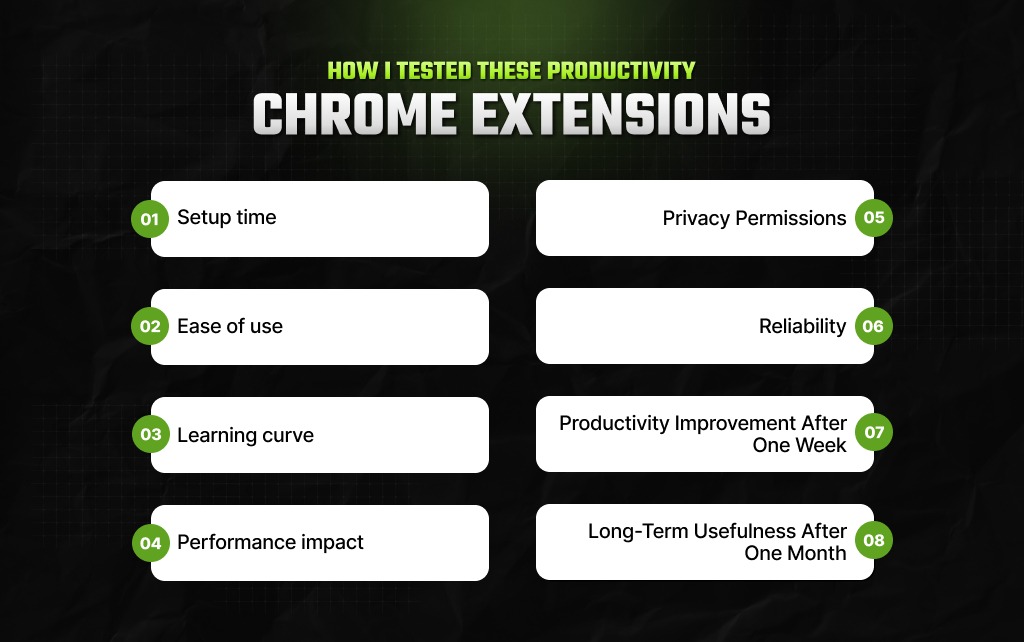
Every extension was evaluated using the same criteria:
Also, I paid attention to something most reviews ignore. Does the extension continue helping after the initial excitement fades?
Many productivity tools feel useful on day one. Very few still feel useful after four weeks.
| Extension | Best For | Setup Time | Learning Curve | Biggest Strength |
|---|---|---|---|---|
| Todoist | Task management | 3 minutes | Easy | Fast task capture |
| Grammarly | Writing | 2 minutes | Very easy | Real-time suggestions |
| Momentum | Focus | 1 minute | Very easy | User-friendly dashboard |
| Notion Web Clipper | Research | 2 minutes | Easy | Saves information instantly |
| Loom | Video communication | 3 minutes | Easy | Quick screen recordings |
| StayFocusd | Focus | 2 minutes | Easy | Blocks distractions effectively |
| OneTab | Tab management | 1 minute | Very easy | Reduces browser clutter |
| Glasp | Research | 3 minutes | Medium | Highlight and organize insights |
| LanguageTool | Writing | 2 minutes | Easy | Strong grammar checking |
| Fireflies | Meetings | 5 minutes | Medium | Meeting summaries |
| Clockify | Time tracking | 3 minutes | Easy | Accurate work tracking |
| Bitwarden | Password management | 5 minutes | Medium | Security and convenience |
| Scribe | Documentation | 4 minutes | Easy | Creates guides automatically |
| Toby | Tab organization | 3 minutes | Medium | Structured workspace |
| Reader Mode | Reading | 1 minute | Very easy | Removes clutter instantly |
In this section, I’ve discussed the 5 best productivity Chrome extensions that actually made a difference.
Of course, 15 stood out for me – but I decided to discuss the tools in different segments so that it is easier for you to understand which works better for you.
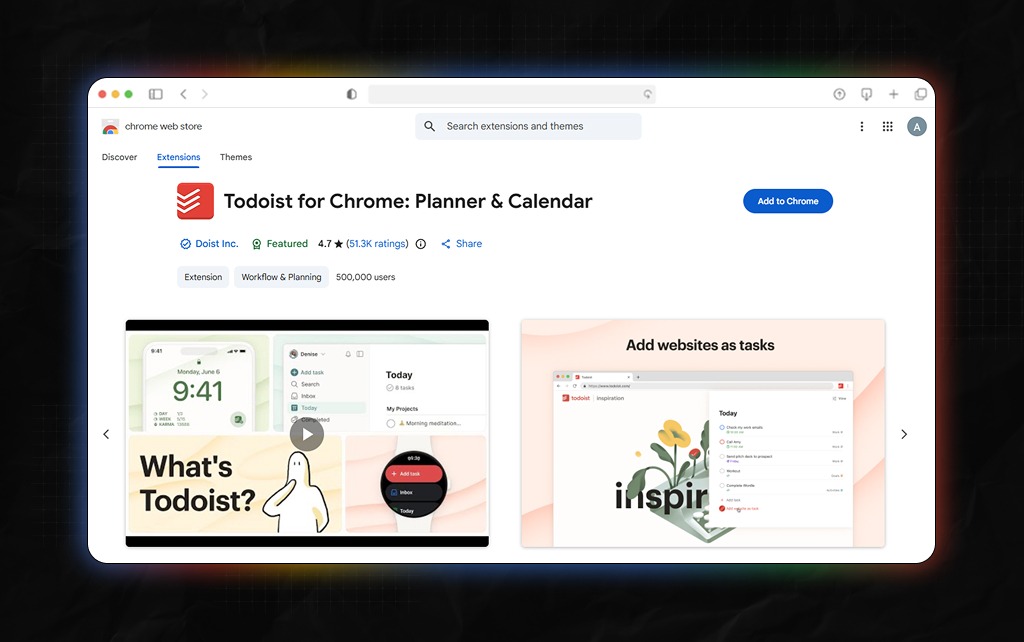
Best for: Task management
I have tested countless task managers over the years. Many become overly complicated once you start adding projects, labels, tags, and automations.
Todoist avoids that trap.
The extension makes it easy to capture tasks without breaking concentration. Also, if I found something worth revisiting during research, I could save it in seconds.
What I liked:
What I didn’t like:
Verdict: Todoist is great for anyone who lives on to-do lists, sticky notes, and too many tabs opened on their browser.
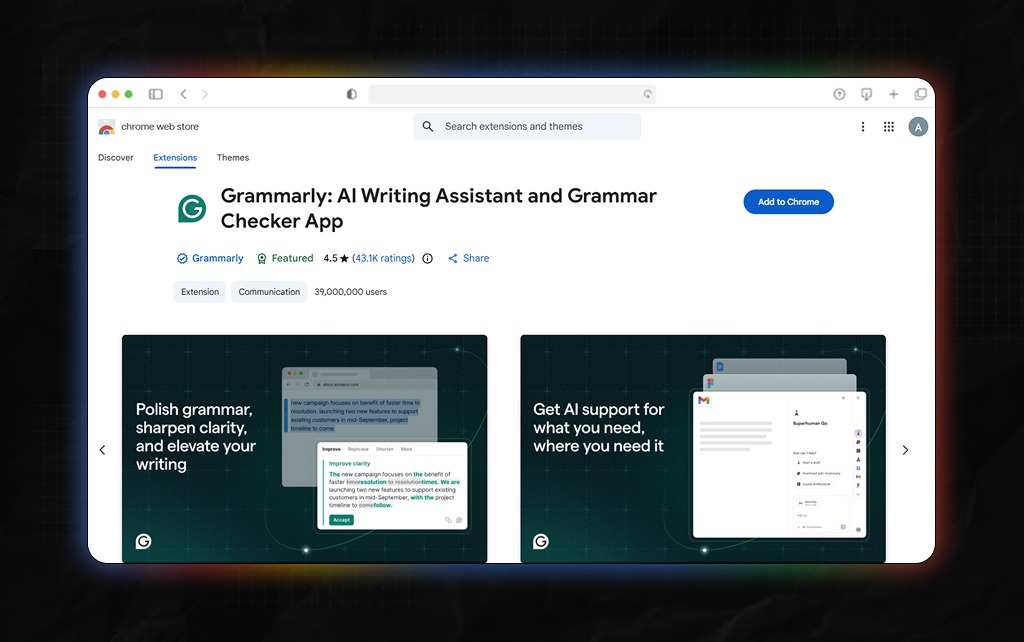
Best for: Writing and editing
I’ve been using Grammarly for nearly a decade now, and its extension continues to be so useful, especially for writers, marketing professionals, and even students pursuing higher education.
Moreover, with this extension, you can check grammar, clarity, and tonality across any content format – Google Docs, Gmail, etc.
What stood out during testing was consistency. It worked almost everywhere.
What I liked:
What I didn’t like:
Verdict: I love Grammarly’s Chrome extension. And I would recommend this extension for everyone who has several content deliveries on a regular workday.
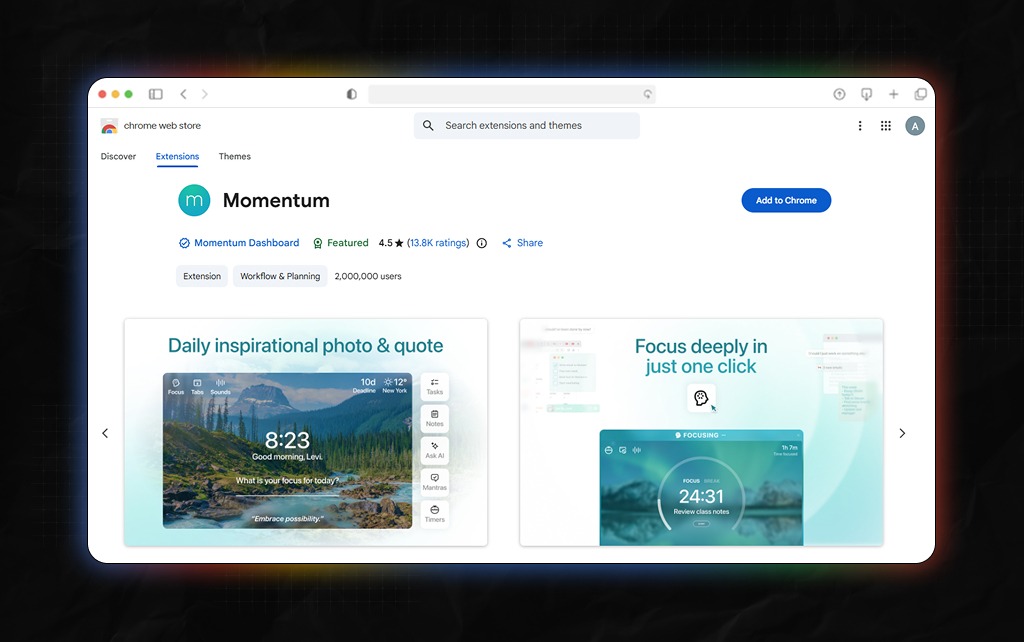
Best for: Focus
Momentum replaces Chrome’s new tab page with a clean dashboard. That sounds simple. But it had a surprising effect on my focus.
Instead of opening a new tab and immediately getting distracted, I saw a single goal for the day. The change sounds minor. The impact wasn’t.
What I liked:
What I didn’t like:
Verdict: One of the simplest productivity upgrades you can make.
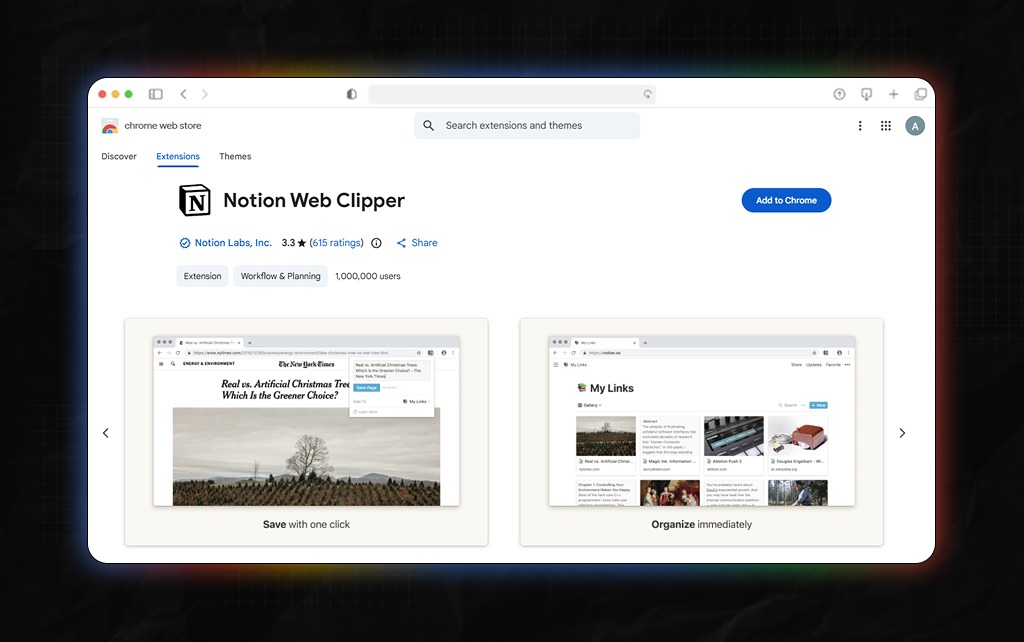
Best for: Research and note-taking
Research often becomes messy. Also, interesting pages get buried under dozens of tabs.
The Notion Web Clipper solves that problem. One click saves articles, resources, and references directly into your Notion workspace.
What I liked:
What I didn’t like:
Verdict: Researchers, writers, and students will appreciate this extension immediately.
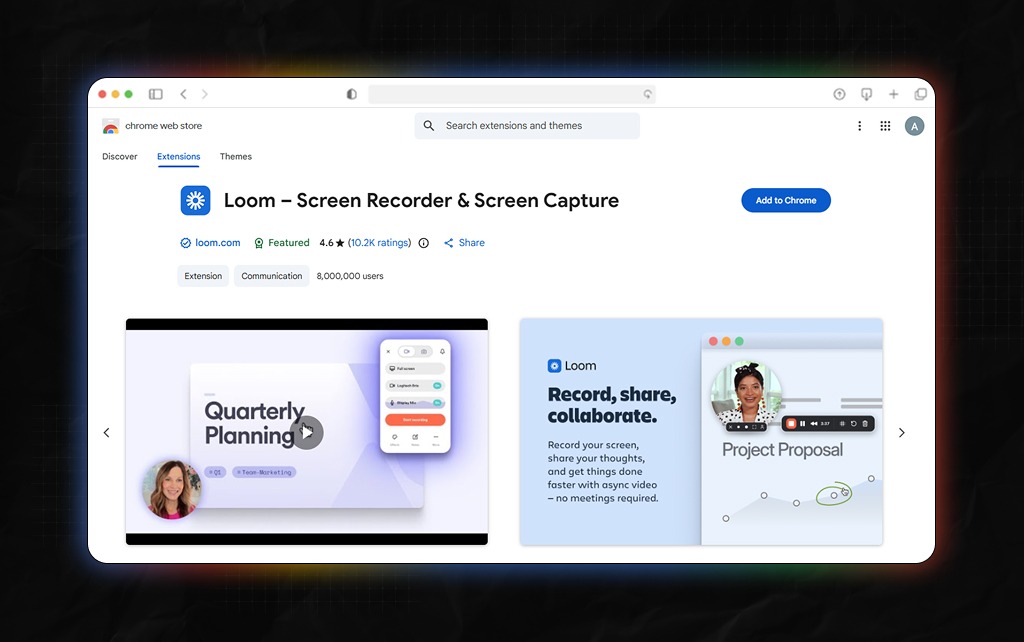
Best for: Communication
Typing long explanations wastes time. Loom lets you record your screen and explain things visually.
During testing, I used it for feedback, tutorials, and client communication. Many conversations became significantly shorter.
What I liked:
What I didn’t like:
Verdict: A huge time saver for remote workers.
In this section, I’ve discussed three of the best productivity Chrome extensions specially for anyone trying to improve their focus.
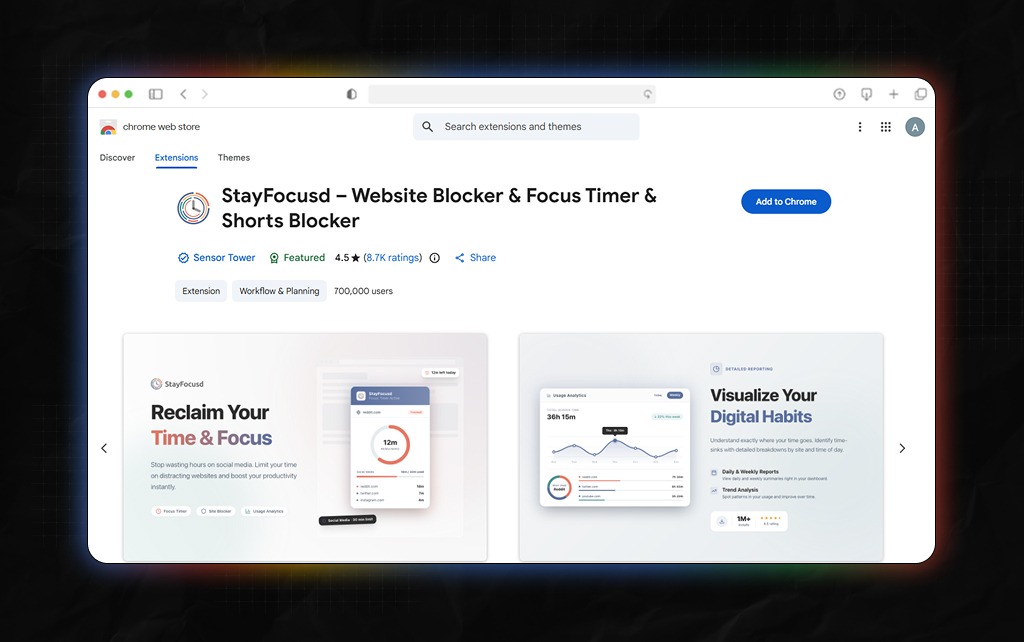
This extension blocks distracting websites and limits usage time. The strength lies in its simplicity.
Once configured, it becomes difficult to negotiate with yourself.
Verdict: Excellent for people who lose hours to social media.
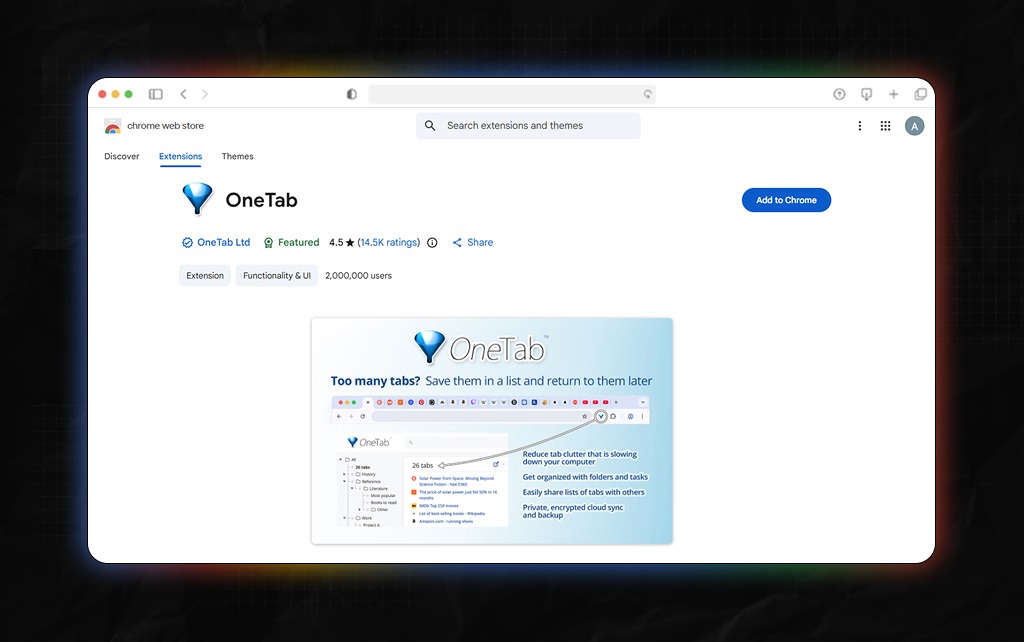
Browser tabs multiply quickly. OneTab converts them into a simple list. My browser became noticeably cleaner during testing.
Verdict: A must-have for chronic tab collectors.
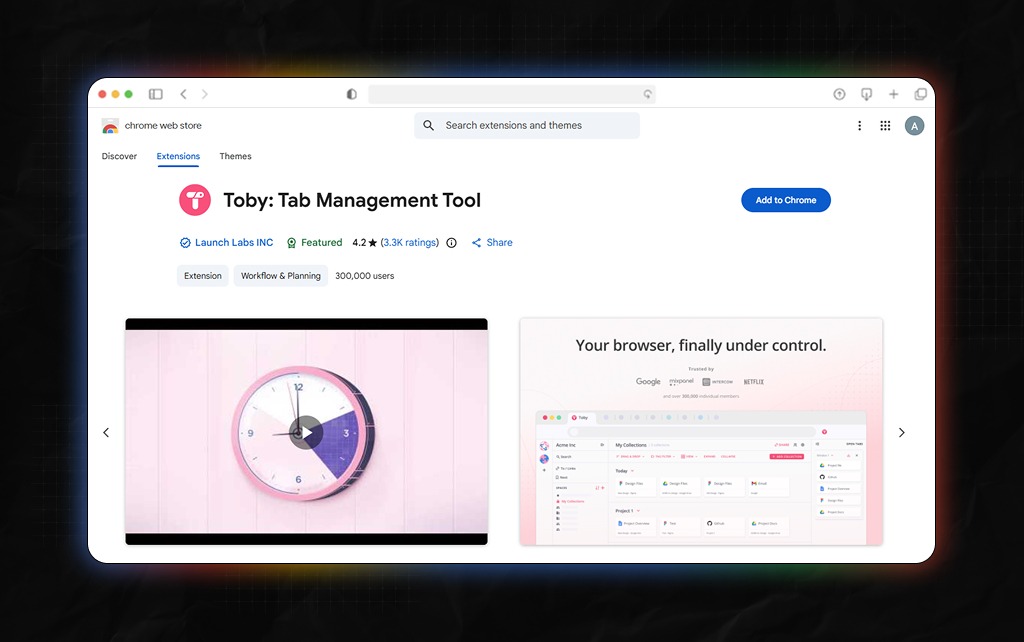
Toby takes tab management further. Instead of randomly storing my tabs, Toby even organized them into proper collections – it was pretty cool, to be fair.
Verdict: Perfect for busy professionals running around with too many projects.
For me, Grammarly and Copyscape have been an integral part of my writing career. Also, Grammarly’s Chrome extension is perhaps the only extension I’ve been using for years now.
On that note, I think we should all keep a few alternatives handy, just in case.
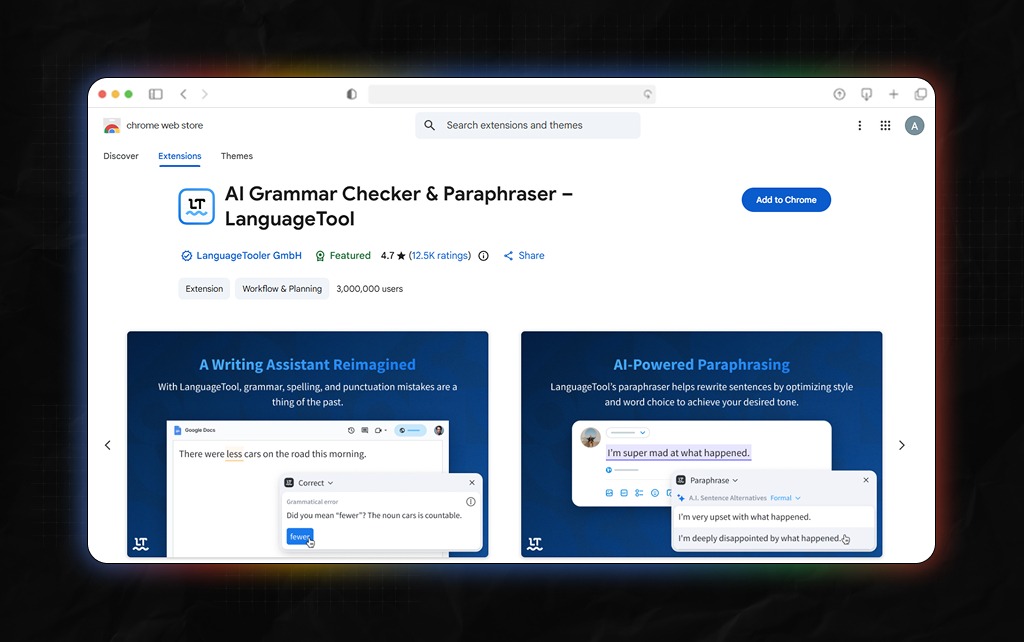
LanguageTool surprised me.
Many people default to Grammarly, but LanguageTool performed extremely well. It handled grammar corrections accurately and offered useful style suggestions.
Verdict: A strong alternative worth considering.
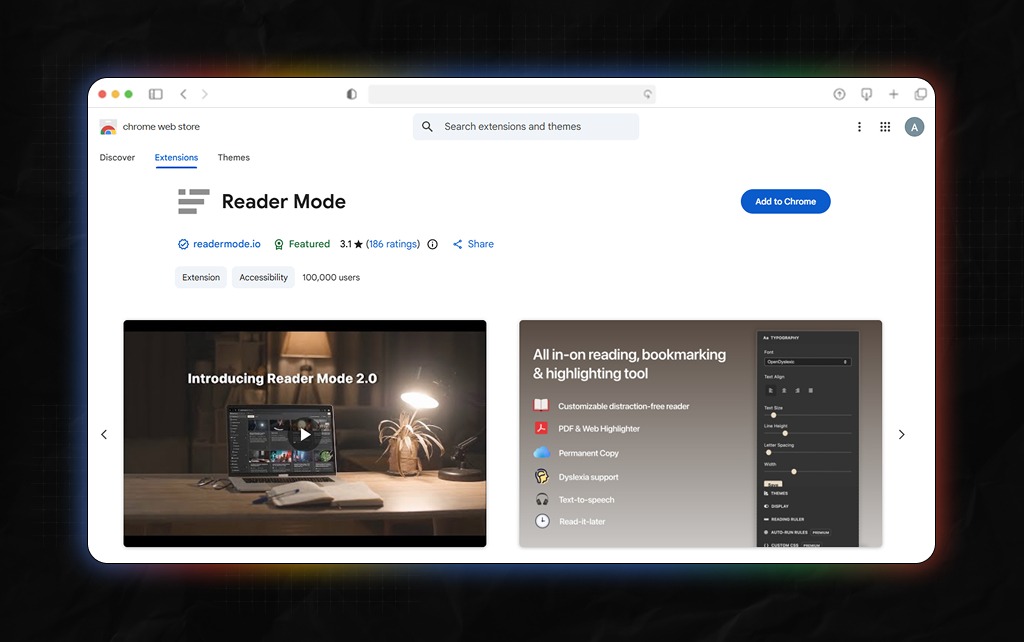
Many websites overwhelm readers with ads and visual clutter. Reader Mode strips everything away. And the result is a clean reading experience.
Verdict: Perfect for long-form research sessions.
Again, as someone whose career graph solely depends on research and writing skills, I can tell you that I’ve been super conventional with my research methods.
Also, I’m a little selfish about teaching everyone how to research since it’s a skill set that I’ve built over the years. And with the advent of AI, everyone is probably thinking that research has become easier.
Well, less time-consuming? Yes. But easier? Nope! As a result, I thought, why not share some wisdom related to research for once? So, here are two extensions that stood out for me.
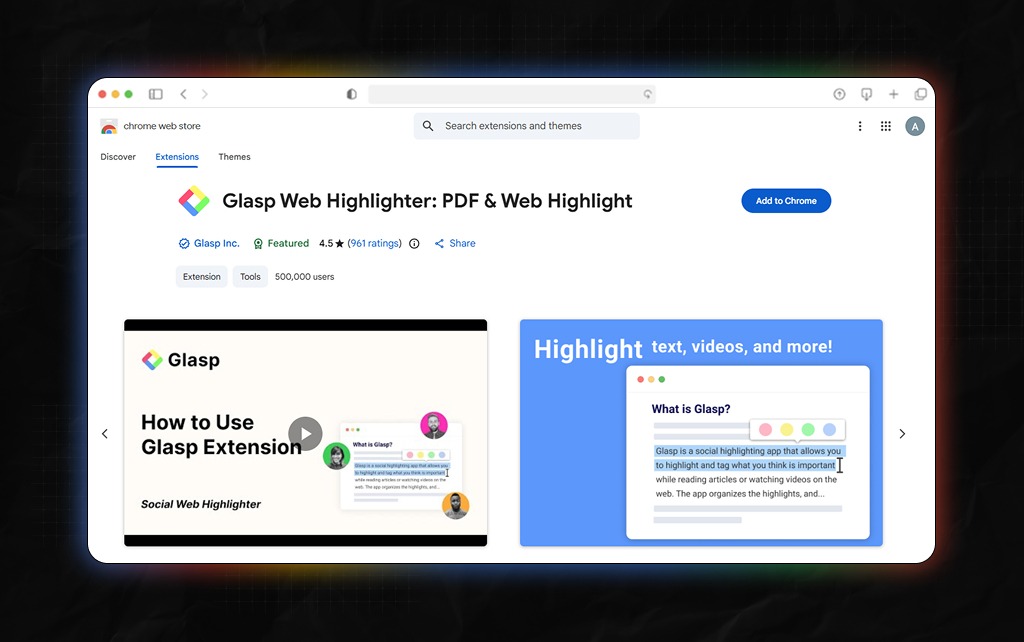
Glasp allows you to highlight important sections across the web. The highlights stay organized and searchable.
After several weeks, it became one of my favorite research tools.
Verdict: Excellent for researchers and content creators.
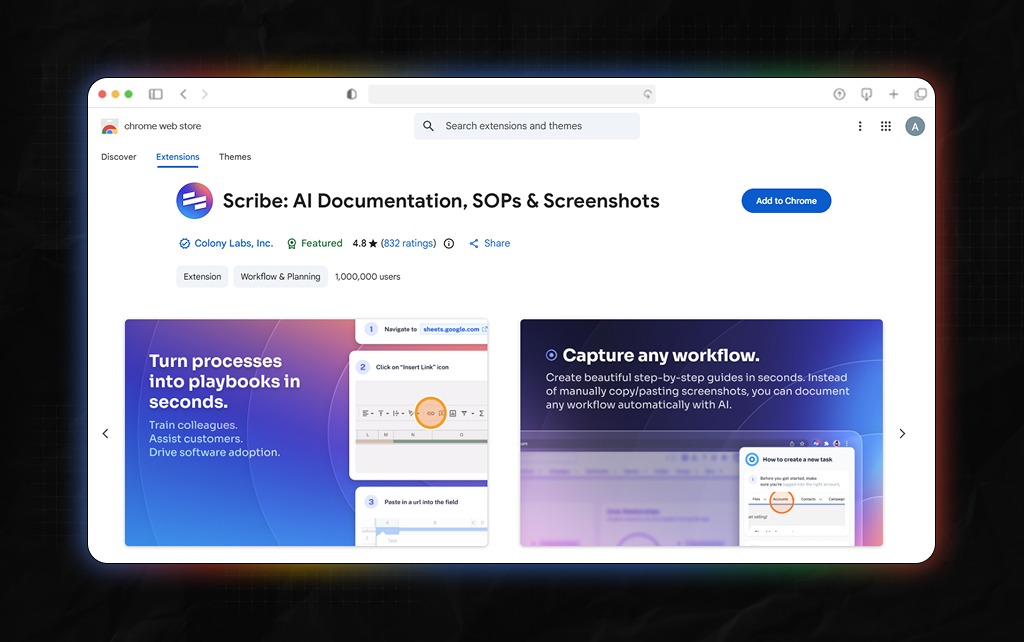
Creating documentation usually takes longer than expected. Scribe automatically generates step-by-step instructions while you work.
Verdict: In my experience, time has always been a major issue, and Scribe exactly solves that, especially with training, onboarding, and related activities.
As a working professional for close to a decade, meetings and collaborative projects are a part of daily corporate life.
And while Microsoft dominates the corporate scene, most of us keep fidgeting about these smaller productivity extensions. In my experience, two Chrome extensions really stood out.
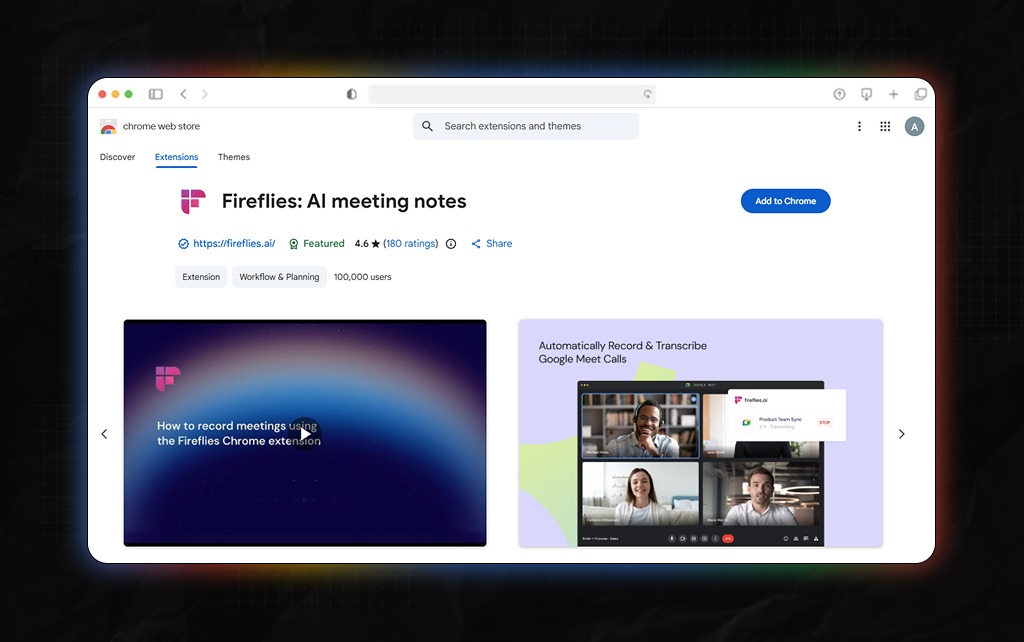
Honestly, if a meeting is productive and relevant, there’s a lot of information discussed, debated, and shared. Personally, my brain retains most of it, but it does miss out major chunks.
However, Fireflies records conversations and creates searchable notes – and can really help you out in a tough spot.
Verdict: Useful for teams handling frequent meetings.
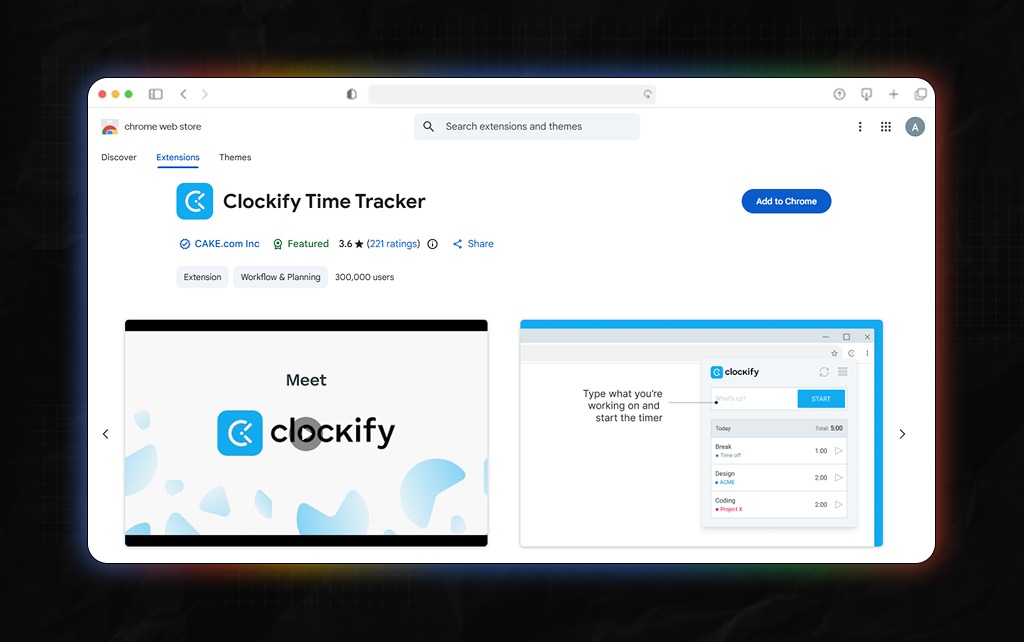
Many people underestimate where their time goes. Clockify makes that visible.
After using Clockify to track my work across weeks, I was shocked to find out multiple productivity leaks that I had no clue about in the past.
Verdict: One of the easiest ways to improve time management.
So, I’m not very good with passwords, and while I’ve been using Password Manager Pro, it’s not very good. While it does offer security, logging in is a pain in my brain every day.
As a result, while I was testing out extensions, I thought why not check out something for password management and security as well.
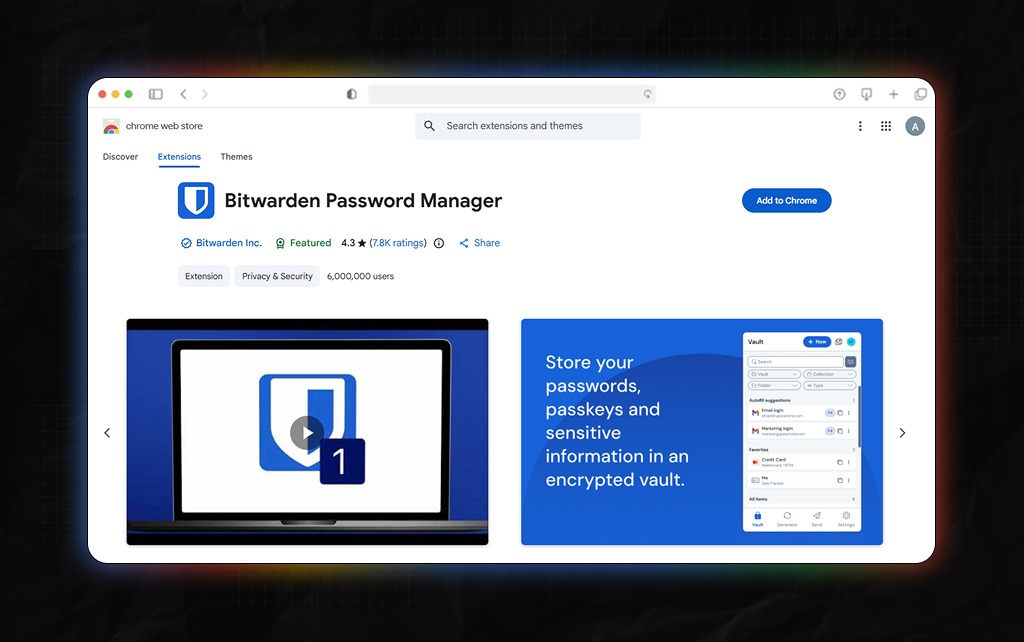
Best for: Password management and online security
Instead of trying to remember dozens of passwords, I only needed to remember one master password.
Also, Bitwarden stored everything else securely and even filled it automatically when needed.
During the testing period, I rarely had to stop and search for login credentials. The extension handled that friction quietly in the background.
What impressed me most was how little maintenance it required. Once everything was set up, it simply worked.
What I liked:
What I didn’t like:
Verdict: If you manage dozens of accounts across work and personal projects, this extension can save time, reduce frustration, and improve security at the same time.
Several popular extensions failed to survive the full testing period.
Not because they were bad. But because they didn’t provide enough value to justify staying installed.
The most common issues included:
This was one of the biggest lessons from the experiment. Also, more productivity extensions do not automatically create more productivity.
Many people install every productivity tool they discover. Then they wonder why their browser feels cluttered.
Productivity comes from reducing friction. Not adding more systems.
Also, the most productive setup I found included fewer than ten extensions. Each one solved a specific problem. Nothing more.
The free versions of most extensions are sufficient for casual users. However, paid plans become valuable if:
Otherwise, the free version is usually enough.
After testing 35 Chrome extensions for 30 days, one conclusion became clear. The best productivity extension is not the one with the most features.
It’s the one that removes a small but consistent source of friction from your day. For most people, I would start with:
Install those first five. Use them for two weeks. Then decide whether you actually need anything else.
Because productivity rarely comes from adding more tools. More often, it comes from using a few good ones exceptionally well.
For discussion on the subject matter, join our forum today!
Read Also:
Barsha is a seasoned digital marketing writer with a focus on SEO, content marketing, and conversion-driven copy. With 8+ years of experience in crafting high-performing content for startups, agencies, and established brands, Barsha brings strategic insight and storytelling together to drive online growth. When not writing, Barsha spends time obsessing over conspiracy theories, the latest Google algorithm changes, and content trends.
View all Posts

The Ultimate Guide To Competitor Backlink Ana...
Oct 23, 2026
How To Land High-Authority Editorial Backlink...
Oct 23, 2026
Why Your Website Traffic Dropped Suddenly And...
Oct 23, 2026
How Do The Physical Google Review Tools Redef...
Oct 23, 2026
How To Get Your Brand Cited In AI Search Resu...
Oct 22, 2026