
Glean AI Pricing For Enterprise Search 2026: The Comprehensive Buyer’s Guide
Oct 31, 2026

Navigating the world of enterprise AI can feel like walking through a financial maze.
Every major tech company is racing to put an AI assistant on your desktop, but figuring out the cost is rarely as simple as a single price tag.
Lately, the biggest question on every IT director’s and developer’s mind is Copilot cost. Is it a flat fee, an add-on, or a complex licensing bundle?
The short answer depends entirely on the ecosystem you choose.
If you are looking to deploy Microsoft Copilot, Claude, or specialized search platforms across your team, you need to understand the hidden pricing layers before you sign any contracts.
Let’s break down the real numbers for 2026 so you can get the most value from your technology budget.
If you’re short on time, here’s a quick summary:
Microsoft Copilot Costs: Firstly, while the add-on costs $21 to $30, you’ll need to purchase a Microsoft 365 license first, bringing the overall cost to $32 to $90.
Claude Pricing: Secondly, Claude Pro is a fixed $20 monthly subscription for individuals.
Meanwhile, Claude Enterprise introduces a per-seat fee of $20.
Enterprise Search Tools: Lastly, tools like Glean won’t charge per token; instead, they offer a fixed per-seat price.
Many people miss that when purchasing Microsoft 365 Copilot, the cost includes more than just the add-on.
Microsoft Copilot extends Microsoft’s productivity suite, so your base infrastructure affects how much you pay.
The standard cost for Copilot is $21 per user per month when tied to an annual commitment.
If you prefer the flexibility of paying month-to-month, the rate increases to $25.20 per user per month.
However, you cannot purchase Copilot alone. You’ll need to purchase a base license.
Business Standard: $14 + $21 = $35/user/month
Business Premium: $22 + $21 = $43/user/month
To save you the hassle of calculating, Microsoft now offers bundled SKUs.
This means businesses can purchase Copilot in conjunction with Business Standard licenses for a reduced price of $23.50 per user per month.
The add-on cost of Copilot in an enterprise environment is $30/user/month. When added to Enterprise licences like Microsoft 365 E3 (39)orE5(60):
E3: $39 + $30 = $69/user/month
E5: $60 + $30 = $90/user/month
When you purchase Copilot at scale, Microsoft offers significant volume discounts.
If you purchase for between 1000-9999 seats, you’ll receive a 30% discount. If you purchase for more than 10000 seats, you’ll receive a 50% discount.
This can mean certain features are charged as per usage.
Also Check: DeepSeekPlay Com: Is This Next-Gen AI Platform Worth The Hype?
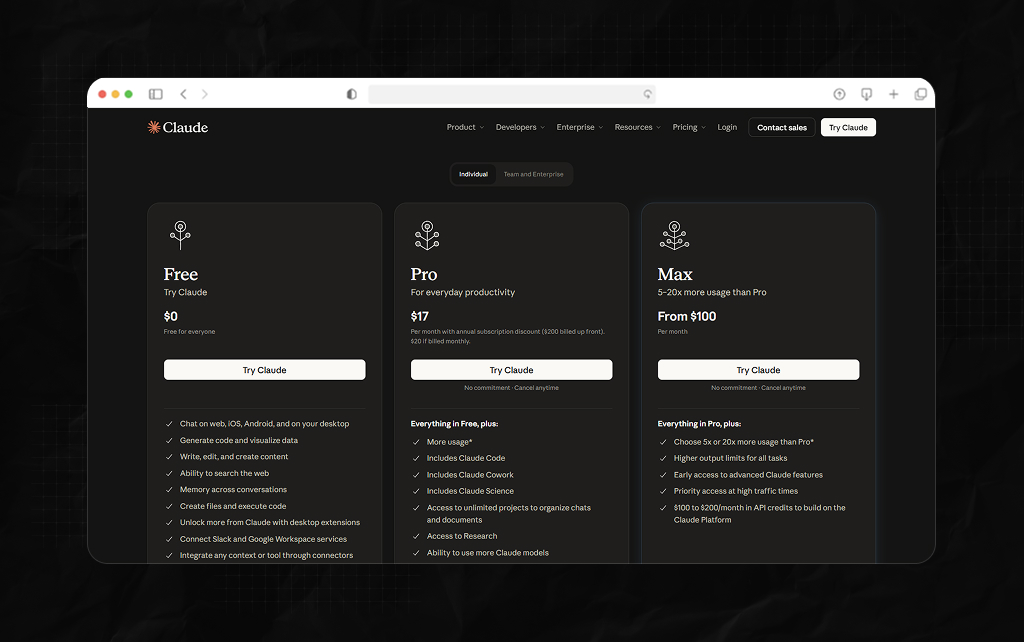
If your engineering or content teams want to use Anthropic’s conversational models, you’ll need to consider a different cost structure.
The cheapest pricing for Claude is $20 per month on a standard month-to-month plan, or $17/user/month (Annual).
This will give you a massive 1million token context window for the latest models and full access to Claude Code.
Let’s say your engineer is running out of tokens as they’re processing lots of repos.
Then they can upgrade to Max 5x ($100/month) or the elite Max 20x tier ($200/month), increasing the number of tokens available during 5-hour windows.
Claude Enterprise is completely different from traditional software. You’ll pay $20/user/month for a seat (Annual) and will need at least 20 licenses for self-serve teams.
However, this does not include any AI usage.
Every interaction, upload, and multi-step workflow will be charged as per standard API developer rates per million tokens.
Choosing the right platform isn’t just about the baseline Copilot cost; it is about where your company’s collective intelligence actually lives.
| AI Platform / Tier | Baseline Seat Price | Prerequisite Stack Needed? | Data Grounding Focus | Best Fit Environment |
| Microsoft 365 Copilot | 21–30/mo | Yes (Requires M365 Licenses) | Microsoft Graph & Suite Apps | Microsoft-First Teams (Outlook, Teams, Sharepoint) |
| Claude Pro / Max | 20–200/mo | No Prerequisite | User Prompts, Uploads, CLI Repos | Individual Developers & Creative Teams |
| Claude Enterprise | $20/mo + Usage Fees | No Prerequisite | Workspace Connected Knowledge | Teams Standardizing on Anthropic Models |
| GoSearch / Glean | $20/mo to Custom | No Prerequisite | Cross-Tool Universal Crawling | Hybrid Tech Stacks (Slack, Jira, GitHub, Drive) |
Microsoft Copilot is perfect if your business revolves around Excel, Word, and real-time meeting summaries in Teams.
However, if your team relies heavily on external web platforms, forcing them to use a Microsoft-based Copilot might lead to poor adoption.
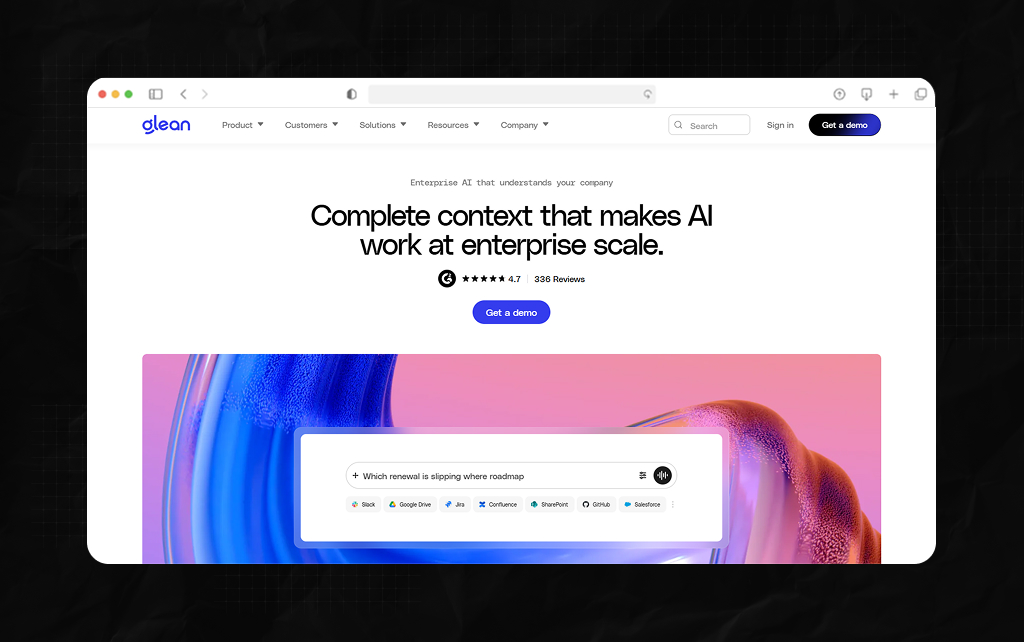
If your engineering, sales, and product teams store their most important files in Jira, GitHub, Slack, and Salesforce, standard Copilots can struggle.
They require complex IT connections to access external platforms.
This is why companies use tools like Glean AI for enterprise search 2026. Unlike Claude Enterprise, enterprise search tools offer a fixed cost per seat.
Instead of being charged each time a user asks something, you’ll pay a fixed amount for an intelligent tool that can crawl, index, and federate searches across hundreds of tools.
It will also respect permissions, so your engineers will see only relevant files from their codebase, and your sales team will see only active account information.
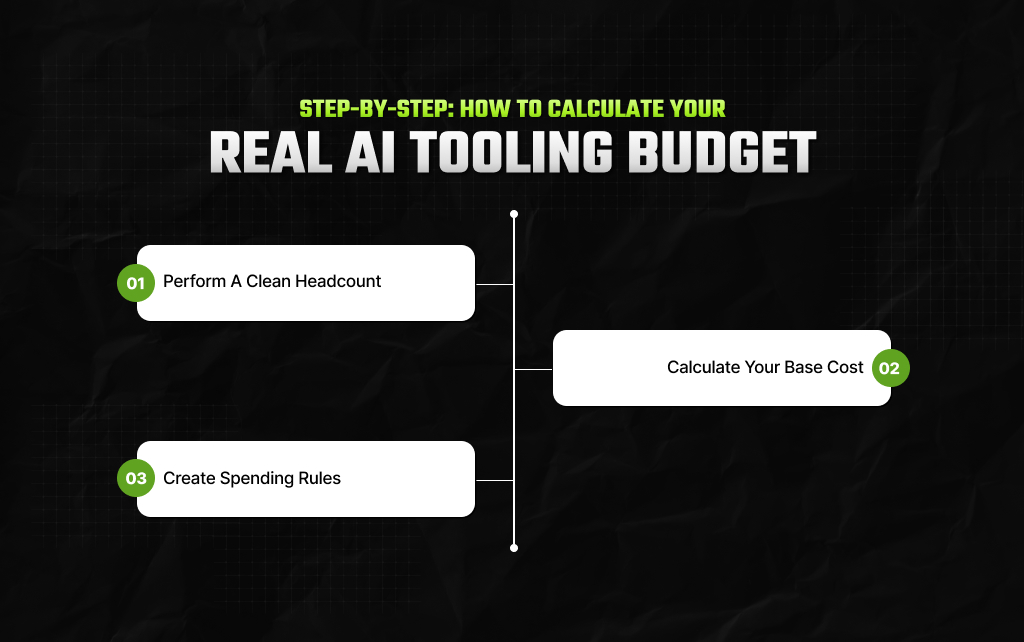
Before you reach for your company credit card or sign up to an annual agreement, follow the steps below to ensure you don’t get any nasty surprises.
Don’t give everyone an AI licence. Split your employees into groups.
Identify who are going to be your power users (developers) who will need more powerful tools.
Who are your regular users that will just need basic calendar/email summaries? And who are your light users who will need very basic search functionality?
If you’re going to use Microsoft, identify what tier your employees are on for their 365 license.
Calculate how much it will cost to upgrade their license to a qualifying business or enterprise license. Then add the Copilot cost.
If you’re using an AI tool that charges per API usage (Claude Enterprise) or one that allows power users to top up credits, then head straight to the admin panel.
Set strict limits on how much you want to spend per user and organization each month to prevent an AI from getting stuck in a retry loop and creating a huge invoice.
Additional Resource: Gramhir Pro: Is This AI-Powered Image Generation Tool Worth The Hype?
Piyasa is a search engine marketing strategist who has spent the last six years decoding Google's ever-changing mind. From corporate giants to neighborhood storefronts, she helps businesses cut through the digital noise and actually get noticed online. When she isn’t building SEO strategies or writing the latest search industry breakdowns for Search Engine Magazine, you can usually find her hanging out with friends - and gently reminding them that no, she cannot personally fix the latest algorithm update for them.
View all Posts