Faceted Navigation SEO: Best Practices, Common Pitfalls, And Technical Fixes For E-commerce
Nov 24, 2026
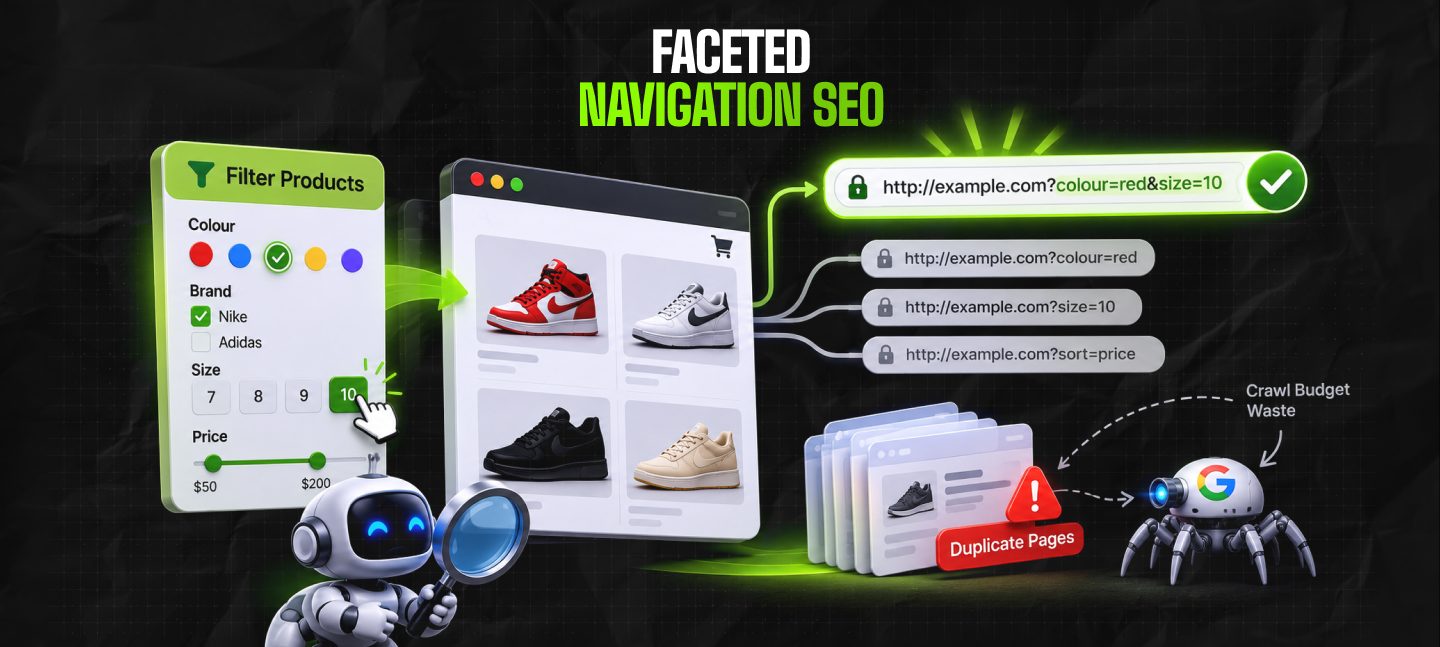

Have you ever shopped online for a pair of shoes? You go to a website, click on “Men’s Shoes,” and then use the sidebar to pick “Color: Black,” “Size: 10,” and “Price: Under $100.”
Within seconds, the website narrows down thousands of shoes to the exact ten pairs you want to see.
That sidebar filter system is called faceted navigation seo.
While faceted navigation makes shopping super easy for humans, it can create a massive headache for search engines like Google.
If you don’t set it up correctly, it can accidentally hurt your website’s search rankings.
In this guide, you will learn what faceted navigation is, why it breaks SEO, and the modern rules you need to follow to fix it.
There are 6 best practices to implement in modern faceted navigation:
Faceted navigation is a type of filtering menu, commonly found on the left or top of a page.
It allows users to easily filter and sort a large selection of items based on certain characteristics, such as size, colour, brand, and price. (Botify)
It is very common on e-commerce sites (Amazon), booking sites (Booking.com) and job sites (LinkedIn).
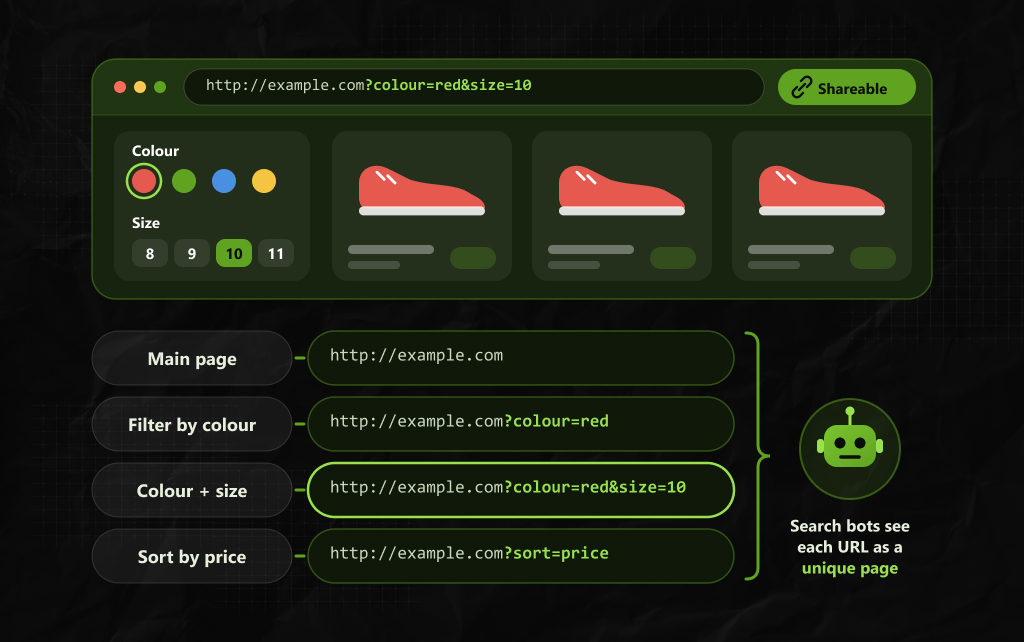
When you click a filter in faceted navigation, a new URL typically appears in the address bar at the top of your browser.
Extra information (URL parameters) is added to the end of the URL. (Google Search Central)
For example:
For users, this is very useful. You can share this link with someone else and they will be shown the exact same red size 10 shoes.
For search bots, each of these links appears as a unique page.
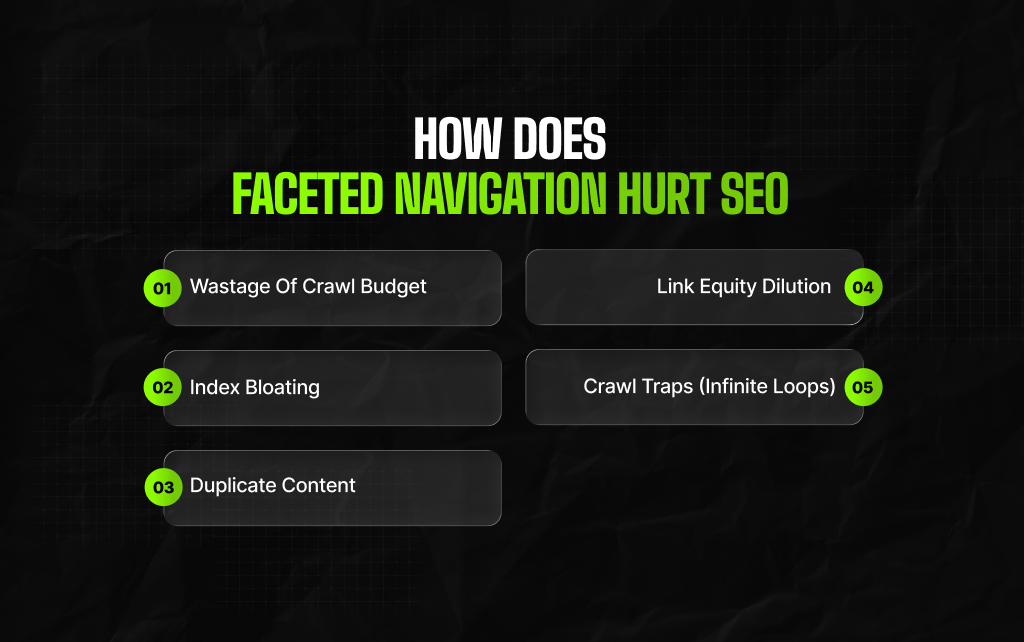
If your site has thousands (or even millions) of filter pages, 4 SEO issues may occur at once. (Nico Digital & Neil Patel)
Search engines only have a limited amount of time to crawl your site. As explained in Neil Patel’s SEO blog, each site has a crawl budget assigned to it.
This indicates how long Googlebot will crawl through a site, and how much server resources it will use.
If you have 500,000 filter pages with no SEO value, Googlebot will waste valuable crawl budget on them instead of your new products or blogs. (Google Search Central)
As Nico Digital explains, adding many low-value, thin filter pages to Google’s index can create index bloat.
Let’s say you only have 2000 pages. However, Google has 200,000 filter pages in its index.
So, having too many poor-quality pages will definitely lower your overall quality score.
If 2 users filter on different parameters to display the same products, for example colour=red size=10 and size=10 colour=red, the displayed products are identical, just ordered differently.
For search engines, this means duplicate content between 2 different URLs. As discussed in the Google Search Central Help Community, this can confuse Google about which page to show.
Every webpage has ranking power. In SEO, this power is called link equity or PageRank.
According to Neil Patel’s faceted navigation guide, linking to 60 filter options from your main category page creates a problem.
So, your ranking power gets split into 60 tiny pieces. As a result, your most necessary pages lose the strength they need to rank well.
When users can combine multiple filters at once, such as selecting 3 colors, 4 sizes, a brand, and a price range, your website generates millions of endless URL combinations.
Search bots can get stuck inside these infinite loops, known as crawl traps, endlessly crawling useless filter combinations and never reaching your important product pages.
While some filter pages may harm SEO, others can be very beneficial. As mentioned by seoClarity, users rarely search for general terms such as ‘shoes’ in Google.
They often search for specific items, such as ‘Nike Red Running Shoes’.
By allowing Google to index high-demand filter pages, your site can appear in thousands more searches.
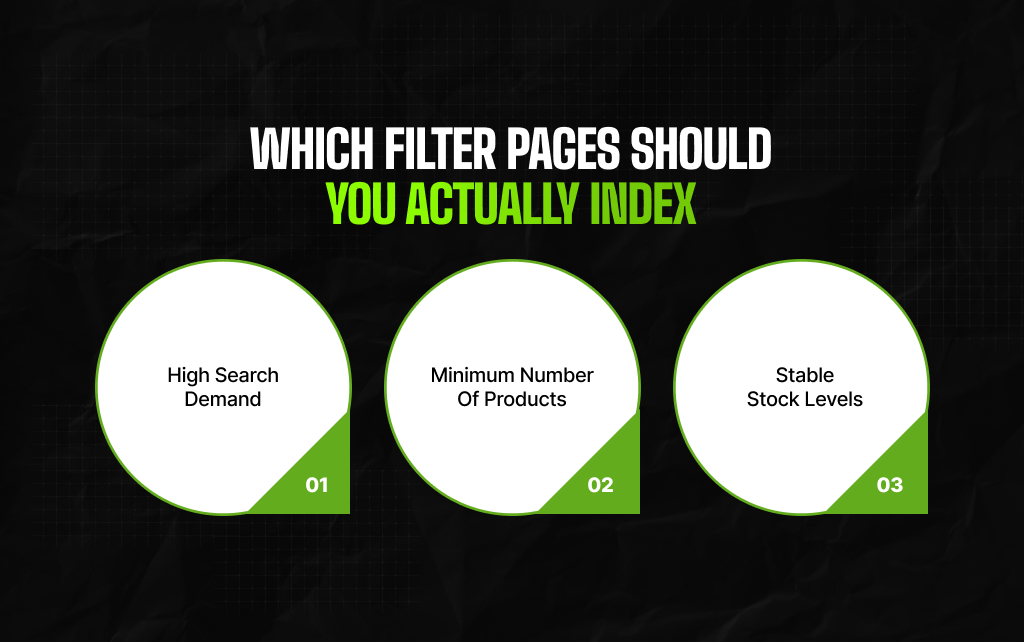
To determine if a filter page should be indexed, ensure that it meets the following 3 criteria:
Ensure that users are searching for this exact phrase in Google each month. “Men’s leather jackets” will have high search demand.
However, ‘men’s Jackets, cheapest under $47’ will have 0 search demand. (Check using a keyword research tool).
Never allow Google to index filter pages with only 1 or 2 products. Ensure that filter pages that are indexed contain 3-5 products to avoid disappointing users.
Do not index filter pages for items that run out of stock frequently. If the products on your page regularly run out, search engines will see it as an unreliable, broken page.
Once you know which filter pages you want to allow and which to avoid, you have several options for managing search engines.
Based on best practices from technical SEO expert Lum Kamishi and Search Engine Journal, use the table below to choose the best option for managing the issues on your site.
| Technical Tool | Stops Google From Crawling? | Keeps Page Out of Google Search? | Passes Ranking Power to Main Page? | Best Used When… |
| Self-Referencing Canonical | No | No (Page is indexed) | No (Keeps its own power) | High search demand. Unique products. |
| rel=”canonical” to Main Page | No | Yes | Yes | Minor duplicated pages (Sorting (?sort=newest) or Single Colour) |
| noindex Meta Tag | No | Yes | No | Already indexed in Google. You wish to remove it. |
| robots.txt Disallow | Yes | Usually (Unless linked externally) | No | Millions of infinite filter options, price ranges or Multi-select Traps. |
If you have filter pages that are already indexed in Google or pages you still want bots to crawl through to reach your products without indexing the filter page itself—add a noindex, follow meta tag.
Moreover, this tells Google to keep the messy filter page out of search results while still following the links to your actual product pages.
A common mistake made by beginners is to use both a noindex tag and a canonical tag (linking to a different page) on the same page.
As technical SEO experts at Scandiweb explain, this should never be done.
Using noindex tells Google, “Delete this page completely.” Using canonical tells Google, “Merge this page with my main page.”
Conflicting instructions confuse the algorithm. Often, Google ignores the canonical tag.
If there are parameters on your site that you never want search engines to crawl (e.g. price ranges or sorting options), as advised by Google Search Central, you can add a disallow command to your robots.txt file.
Here is what a simple block rule looks like:
Text
User-agent:
Disallow: /?sort=
Disallow: /?price=
This prevents any search engine bots from opening links with “sort=” or “price=” in the URLs.
Many SEO blogs stop discussing faceted navigation once they cover robots.txt and canonical tags.
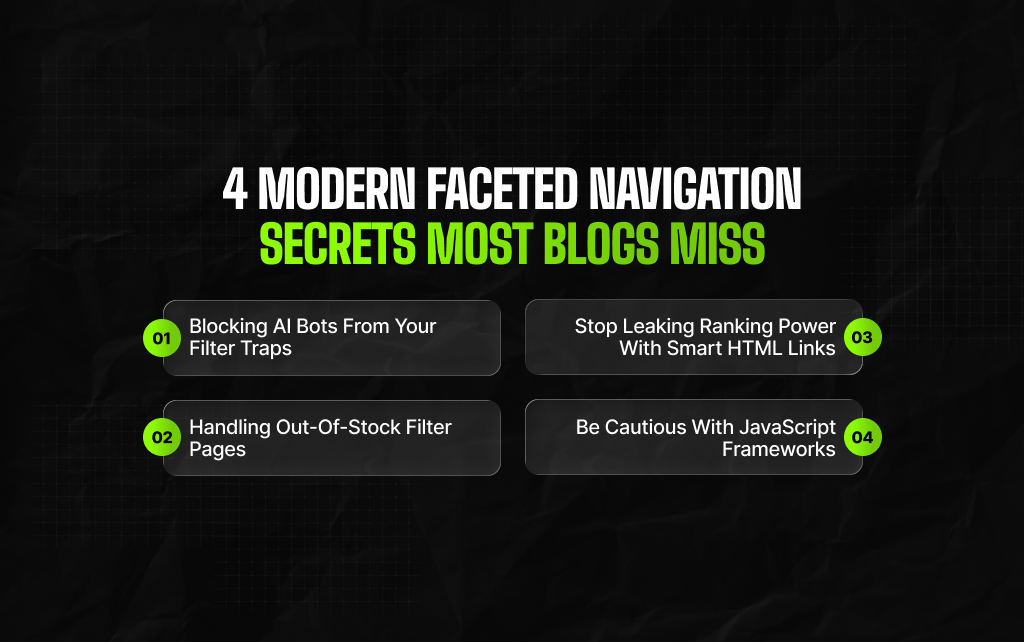
However, both websites and search engines are constantly changing. To stay ahead of the competition, take note of these 4 tips.
Along with Googlebot, AI bots are now crawling your site. As outlined in OpenAI’s developer documentation, AI companies have their own web crawlers (such as GPTBot) to help train AI models by reading web content.
Some AI bots may crawl your site heavily, causing performance issues or increasing hosting costs.
For example, AI bots may get stuck in loops within facet navigation. However, as outlined in OpenAI’s crawler guidelines, you can restrict AI bots from crawling messy filter pages.
To do so, add the following to your robots.txt file. This will allow AI bots to crawl clean product and category pages, but not messy filters.
Text
User-agent: GPTBot
Disallow: /?
Suppose a filter page ( /mens-red-running-shoes) performs well in Google Search results. However, all of the red shoes on this page quickly become out of stock.
If the items will be back in stock within 2 weeks:
If the items will be out of stock for 1-2 months:
If the items are permanently out of stock:
Consider the filter options in the sidebar. If all 50 colours, 30 sizes and 40 brands are included as HTML links (), search engine bots may click on every filter option, and the ranking power of your page will be divided very thinly. (Neil Patel Faceted Navigation Guide).
Instead, only include the top 5-8 high-demand filter categories as HTML links. For low-demand filters (Sorting by Price or rare sizes), create them using JavaScript buttons ().
While users can click the button to filter items, search engines will ignore the buttons. This way, you retain SEO power on your main pages.
Alternatively, if your website platform requires you to keep low-value filters as standard HTML links, add the rel=”nofollow” attribute to those undesirable internal links.
While Google treats nofollow as a hint rather than a strict rule, it signals to search engines not to waste ranking power or prioritize crawling those specific filter URLs.
Many websites today use JavaScript frameworks, such as React / Next.js / Shopify Hydrogen. However, sometimes developers will create pages with dynamic URLs in the browser bar using JavaScript, without generating actual pages on the server.
Ensure that any pages you want Google to index have clean URLs (http://example.com ), and products are shown immediately in HTML, in order for Googlebot to easily read the content.
Also Check: How To Get Your Website Named By ChatGPT And Google AI
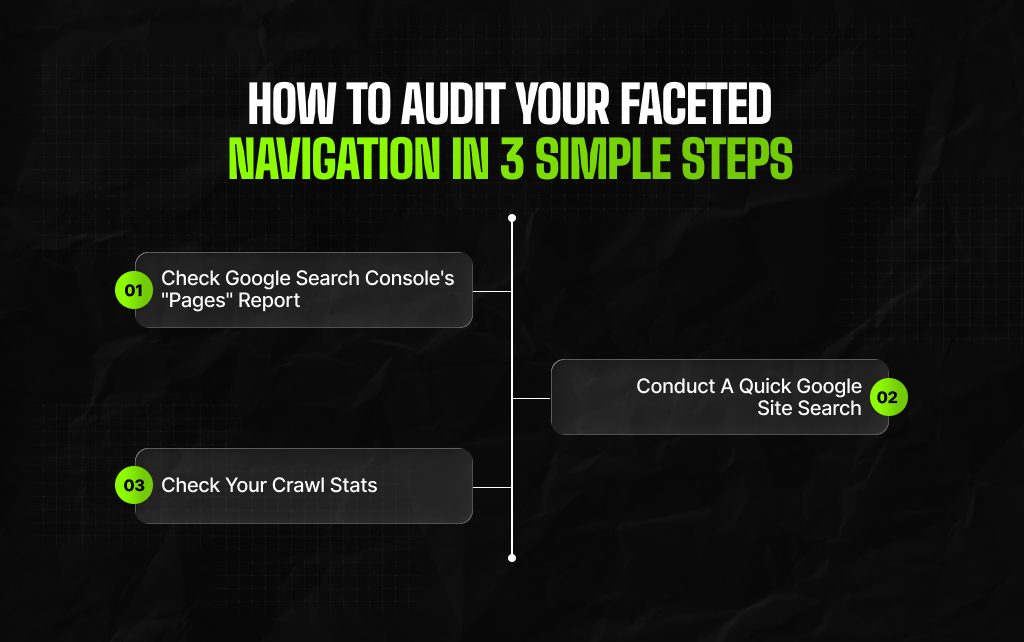
If you are unsure whether faceted navigation is negatively impacting your site, follow this process (recommended by Neil Patel and Google Search Central) to audit it in less than 10 minutes using free tools.
If there are thousands of URLs containing? symbols, colour= or sort=, you have crawled bloat.
References
Piyasa is a search engine marketing strategist who has spent the last six years decoding Google's ever-changing mind. From corporate giants to neighborhood storefronts, she helps businesses cut through the digital noise and actually get noticed online. When she isn’t building SEO strategies or writing the latest search industry breakdowns for Search Engine Magazine, you can usually find her hanging out with friends - and gently reminding them that no, she cannot personally fix the latest algorithm update for them.
View all Posts

The Growing Role Of Brand Authority In Modern...
Nov 23, 2026
Top 10 SEO Consultants In London For Improvin...
Nov 21, 2026
3-Minute Checklist: How To Get Your Brand Nam...
Nov 20, 2026
How To Get Your Website Named By ChatGPT And ...
Nov 20, 2026
How To Use Google Flights: Save Hundreds On A...
Nov 19, 2026