Master The Rich Result Test: Fix Your Broken Schema Markup
Oct 08, 2026

If you have just factory reset your Android phone only to be greeted with an angry Google account verification screen, you are dealing with Factory Reset Protection.
Many online forums and guides will point users toward a free tool called vnROM bypass to bypass this annoyance.
Before you download random files onto your Android, though, you should understand what this tool is, its success rates on modern OS versions, and the security concerns.
| TL;DR: Quick Summary For Skimmers What it is: vnROM bypass is a collection of free, downloadable Android application packages (APK) that exploit loopholes and let you add a new account to a factory-reset phone. Compatibility: The APKs work best on legacy systems running Android 5.0 through Android 8.1. On systems such as Android 13, 14, and higher, Google has patched the loopholes, rendering the files useless. Primary Risk: As there is no official developer company to the application, downloading .APK files from unofficial third-party web mirrors can expose your device to malware or spyware. Best Practices: Using desktop utility applications or account recovery from a manufacturer’s website can be much more effective for modern cellular devices. |
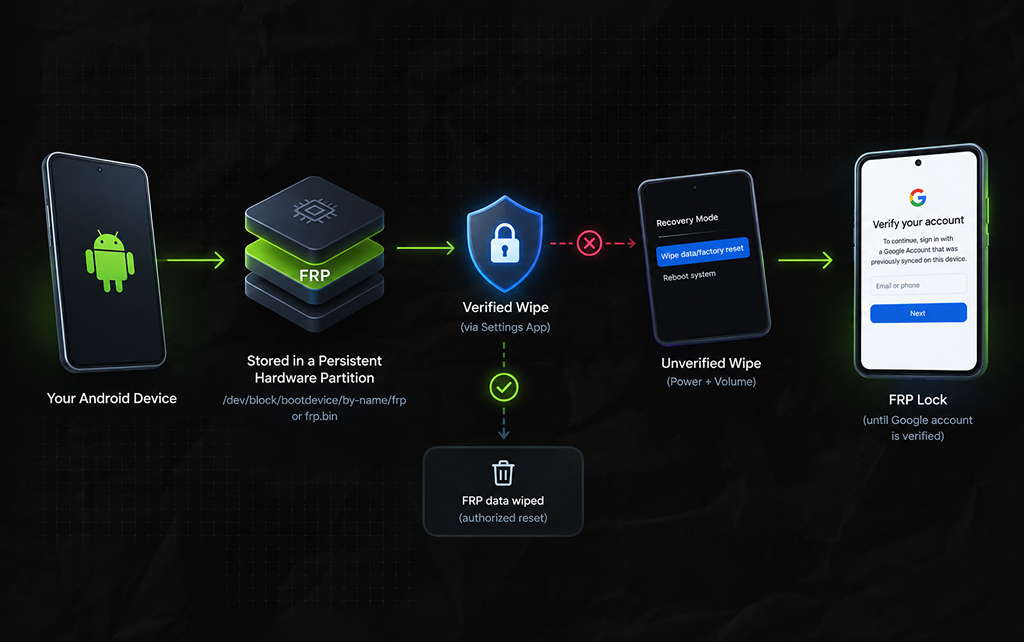
To understand why these tools even exist, one must first understand where an Android device’s security configuration details are stored
Factory Reset Protection is not a simple boolean value stored in your typical location of the consumer operating system configuration space
It is actually written to a persistent hardware data block (usually /dev/block/bootdevice/by-name/frp or a dedicated frp.bin allocation table) of a specialized onboard partition.
When you perform a factory data reset using the device configuration settings app, the system safely executes an authorized wipe command that includes the isolated partition data.
However, if the device undergoes an unverified hardware state wipe (initiated from the recovery menu using the physical Power + Volume keys), the operating system will flag the event as a possible violation.
At boot time, the storage controller checks the immutable flag in the persistent data block partition.
Until a cryptographic token matching a previously configured Google account is generated via internet authorization, the user-space environment remains locked down behind a setup-wizard loop.
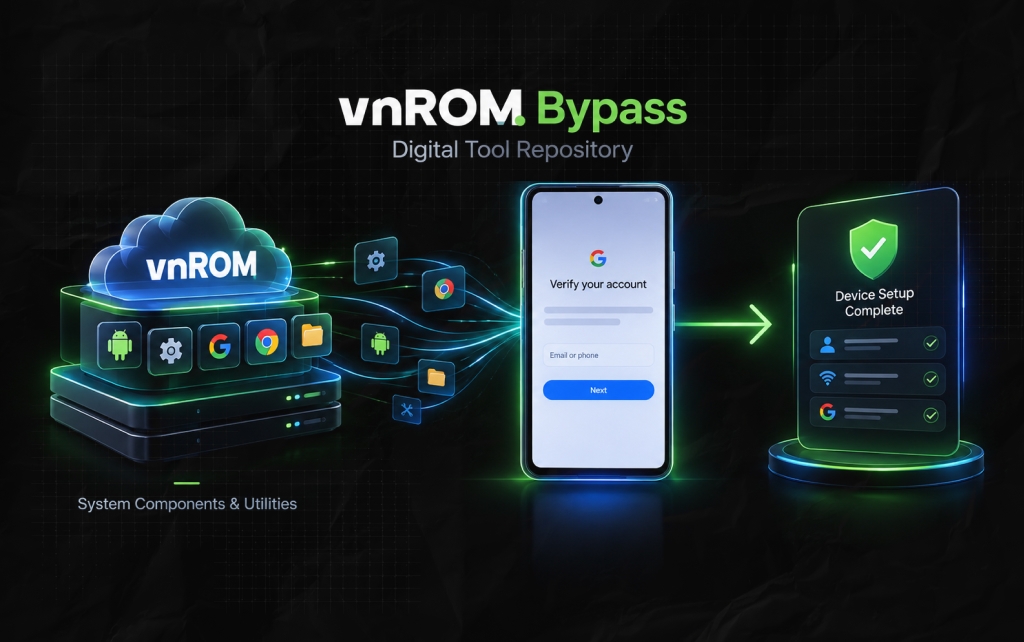
The vnROM Bypass Tool is not a singular software executable.
Instead, it functions as a curated digital archive of core system infrastructure components, modified configuration hooks, and launcher environments hosted on independent web mirrors.
When executed successfully, the files exploit a timing flaw in the Android account manager subsystem.
In legacy versions of Android, installing a modified Google Account Manager (GAM) allows a technician to interrupt the setup wizard loop.
By forcing a background browser authentication sequence over the primary setup screen, the software rewrites the account validation parameters on the device without needing the original user credentials.
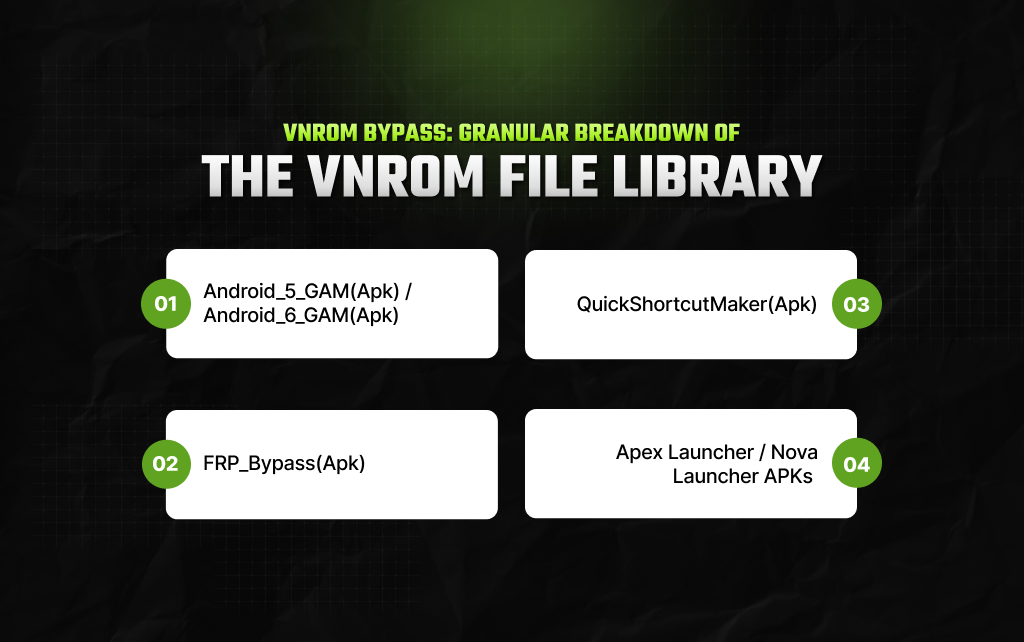
On a vnROM File Directory download page, you will see a mix of independent configuration files.
Every asset target is designed to tackle a different stage of the recovery/installation exploit:
Custom-compiled variants of the legacy Google Account Manager system app, which houses older validation procedures that lack modern structural checks.
This allows the system to accept alternative user inputs.
The core utility script that executes a web-browser login window over the standard Android configuration panel.
This redirects the device’s default network pipeline to Google’s web authentication portal instead of the internal hardware token system.
A tool used by technicians to force-launch deep system tasks hidden inside the device’s OS skin
If the primary bypass app cannot obtain direct execution rights, this can manually spawn the hidden account-entry tasks.
Simplified Android desktop environments used to temporarily replace the standard device setup loop. By loading in a temporary third-party launcher, you can access the standard Settings menu app to inspect base system details or check current storage metrics.
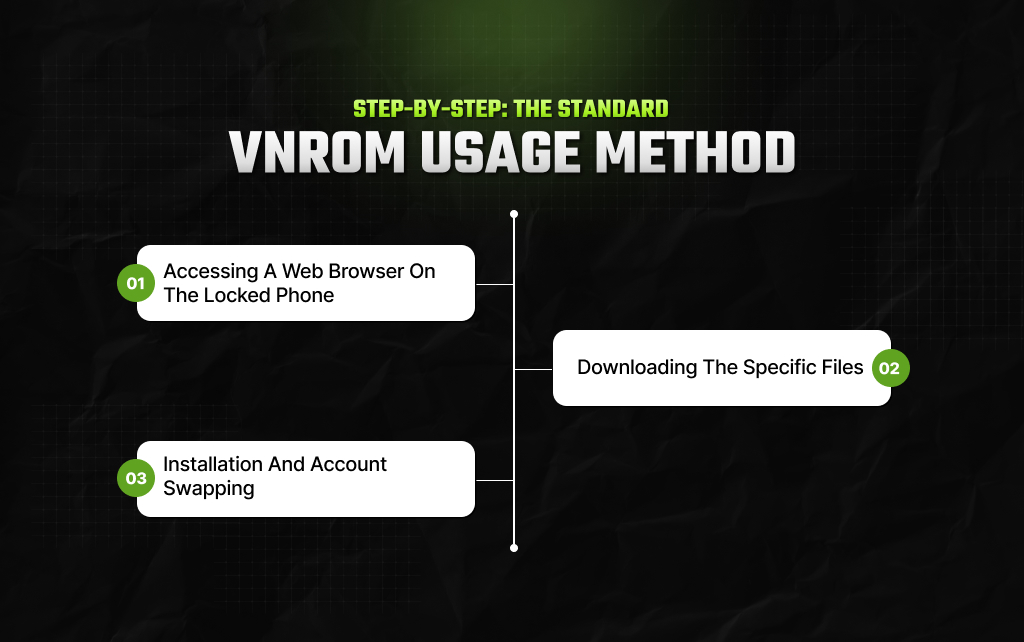
Using this method requires patience. Getting the file onto the hardware requires finding a loophole just to open a web browser.
This is because you are working on a locked phone,
Before downloading anything, you must break out of the locked setup wizard loop and open a functional web browser. Techs usually do this by:
Turning on the device and connecting to a stable local Wi-Fi network.
Navigating back to the welcome screen and enabling TalkBack mode (often by holding down both volume buttons simultaneously) to open system sub-menus.
Using voice commands or emergency dial-pad shortcuts to trigger the phone’s underlying help menus.
This contains hidden link shares that force open Google Chrome or a native system browser.
Once you have managed to open a functional browser window on the device:
Navigate directly to a verified, clean hosting mirror such as the official vnROM File Directory.
Download the version of Google Account Manager (GAM.apk) that aligns with your core Android version number.
Download the core FRP_Bypass.apk file.
Here are the steps for smooth installation:
Open the device’s downloads folder via the browser interface and run the GAM.apk file first to update the underlying system account framework. If prompted, toggle on “Allow installation from unknown sources”.
Install and launch the primary FRP_Bypass.apk application.
Look for the three-dot icon in the upper-right corner of the app interface and tap Browser Sign-In.
Enter any valid, working Google username and password that you own.
Once the login process finishes processing, completely restart the mobile phone.
The setup wizard will now recognize your newly added account as the primary lock credential.
Here is the compatibility matrix you must know about:
| Android OS Version | Expected Success Rate | Recommended Approach |
| Android 5.0 – 8.1 (Lollipop to Oreo) | High (80%+) | The vnROM APK method works well because of unpatched system vulnerabilities. |
| Android 9.0 – 12.0 (Pie to Snow Cone) | Low (Under 20%) | Requires complex manual downgrades of system software via flashing utilities. |
| Android 13.0 – 16.0 (Tiramisu and newer) | Completely Ineffective (0%) | Security architectures completely block background app installations during setup. |
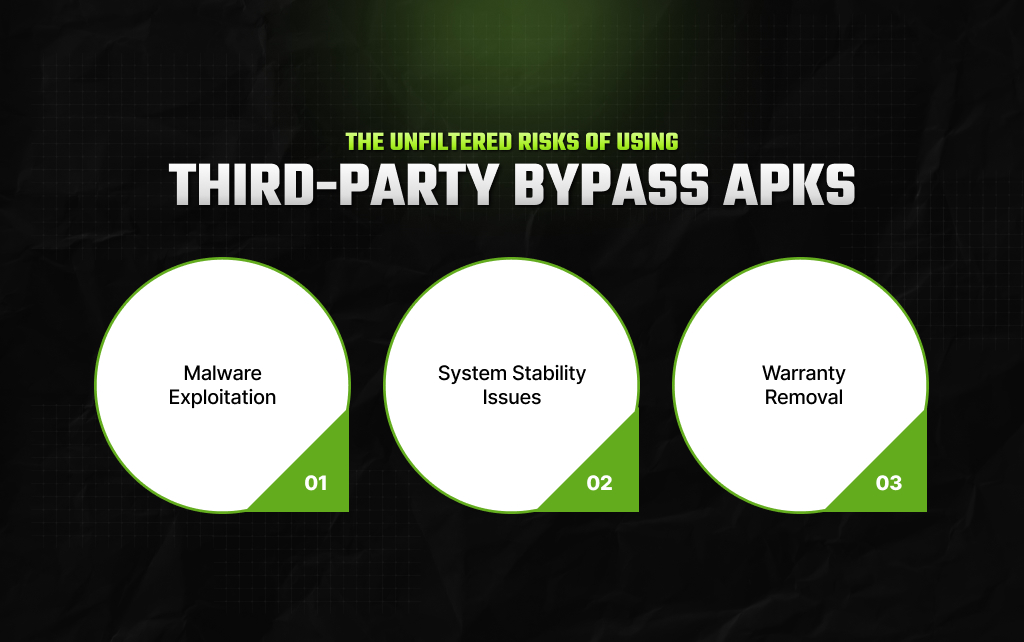
While the prospect of free bricked phone repair is attractive, the use of an unauthorized tool carries several risks
Hackers often utilize integrated malware, ransomware, or keyloggers within the installed APK.
This is because vnROM is open source and hosted on dozens of unofficial mirrors.
Forcing modified system files onto an incompatible Android version causes boot-looping errors and system-level failures.
Modification of the / system / protected directory violates the firmware security policy, which is prohibited for flagship manufacturers such as Samsung, Motorola, and Google.
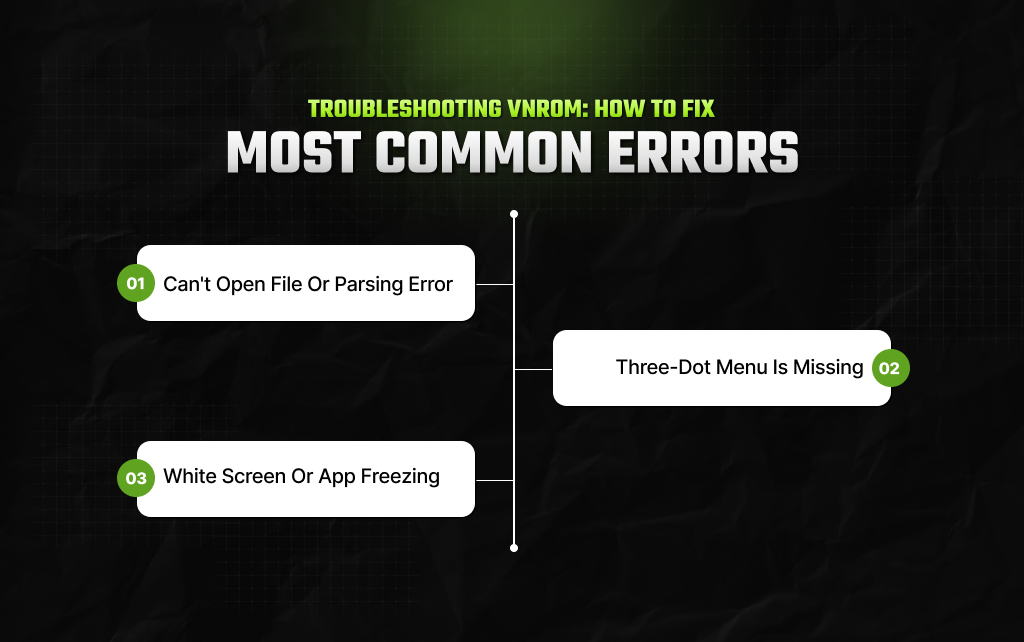
Even on eligible devices, the vnROM flashing procedure encounters difficulties.
If you run into problems during the repair process, the technical bench recommendations below explain how to fix vnROM errors.
The most common reason for this vnROM error is an interrupted file download or an incompatible Android version.
To solve this issue, delete the downloaded file and clear the browser’s cache.
Check the Android version in recovery mode and compare it with the GAM.apk version (Marshmallow = 6.0).
When opening the FRP_Bypass apk interface, some Samsung devices may not display the three-dot menu in the upper right corner to enable the “Browser Sign-In” option.
This is because the latest Android skins have abandoned the old menu system.
To fix this vnROM problem, install an additional utility from the vnROM folder, such as Button Mapper or another menu manager apk.
If the FRP_Bypass apk shows a white screen or freezes, this means that the phone’s stock GAM (Google Account Manager) service is conflicting with the modified version.
Clear the browser cache and uninstall the Google Account Manager updates.
Next, install an older working version of GAM.apk on Android.
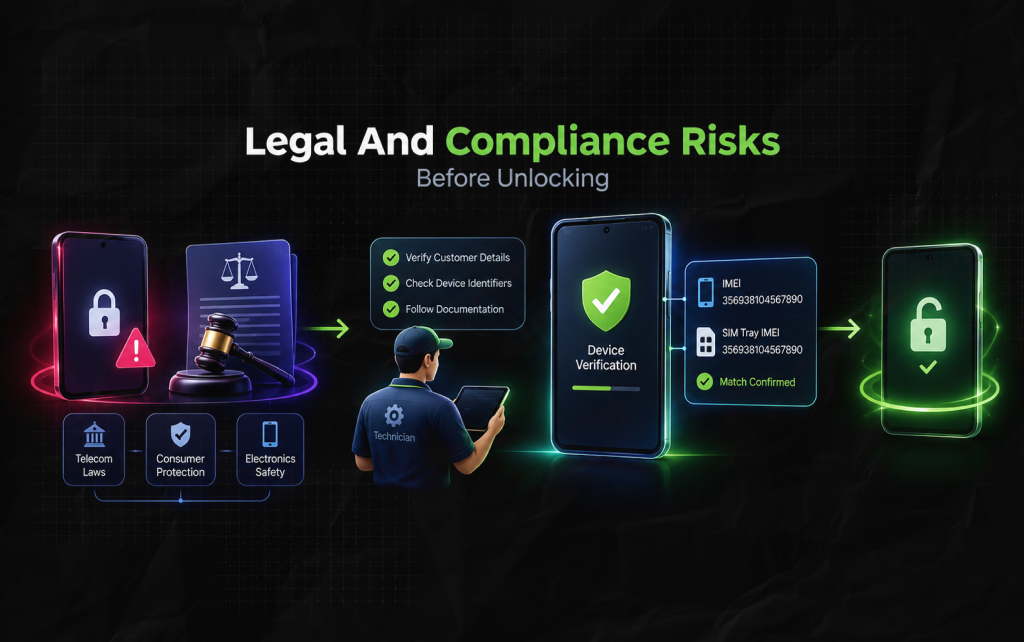
Before using any third-party tool to factory reset a device, users should understand the legal implications of this procedure.
Factory Reset Protection is an industry-standard encryption protocol adopted by the wireless carrier sector to deter theft.
Unauthorized decryption of cryptographic keys on devices not owned by the user, or without an official service account from the manufacturer.
This may violate telecommunications law, consumer protection laws, or electronics safety regulations.
Therefore, a professional technician’s post-sale maintenance infrastructure must have appropriate documentation control procedures.
This helps to verify that the customer’s personal information matches the unique identifiers on the phone’s hardware.
When unlocking the phone’s security partition, cross-check the IMEI numbers on the device body and the SIM card tray.
If the user has tried the vnROM method and the apk installer still does not react, there are alternative ways to unlock the Android device.
If the user officially owns the device, they can use the account recovery services provided by the manufacturer’s customer support.
For example, Android users can request a Google account recovery to re-enter their Gmail credentials on a phone that has been wiped clean.
This process requires the user to provide email addresses/phone numbers associated with a Google account, or devices trusted by the account owner.
A paid desktop application can unlock the Android device directly from a computer.
Apps such as PassFab Android Unlocker or Apeaksoft DroidAide connect the phone to a PC via USB and interact with the recovery partition through a graphical interface.
This type of Android phone unlocker can remove factory protection without damaging the device’s internal memory.
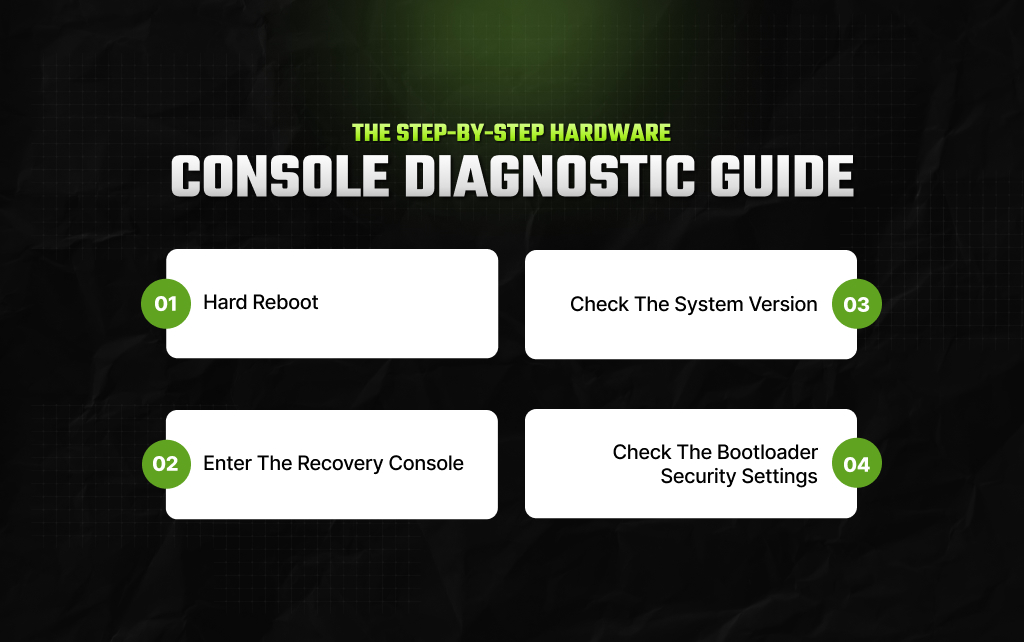
In the case of a complete apk utility failure, a technician has to rely on hardware-level console diagnostic tools to determine whether a data block override is possible.
Below are the main steps that are taken to read the hardware-level reports on the Android device:
The first step is to ensure the phone’s internal memory is stable.
Power off the device by holding the power button until the screen goes black.
The second stage is to boot the phone into the hardware recovery mode.
Hold the power and volume down buttons at the same time until the manufacturer’s logo appears on the screen.
The third step is to read the system version by looking at the text at the very top of the screen.
Look for the system build date or a special code (V13.x, V14.x, etc.).
In addition, if the security patch update was released in 2020 or later, manual browser decryption will not be available.
The fourth stage is to check whether Secure Boot is enabled or disabled.
Look for the text Secure Boot or Lock State.
Disabling Secure Boot lets the attacker write data freely to memory, which is not recommended. In this case, you need to use an external desktop utility to unlock the firmware.
Ankita Tripathy loves to write about food and the Hallyu Wave in particular. During her free time, she enjoys looking at the sky or reading books while sipping a cup of hot coffee. Her favourite niches are food, music, lifestyle, travel, and Korean Pop music and drama.
View all Posts

Master The Rich Result Test: Fix Your Broken ...
Oct 08, 2026
Event Pages That Rank And Convert: A Practica...
Oct 06, 2026
KeywordStat Review: Keyword Research, Cluster...
Oct 03, 2026
How Corda Turns Authority Data Into Campaigns
Oct 01, 2026
How To Audit Your Search Visibility In 2026: ...
Sep 30, 2026