
Glean AI Pricing For Enterprise Search 2026: The Comprehensive Buyer’s Guide
Oct 31, 2026

Getting grips on different platforms can be like learning another language. Each has different rules, different plans, tokens, and restrictions.
If you’ve been looking into Anthropic’s AI assistant, you’re probably confused about how pricing works. Which plan is the best one for me?
Don’t worry, you are not alone. Understanding what these tools actually cost is crucial when you integrate them into your workflows.
Whether you are an individual developer, a small team, or a large corporate organization that wants the best security, we’ve got a plan for you.
This article will help you understand the ecosystem.
We’ll cover what you get with the free tier, the cost of paid plans, restrictions, and how it compares to other platforms.
To keep it brief, here’s a bullet-point breakdown:
Free Tier: Great for casual text and light web search, but you will not get access to any of the power tools.
Claude Pro: $$20 per month (or $17 per month, billed annually). This gives you access to all the premium models plus Claude Code (terminal).
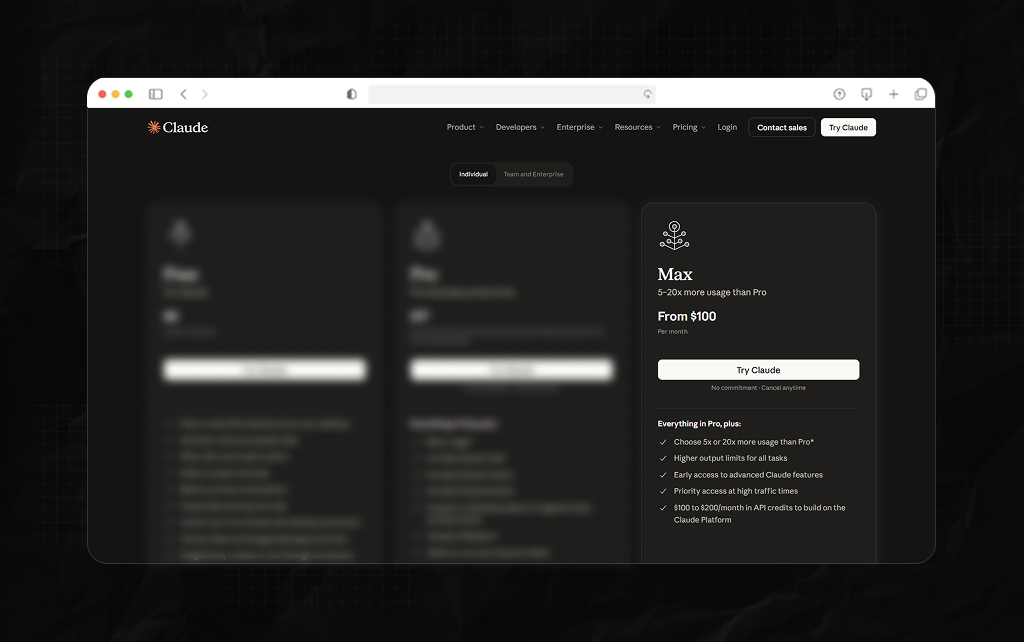
Max Plan: Starting from $$100 to $200 per month. This gives heavy users 5x to 20x more capacity per session.
Team Plans: Minimum 5 users. Standard seats from $20-$25 per month. Premium coding seats from $100-$125 per month.
Claude Enterprise: A unique offering. $20 per month per seat plus usage-based pricing.
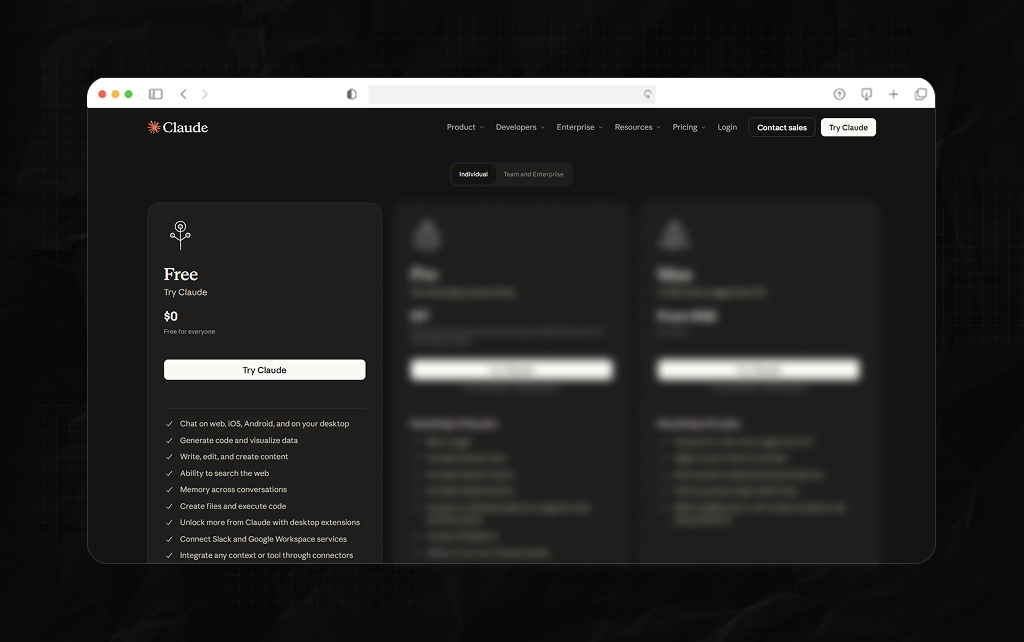
Before you spend any money on this tool, check out the free tier. This is a fully functional product and not a hidden limited-time trial.
The free tier is perfect if you’re looking for an AI assistant for light use such as brainstorming and text editing. You’ll get access to the web, desktop apps, and mobile devices.
You’ll also get useful features like Artifacts, basic memory, and web search.
However, if you’re looking to do any heavy lifting such as analyzing large data files or long blocks of code, you’ll run out of capacity pretty quickly.
There’s also no access to any of the advanced tools for developers such as Claude Code or Claude Cowork (multi-step desktop).
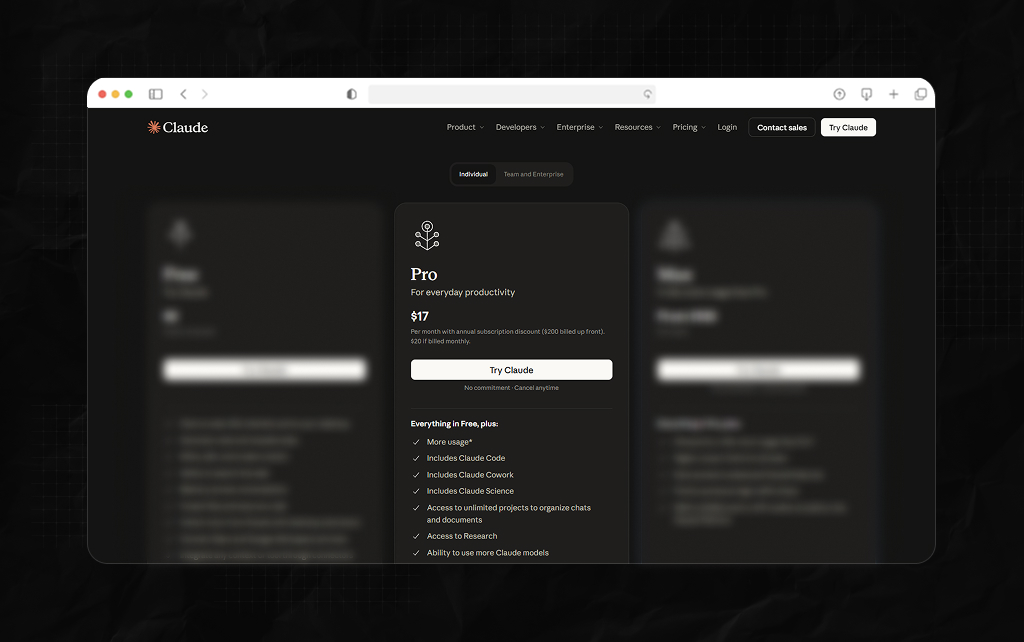
Claude pricing starts from the Pro tier. This is ideal for solo creators, daily writers, and individual developers.
Paying $$20 per month if you pay month-to-month, or $17 per month (billed annually) will give you:
One thing that catches many new users off guard in Pro is that all your tools use the same capacity.
If you’re doing a large code refactor for 3 hours in your terminal using Claude Code, you’ll use the same amount of tokens as you would in your web chat.
There is no extra capacity.
If you’re doing heavy use between your terminal and web browser you may find you run out of capacity quicker than expected.
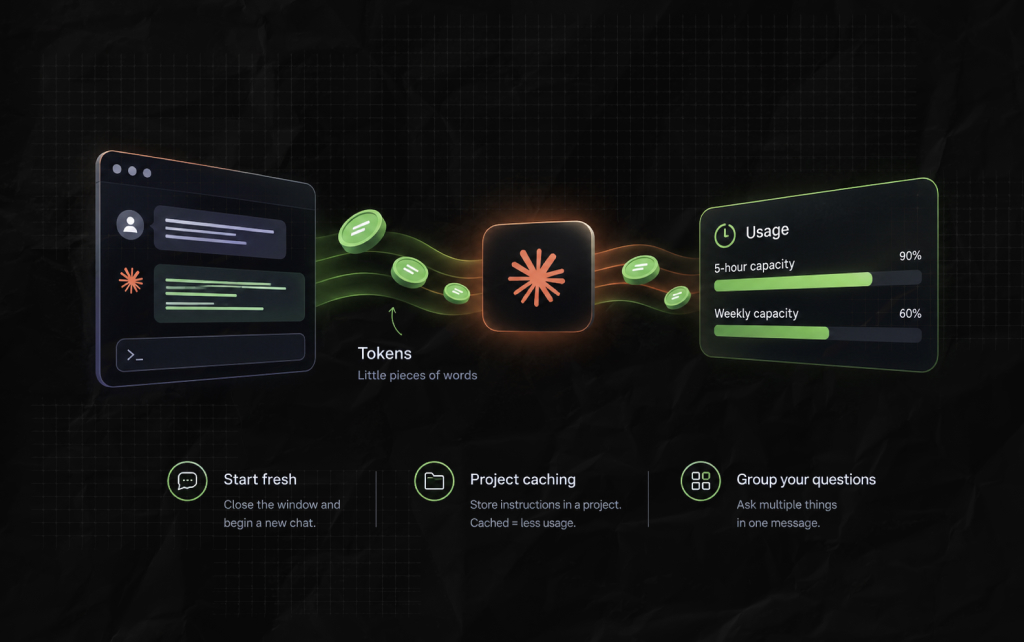
On a premium plan, you’ll have both a 5-hour capacity and weekly capacity.
If you see a warning that you’ve reached 90% of your capacity, this is usually within your 5-hour window.
You can always view your capacity in the Settings> Usage section on the web. Or simply type /status into Claude Code.
One important thing to remember: the system doesn’t track how many messages you send.
Instead, it tracks ‘tokens’. These are little pieces of words.
This means if you ask 5 short questions, you won’t use much capacity. But if you ask 2 large code reviews with large files attached, you’ll use up your capacity quickly.
Also Check: Claude SEO: How To Improve Your Brand’s Visibility In Claude Answers
Every time you send a message in a long chat thread, the AI will have to read the entire chat from the start again. So turn 30 will cost you a lot more than turn 1.
To reduce your costs, try doing the following:
If you’re a professional software engineer or data analyst using AI as your main tool for hours a day, you’ll likely find the Pro plan restrictive.
When you find you’re regularly exceeding your Pro capacity, you can upgrade to a Max Plan.
There are 2 options:
This means $$200 a month for an individual subscription sounds steep.
The math works out to roughly $6.67 per day. For someone doing large multi-step agentic tasks throughout their day, this is much cheaper than paying standard API rates.
Once you move beyond sole users and into a corporate environment, pricing changes completely.
| Plan Tier | Seat Price (Annual Base) | Usage Inclusions | Minimum Seat Cap | Key Target Audience |
| Team Standard | $20 / user/month | Bundled within plan limits | 5-seat minimum | Small teams focused on text, writing, and strategy |
| Team Premium | $100 / user/month | 5x more capacity than Standard | 5-seat minimum | Technical teams requiring full Claude Code terminal tools |
| Enterprise | $20 / user/month | None (Billed separately via API) | 20 (Self) / 50 (Sales) | Large corporations needing elite governance and custom retention |
The team plan requires a minimum of 5 seats. This is great for growing businesses that want predictable monthly costs.
The key thing to note is which seats you choose.
If you choose Team Standard seats, then you’ll have access to web chat, enterprise search integration, and projects. However, you won’t have access to Claude Code.
To give your engineers access to Claude Code, you’ll have to choose Team Premium seats. Fortunately, you can mix and match.
If you’re a large organization considering Claude pricing, the Enterprise plan differs from standard.
Instead of having a large flat rate, you’ll pay a flat fee per seat plus usage-based pricing.
Moreover, each seat will cost $20 per month (billed annually). This will give you full access to the web, mobile, desktop apps, Claude Code, and Cowork.
However, you won’t get any AI tokens. All queries, code refactors, or document summaries will be tracked and billed at standard developer API rates.
This means if 2 companies had 100 employees, they would both have the same base cost ($24,000 per year).
However, depending on how heavily their staff uses the system, their year-end invoices could differ significantly.
To help avoid this, the Enterprise dashboard has powerful admin tools. You can set strict limits on how much each user and company can spend per month.
When investing your AI budget, comparing industry alternatives helps clarify value.
GitHub Copilot costs $ 10/month, making it cheaper than Claude Pro at $20. However, it depends on what you need.
Copilot is great for quick autocomplete suggestions. Whereas Claude Pro has a huge 1 million token capacity and Claude Code (terminal).
If you’re a large organization, consider whether you need standard models or data indexing.
Claude Enterprise has a $20 seat cost plus variable token pricing. Glean AI pricing 2026 for enterprise search has no token costs.
They offer predictable flat rates per seat. This means you can securely crawl, index, and federate knowledge from hundreds of tools such as Slack and Jira.
Additional Resource: DeepSeekPlay Com: Is This Next-Gen AI Platform Worth The Hype?
Piyasa is a search engine marketing strategist who has spent the last six years decoding Google's ever-changing mind. From corporate giants to neighborhood storefronts, she helps businesses cut through the digital noise and actually get noticed online. When she isn’t building SEO strategies or writing the latest search industry breakdowns for Search Engine Magazine, you can usually find her hanging out with friends - and gently reminding them that no, she cannot personally fix the latest algorithm update for them.
View all Posts