Is Serpstat Worth It? A Deep Dive Into Pricing, Data Accuracy, And Features
Oct 09, 2026
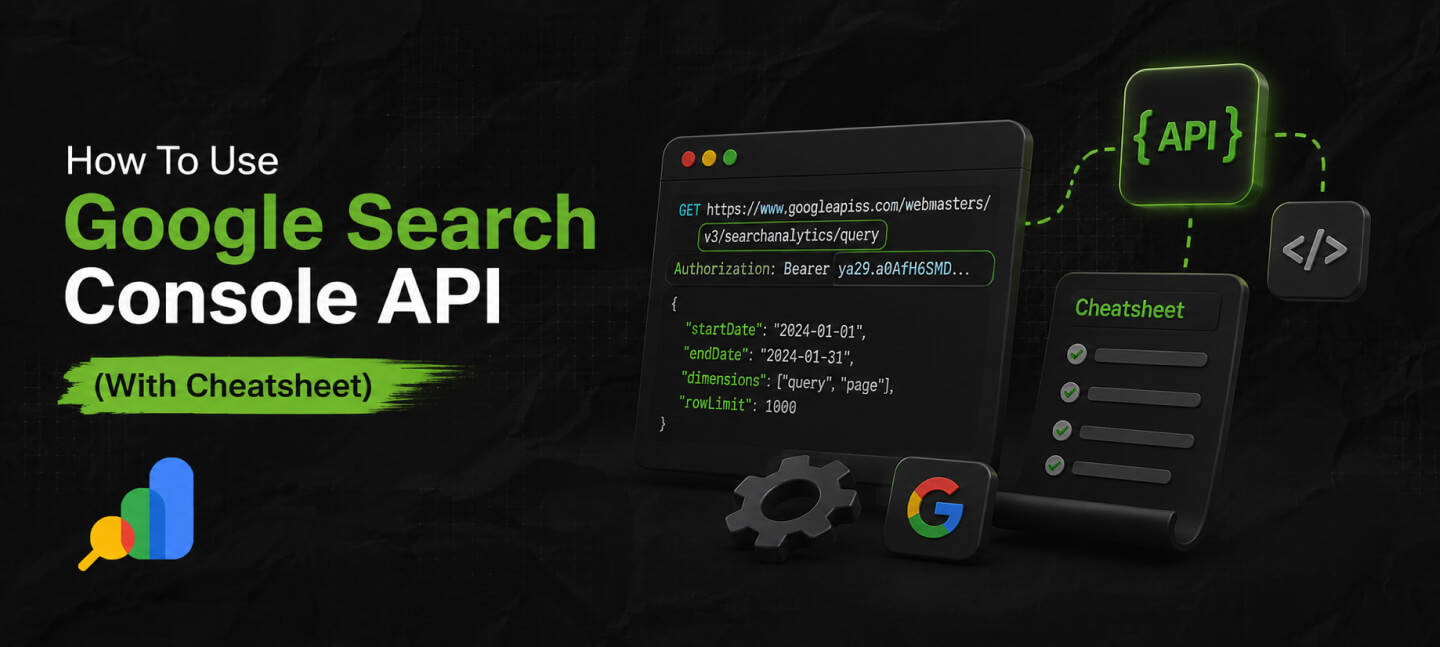

When working on search engine optimization (SEO) or website management, data and insights are crucial for better performance.
Yes! With detailed insights and data, it becomes easier to understand where you are going right and where you are going wrong.
That is where the Google Search Console API comes into action. This powerful tool provides opportunities to monitor and analyze your website performance. So, you get an idea of how well your site performs on search engine results pages (SERPs) on Google.
Once you grasp it, managing a website becomes easier. You can dig deeper to get an idea of your site’s visibility, identify any issues with the site, and improve your site’s ranking.
This article will help you learn about Google Search Console API and how to use it. It will also help you understand its benefits for improving your site’s visibility and ranking.
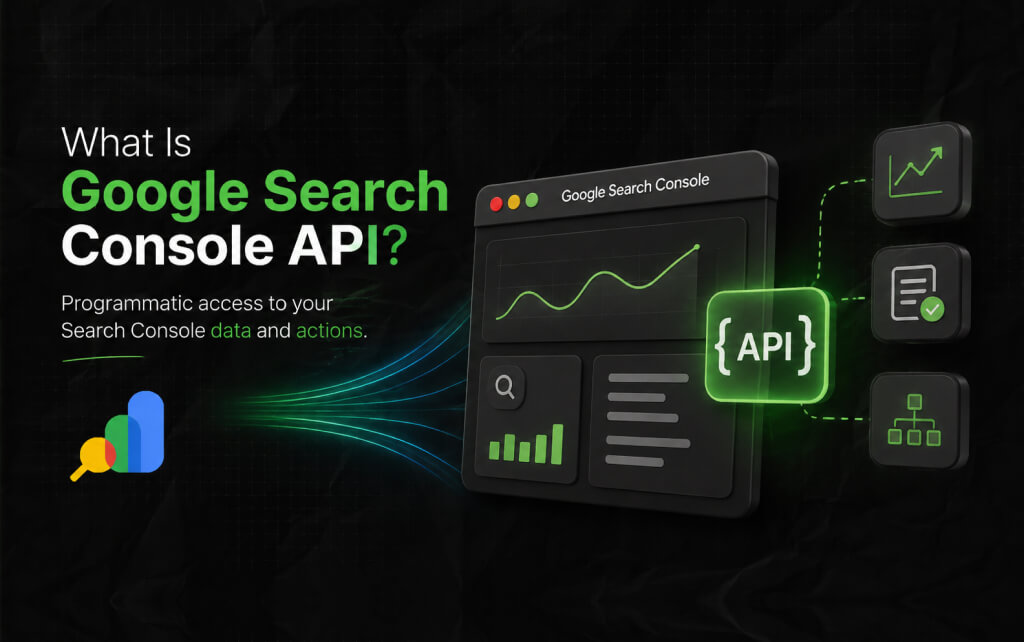
You may already know about Google Search Console if you are managing a website or working as an SEO specialist. The Console helps you with all the resources you may need as a website owner, SEO specialist, and developer.
The Search Engine API is more like programmatic access to all the popular reports and actions you may require for your Search Console account.
What can you do with the help of the Google Search Console API?
Well, you can easily query the search analytics, list all the verified sites you currently have, manage your sites’ sitemaps, etc.
For example, you are a developer, and using the Google Search Console API will help you view, add, and even remove properties from your sitemap. It will also allow you to run advanced queries. Moreover, you can test your pages individually. Exciting, right?
Additionally, developers use the API to build applications that can fetch the search engine performance data and make it easily visible on the dashboard.
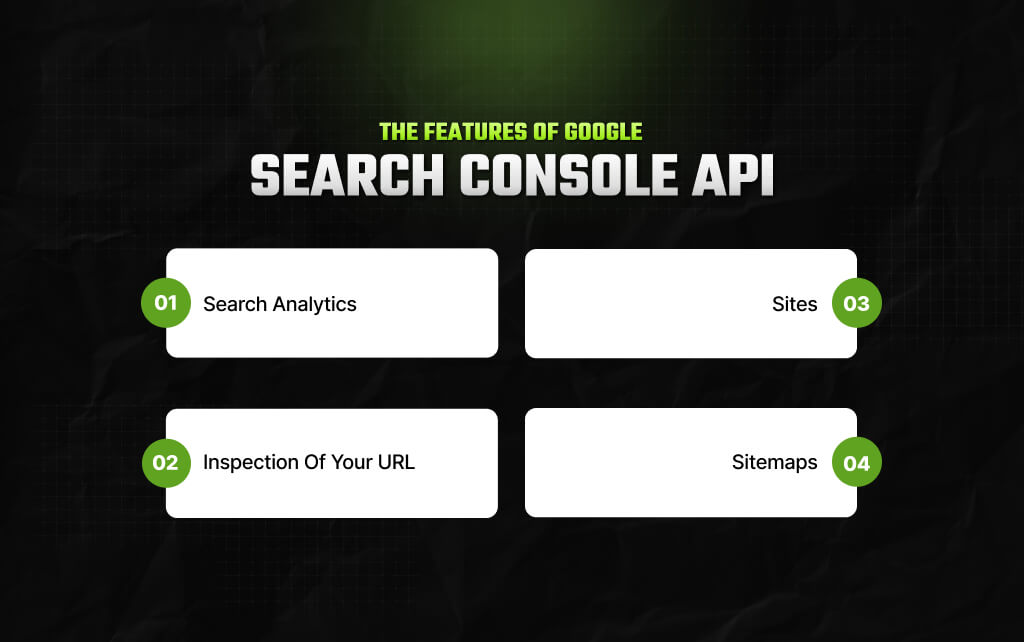
In this section, I will discuss the service’s methods and methods of Google Search Console API so that you can easily understand what is possible when you use the Google Search Console API. Read on.
If you are working on a tool to help people manage multiple websites simultaneously, the Google Search Console API can be a useful resource for building such tools.
Both the API and the web interface provide your underlying data. But you can still find the differences. As for the API, it is more suitable to gather raw data. On the other hand, the web interface is to get high-level data from your site.
API will not provide you with detailed graphs and aggregated reports.
However, you can easily generate reports by combining your data store and API. You can also merge the Console data with other resources to create rich insights for your team.
Google has a vast search engine market share. This is why Google Search Console API data can act as a proxy for the search engine performance of your website.
Thus, there are plenty of ways you can use Search Console data to improve your overall traffic and make positive changes in your SEO efforts and your content marketing initiatives.
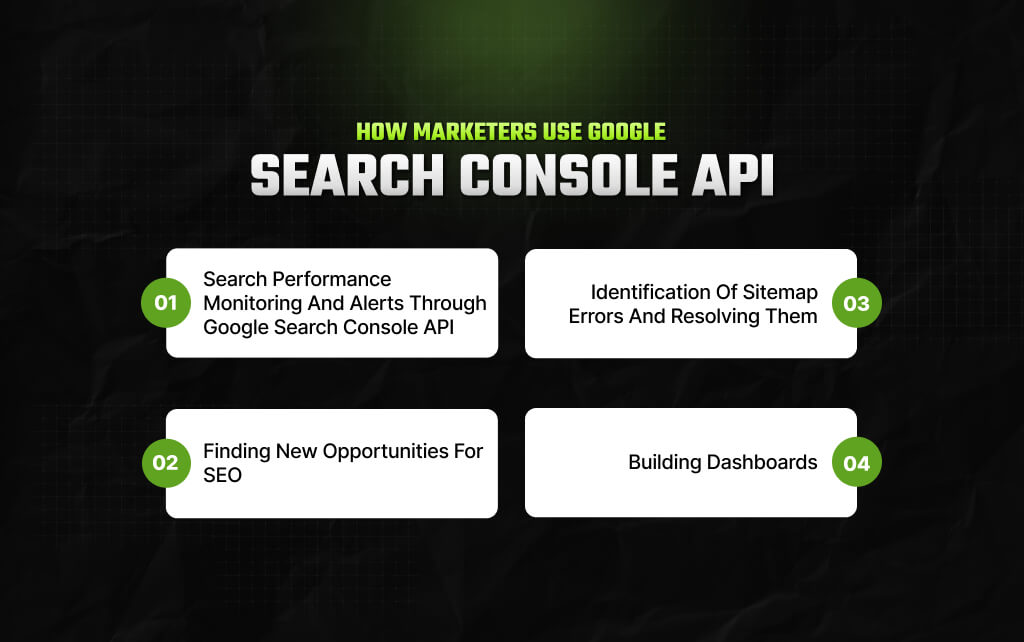
This section will explore how marketers prefer to use Google Search Console API to improve a site’s performance.
If you are aiming to retain your top results on the basis of high-volume keywords, then the Google Search Console API can be useful for you.
For SEO operations, you can use the Search Engine API to check if there is any specific page that is currently ranking for a specific keyword. This way, you can stay competitive and improve your site.
If you use a web interface, you may have already noticed that it sometimes does not show the exact ranking for many pages. But with the API, it is possible.
Using the Google Search Console API, you can create your own tool to track the ranking of the keywords for each and every page. You can also keep track of whether any changes occur.
When you have large sites with hundreds and thousands of pages, it becomes difficult to manage each page or look for errors. With the Google Search Console API, you can easily identify the issues or keep track of the changes.
For example, there are retail companies that have sites for online shoppers. These sites have over a thousand pages, offering products to customers. Now, imagine a retail company has decided to launch a new product, but they need to correct the URL structure.
This one mistake can cause errors in their sitemap as well.
But the Google Search Console API comes to the rescue. The API helps check the sitemaps every time there is an update and sends an alert. This way, companies can easily avoid causing errors in their sitemaps.
Search Console data is a great way to get data and insights about how well your website is performing. Suppose you run a marketing agency, and your main operation is handling clients’ websites.
Now, how will you show your client how well their sites are performing? The answer is simple: the Google Search Console API. With the API, you can easily get detailed insights about the site and its performance. Just show it to the clients, and that’s it.
It makes things easy for you to explain, and your client is also satisfied with all the detailed information.
Trust me! Clients are more inclined to know what you are offering them. So, using the Google Search Console API can solve your biggest worries and bring you all the benefits.
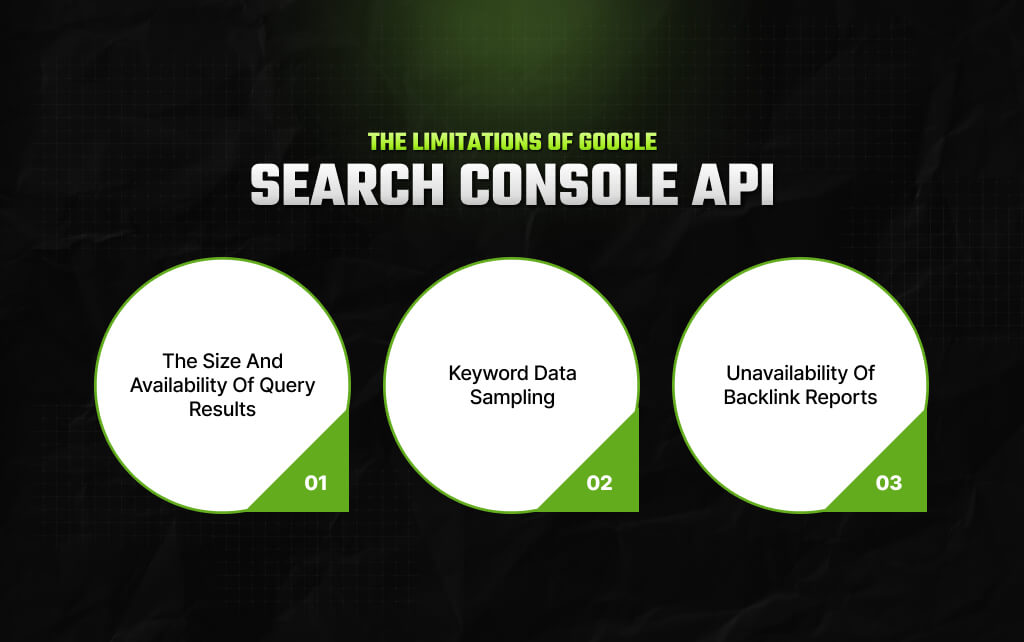
Everything comes with certain limitations. Nothing is perfect, not even the Google Search Console API. Yes! Just like I said. In the previous section, I helped you understand how you can possibly use Google Search Console API for your site performance.
However, this Google Search Console API also has certain limitations. Let’s take a look at it.
Google Search Console API query results are limited to 50,000 rows per query. Therefore, you may have to segregate your page accordingly to make such requests.
However, there is a drawback. In the Google Search Console API, you can only make 1,200 queries per minute. If you try to make high-volume requests, it may lead to failed requests.
Another drawback of Google Search Console API data is that it does not show data in real time.
Once you place the request, you will have to wait for atleast 2-3 days. So, whatever data you are getting may not be up-to-date.
Google Search Console API shows sampled keyword data. This means it only shows a portion of it instead of every single search made on Google.
So, what can you do in such cases? Well, you will have to incorporate keyword tracking tools to get keyword data that may be flawed but is something closer to the actual data.
You can see backlink reports by using the Google Search Console web interface. The web interface helps you to get data about both internal and external backlinks. You can export the data from there.
But regarding the Search Console API, you cannot access the data. You may have to supplement the API data with other resources to make it work.
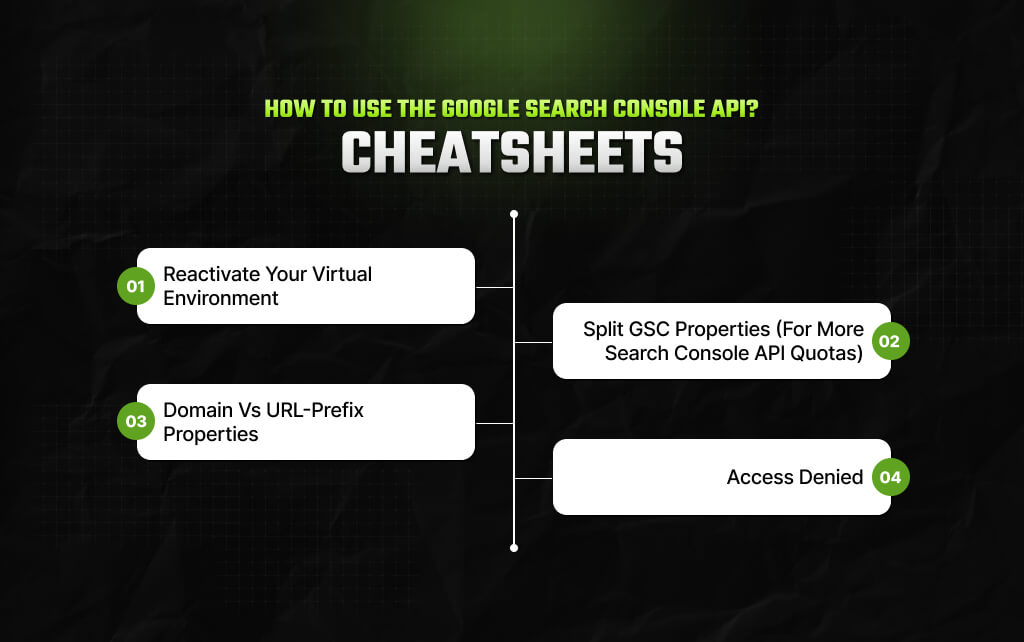
So, here’s my cheatsheet for helping you understand how to use Google Search Console API – I’ve highlighted four points in the context of using the GSC API in 2026.
So, the thing is, if you end up quitting your terminal session, then you will have to opt for reactivating the virtual environment yet again. Otherwise, you’ll have to deal with a ‘ing’ warning related to “zsh: command not found: python”
As a result, you can use the ‘cd’ command and move directly to your designated project. Then, use “source .venv/bin/activate” for activating your virtual environment.
The GSC API opts for enforcing per-property quotas – and this basically means your per-minute and daily limits are applicable for each property separately. But not applicable to your projects on Google Cloud as a whole.
However, if your website has been set up as a single property, all your API requests will be able to hit a similar quota bracket. International sites, reporting setups, and large sites can quickly run into limits.
Instead, it is better to create some extra URL-prefix properties. For instance:
Large sites, international sites, or high-frequency reporting setups can run into limits quickly.
So, each of the properties mentioned above gets an API quota of its own.
If you have come across ‘no data’ errors, then you will know that it happens mostly because of calling the incorrect property.
Your site’s URL has to match your GSC property exactly. So, if your URL prefix is ‘https://www.example.com/’ then your domain property has to be ‘sc-domain:example.com’
If your scope has undergone a change, then you might have to get rid of the cached token before re-authenticating with ‘rm -f token.json’
If you are working in content marketing, the Google Search Console API can be a great tool for you to understand all aspects. As a marketer, you can use this Search Console API to get more detailed data.
So, combine it with other tools to build alerts and dashboards and even improve your website’s performance.
Whether you are a web admin, marketer, or running an SEO agency, the Google Search Console API can provide you with adaptable solutions to integrate it into your operation.
Once you start leveraging the best practices of the Search Console API, you will be able to achieve better visibility and improve the performance of your websites.
Read Also:
Barsha is a seasoned digital marketing writer with a focus on SEO, content marketing, and conversion-driven copy. With 8+ years of experience in crafting high-performing content for startups, agencies, and established brands, Barsha brings strategic insight and storytelling together to drive online growth. When not writing, Barsha spends time obsessing over conspiracy theories, the latest Google algorithm changes, and content trends.
View all Posts

Is Serpstat Worth It? A Deep Dive Into Pricin...
Oct 09, 2026
How To Use Screaming Frog: The Definitive Tec...
Oct 09, 2026
Master The Rich Result Test: Fix Your Broken ...
Oct 08, 2026
Does vnROM Bypass Still Work? A Realistic 202...
Oct 08, 2026
Event Pages That Rank And Convert: A Practica...
Oct 06, 2026