SEO Dashboard: What To Track, What To Ignore, And How To Make It Useful
Sep 25, 2026
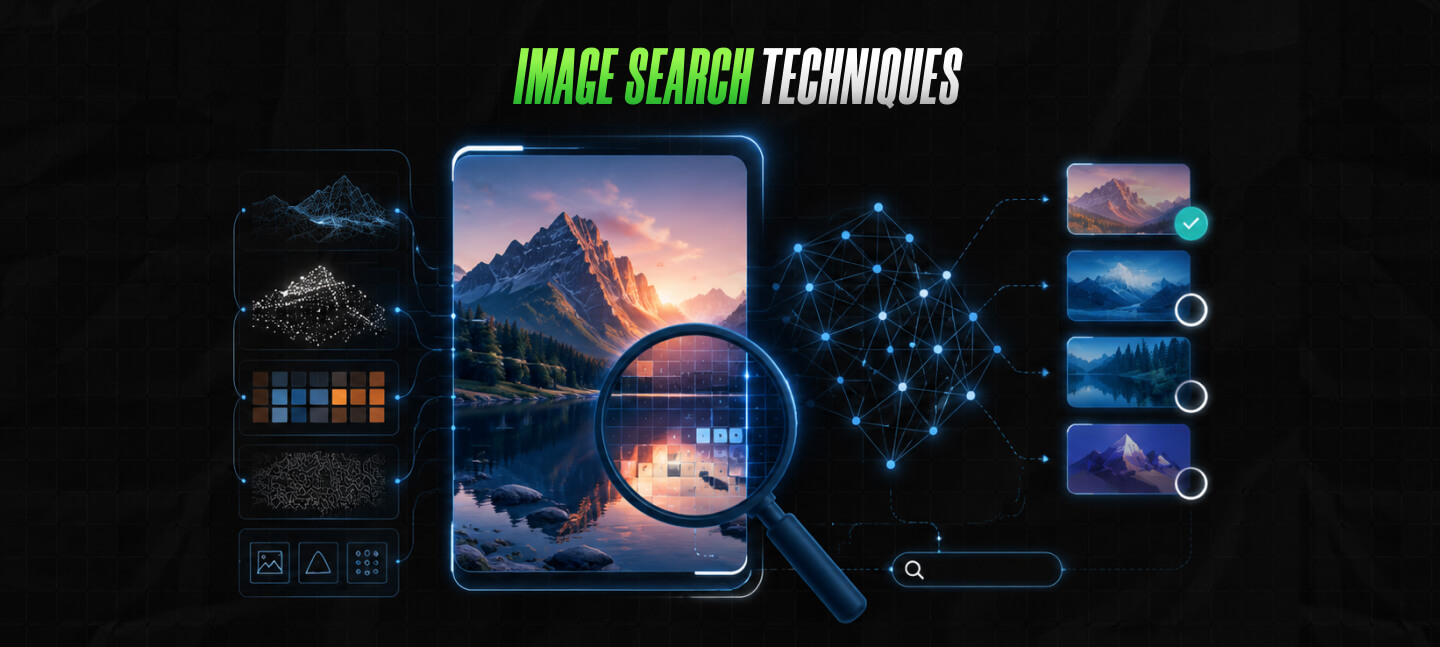

In the past 10 years, visual content has significantly grown – and I’m not the only one who has witnessed this development. We have all collectively seen how images and videos became dominating forces on the internet.
Today, these are perhaps the strongest communication tools. From digital shopping to social media, visual content helps users to obtain knowledge, engage well, and make decisions quickly.
Needless to say, it’s a fast-paced world, and the internet doesn’t wait for anyone. As a result, the demand for finding images quickly is on the rise – and this is precisely why you need to know about the best image search techniques.
Instead of relying exclusively on keywords to find images, there’s so much more you can do – from using images to find related images or even identifying the exact source, image search has certainly changed.
And today I’m going to break down image search techniques and find out how search engines actually understand images in 2026.
Stay tuned.
Image search is a way to find pictures associated with a specific area, item, or just a visual feel. To do this, users need to enter some keywords and some related pictures for findin a specific image on the internet.
The search engine simple assesses the keywords and given images to offer either exact or similar images to users.
Ideally, image search becomes super useful when there’s plenty of confusion related to images.
For instance, you can use image search to:
As a result, if you are in journalism, digital marketing, eCommerce, or content creation, then you will benefit from image search.
Moreover, image search is essential in any field that is characterized by authenticity and visual context.
In 2026, image search is evolving dramatically – and now uses basic keywords. Plus, image search now uses machine learning and other methods to identify the composition and context of the image.
Needless to say, it is obvious that the entire process of searching for images have not just become quicker but smarter as well, spreading across different sectors.
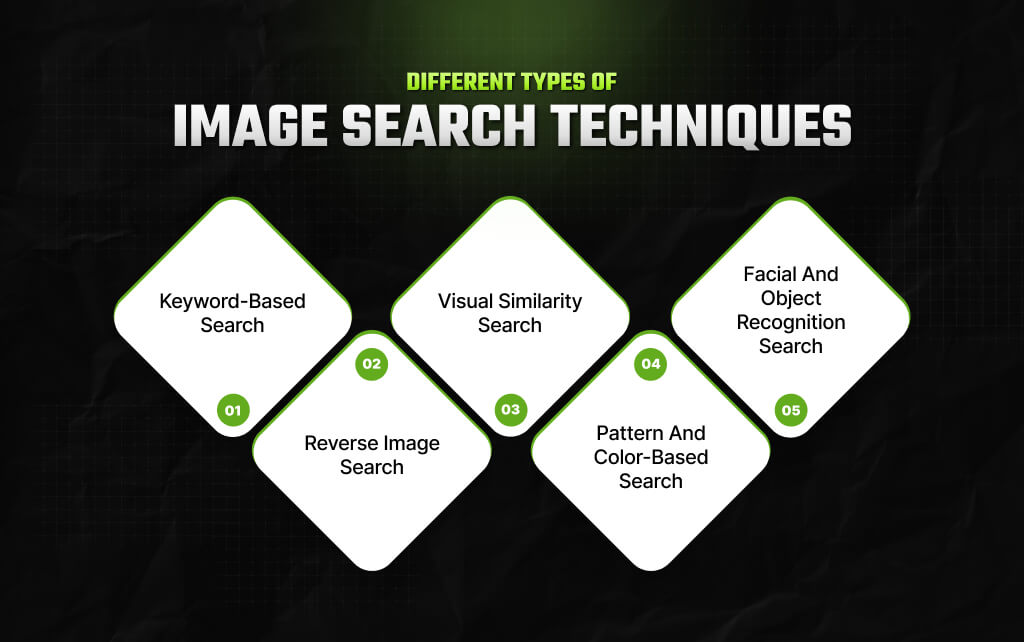
So, there are different types of image search techniques.
Each technique serves a different purpose, and understanding each of these techniques will help you to have a complete understanding of the technology.
| Image Search Technique | What Does It Mean? | Used For |
|---|---|---|
| Keyword-based Search | Users enter descriptive keywords in the search engine to get back images related to their keywords. | For general overview and concept visuals. |
| Reverse Image Search | Users upload images to locate their original source, identify plagiarism, or confirm their authenticity. | To get copies and verify the authenticity of an image. |
| Visual Similarity Search | Users upload images in the search engine for the system to return the closest matches and related images. | For design-related tasks with style and aesthetics. |
| Pattern and Color-based Search | This method depends on color palettes and patterns. As a result, it is heavily used for visual coherence. | To maintain visual consistency and retain a brand’s identity. |
| Facial and Object Recognition Search | This method significantly contributes to the technique’s accuracy in identifying logos, objects, faces, etc. | For identification, law enforcement, and media analysis. |
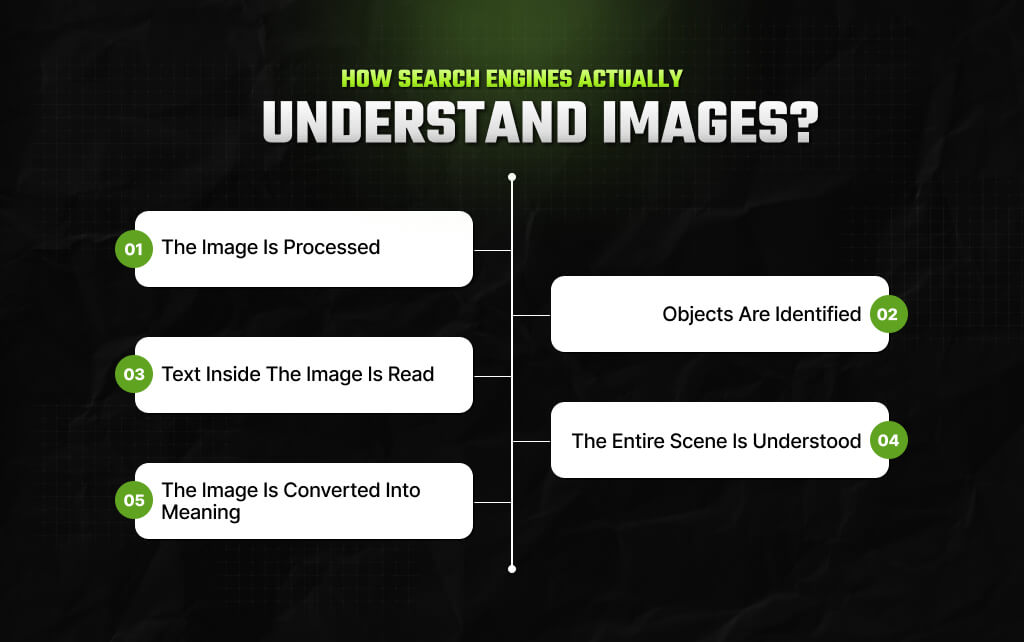
When you upload a picture, a search engine doesn’t see it the way you do.
Humans recognize objects almost instantly because our brains combine experience, memory, and context. A search engine has to recreate that understanding using mathematics and machine learning.
Although the exact technology differs from one company to another, the process usually follows the same stages.
The uploaded image first becomes data.
The system measures thousands of visual details, including colors, edges, textures, lighting, and shapes. These details help the computer build an initial understanding of the picture.
So, just think of it as breaking a photograph into millions of tiny clues.
Also, on their own, those clues don’t mean much. But together, they create a detailed fingerprint of the image.
Next comes object detection. This is where artificial intelligence identifies individual items inside the image.
A single photograph may contain:
Instead of treating the photo as one large image, the search engine separates these elements and recognizes them individually.
That explains why you can search for a single object inside a busy photograph.
For example, you might upload a vacation picture simply because you like someone’s sunglasses. Modern visual search can isolate the sunglasses and ignore almost everything else.
Many images contain useful text – something like street signs, book covers, restaurant menus, product packaging, or business cards.
Instead of ignoring this information, search engines use Optical Character Recognition, commonly called OCR. OCR converts printed or handwritten text inside an image into searchable words.
Now, imagine uploading a photo of a coffee shop menu. The search engine doesn’t just recognize a menu. Also, it can easily read the drink names, prices, and brand names printed on it.
That additional information often improves search accuracy.
Objects tell only part of the story. However, context matters just as much.
Consider two photos containing the same golden retriever. In one image, the dog is swimming in a lake. In another, it’s sleeping beside a fireplace.
The dog hasn’t changed, but the surrounding environment has.
Modern AI recognizes both the main subject and the overall scene. It understands whether the image shows a beach, a classroom, a football stadium, a forest, or a kitchen.
That broader understanding helps produce more relevant search results.
This is where modern image search becomes remarkably different from older systems.
Instead of storing only visual features, search engines convert an image into a mathematical representation that captures its meaning.
Engineers often call these representations embeddings. You don’t need to understand the mathematics behind them. The important idea is simple.
So, images that represent similar ideas end up close together, even when they don’t look identical.
For example, a professional product photo of white running shoes and a casual smartphone picture of the same shoes may look very different. The lighting, the background changes, the angle changes, and even the image quality changes.
Yet a modern search engine can still recognize that both images represent the same product. That’s because it compares meaning rather than exact appearance.
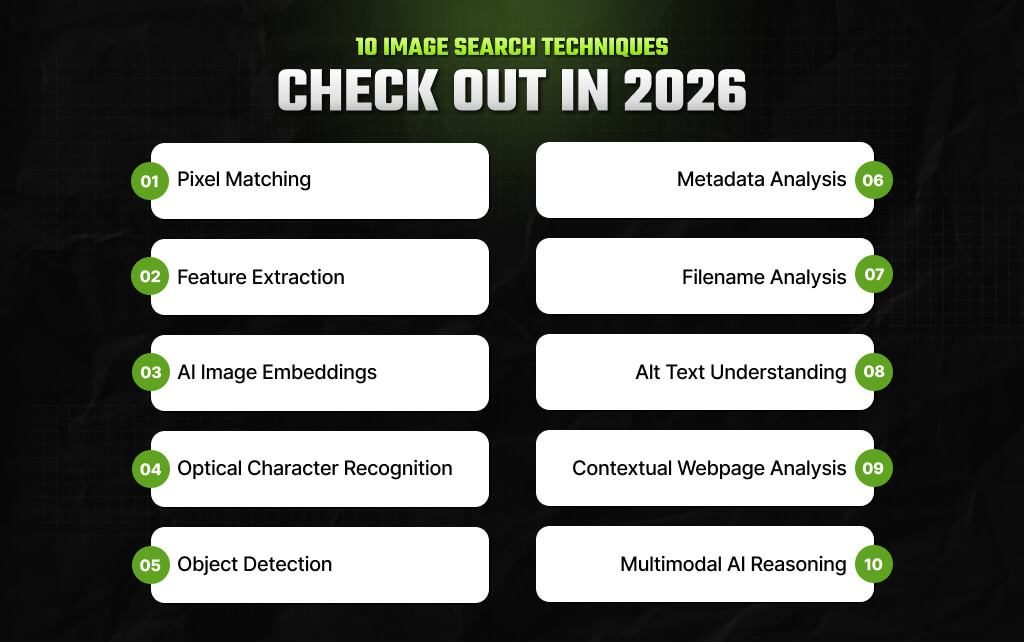
Frankly, it would be wrong not to discuss these 10 image search techniques – find out which one works best for you.
| Image Search Technique | What Does It Do? | Real-World Example |
|---|---|---|
| Pixel Matching | Compares the visual appearance of two images. | Finding the original version of an unedited photograph or detecting duplicate images online. |
| Feature Extraction | Extraction Identifies important visual characteristics instead of comparing every pixel. | Recognizing the same building photographed from different angles. |
| AI Image Embeddings | Converts an image into a mathematical representation of its meaning. | Finding visually similar sneakers even when photographed in different lighting and backgrounds. |
| Optical Character Recognition | Reads text that appears inside an image. | Identifying a restaurant from its menu or locating a book using its cover title. |
| Object Detection | Identifies individual objects within a single image. | Searching for a handbag that appears in a busy street photograph. |
| Metadata Analysis | Examines hidden information stored within image files. | Confirming where a photo was taken if location metadata exists. |
| Filename Analysis | Uses the image filename as an additional relevance signal. | Improving the discoverability of product photos in image search results. |
| Alt Text Understanding | Uses descriptive alternative text to interpret an image’s content. | An online store describing an image as “black leather hiking boots for women.” |
| Contextual Webpage Analysis | Uses surrounding webpage content to determine an image’s meaning. | Determining whether an image of a jaguar refers to the animal or the luxury car brand. |
| Multimodal AI Reasoning | Combines image recognition with natural language understanding. | Uploading a photo of a chair and asking, “Find similar designs in walnut wood under $300.” |
In my experience, the most effective thing that you can do to elevate image search is to emphasize the quality and clarity of the images.
So, I always use top-resolution images because low-quality or cropped visuals can lead to inaccurate results.
Moreover, for brands especially in the eCommerce landscape, image search can really help, but only if you are able to use the right tools – plus, you need something reliable to create high-quality visuals consistently.
Also, I would suggest using tools that will enhance your discoverability as well as conversion rates.
Moreover, you can check out different search platforms to find the best one for you. Of course, Google is an excellent option for all general work. However, if you have a specific purpose like finding image copies, then you can check out TinEye.
Similarly, for anything related to creative discovery, I’ll recommend Pinterest. See, the thing is, when you diversify your instruments, it will lead to more insightful and detailed outcomes.
Another effective measure that works is using filters to reduce search options and narrow them down. Any good search engine will offer you options with filters for size, color, usage rights, and even publication rights.
This kind of functionality ensures that you are only focusing on those images that are not just relevant but, more importantly, available to you legally.
To be honest, it is always better if you do the search ethically. It is essential to check copyrights and use images without violating any related licensing agreements. That way, you can create great content without getting involved in legal drama.
Frankly, the entire future of image search is dependent on AI-operated multimodal abilities where users can easily integrate images, text, and voice for obtaining highly specific results.
In fact, it is expected that augmented reality-related tools will enable visual searches by simply directing a camera towards any object – and that too in real time.
Emerging tech like on-devices processes will enhance advance privacy, while emotion and context recognition will guarantee that results will become so much smarter.
Moreover, indexing video frames will move beyond the concept of static images. With such technologies getting more mature and advanced, image search is all set to grow into something smoother.
Also, this will grow into a bridge of innovation between the physical and digital worlds, helping multiple users across different industries.
To be fair, image search has advanced in response to how users engage with visual content. From doing keyword-specifc images search casually to advanced facial recognition, each technique has a specific application across different industries.
With technology becoming advanced, these techniques are evolving consistently, ensuring that visual search becomes smoother, more accurate, and faster in terms of catering to both personal and professional use cases.
Read Also:
Barsha is a seasoned digital marketing writer with a focus on SEO, content marketing, and conversion-driven copy. With 8+ years of experience in crafting high-performing content for startups, agencies, and established brands, Barsha brings strategic insight and storytelling together to drive online growth. When not writing, Barsha spends time obsessing over conspiracy theories, the latest Google algorithm changes, and content trends.
View all Posts

SEO Dashboard: What To Track, What To Ignore,...
Sep 25, 2026
Analytics SEO: How To Turn Search Data Into B...
Sep 25, 2026
AI Search Tools: What They Actually Measure A...
Sep 25, 2026
FAQ Schema: When It Still Makes Sense And Whe...
Sep 25, 2026
The Keyword With 10 Searches That Sent Ahrefs...
Sep 24, 2026