Agency Guide To YouTube Growth: Wholesale Pricing For Multiple Clients
Sep 15, 2026
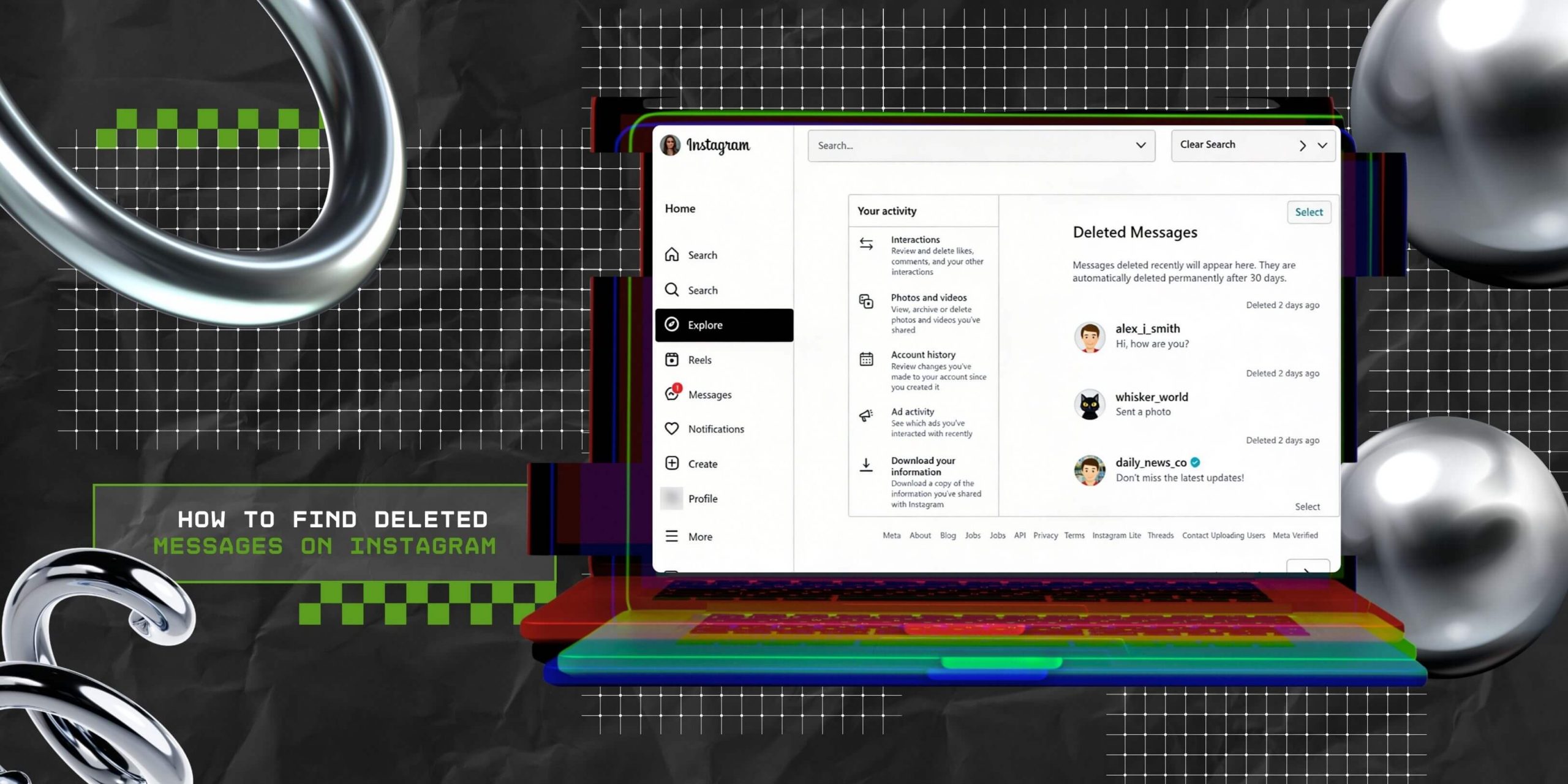

The other day, I deleted some super important messages from my client on Instagram – they had shared content inspiration, and I desperately needed it as a part of the client brief.
The moment I deleted the messages, I knew I was screwed – and I panicked, especially when I realized there is no native Instagram feature for recovery.
And that is when I realized I didn’t know how to find deleted messages on Instagram.
With in-depth research and a few quick calls with some colleagues, I was able to figure out a solution, rather more than one solution, to restore deleted chats on Instagram.
For starters, you can try to access your notifications history or download the Instagram profile’s data. Yes, there are multiple ways to do this – and the best part? All of them work!
So I am here to share a list of practical options for restoring your deleted Instagram messages. Also, I have shared tips on keeping your conversations secure in the future.
Stay tuned.
Before moving forward to the different methods behind accessing deleted Instafram messages, let’s discuss the social media platform’s process for deleting messages.
As a result, for deleting messages on Instagram, you have two options:
While the first option will remove messages from your conversation history only, the second option will remove messages entirely for both people.
However, remember that this information disappears from the chat thread only. But it doesn’t disappear immediately from the servers of Instagram.
Rather, even if you cannot see your texts anymore, they still exist in Instagram’s servers, at least for some time.
This is how Instagram officially handles all data, keeping users’ security and privacy in check.
Checking out Instagram’s official stance on its Recently Deleted feature, it is obvious that there is no way to restore or recover recently deleted messages.
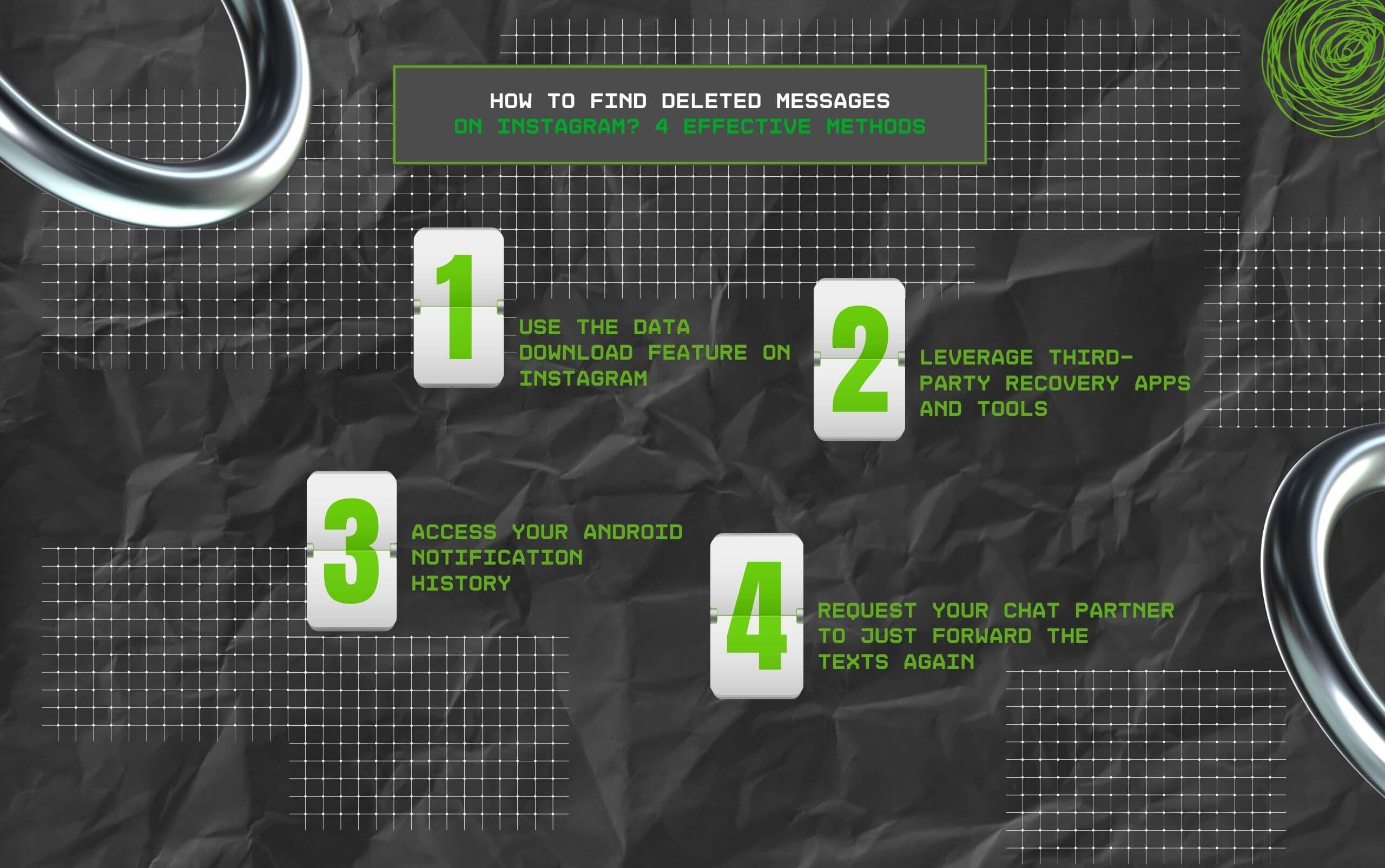
Having said that, it might be possible to do so, thanks to the four effective methods I’ve listed below.
Instagram stores all information, including followers, content, and messages, on its servers. As a result, if you download the data before deleting messages permanently on the platform, then you can recover deleted messages.
On that note, here’s how you can download deleted texts from Instagram:
Now you will see that your Instagram data download is in progress.
So, how to find deleted messages on Instagram without depending on the data downloading process?
In that case, this option works pretty well – have you given third-party tools a thought?
These third-party recovery tools can obtain access to cached data on the user’s device. And at times, these are very good at offering users their Instagram conversation backups.
So, to find the right tools, you need to look up the best message recovery tools for Instagram and select the ones that will not compromise your privacy or put you at any risk.
This is perhaps the simplest solution, and sometimes, usually when you least expect it, it works out!
So when someone sends you messages on Instagram, the notification will pop up on your phone.
Even if you swipe the notification away instantly, your device still stores it. And this is an excellent way of checking out deleted messages on Instagram.
In order to access your notification history on the Android device, go to your phone’s settings and look for ‘Notifications.’ Once you do, click on it and move to ‘Advanced Settings.’
From here, just check out ‘Notification History’ to find out messages that have been deleted from your Instagram chat.
However, if you keep your notifications off on Instagram (like me), this method will obviously not work for you.
Let’s say none of the three methods I discussed in detail above works for you. Then what? TBH, there is no other way to recover deleted messages on Instagram.
In that case, what can you do? Well, I would say honesty is the best policy.
How about asking the person you were texting with to forward the messages again or share screenshots of your conversation with them?
This method is perhaps the quickest one, especially for restoring personal chats.
So to ensure that you don’t lose your DMs on Instagram in the future, it is an excellent idea to save copies of your texts – and be regular, if you do save your chats.
That way, you will not lose any crucial information or something valuable if any glitch takes place.
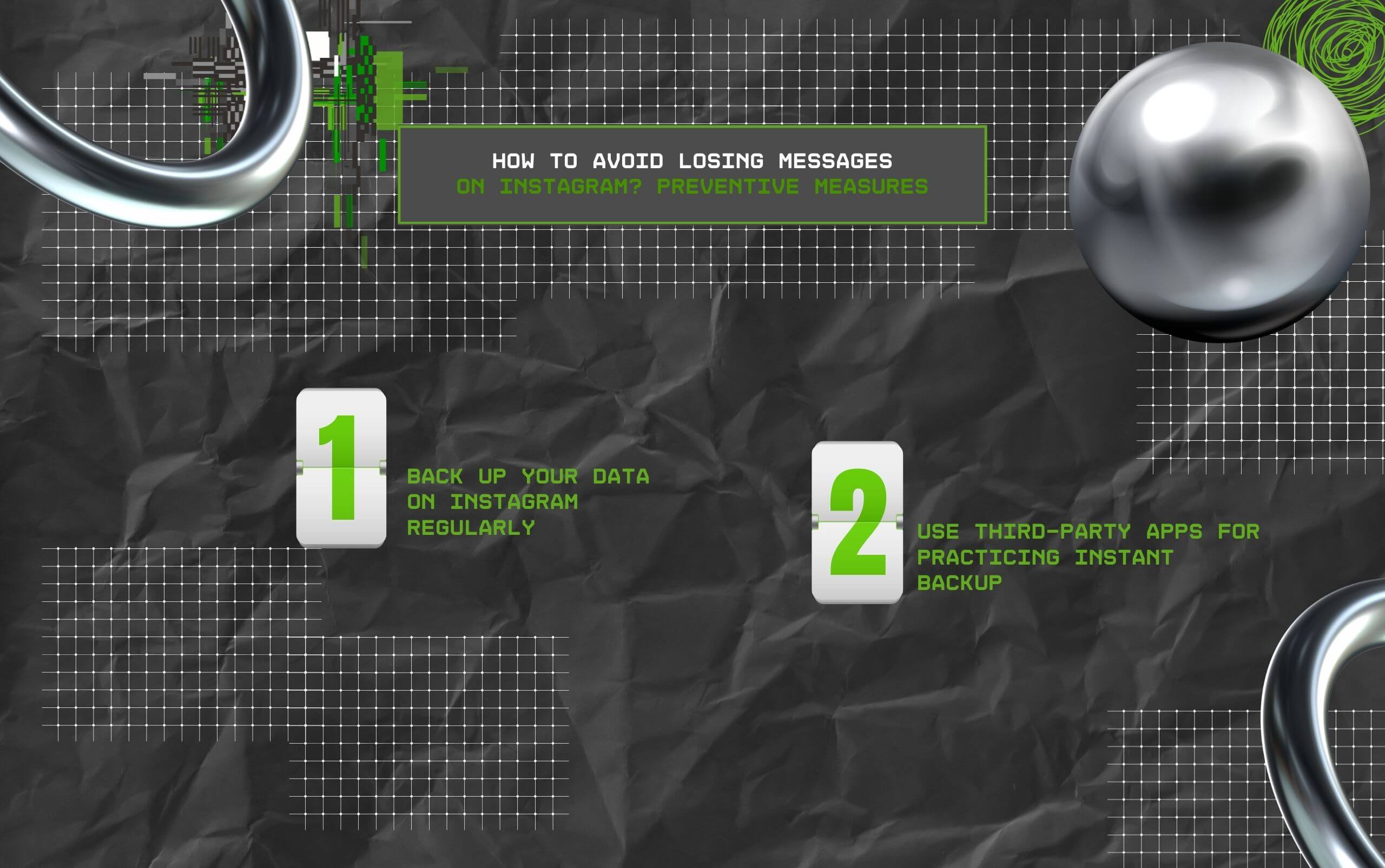
As a result, you can follow the preventive measures I’ve listed below – so much better than trying hard to restore your deleted Instagram texts.
To keep your data on Instagram safe, it is crucial to back up your data regularly. Either you can depend on the Instagram download feature or use third-party apps for backup.
That way, you can ensure Instagram is saving a copy of whatever you are posting – and that too on your device.
This easy and quick step acts like an excellent safety net. Moreover, it protects you from accidentally deleting something. Also, in the midst of technical glitches, this can be a savior.
As I was saying, just a while ago, any information that is missing from your device can be recovered easily from your cache files.
While it might not be easy to find everything on your own, you can do it in seconds with the help of data recovery tools.
However, before downloading any message recovery tool or app on your device, it is best to do some solid research. Also, check whether the app or tool has faced security breaches in the past.
In addition, ensure that the app does not cross any lines when it comes to following Instagram’s rules, since it can land your profile in a lot of trouble.
Read Also:
Barsha is a seasoned digital marketing writer with a focus on SEO, content marketing, and conversion-driven copy. With 8+ years of experience in crafting high-performing content for startups, agencies, and established brands, Barsha brings strategic insight and storytelling together to drive online growth. When not writing, Barsha spends time obsessing over conspiracy theories, the latest Google algorithm changes, and content trends.
View all Posts

Agency Guide To YouTube Growth: Wholesale Pri...
Sep 15, 2026
Top 5 Reputed SMM Panels To Buy Social Media ...
Sep 15, 2026
How Is Social Media Marketing Changing The Wa...
Sep 15, 2026
Structured Data SEO: How Schema Markup Helps ...
Sep 12, 2026
TikTok Downloader For Content Marketing Resea...
Sep 12, 2026