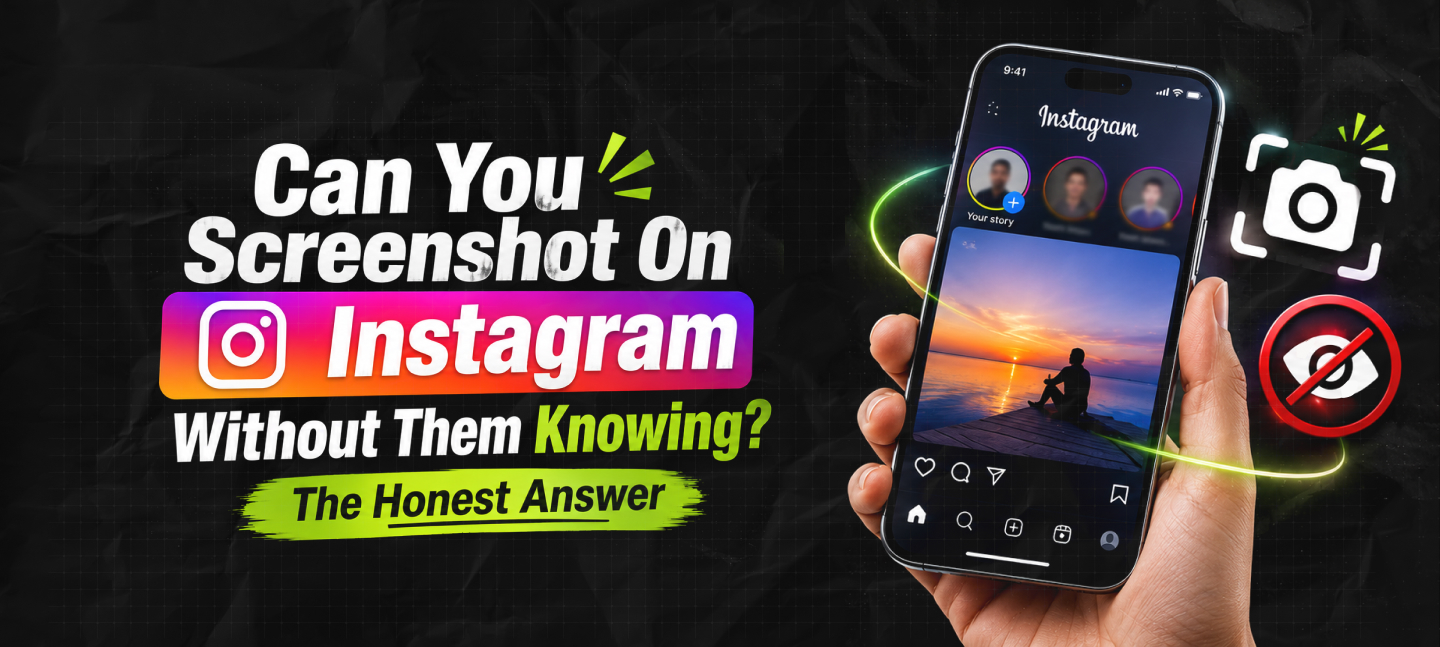
Can You Screenshot On Instagram Without Them Knowing? The Honest Answer
Nov 04, 2026

We’ve been there. You’re scrolling through your feed late at night and come across a brilliant meme, amazing outfit idea, or hilarious text conversation.
You quickly tap the volume and power buttons to take a screenshot for your group chat, and a sudden wave of panic hits.
Do you think Instagram notifies you if you screenshot? Or are you safe behind your digital curtain?
The simple answer is no. Instagram will not notify the creator if you take a screenshot of their grid, reel, story, or DM.
So, you are protected and free to view public content. However, if you take a screenshot of a single-view photo in a chat, you will receive an instant notification.
If you are in a rush before going somewhere and need a fast answer before you press those buttons, use this simple compatibility matrix to navigate your screen-capturing habits safely:
| Instagram Content Surface Type | Will It Trigger an Explicit Notification? | What the Creator Actually Sees |
| Standard Feed Post (Photo/Video) | No | Total “Save” metric counts only |
| Public or Close Friends Story | No | Profile view count; no screenshot icons |
| Instagram Reel | No | Total view counts, shares, and public comments |
| Traditional Direct Message (DM) | No | Standard read receipts (“Seen” markers) |
| Disappearing DM (View Once/Replay) | Yes | A distinctive starburst icon next to the media |
| Active Vanish Mode Chat Thread | Yes | An on-screen alert banner inside the chat room |
| User Profile Page Grid | No | Absolutely nothing |
| Live Stream Broadcast | No | Active viewer list updates while you are watching |
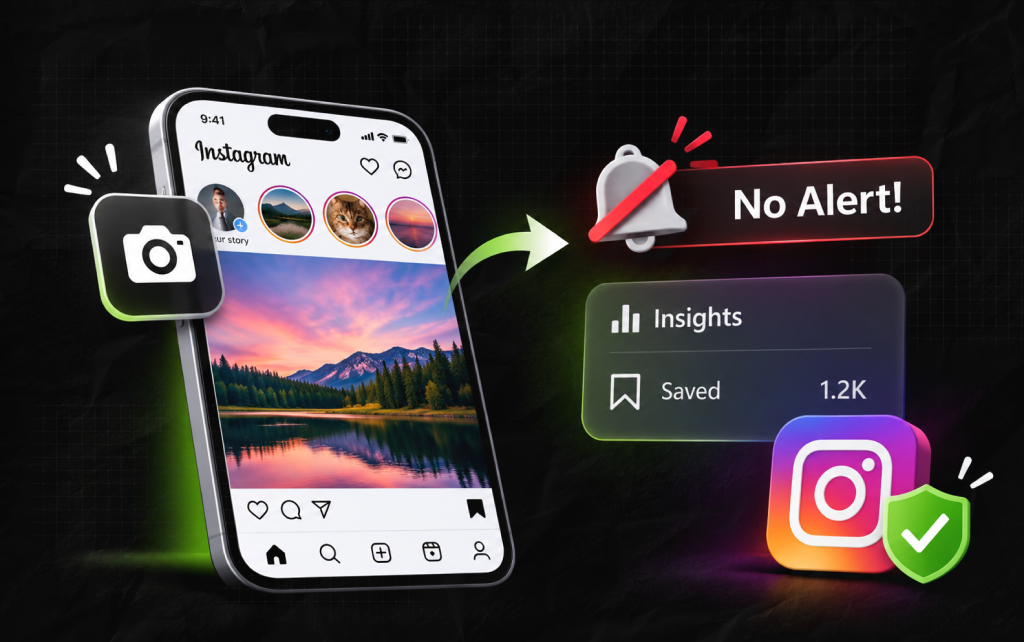
Overall, you are completely safe taking screenshots of your main algorithm feed.
If you come across a regular image, carousel, or Reel, you can screenshot or record them freely.
The user will not receive any notifications, alerts, or hidden messages that their hard work has been saved.
Instagram views your public feed like a TV station. They expect people to share, reference, and remember public content.
If you received alerts every time someone saved something from your grid, it would create too many notifications and lower engagement.
You can take screenshots of whatever you’re trying to create for your work or style inspiration. Feed data is treated as static public information.
When you take a screenshot of something on your feed, nothing is sent back to the servers. The app simply saves it on your device.
| User Action on Feed | Local Device Response | Platform Server Response | Creator Alert Level |
| Takes a screen grab of a photo | Saves to local camera roll | Logs generic interaction data | Absolutely zero alerts sent |
| Starts a local screen recording | Codes video file to memory | Registers view duration metrics | Absolutely zero alerts sent |
If you run a business page, brand page, or creator page, you may be thinking about this differently. You’ll want to know who is loving and saving your content.
Unfortunately, you can’t see individual names or account details, but you can see general trend data.
If you click ‘View Insights’ on a particular grid video or carousel, you will notice a tiny bookmark icon.
This shows how many times someone has clicked the ‘save’ button on your post.
Moreover, this helps keep the platform healthy. It shows creators what types of content they should be creating to get the most value from their community.
However, it does not show individual users’ private browsing habits. You are safe, and the creator will still receive feedback.
A common myth going around schools is that Instagram will notify you if you take screenshots of temporary stories or highlights.
This comes from when they trialed this feature back in 2018. They added a small circle loading icon next to users who took a screenshot of their 24-hour story.
This received extremely negative feedback from users who felt they were being micro-managed and lowered engagement. They discontinued this within months.
Now, if you are looking at a public story, highlight on someone’s profile, or a story only visible to their Close Friends, you are completely safe.
The creator will just see that you opened their file.
Many people worry when looking at a crush’s or classmate’s profile. Don’t worry, your screenshots won’t leave a trace!
Although I know you won’t be caught out by the coding, you might accidentally double-tap or interact with something.
If you’re looking for design inspiration in an old friend’s highlights, take your time.
Moreover, while your phone won’t send a message, you’ll give it away by liking something from 3 years ago.
You May Also Love To Read: Social Media Stuff EmbedTree: Is This Digital Content Organizer Worth The Hype?
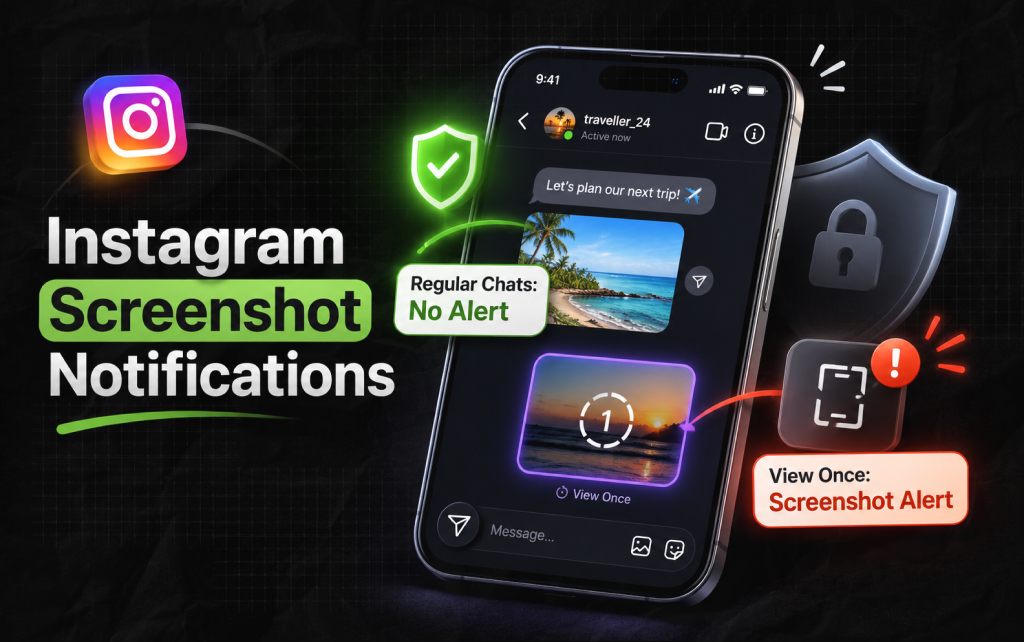
This is when things change. If you’re looking at private messages, the app will protect the user. Also, if someone sends you a disappearing media file, then…
If you’re wondering if Instagram notifies you if you take a screenshot of regular text messages in a chat, the answer is no.
You can save text messages, shared feed items, and pictures from your gallery (uploaded using the media icon) with no issues.
Moreover, only files taken using the camera view will set off an alert.
If a user uses the camera feature in the app to send you a picture or video set to ‘View Once’ or ‘Allow Replay ’, then the file won’t stay.
As the sender chose to send you a disappearing media file, the app will monitor your phone.
If your phone detects that you’ve taken a screenshot or recorded your screen whilst this file is live, it will send an instant data packet to the servers.
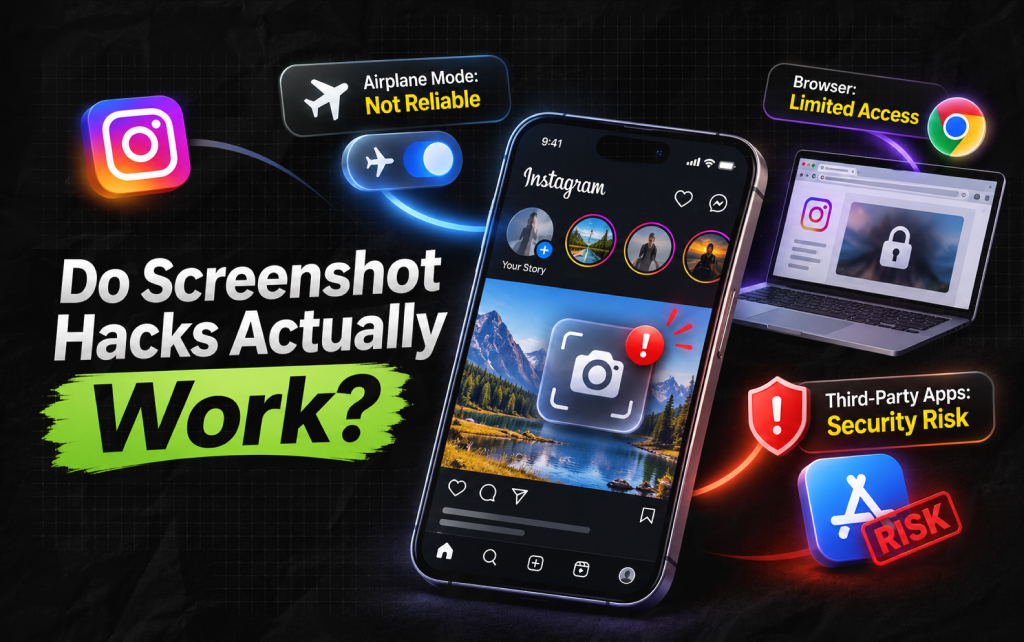
As creators, we often need to save references or look at competitor content so there are plenty of clever ways to avoid getting notified.
Let’s take a look at the most common methods people use and whether they really work or if you’re putting your professional account at risk.
The classic method. Let the media load, pull down the notification bar, and switch on Airplane mode to stop the internet.
Then take your screenshot, close the app, and turn your data back on.
This gives a false sense of security. Although you won’t receive a notification as you’re offline, the data will still be stored on your device.
As soon as your phone reconnects to a cell tower or Wi-Fi, the app will do what it needs to.
The notification will still go through, just slightly later.
Some people try using a web browser (such as Chrome or Safari) to log in to their creator account.
They hope this will prevent the platform from tracking their actions.
Public posts, grids & stories will work perfectly. However, Instagram prevents you from opening disappearing media or Vanish Mode chats.
If you try to open an ephemeral file on your desktop computer, the app will stop you and ask you to open it on your phone.
If you search any app store, you’ll find loads of apps claiming they can download media discreetly or notify you when someone takes a screenshot of your profile.
Don’t use these apps! These apps will either scrape data illegally or ask you to give your private login details to another server.
This will trigger Instagram’s automatic security systems, and you could lose your professional profile forever, have your details stolen, or get a virus on your device.
Related Article For You: My Instagram Was Hacked: How To Recover An Instagram Account?
Clicking the save icon on Instagram is a lot more valuable than taking a screenshot.
If a post receives lots of saves, Instagram will flag it as high-quality content and push it onto the Explore page.
As a creator, you should create content people will want to save, such as step-by-step guides, study guides, or infographics.
You won’t see the names of those who save your content.
As a user, you can also sort your saved posts into private Collections. This acts like a personalized Pinterest page within the app.
You can also create shared collections with friends to plan group events or study guides for school.
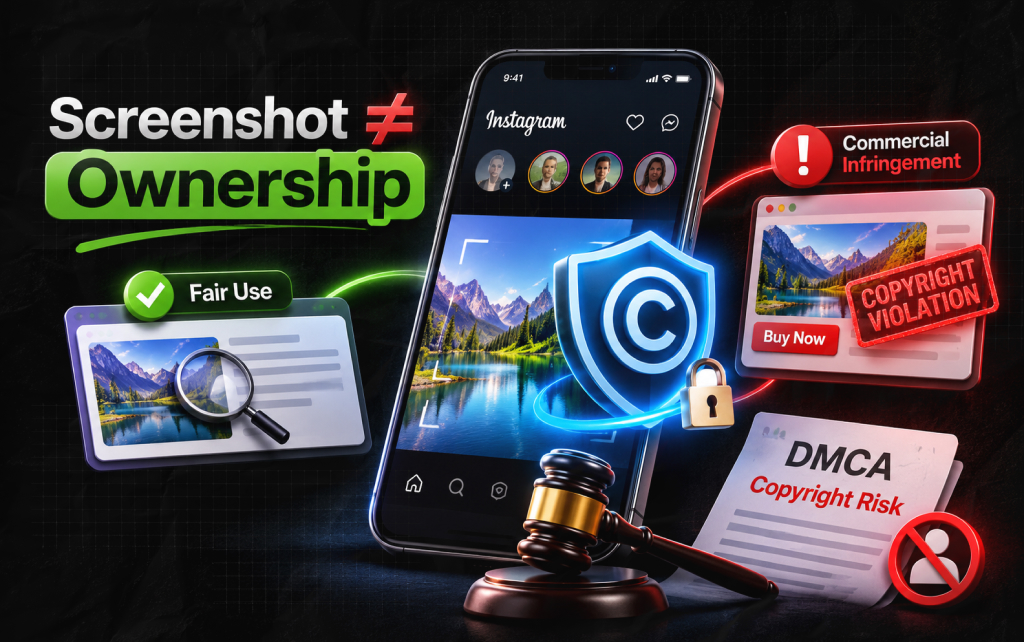
While the platform’s code can keep your screen grabs anonymous, the legal system does not.
For commercial brands and professional creators, saving content in secret can carry significant business liabilities.
Taking a screenshot of a competitor’s graphic to reuse it in your marketing campaign can violate copyright laws.
Just because an app does not send a system alert does not give you legal ownership of the asset.
Fair Use vs. Commercial Infringement
If you use someone else’s original creative work without a signed licensing contract, you risk receiving a formal Digital Millennium Copyright Act (DMCA) takedown notice.
Moreover, your account could be permanently banned, or you could face heavy legal fines. Also, don’t confuse platform anonymity with real legal safety.
Piyasa is a search engine marketing strategist who has spent the last six years decoding Google's ever-changing mind. From corporate giants to neighborhood storefronts, she helps businesses cut through the digital noise and actually get noticed online. When she isn’t building SEO strategies or writing the latest search industry breakdowns for Search Engine Magazine, you can usually find her hanging out with friends - and gently reminding them that no, she cannot personally fix the latest algorithm update for them.
View all Posts

How To Fix Windows Update Error Codes On Wind...
Nov 04, 2026
Enterprise Search Guide: Modern Knowledge Man...
Nov 03, 2026
The Enterprise Framework: How To Measure AI P...
Nov 03, 2026
How To Create A Group on WhatsApp Without Los...
Nov 03, 2026
The Ultimate AI Showdown: Is GPT 5.3 Codex Or...
Nov 02, 2026