The Ultimate Guide To Competitor Backlink Analysis: An Actionable SEO Blueprint To Steal Your Rivals’ Traffic
Oct 23, 2026

Discovering unusual activity on your social profile can be alarming.
Because Instagram is a primary target for cybercriminals looking to steal digital identities, recognizing breaches early is vital.
If you are asking yourself, ‘How to know if my Instagram was hacked?’ this guide covers the immediate warning signs to look for and exact steps to reclaim your account.
In today’s blog, I am going to explore in detail everything about hacked Instagram accounts by focusing on—
Stay tuned!
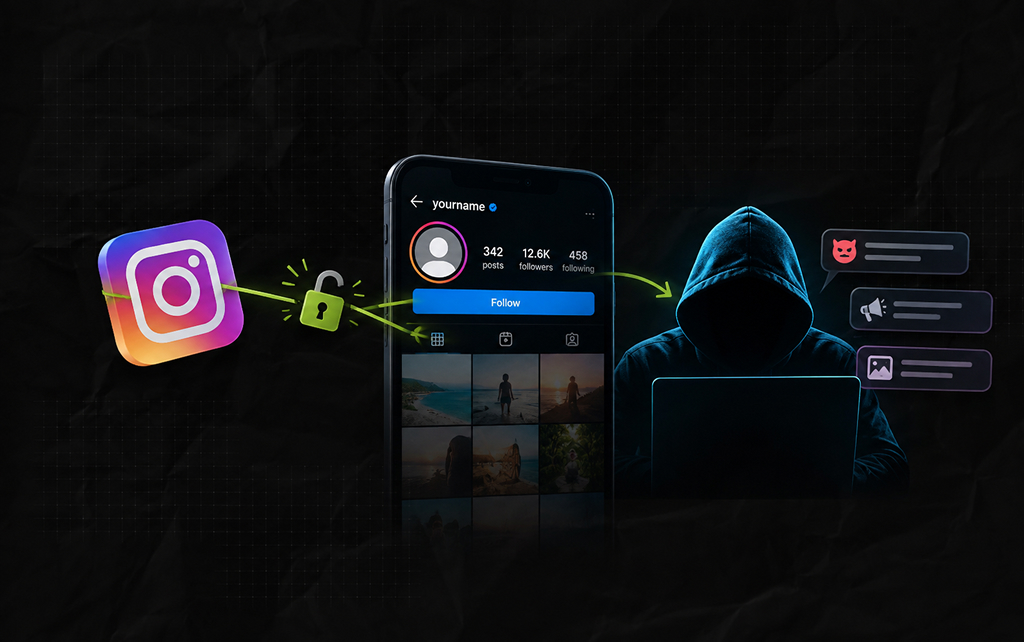
First things first, an Instagram account is hacked when an unauthorized person or device gets access to the account.
That is, the hackers break the security walls and weak passwords by using phishing or malware to gain access to the account.
So, the real user can no longer log in and use their account.
Moreover, the hackers pretend to be the user and use their account to trick their followers, post inappropriate content, and harm the user’s privacy.
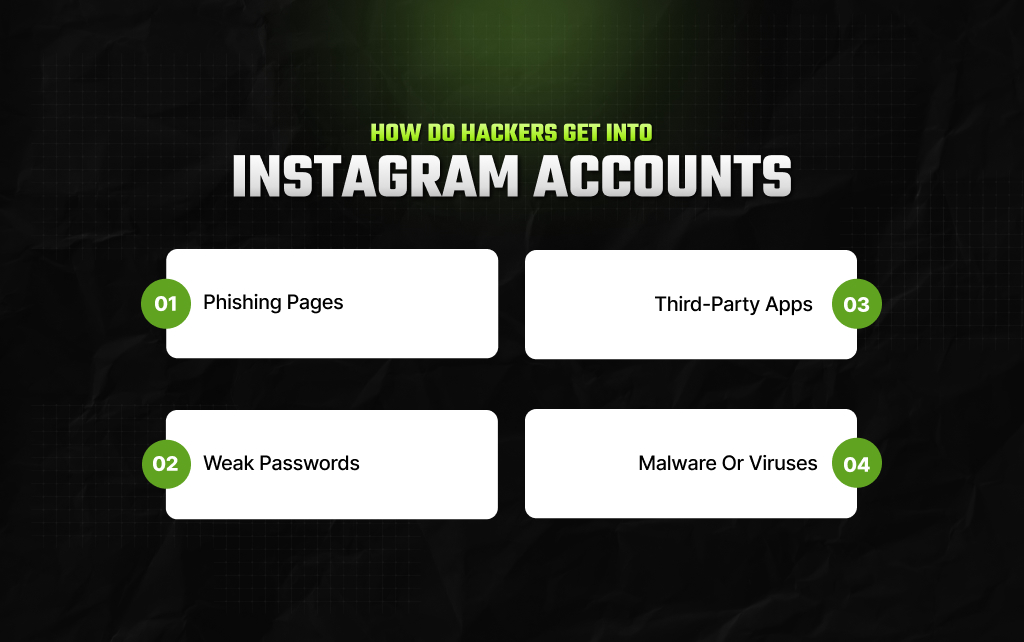
Given that Instagram is such a huge platform, hackers use a couple of methods to gain access to user accounts and exploit them. So, some of these methods are—
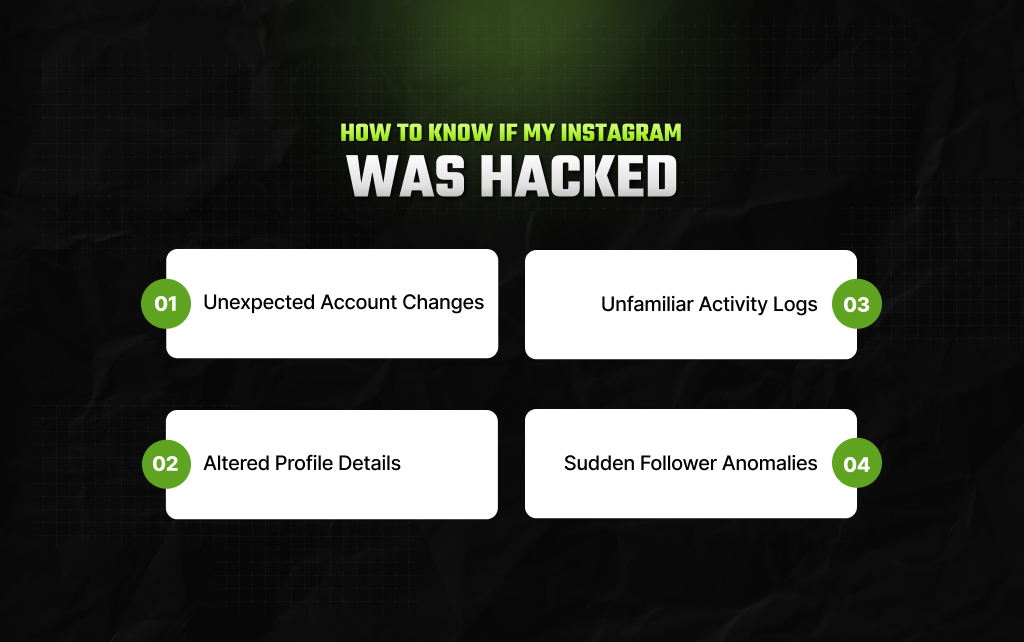
Recognizing a compromised profile early can mean the difference between a quick recovery and losing your digital identity entirely.
If you suspect unauthorized access, look closely for these common red flags that indicate your safety settings have been breached:
Even though there are many ways to recover an Instagram account, here are the simplest methods. Moreover, these will actually help in recovering the account within a couple of days.
Open your browser and navigate directly to the official Instagram Hacked Support Portal (instagram.com “Instagram Hacked Portal”).
This dedicated landing page bypasses standard Help Center loops and lets you report a compromised profile immediately.
Moreover, if the first method is taking too much time, you can try this one. Just follow this step-by-step guide.
Now, once the approval comes and you are able to log in to your account, immediately change your passwords, email address, phone, and 2FA code.
This way, the hackers can no longer kick you out of your account.
Finally, if none of the above methods work, it is better to get Meta verified.
Since Instagram is a part of Meta, to get verified, a representative will get in touch with you. So, you can explain your situation and get your hacked account back.
Moreover, Meta verification provides additional support and protection against cyber threats.
If your compromised Instagram account was already linked to your Facebook profile in the Meta Accounts Center before the breach, subscribing to Meta Verified on your Facebook account can give you direct access to live chat support agents.
Please note that Meta Verified is a paid monthly subscription and will not allow you to recover an Instagram account that was never linked to your Facebook identity.
If they were connected, go to your Facebook Account Center, activate the subscription, and open a live support ticket so a human representative can verify your identity and restore your Instagram access.
Even though recovering your Instagram account is a simple process, sometimes hackers delete your data and followers. That is, getting your older account back is not possible.
So, it is better to keep a few things in mind while using Instagram.
Firstly, do not share your login credentials with random third-party apps and websites. Moreover, block suspicious accounts and followers, and avoid untrusted third-party services such as instagram viewer — if you must use a viewer, verify the provider’s security, privacy policy, and legitimacy before entering any personal information
In addition to this, create a strong password and select 2FA codes for login. This way, you can keep your account secured and protect it from hackers.
But, if it is still hacked, then you can simply follow one of these three simple and effective methods to get back access in a couple of days.
Read Also:
Barsha is a seasoned digital marketing writer with a focus on SEO, content marketing, and conversion-driven copy. With 8+ years of experience in crafting high-performing content for startups, agencies, and established brands, Barsha brings strategic insight and storytelling together to drive online growth. When not writing, Barsha spends time obsessing over conspiracy theories, the latest Google algorithm changes, and content trends.
View all Posts

The Ultimate Guide To Competitor Backlink Ana...
Oct 23, 2026
How To Land High-Authority Editorial Backlink...
Oct 23, 2026
Why Your Website Traffic Dropped Suddenly And...
Oct 23, 2026
How Do The Physical Google Review Tools Redef...
Oct 23, 2026
How To Get Your Brand Cited In AI Search Resu...
Oct 22, 2026