The Traffic-to-Revenue Gap: Why More Website Visitors Don’t Always Create More Customers
Sep 17, 2026
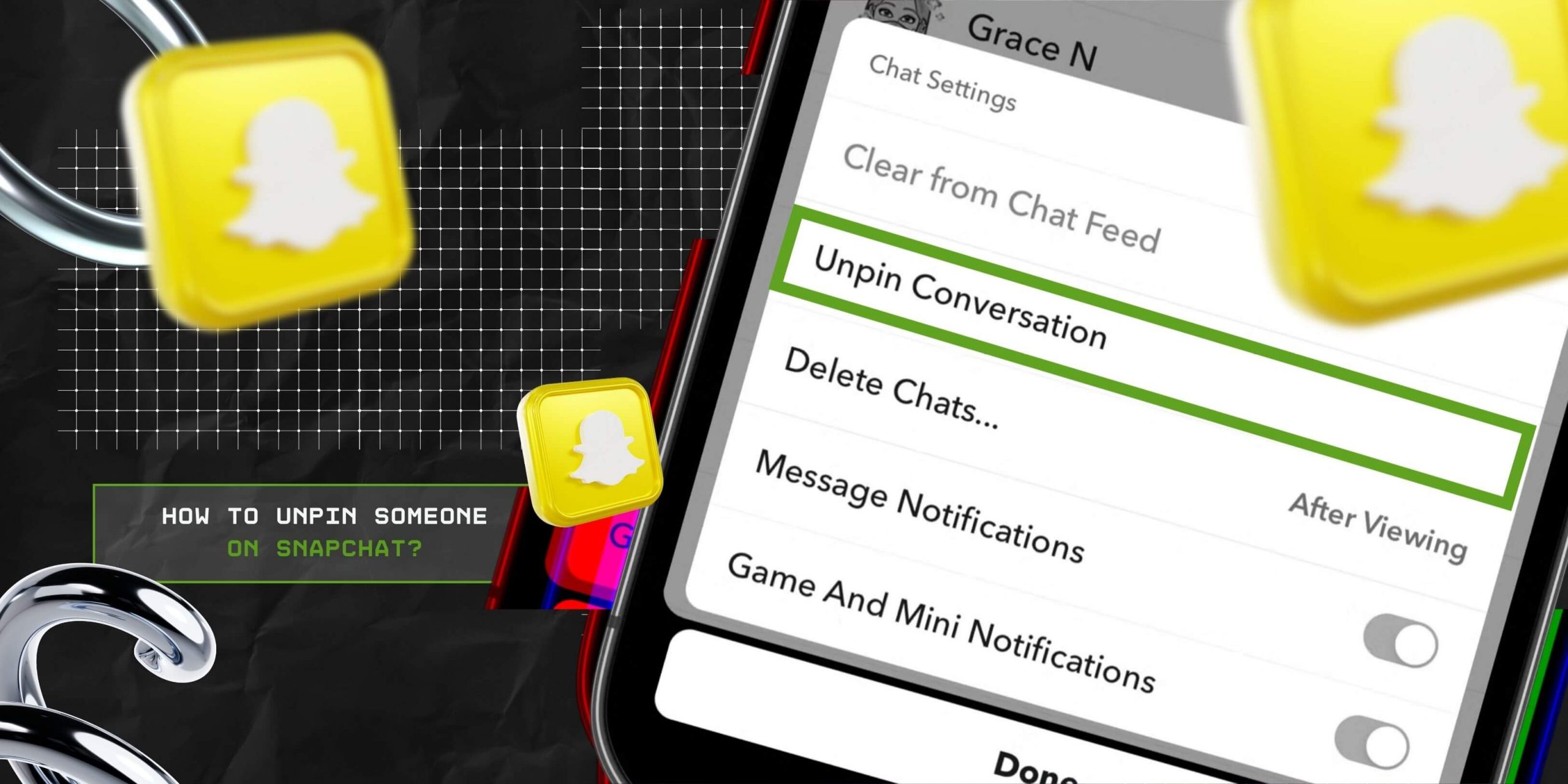

As a social media platform, Snapchat allows users to pin and unpin their favorite chat threads. So, users can find their BBF’s chats instantly, without scrolling through the chat list.
Now, both the pinning and the unpinning process for the chat threads are super easy. Making it simpler for users to find their favorite chats at the top.
But there is not a single method. That is, Snapchat offers two different methods to pin someone at the top of the chat list.
So, there are two different ways users can unpin someone. This can create confusion in choosing the right one.
But no need to worry, I have brought you a complete guide on how to unpin someone on Snapchat by focusing on—
Stay tuned!

To put it in simple words, pinning someone on Snapchat refers to highlighting their chat threads at the top of the chat list.
That is, when users open the app, the pinned chat threads will appear at the top of the page. Even if the chats have no recent messages, they will still stick at the top of the chat list.
So, when users need to keep their favorite chats separated, they usually go with the pinned feature on Snapchat.
Now, just like the pinning feature, Snapchat allows users to unpin someone from their pinned position. So, when users don’t need to keep the chats pinned, they can remove it with just turning off the toggle.
This will remove the red pushpin icon next to the chats and put them back into the chronological order of the chats.
Now, Snapchat offers two different kinds of pinning options — regular and BFF pinning. That is, unlike regular pinning, BFF pinning comes with the subscription package.
So, users can access it by subscribing to its paid services. Now, the key differences between these two types of pinning on Snapchat include—
| Regular Pinning | BFF Pinning |
|---|---|
| 1. Comes with the free version. | 1. Comes with the paid version and can be accessed with subscription plans. |
| 2. Allows users to pin up to 3 chat heads at the top of the chat list. | 2. Allows only one special pinning for the Best Friend on the app. |
| 3. Only keeps the chat at the top of the chat list and gives easy access. | 3. Keeps the chat and the user’s name at the top of the chat list, send to, and status. |
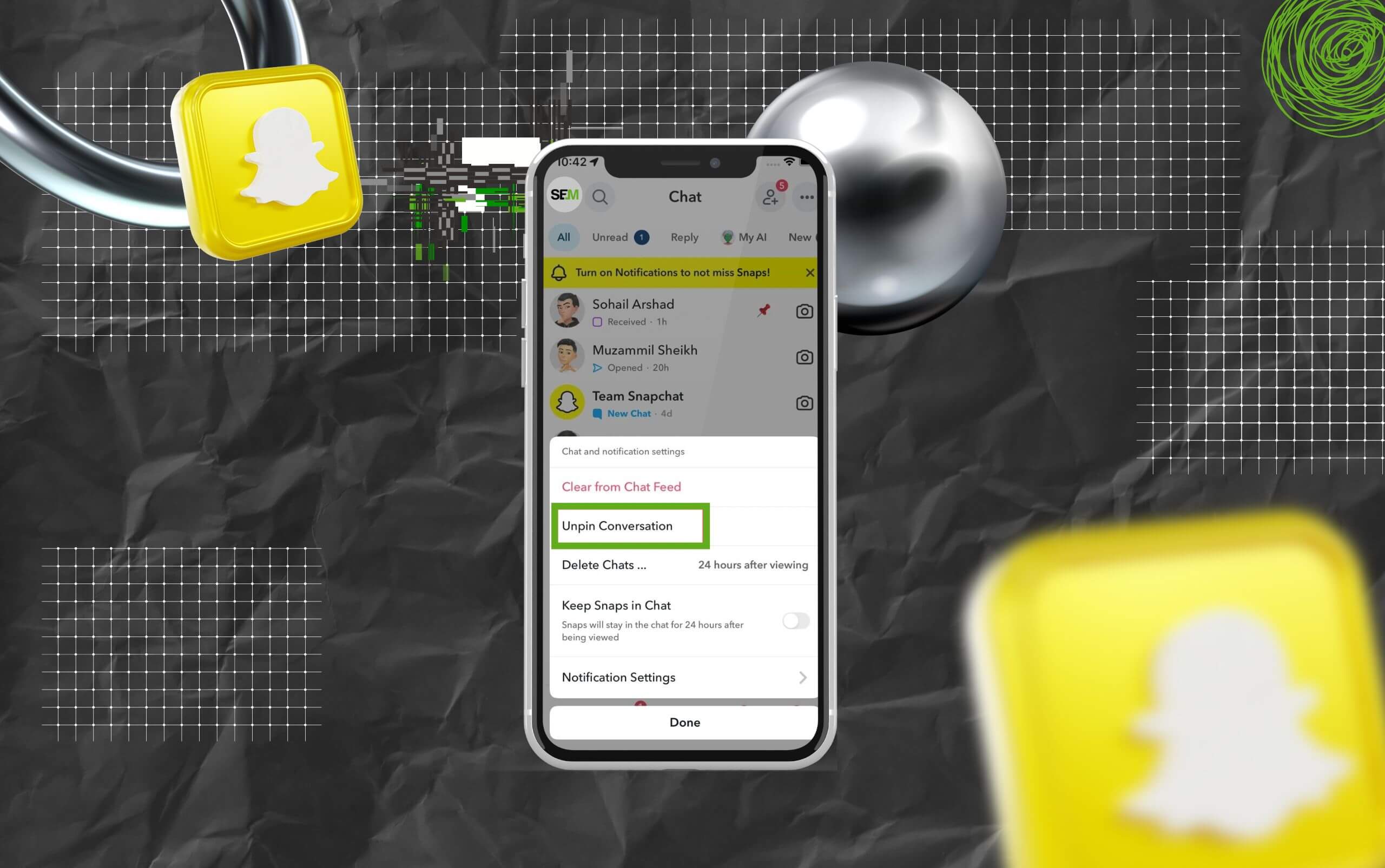
Now, once you have pinned someone on Snapchat, you get the option to unpin them whenever you need. So, users can follow this simple method to unpin the person—
Now, this method will work for regular chat threads on the free version of Snapchat. But for the BFF pinning chat threads, users need to follow the steps below to unpin them—
So, once the contact is unpinned, the smiley face will disappear from next to their chat head. And, you can pin someone else from the chat list.
Usually, when users pin someone on Snapchat, the chat threads are placed at the top of the chat list with a red pushpin icon next to it.
So, when the chat thread is unpinned, it removes the red pin icon from the chat head.
But if the chat thread is with their BFF, then it usually comes with a smiley of the avatar. So, unpinning them on Snapchat removes the smiley face next to their chat head icons.
A question that bothers most users: “Will the unpinned person get notified?”
Well, to answer this question, Snapchat does not notify the person that their chat thread has been unpinned. So, users can pin and unpin someone at their own discretion.
Moreover, the action is executed privately. So, only the users can view the chat heads and threads on their chat lists without disclosing the information to the people they pin.

Even though the unpinning process is quite simple, users can often face certain issues when executing it. So, here are some troubleshooting methods for the issues—
So, with this easy guide, you can choose your favorite chats and keep them at the top of the chat screen. Try the steps and unpin the older contacts and pin your new favorites.
Here, I have curated some of the frequently asked questions about Snapchat’s pinning and unpinning features that most users search for.
No, absolutely not. The Pin option of Snapchat allows users to keep a specific chat thread at the top of the list. So, they can access the chat without searching for it.
Similarly, the Unpin option allows users to remove the pinned thread from the top to its designated place. So, it does not delete the chat. Rather, it places the thread back in its chronological order.
Yes, absolutely. Given that Snapchat’s Unpin option allows users to remove the pinned thread from the top of the list to its chronological place, users can re-pin chatheads.
That is, users can simply follow the steps to re-pin a specific chat thread that has already been unpinned. So, the chat again appears at the top of the chat list.
Yes, absolutely. Whether it is an individual chat thread or a group chat thread, users can pin and unpin it from the top of the list.
That is, they need to open the Chat Settings for the group chat and select the Unpin Conversation option from the list. So, the group chat thread moves back to its former position.
Given that Snapchat shows a red pushpin icon next to the pinned chat threads, it disappears once the chat thread is unpinned.
That is, this pushpin disappears to show that the chat head is no longer pinned to the top of the list. So, the chat moves on the list like other regular chats.
Read Also:
Chandrima is a seasoned digital marketing professional who works with multiple brands and agencies to create compelling web content for boosting digital presence. With 3 years of experience in SEO, content marketing, and ROI-driven content, she brings effective strategies to life. Outside blogging, you can find her scrolling Instagram, obsessing over Google's algorithm changes, and keeping up with current content trends.
View all Posts

The Traffic-to-Revenue Gap: Why More Website ...
Sep 17, 2026
The Volatility Trap: What Crypto Position Siz...
Sep 17, 2026
Schema Markup: How To Use It Without Turning ...
Sep 17, 2026
Turn A Search Question Into A Watchable Expla...
Sep 16, 2026
Agency Guide To YouTube Growth: Wholesale Pri...
Sep 15, 2026